
~—Cost: —
AI Singing Avatar Generator
Make any photo sing with realistic AI lip sync. Upload a clear portrait, add a song or voice track, then create a short singing avatar video for social clips, greetings, music snippets, pets, mascots, and creator hooks.
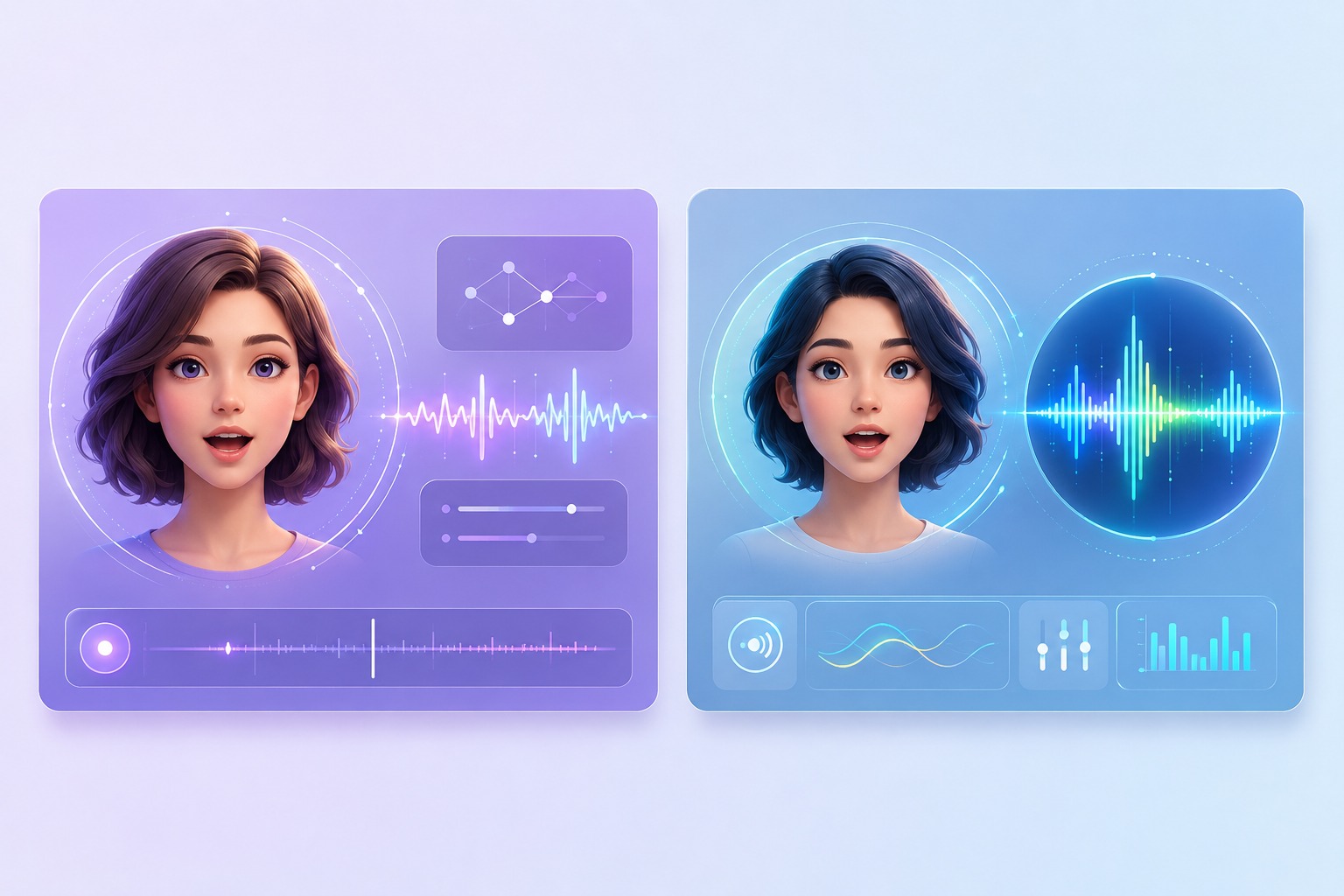
What Makes a Singing Avatar Look Believable
Song-Level Lip Sync
Singing sync has to follow rhythm, lyrics, long vowels, and chorus timing, not just ordinary speech. Use AvatarCraft AI for short hooks where mouth timing and facial resemblance can be reviewed before sharing.
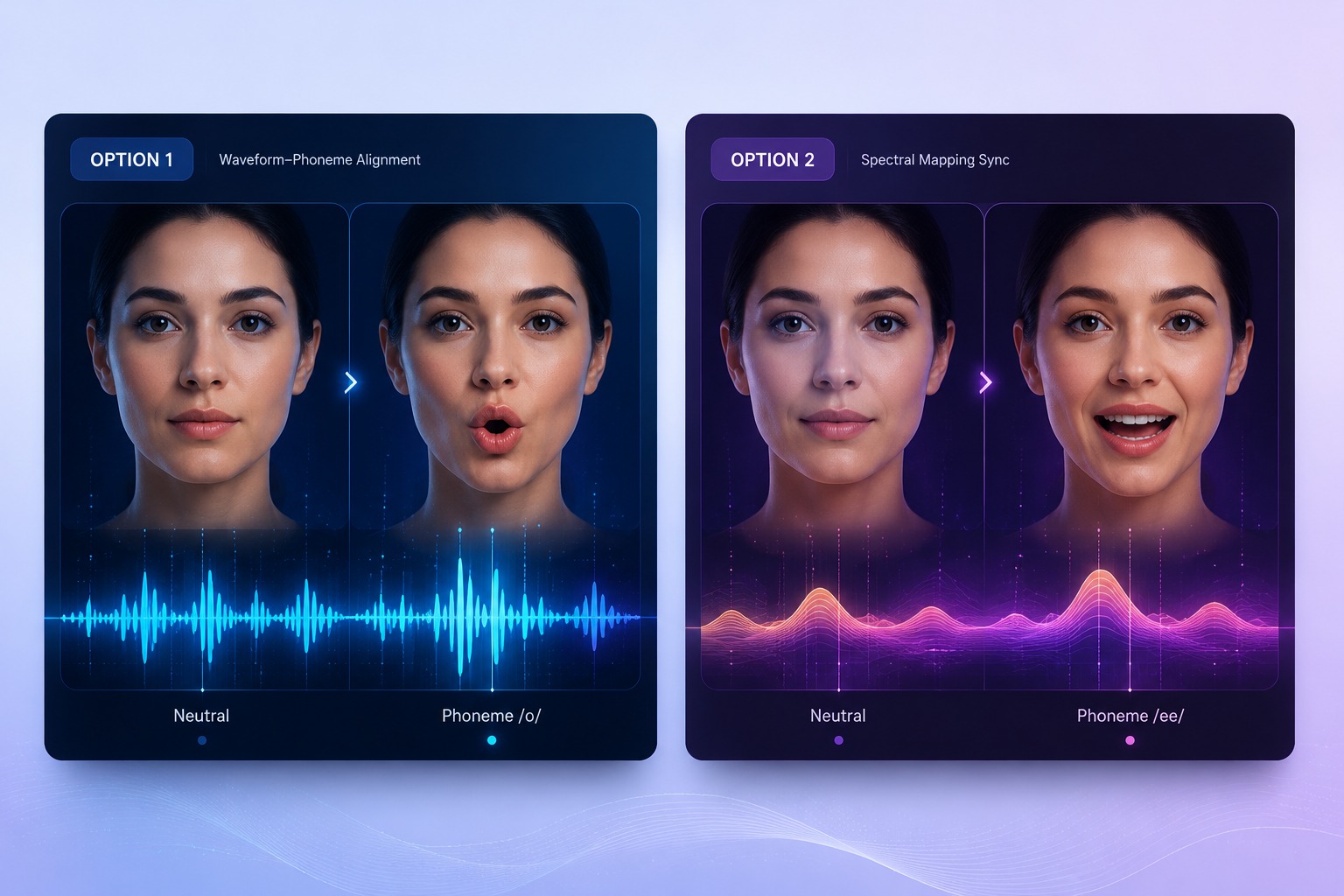
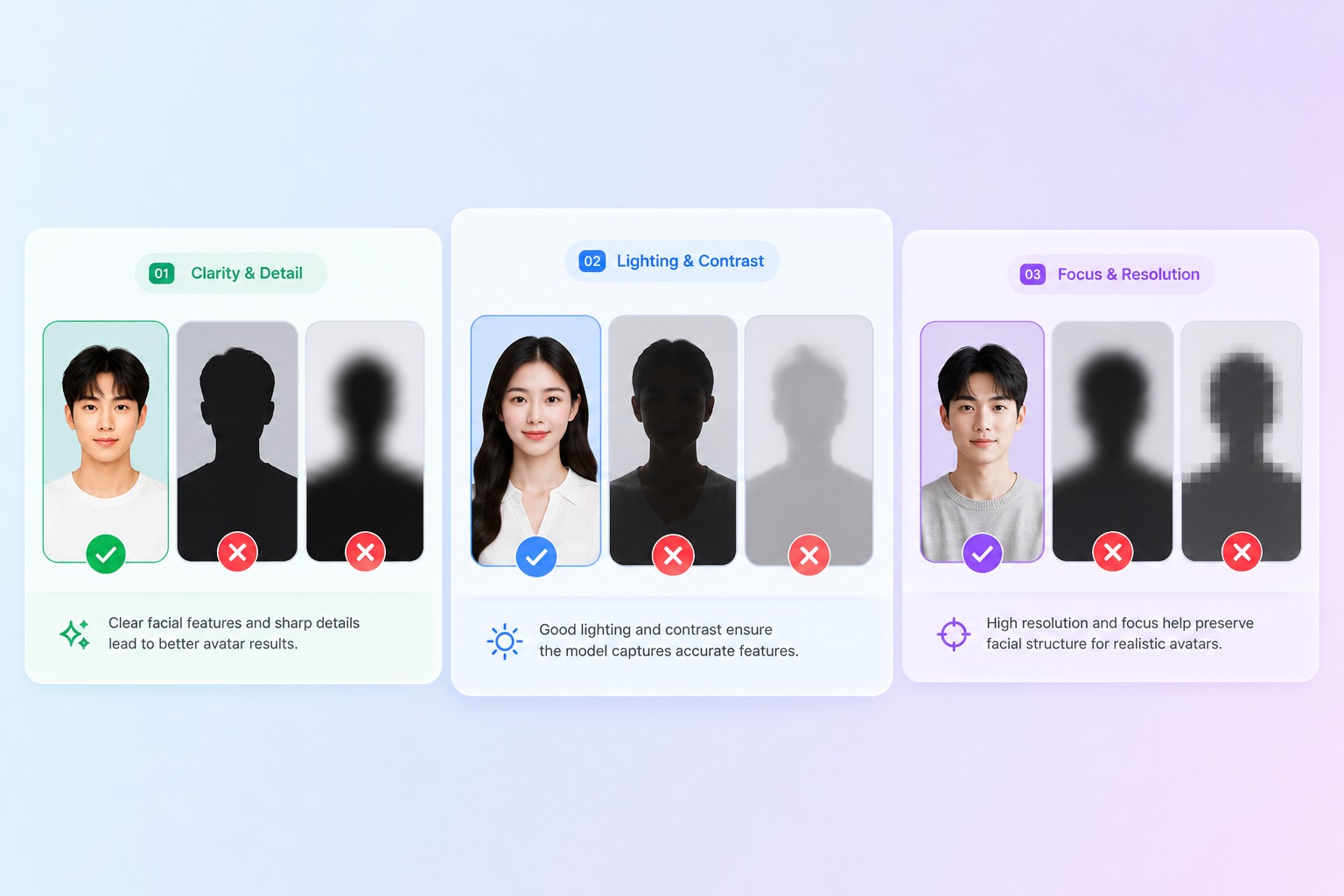
Better Photo Inputs
A front-facing, well-lit portrait with a visible mouth usually beats a dramatic side-angle image. Clear faces, clean jawlines, and low occlusion give the singing photo generator less ambiguity to solve.
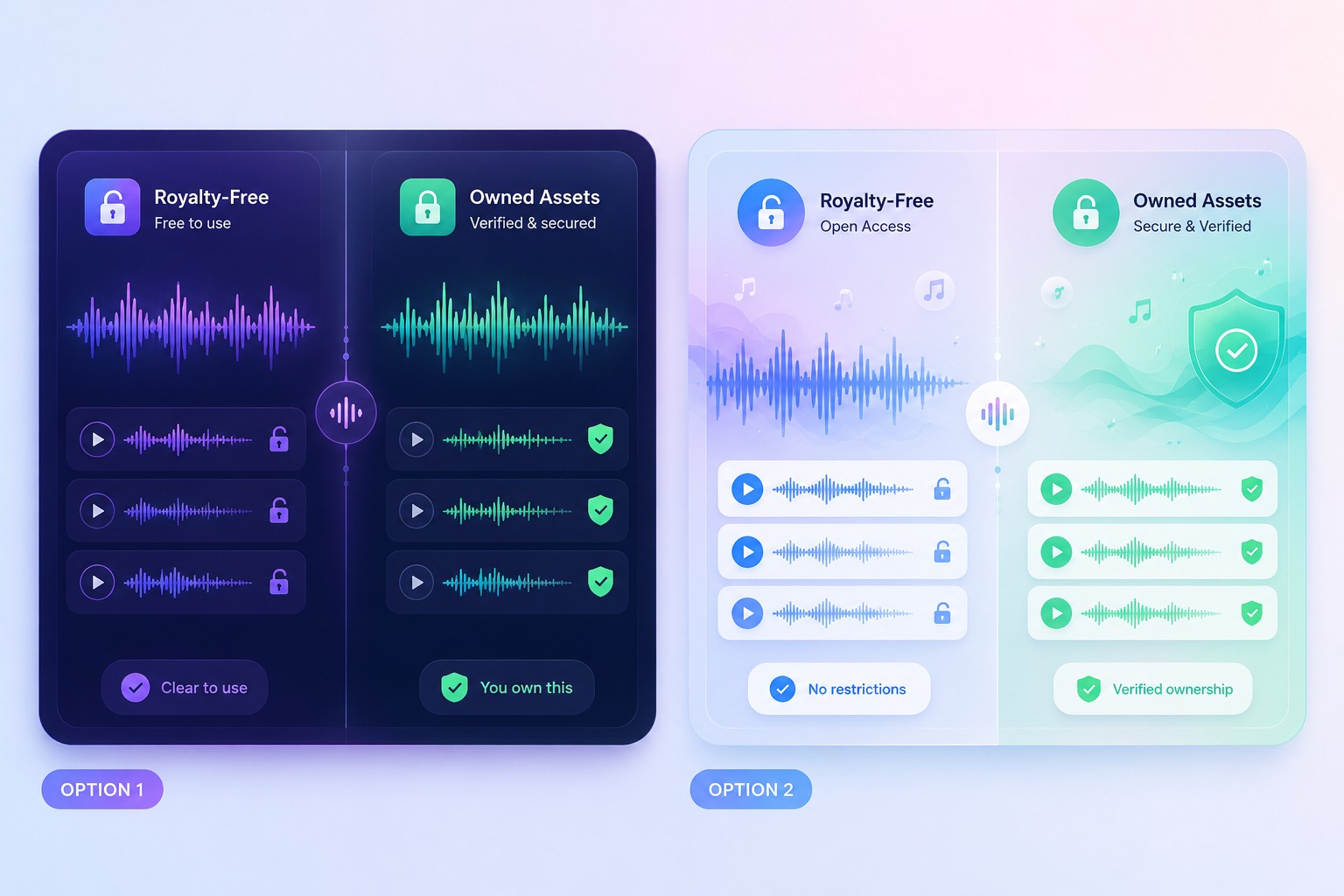
Audio Rights Clarity
Personal clips and public brand campaigns should not be treated the same. Use owned audio, licensed music, voice recordings, or royalty-free tracks when the singing avatar will be posted commercially.
Use Cases
Create AI Lip Sync Music Videos
The strongest projects are short, single-subject clips where the transformation is the hook and the viewer does not expect a fully filmed stage performance.
Birthday and Holiday Greetings
Create personalized singing messages where charm matters more than cinematic production.
Brand Mascot Clips
Give a mascot a controlled singing line for campaigns, launches, and seasonal posts using audio the brand can publish.
AI Music Video Snippets
Preview a chorus, cover idea, or virtual singer concept before investing in a longer edit.
Quality Checks
How to Judge the Result Before You Post
Match style to the portrait
A formal headshot usually needs calmer motion; a mascot or cartoon can carry more exaggerated singing energy.
Watch sustained vowels
Long notes reveal lip-sync drift faster than short speech syllables, especially in a chorus.
Review fast lyrics twice
Rap, quick hooks, and dense vocals expose timing issues that a slow greeting may hide.
Check resemblance
The face should still feel like the original subject after mouth movement, blinking, and head motion are added.
Prefer short previews
A 15 to 30 second test clip is easier to fix than a full-song render with repeated artifacts.
Know the weak fit
Heavy occlusion, side-profile portraits, noisy audio, multiple people, and long dramatic scenes need manual review or a different workflow.
How to Make an AI Singing Avatar
Three practical steps for cleaner photo-to-singing-video results
01
Upload a readable portrait
Start with a front-facing photo where the mouth, jawline, cheeks, and eyes are visible. Avoid blur, heavy shadows, sunglasses, or cropped faces.
02
Add a clean song or voice track
Use audio you own, licensed music, a voice recording, or a royalty-free clip. Trim to the most expressive 15 to 30 seconds for the first render.
03
Generate, preview, and refine
Check mouth timing, blinking, head movement, and emotional style. If the chorus drifts, try cleaner audio, a shorter segment, or a calmer singing style.
Common questions about turning photos into singing videos with AvatarCraft AI.