
~—Cost: —
AI Talking Head Video Generator
Create an AI talking head video from a portrait and script or recorded voice. Make presenter videos for explainers, training, lessons, and company updates.
How to Create a Better AI Talking Head Video
Start with the right portrait
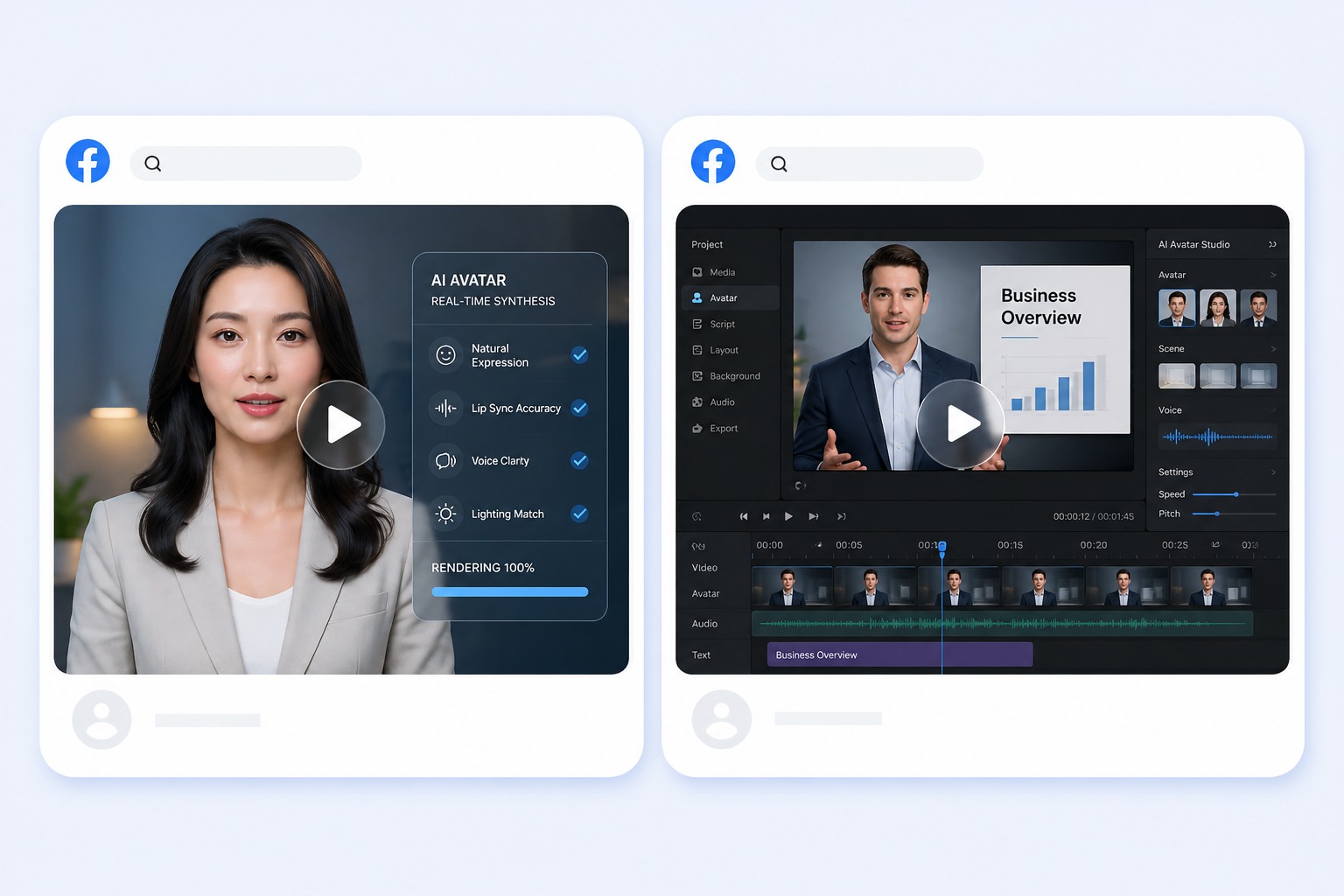
Upload a front-facing head-and-shoulders portrait or choose a presenter preset. One visible face, steady lighting, and an uncluttered crop help produce a clean talking-head composition.
Add a script or permitted audio
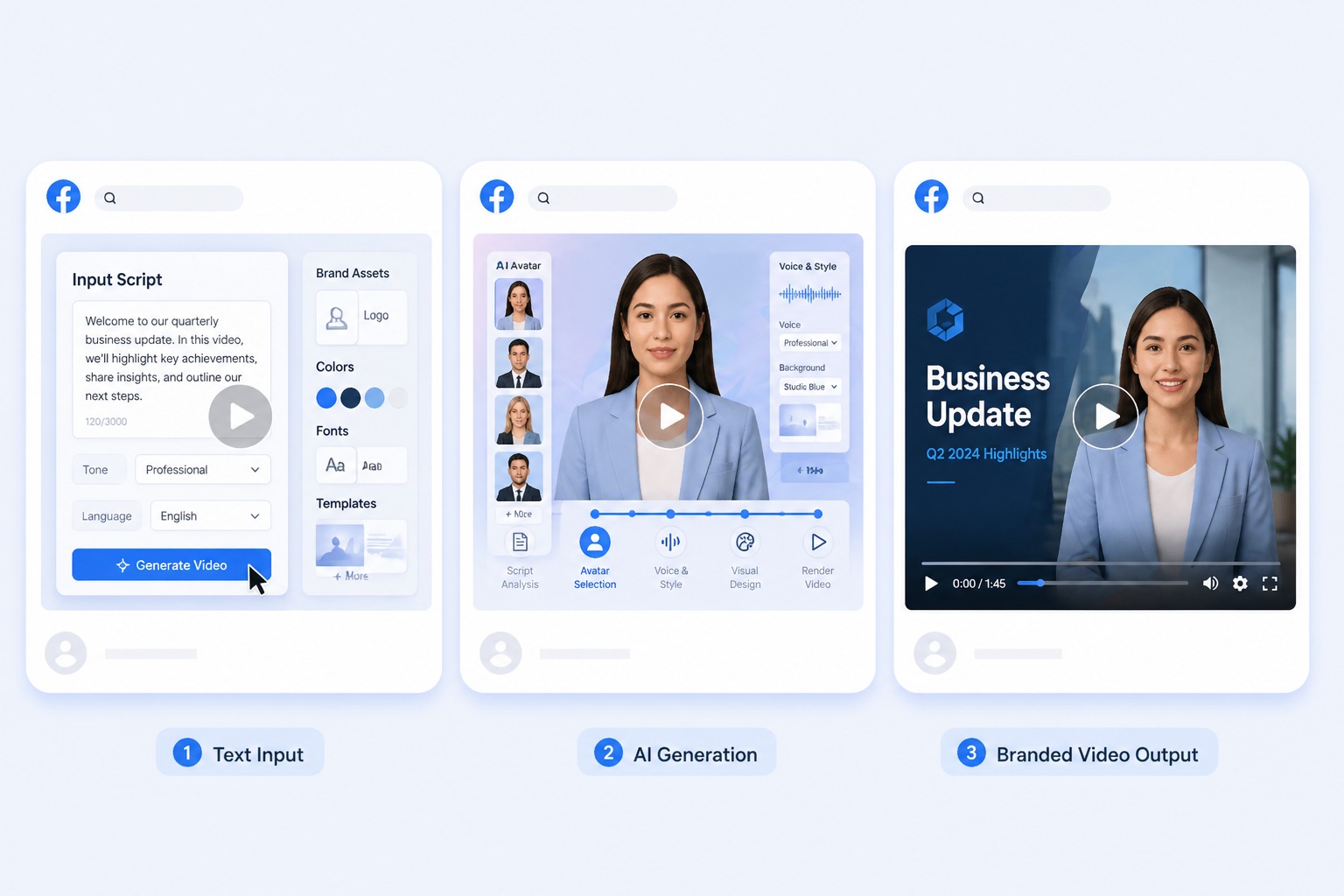
Paste a script for text-to-speech or upload a consented recording. Break complex explanations into short sections so pacing and mouth movement remain easy to review.
Generate and review the result
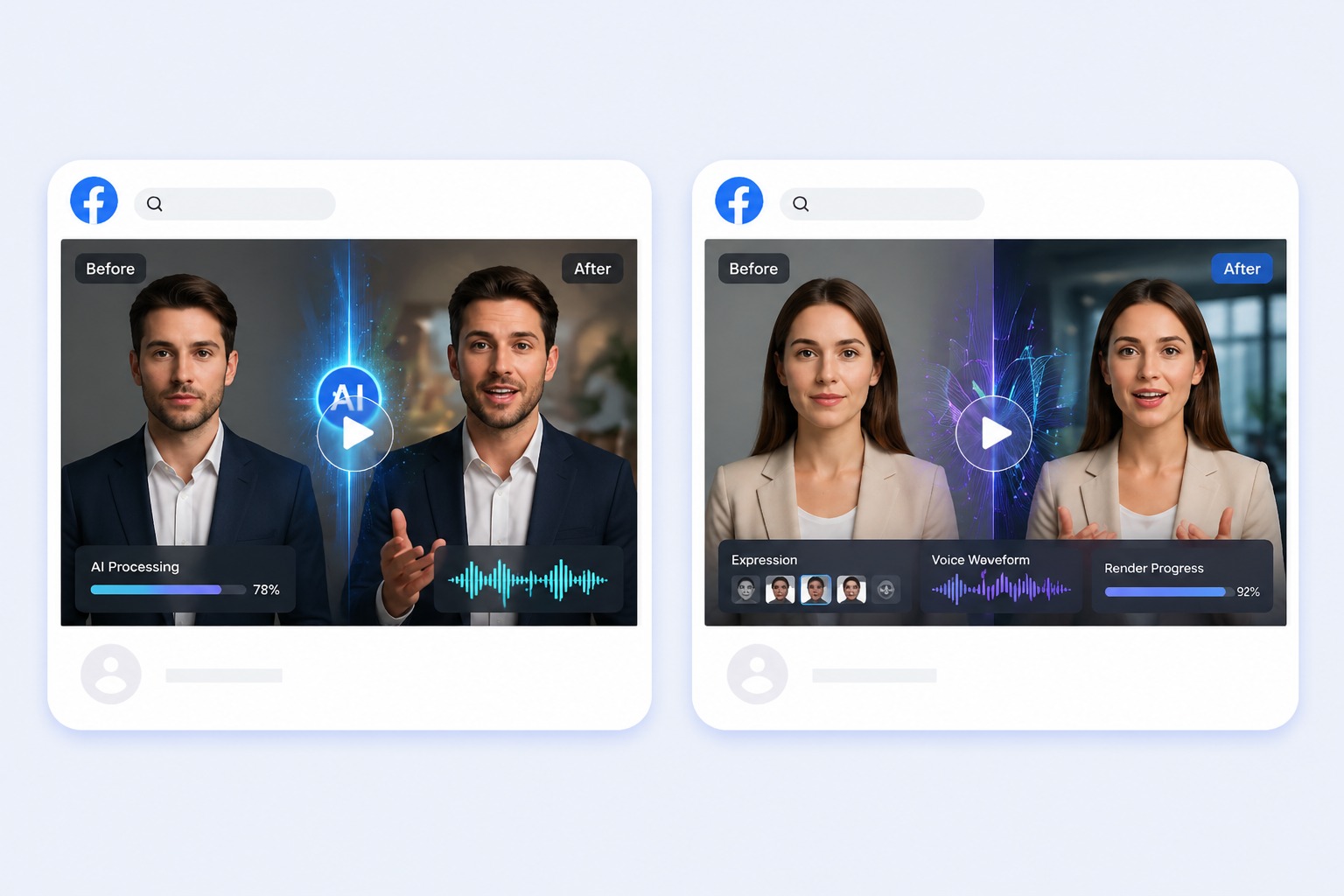
Watch the complete result for pronunciation, lip sync, and visual consistency. Add captions and supporting visuals later in your editing workflow when the topic needs more context.
Plan for explainers, training modules, lessons, status updates, and expert introductions
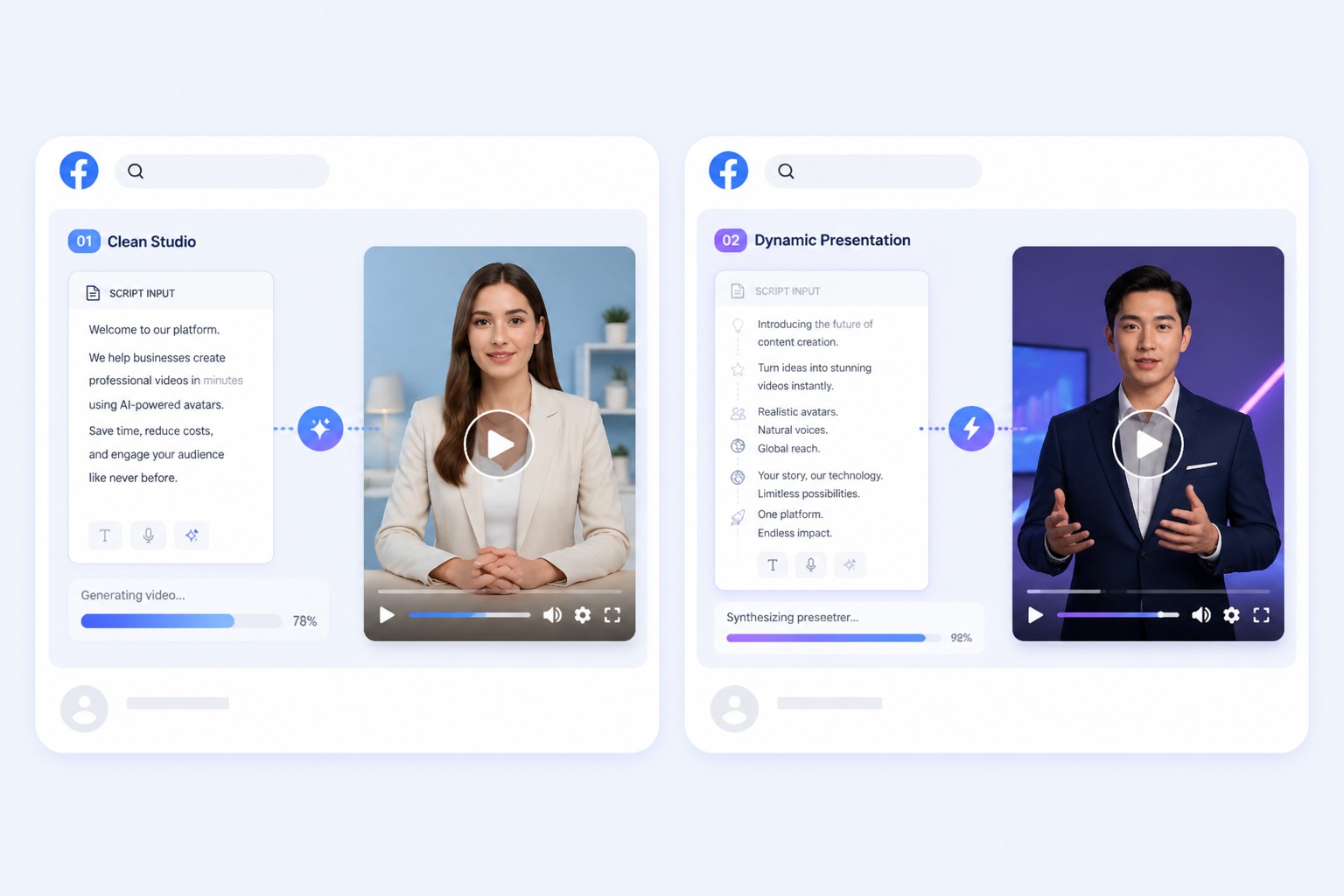
A focused AI talking head video works best when one subject, one message, and one audience are defined before generation. Keep the first version short, review it in context, and revise the source image or audio when the result needs improvement.
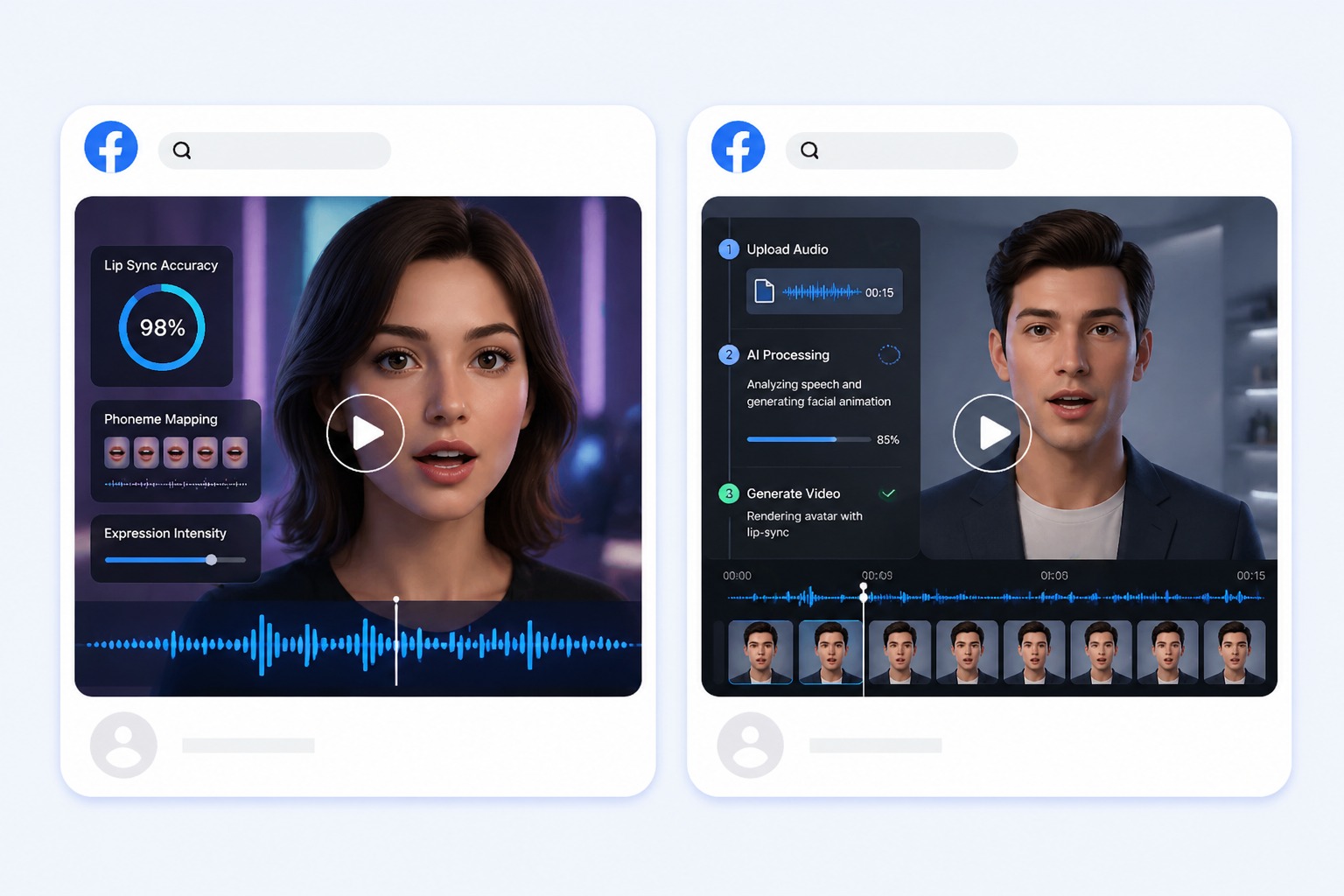
Use Cases
AI Talking Head Video Generator Use Cases
Use this workflow for explainers, training modules, lessons, status updates, and expert introductions.
Training modules
Turn approved learning scripts into presenter-led clips for repeatable internal education.
Course lessons
Create short instructor segments without recording the same camera setup for every lesson.
Company updates
Deliver focused project or policy updates with a straightforward talking-head format.
Quality and Rights Checklist
What to Check Before Creating a AI Talking Head Video
Single subject
Use one clearly visible speaker and avoid busy group photos or obstructed faces.
Portrait rights
Only animate portraits you own or are permitted to use for the intended audience.
Audio quality
Use clear speech with limited background noise and natural pauses between ideas.
Lesson structure
Keep each clip focused on one objective instead of packing a full presentation into one monologue.
Supporting context
Add captions, references, or screen recordings when the presenter alone cannot explain the topic.
Full review
Confirm pronunciation, timing, visual artifacts, and factual accuracy before distribution.
How to Make a AI Talking Head Video Video
A simple three-step portrait-to-video workflow
01
Choose or upload a permitted portrait
Upload a front-facing head-and-shoulders portrait or choose a presenter preset. One visible face, steady lighting, and an uncluttered crop help produce a clean talking-head composition.
02
Add text or audio
Paste a script for text-to-speech or upload a consented recording. Break complex explanations into short sections so pacing and mouth movement remain easy to review.
03
Generate, review, and export
Watch the complete result for pronunciation, lip sync, and visual consistency. Add captions and supporting visuals later in your editing workflow when the topic needs more context.
Why Creators Use AI Talking Head Video Generator
- Create without a new camera recording: Turn one permitted portrait and one message into a focused AI talking head video.
- Choose text or recorded delivery: Text-to-speech supports quick revisions, while uploaded audio preserves your performance.
- Keep the output easy to review: Short scripts make visual quality, message accuracy, and audience fit easier to assess.
Create without a new camera recording
The reusable workflow is useful when scripts change more often than the presenter or character.
Choose text or recorded delivery
Both inputs lead to the same review step, where timing, rights, and context must be checked.
Keep the output easy to review
Use the finished AI talking head video as one component in a responsible publishing workflow.
Common questions about creating a AI talking head video with AvatarCraft AI.