
~—Cost: —
Real Estate Video Maker
Turn listing details into a narrated agent video. One portrait and a script become a talking property clip for portals, social posts, and client follow-ups.
How to Create a Better Real Estate Video Maker
Start with the right portrait
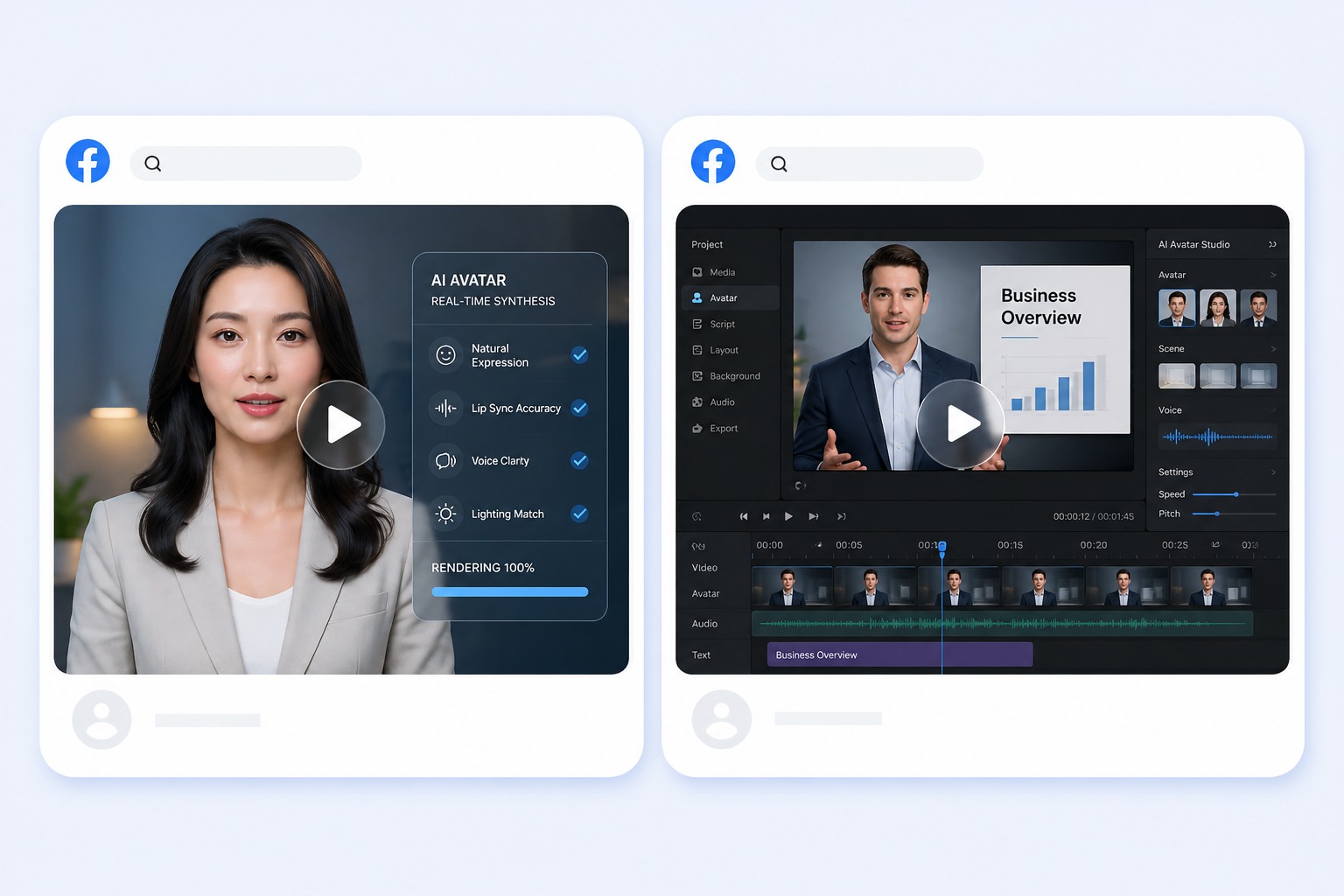
Use the agent's own portrait where you have permission, or a preset presenter. A front-facing photo with even lighting reads as professional next to listing photography.
Add a script or permitted audio
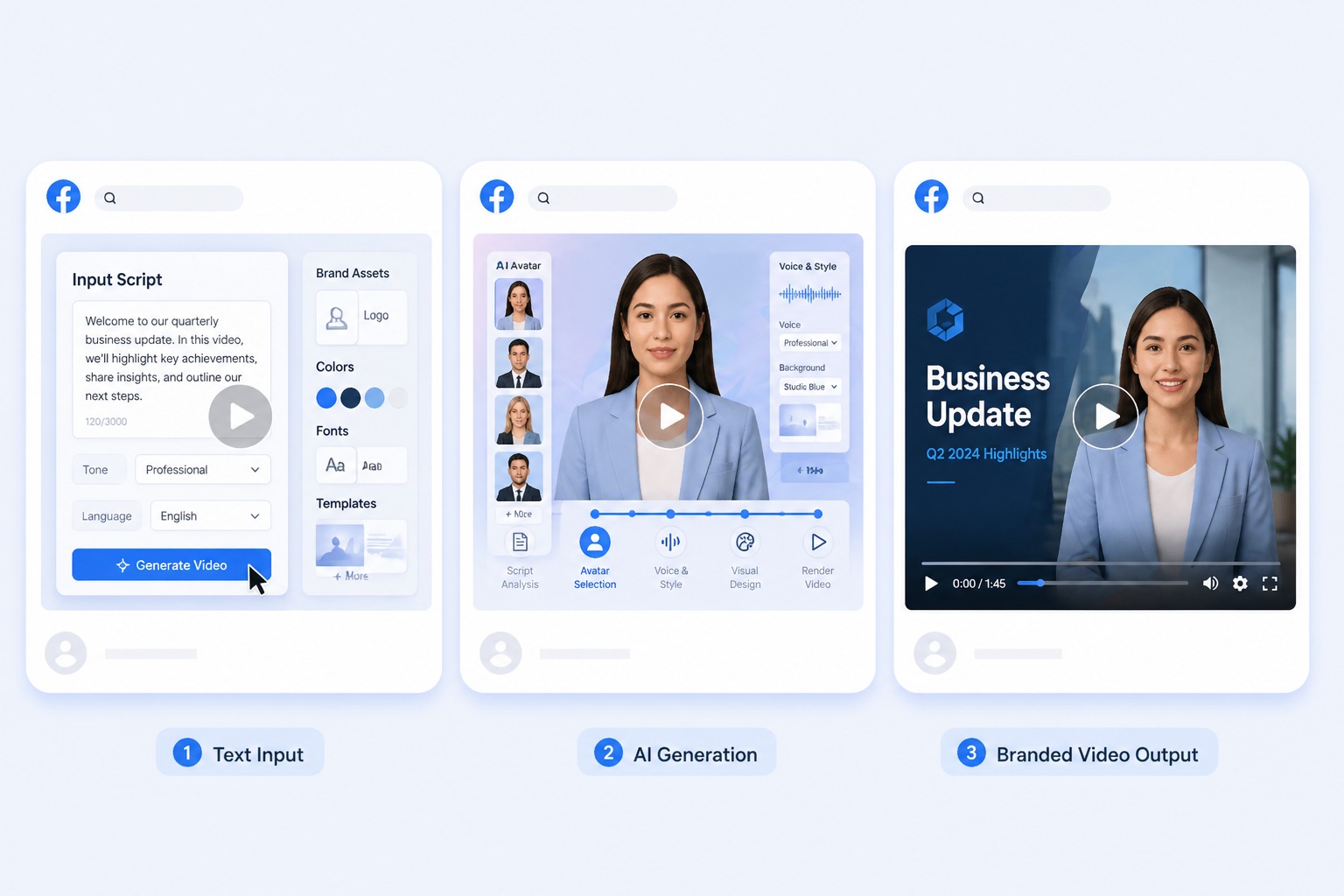
Paste the listing script for text-to-speech or upload the agent's approved recording. Audio must run between 3 and 60 seconds — lead with the property's strongest feature.

Generate and review the result
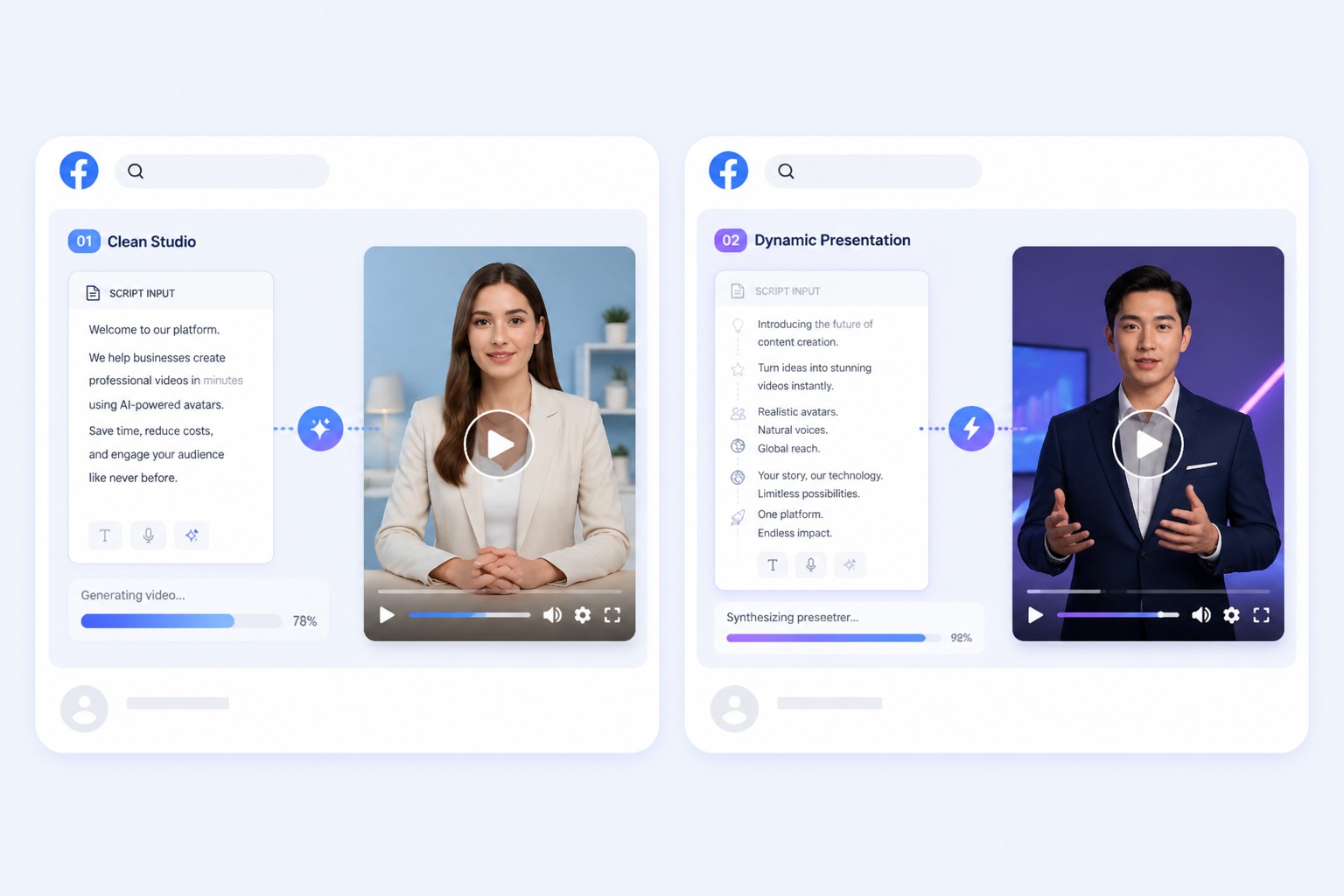
Check the address, price, square footage, and any fair-housing wording before publishing. The tool animates the presenter; the accuracy of the listing remains yours.
Plan for listing introductions, open-house promos, neighbourhood guides, and client follow-ups
A focused real estate video works best when one subject, one message, and one audience are defined before generation. Keep the first version short, review it in context, and revise the source image or audio when the result needs improvement.
Use Cases
Real Estate Video Maker Use Cases
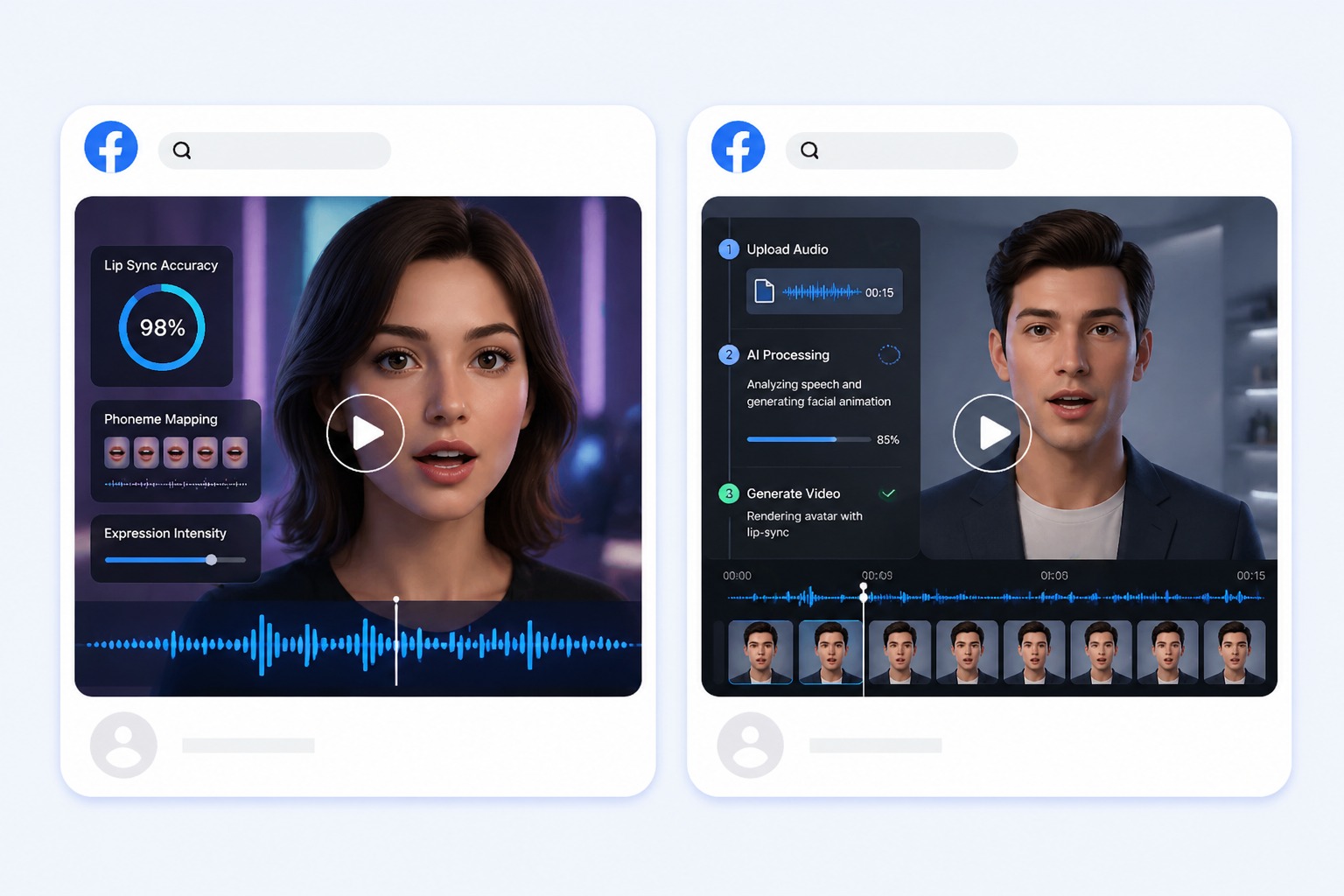
Use this workflow for listing introductions, open-house promos, neighbourhood guides, and client follow-ups.
Open-house promos
Announce a viewing with a short clip that can go out the same day the date is set.
Neighbourhood guides
Talk through an area's schools, transport, and amenities with the same agent across every listing.
Client follow-ups
Send a personalized recap after a viewing without recording a new selfie video each time.
Quality and Rights Checklist
What to Check Before Creating a Real Estate Video Maker
Script length
Audio must run between 3 and 60 seconds. Lead with the property's strongest feature rather than listing every room.
Listing accuracy
Verify address, price, size, and availability before generating. Outdated figures will be read out as written.
Fair-housing wording
Review the script against the advertising rules that apply in your market before publishing.
Portrait rights
Use the agent's portrait with their permission, or start from a preset presenter.
Voice consent
Only upload or clone an agent's voice when that agent has approved the use.
One clip per run
Each generation produces a single video, so a portfolio of listings means one run per property.
How to Make a Real Estate Video Maker Video
A simple three-step portrait-to-video workflow
01
Choose or upload a permitted portrait
Use the agent's own portrait where you have permission, or a preset presenter. A front-facing photo with even lighting reads as professional next to listing photography.
02
Add text or audio
Paste the listing script for text-to-speech or upload the agent's approved recording. Audio must run between 3 and 60 seconds — lead with the property's strongest feature.
03
Generate, review, and export
Check the address, price, square footage, and any fair-housing wording before publishing. The tool animates the presenter; the accuracy of the listing remains yours.
Why Creators Use Real Estate Video Maker
- Create without a new camera recording: Turn one permitted portrait and one message into a focused real estate video.
- Choose text or recorded delivery: Text-to-speech supports quick revisions, while uploaded audio preserves your performance.
- Keep the output easy to review: Short scripts make visual quality, message accuracy, and audience fit easier to assess.
Create without a new camera recording
The reusable workflow is useful when scripts change more often than the presenter or character.
Choose text or recorded delivery
Both inputs lead to the same review step, where timing, rights, and context must be checked.
Keep the output easy to review
Use the finished real estate video as one component in a responsible publishing workflow.
Common questions about creating a real estate video with AvatarCraft AI.