
~—Cost: —
Make Photo Sing
Upload a still photo, add a song or voice track, and generate a short MP4 where the face appears to sing. Best for selfies, pets, cartoons, greetings, memes, and quick creator hooks.
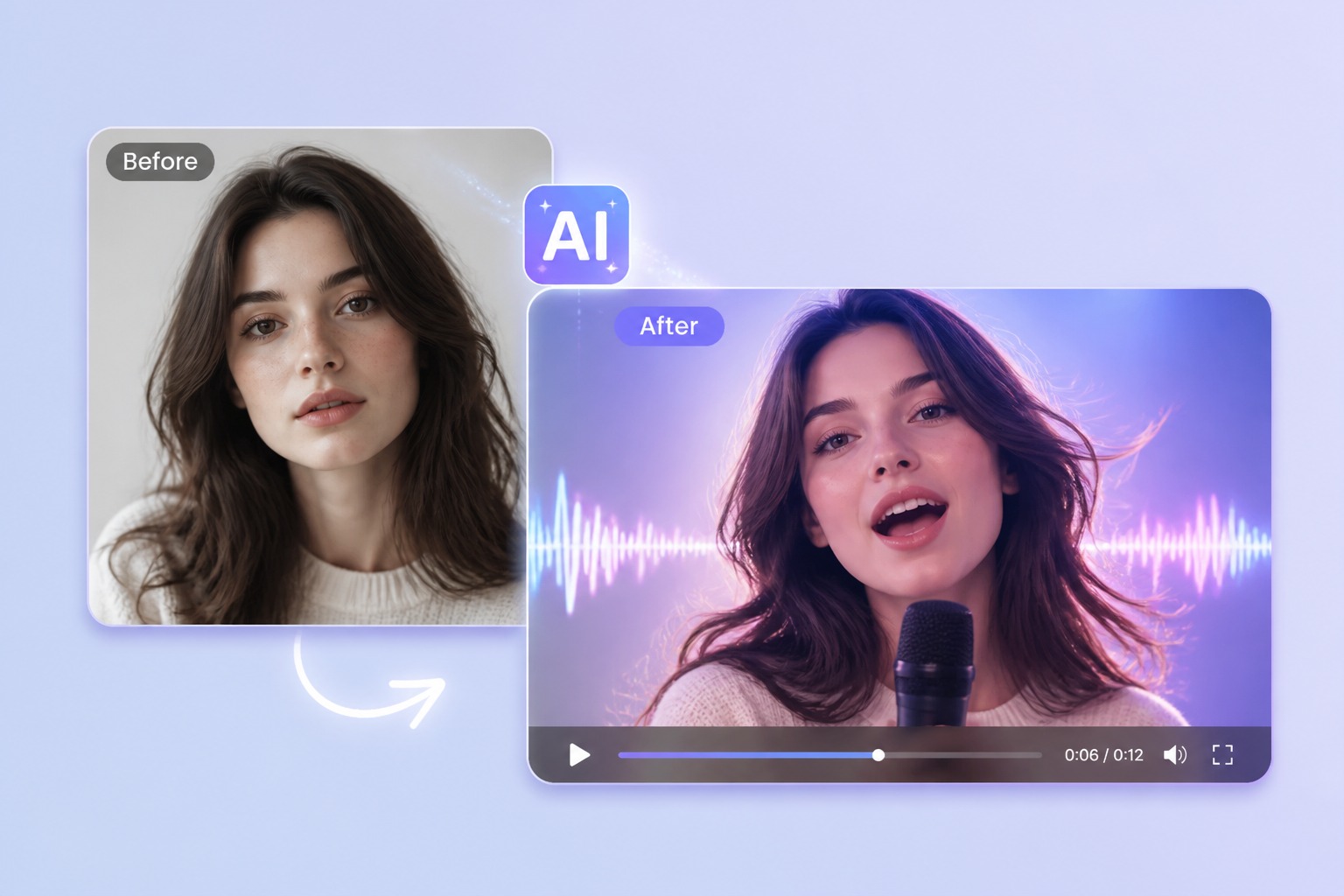
Turn Any Picture Into a Singing Video
Photo to Song
Make a picture sing with AI by pairing one clear face with the audio you want it to perform. A front-facing JPG or PNG gives the model a readable mouth, jawline, and cheeks before it adds singing motion.
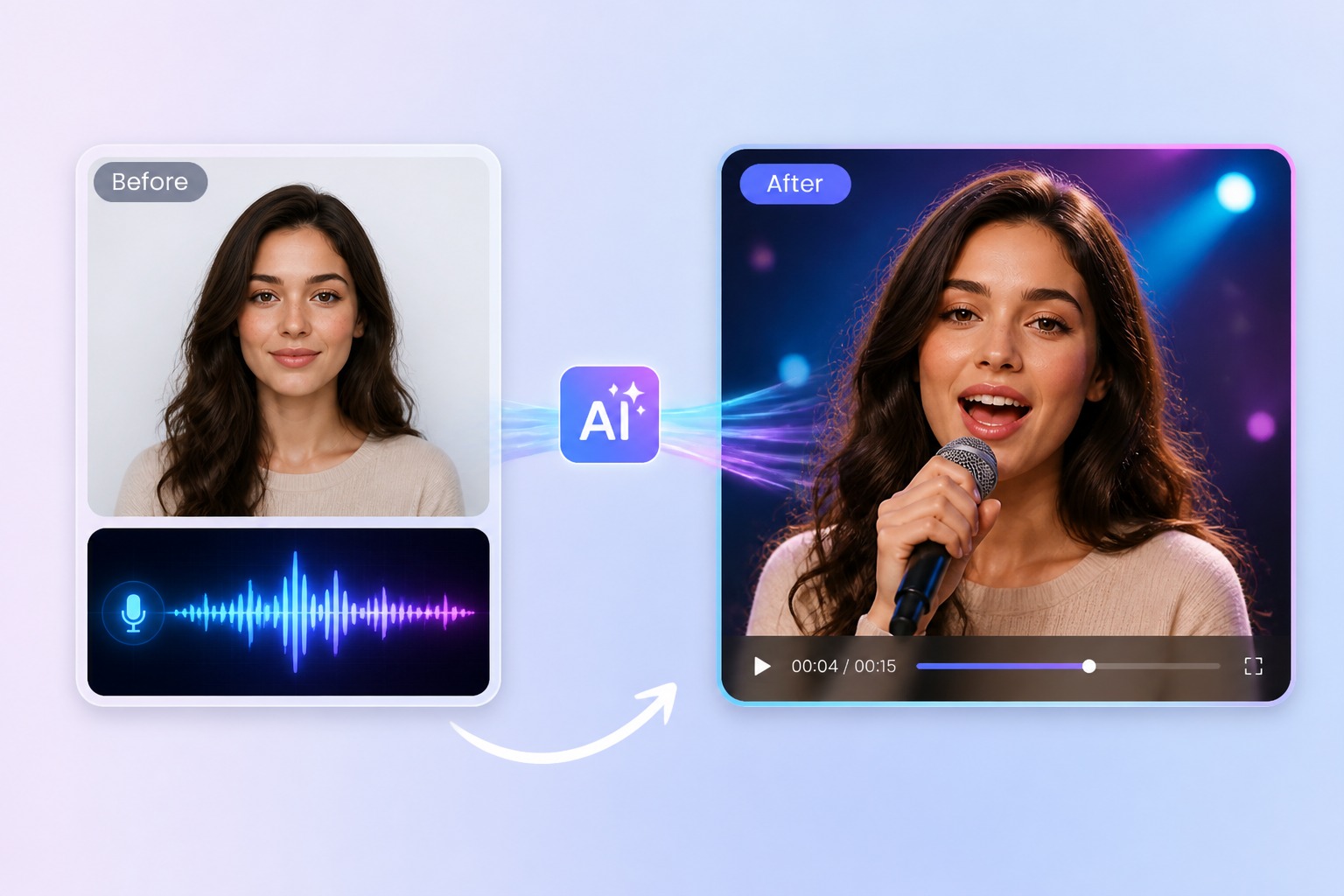
Online Workflow
Make photo sing online without building a full video edit first. Upload the image, add an MP3 or WAV-style track, generate a short preview, then check lip timing and identity before you share or rerender.
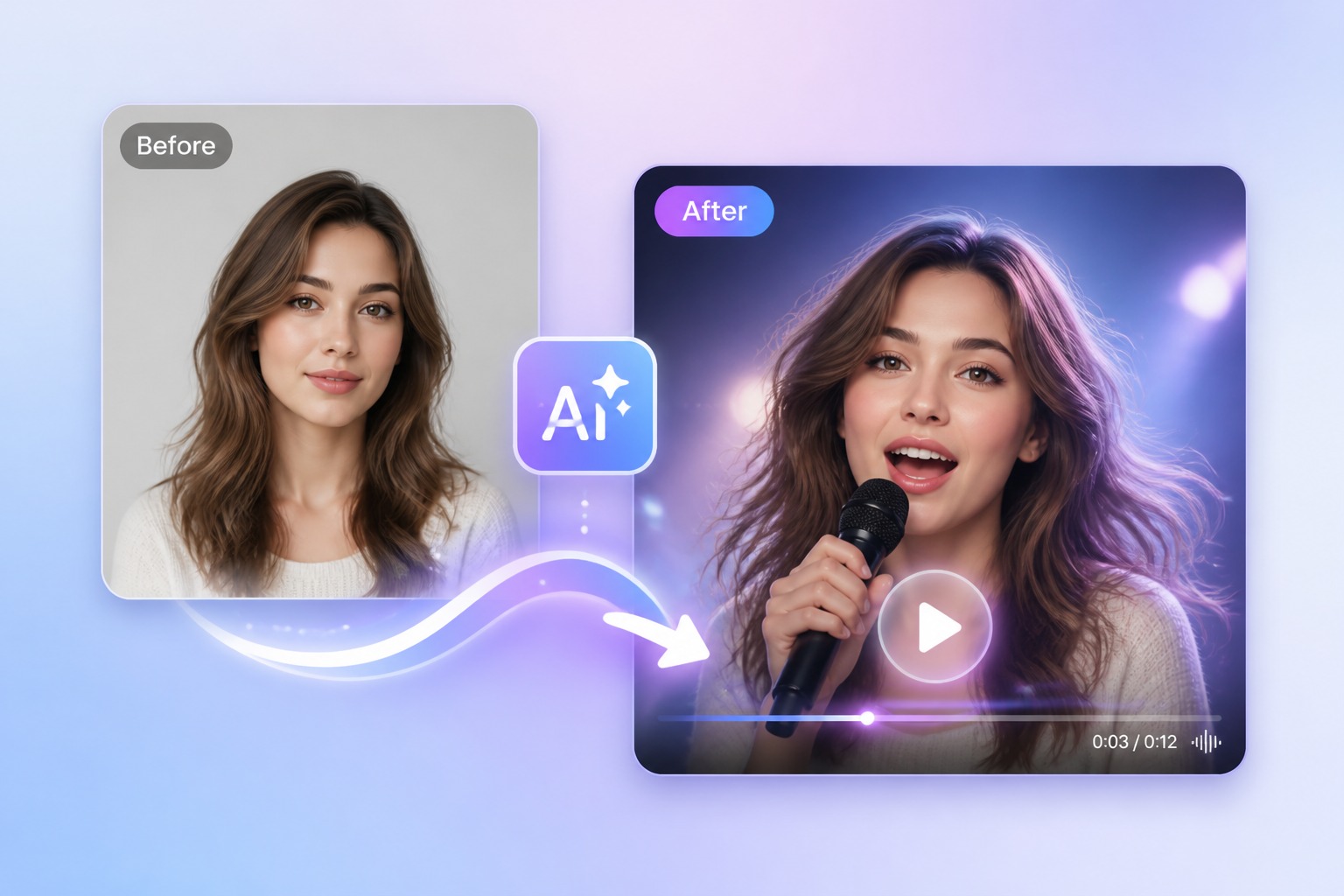
MP4 Download
The practical goal is a downloadable MP4 singing clip, not just a preview. Use the result for birthday messages, social hooks, mascot posts, classroom intros, or meme edits when you have rights to the image and audio.
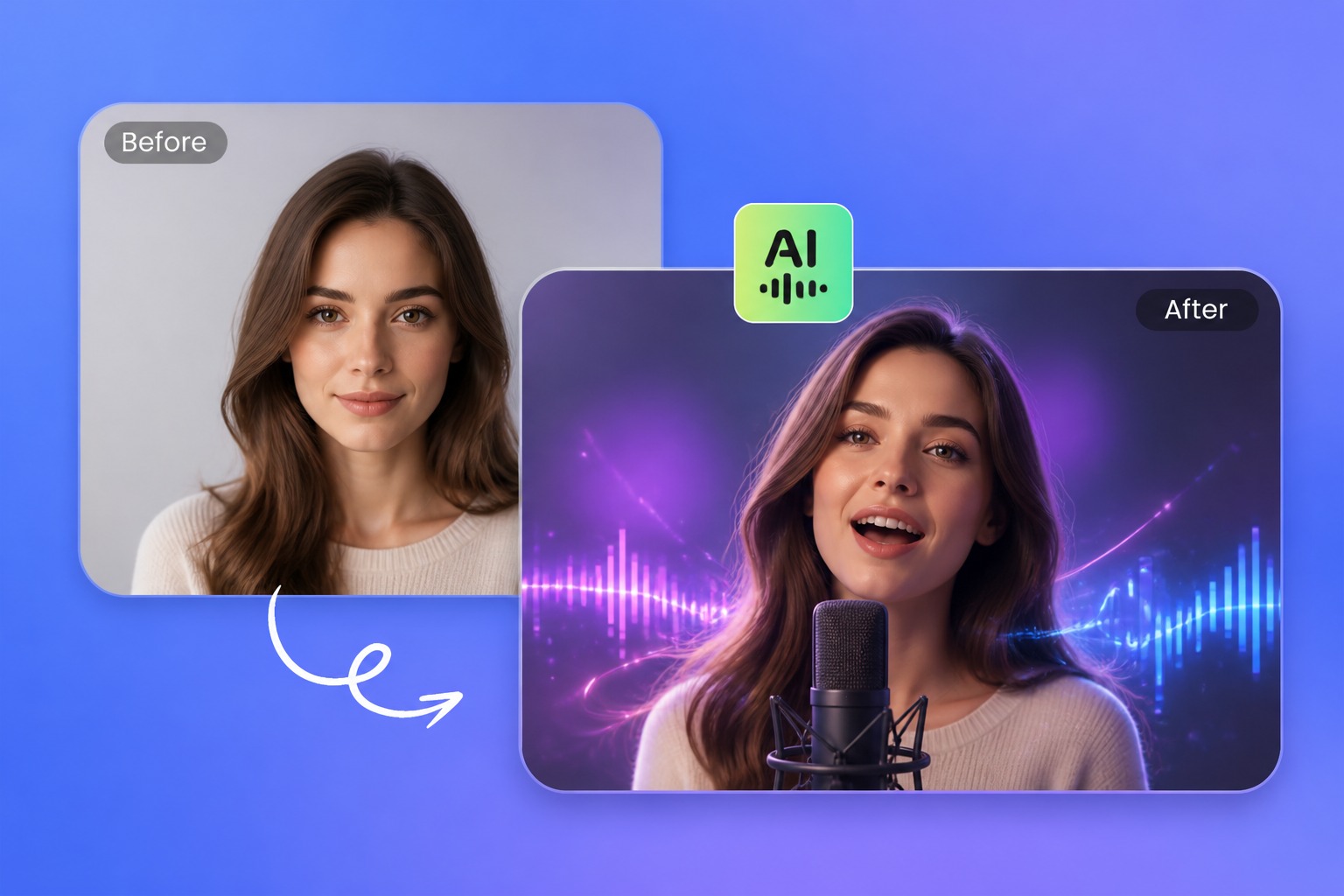
Related AI Tools
Need the tool definition first? Read the [AI singing photo generator](/ai-singing-photo-generator). Planning a broader character or avatar workflow? Use [AI singing avatar](/ai-singing-avatar) as the pillar before you create.
Popular ideas
Make Any Photo Sing for These Use Cases
The best results are short, single-subject clips where the singing moment is the whole hook and viewers do not expect a fully filmed performance.
Pet Song
Animate a pet face for playful greetings, jokes, and family chats when the face is readable.
Cartoon Voice
Use an original cartoon, mascot, or illustrated face for a stylized singing moment.
Birthday Greeting
Make photos sing your song for birthday wishes, holiday notes, or personalized surprises.
Photo to singing video tips
Quality Tips to Animate Photo Singing
Use one visible face
Group photos confuse which subject should sing; crop to one clear person, pet, or character.
Avoid covered mouths
Hands, masks, microphones, and heavy shadows make mouth motion harder to infer.
Pick clean vocals
Noisy audio, dense lyrics, or loud backing tracks can make the lip sync feel late or muddy.
Start short first
A 15-second test is cheaper to judge than a long render with repeated artifacts.
Match motion style
A meme can be expressive; an old portrait or formal headshot often looks better with subtler movement.
Check usage rights
For public posts, confirm image permission, subject consent, and music rights before publishing.
How to Make a Photo Sing in 3 Steps
Photo to singing video in three practical steps
01
Upload Your Photo
Choose a JPG or PNG with one clear face. Front-facing images with visible mouth, jaw, cheeks, and eyes usually produce cleaner singing motion.
02
Add Song or Voice
Upload an MP3, WAV, or compatible audio track you own or have permission to use. Trim to the chorus or most expressive 15 to 30 seconds first.
03
Generate and Download
Create the singing video, preview lip timing and resemblance, then download the MP4 when the clip looks ready to share.
Answers about how-to steps, file types, online use, rights, pets, cartoons, and MP4 download.