
AI Baby Podcast Generator
Create a talking baby podcast video from a baby-style image and your own script or audio. Make playful, lip-synced podcast clips with AvatarCraft AI.
How to Create a Better AI Baby Podcast
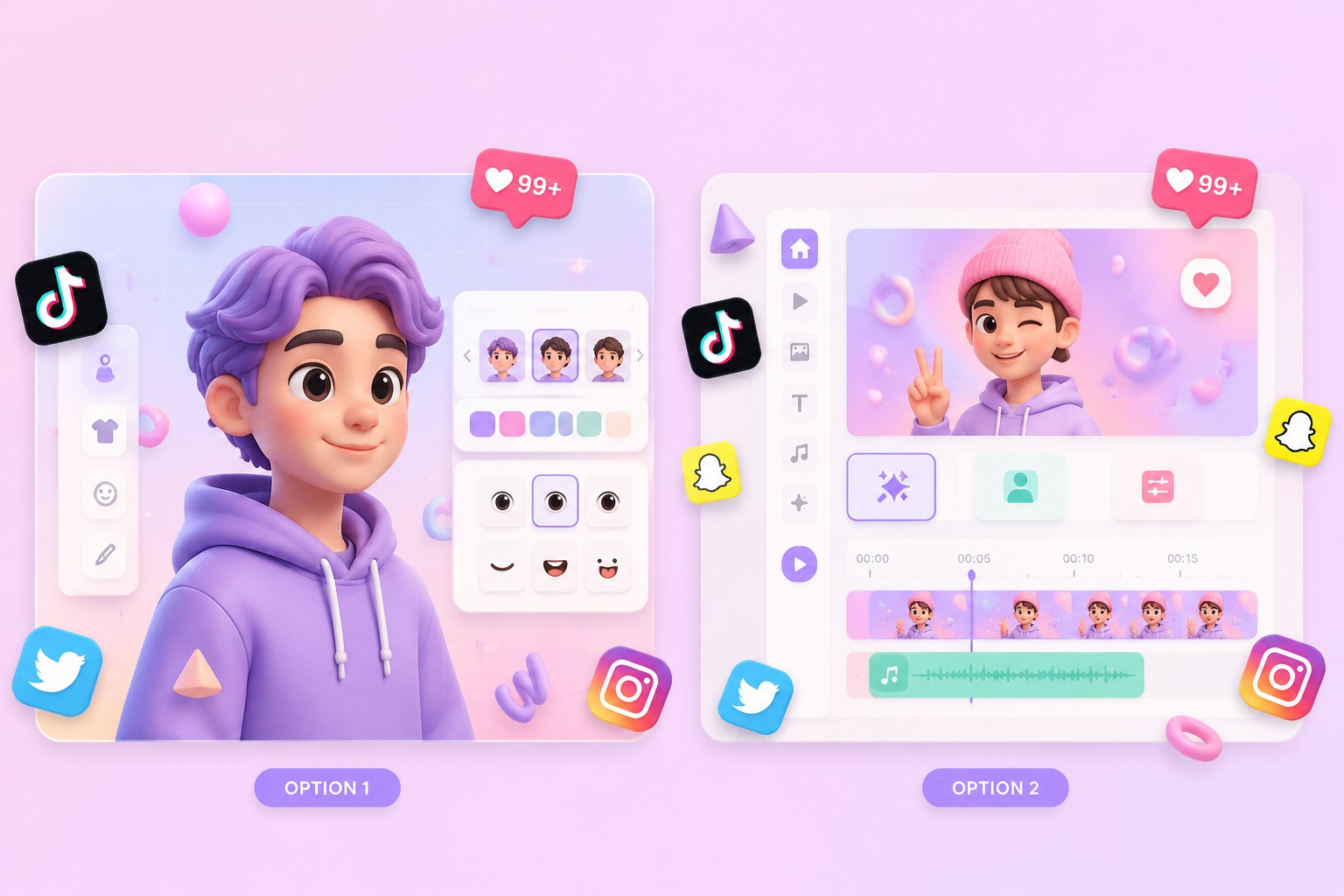
Start with the right portrait
Choose an original baby-style character, a preset, or a family image you have permission to animate. A centered face and simple podcast-style crop make the speaker easy to follow.
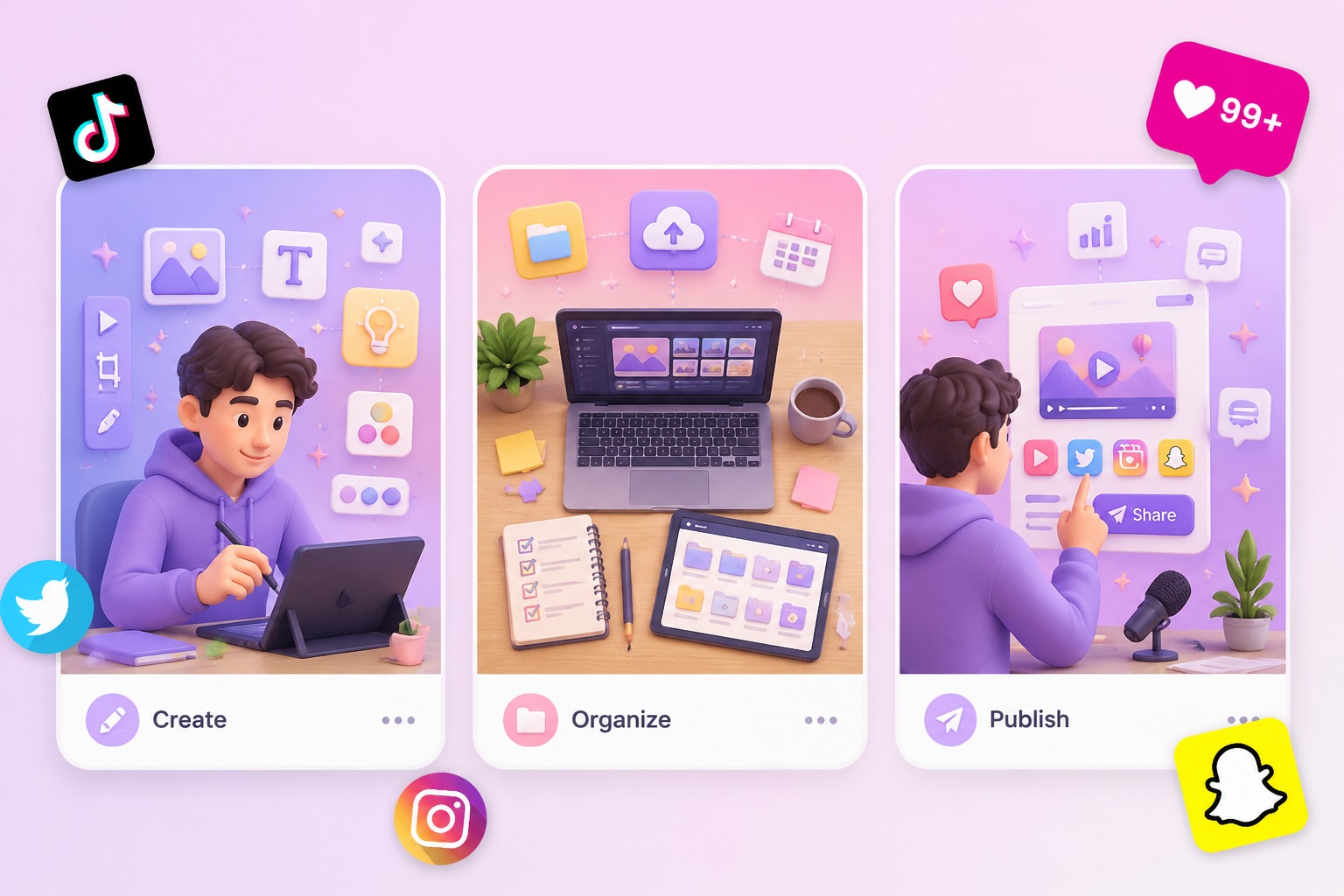
Add a script or permitted audio
Write a short podcast exchange, joke, opinion, or intro, then use text-to-speech or consented audio. Keep the delivery playful and avoid sensitive claims presented as if a real child said them.
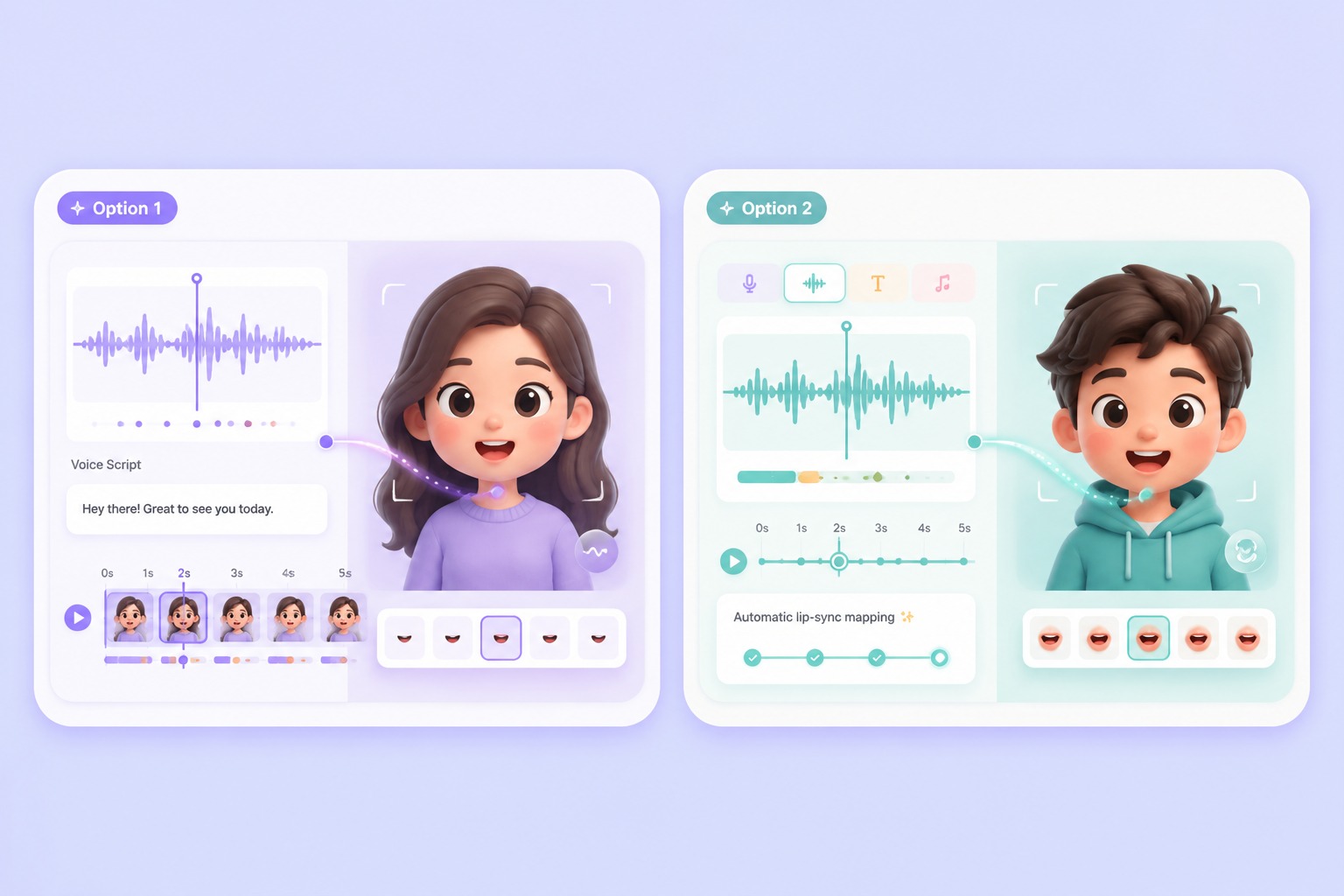
Generate and review the result
Check that the result is clearly framed as a fictional AI baby podcast clip. Review the script, voice provenance, lip sync, and surrounding caption before sharing it publicly.
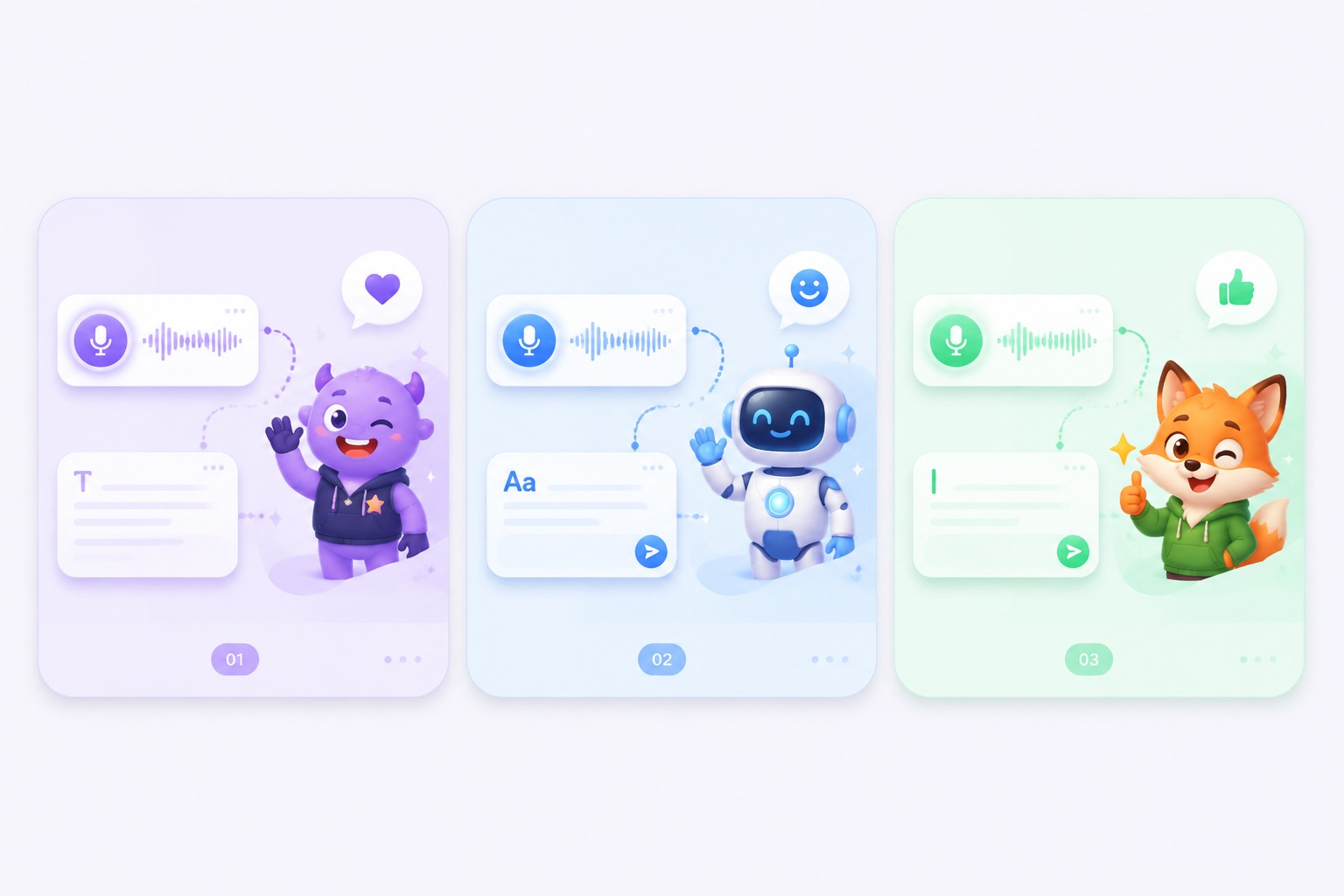
Plan for podcast skits, reaction clips, playful intros, and family-safe greetings
A focused AI baby podcast video works best when one subject, one message, and one audience are defined before generation. Keep the first version short, review it in context, and revise the source image or audio when the result needs improvement.
AI Baby Podcast Generator Use Cases
Use this workflow for podcast skits, reaction clips, playful intros, and family-safe greetings.
Podcast skits
Turn a short scripted take into a baby podcast clip with a clear setup and punchline.
Reaction videos
Use a playful baby-style speaker for a brief reaction without recording a camera performance.
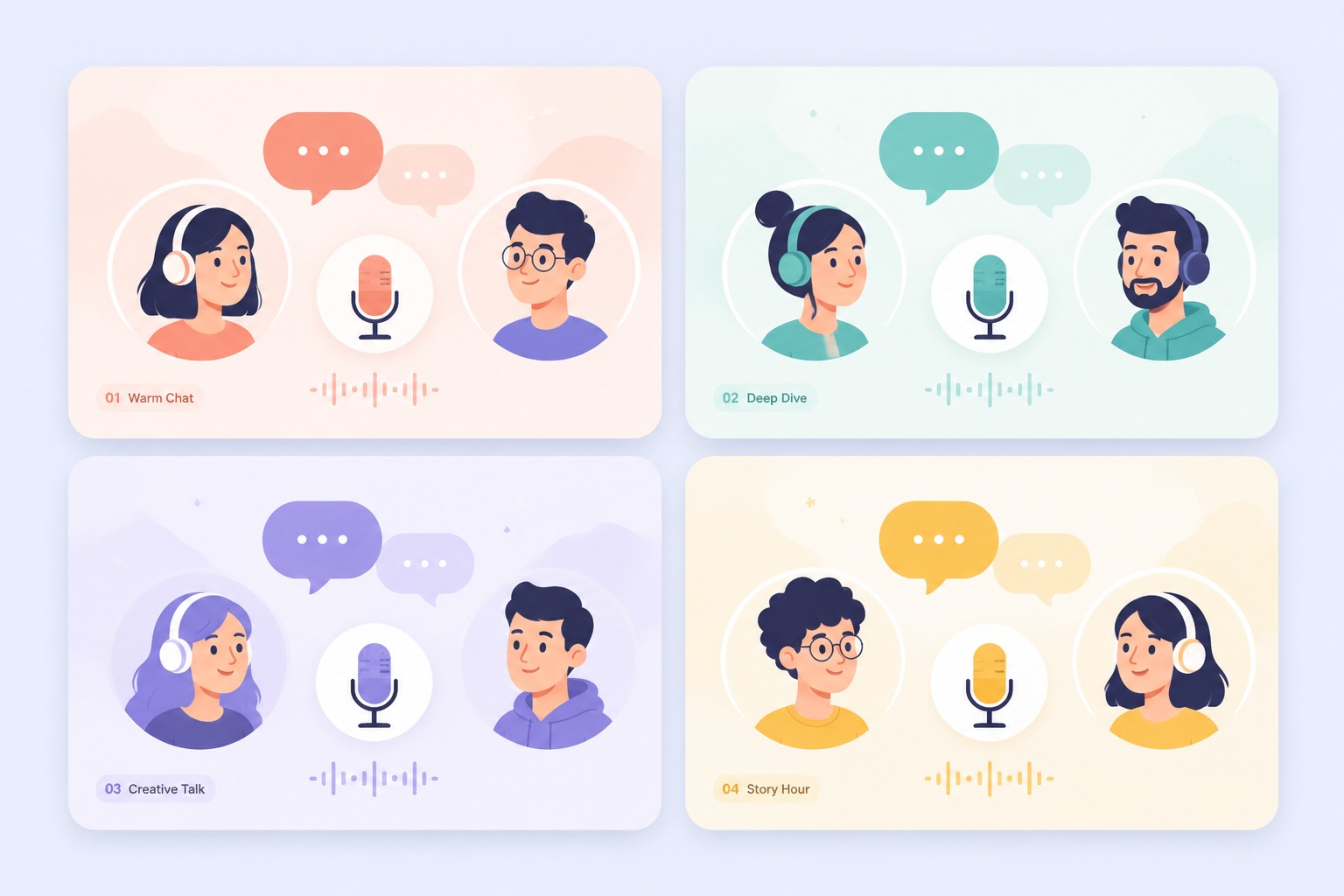
Creator intros
Open a social series with a repeatable fictional host and a recognizable podcast framing.
Celebration messages
Create a light birthday or holiday greeting from an approved image and original script.
What to Check Before Creating a AI Baby Podcast
Image permission
Use an original character, a preset, or a real photo you are authorized to animate.
Child safety
Avoid adult, political, medical, or identity-sensitive claims spoken through a baby image.
Fictional framing
Make it obvious that the result is a creative AI clip rather than a real child recording.
Short dialogue
Compact lines and natural pauses are easier to lip sync and more effective for podcast clips.
Voice permission
Only use a recognizable real voice when the speaker has approved this use.
Publishing context
Review the title, caption, and thumbnail so they do not misrepresent the people shown.
How to Make a AI Baby Podcast Video
A simple three-step portrait-to-video workflow
- 01
Choose or upload a permitted portrait
Choose an original baby-style character, a preset, or a family image you have permission to animate. A centered face and simple podcast-style crop make the speaker easy to follow.
- 02
Add text or audio
Write a short podcast exchange, joke, opinion, or intro, then use text-to-speech or consented audio. Keep the delivery playful and avoid sensitive claims presented as if a real child said them.
- 03
Generate, review, and export
Check that the result is clearly framed as a fictional AI baby podcast clip. Review the script, voice provenance, lip sync, and surrounding caption before sharing it publicly.
Why Creators Use AI Baby Podcast Generator
- Create without a new camera recording: Turn one permitted portrait and one message into a focused AI baby podcast video.
- Choose text or recorded delivery: Text-to-speech supports quick revisions, while uploaded audio preserves your performance.
- Keep the output easy to review: Short scripts make visual quality, message accuracy, and audience fit easier to assess.
Create without a new camera recording
The reusable workflow is useful when scripts change more often than the presenter or character.
Choose text or recorded delivery
Both inputs lead to the same review step, where timing, rights, and context must be checked.
Keep the output easy to review
Use the finished AI baby podcast video as one component in a responsible publishing workflow.
AI Baby Podcast Generator FAQ
What is an AI baby podcast generator?
It combines a baby-style image with text-to-speech or uploaded audio to create a short, lip-synced podcast-style talking video.
Can I use a real baby photo?
Only when you have the right and permission to animate it. An original baby-style character or preset is usually safer for public creator content.
What scripts work best?
Short intros, reactions, jokes, and simple two-part stories work well. Keep the language family-safe and easy to speak.
Can I upload my own podcast audio?
Yes. Use audio you recorded or have permission to use, and keep the clip concise enough to review from start to finish.
Does AvatarCraft create a full podcast episode?
No. It creates a talking-avatar video from one image and one audio track. Editing full episodes, multiple speakers, or camera cuts requires a separate editor.