
Personalized Santa Video Message
Make a personalized video message from Santa. Pick a Santa, type what he says with your child's name, and get a talking Santa video to download and share.
How to Make Santa's Message Feel Personal
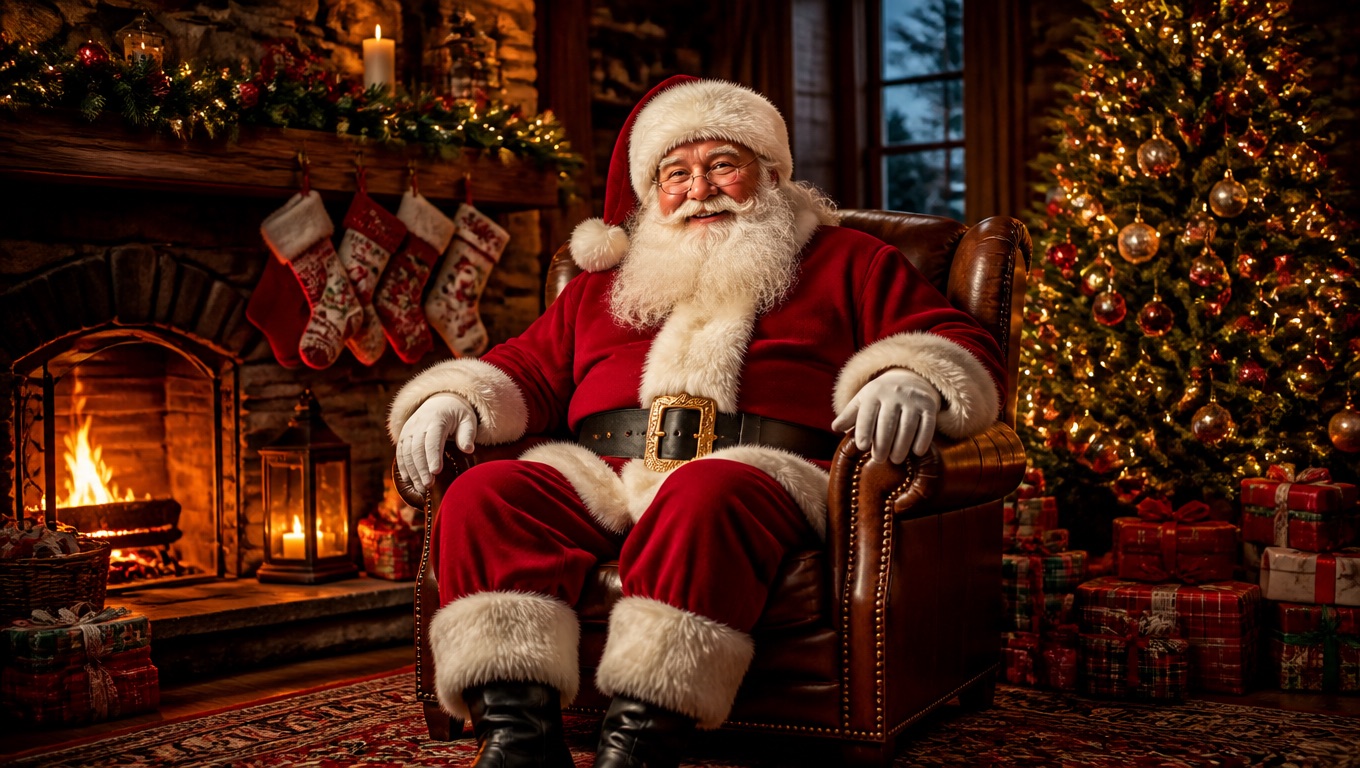
Pick a Santa, or use your own photo
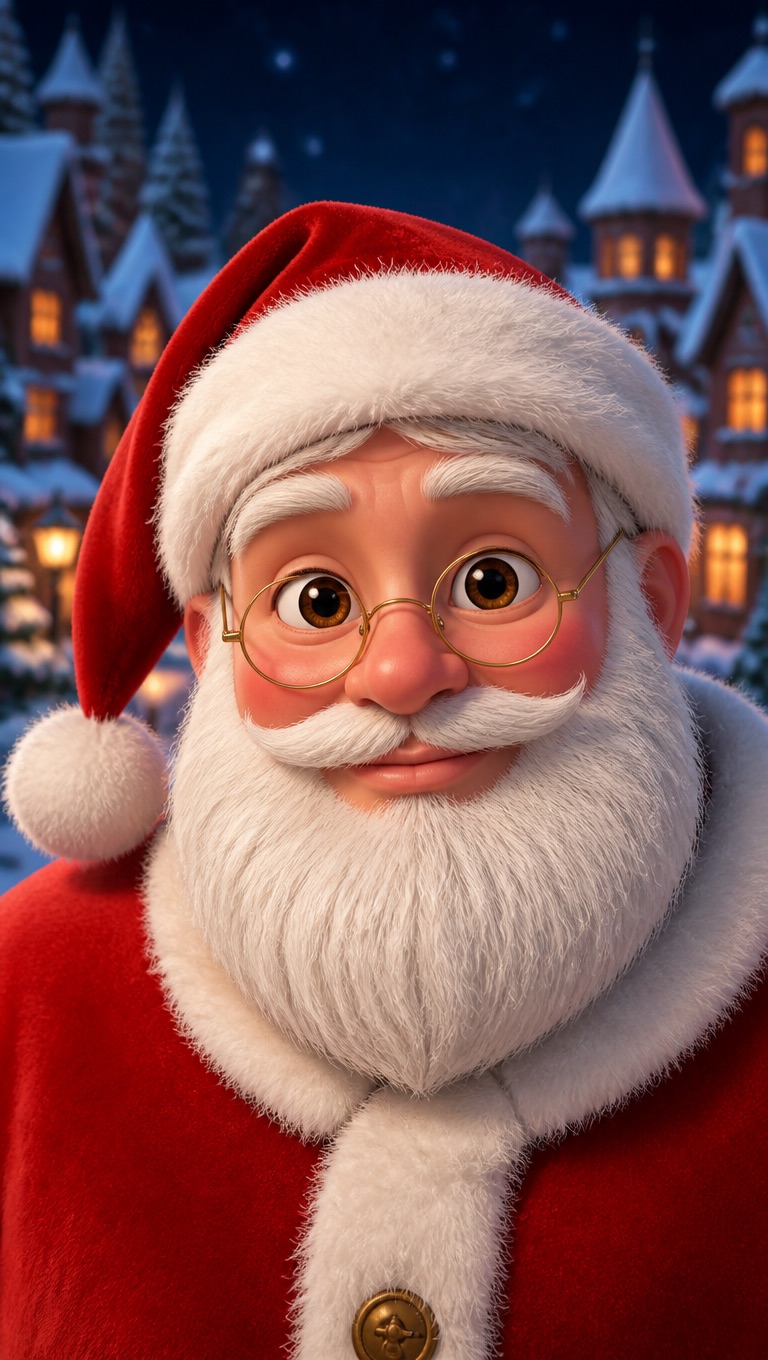
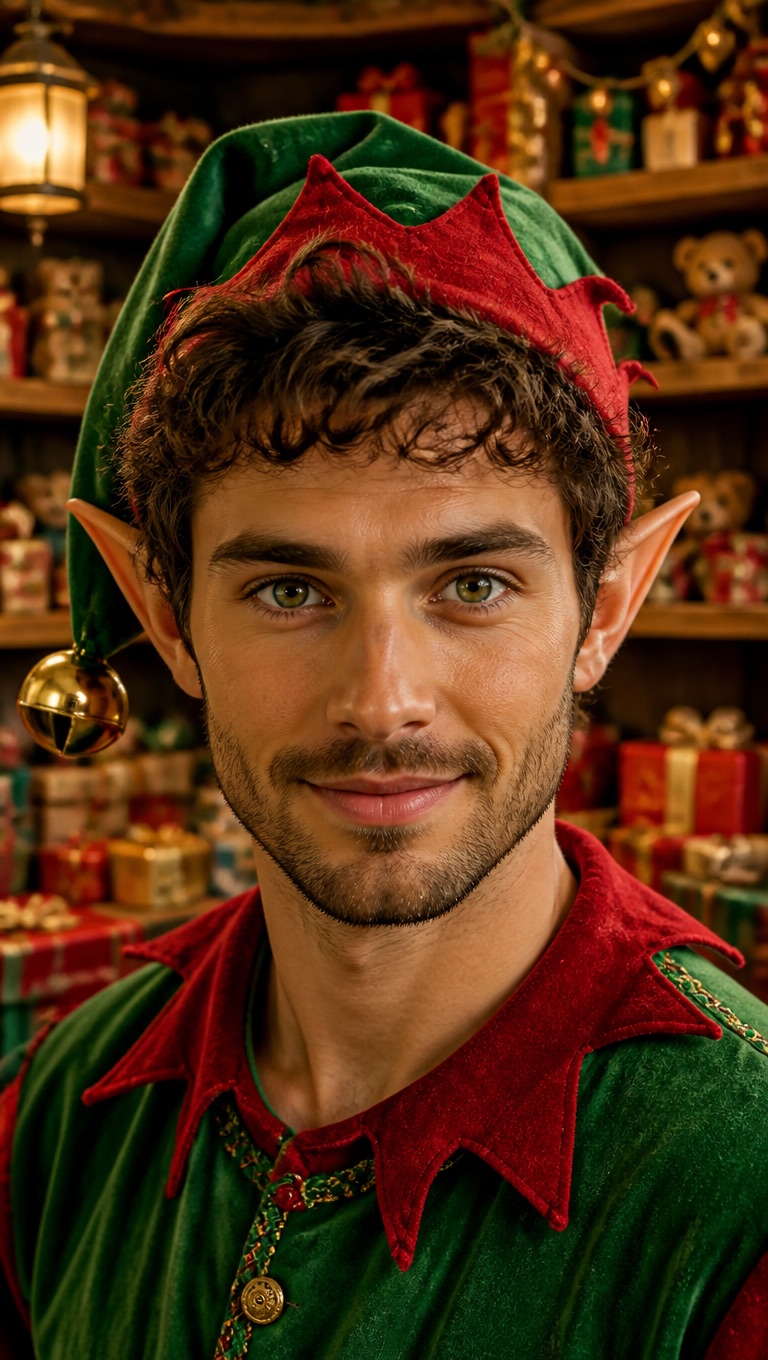
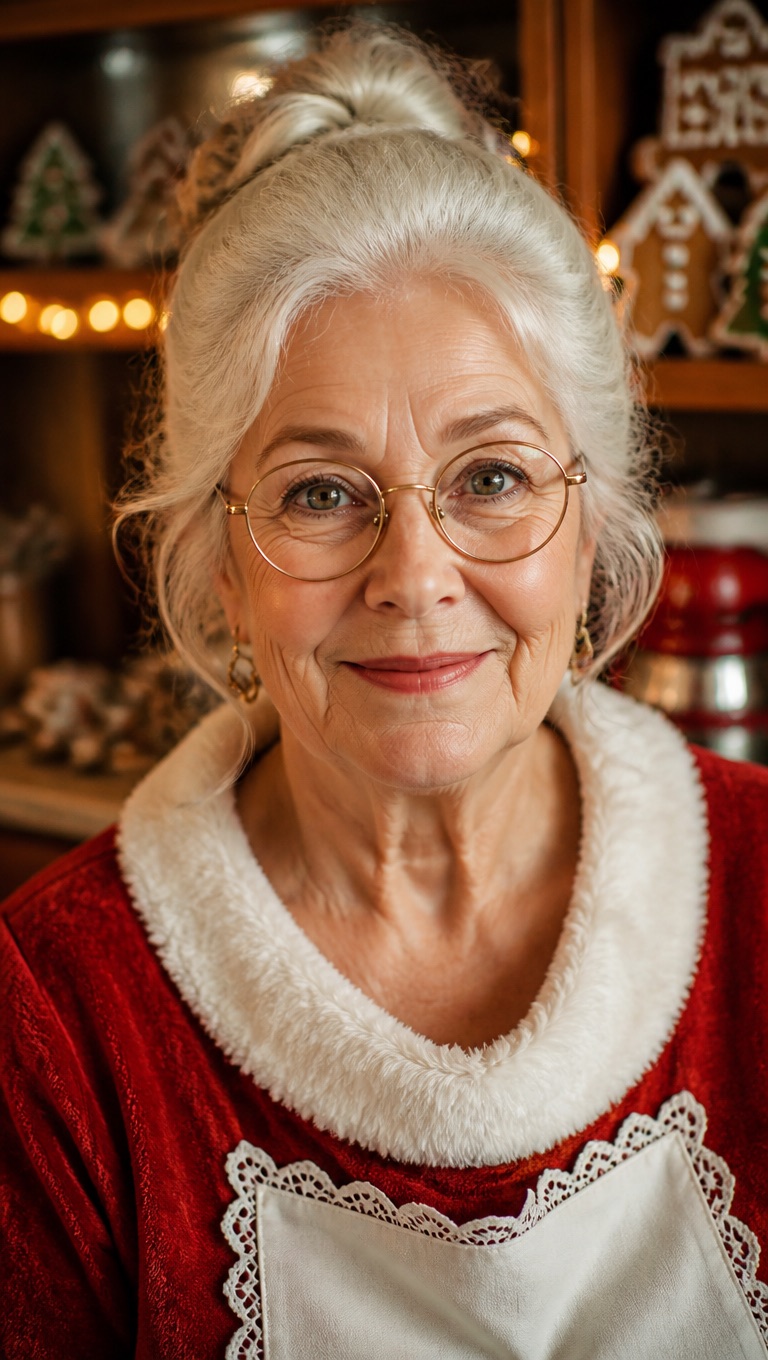
Choose from eight Christmas characters, including five Santas, Mrs. Claus, a cartoon Santa, and a workshop elf. Or upload your own Santa photo, such as Grandpa in his Santa suit.
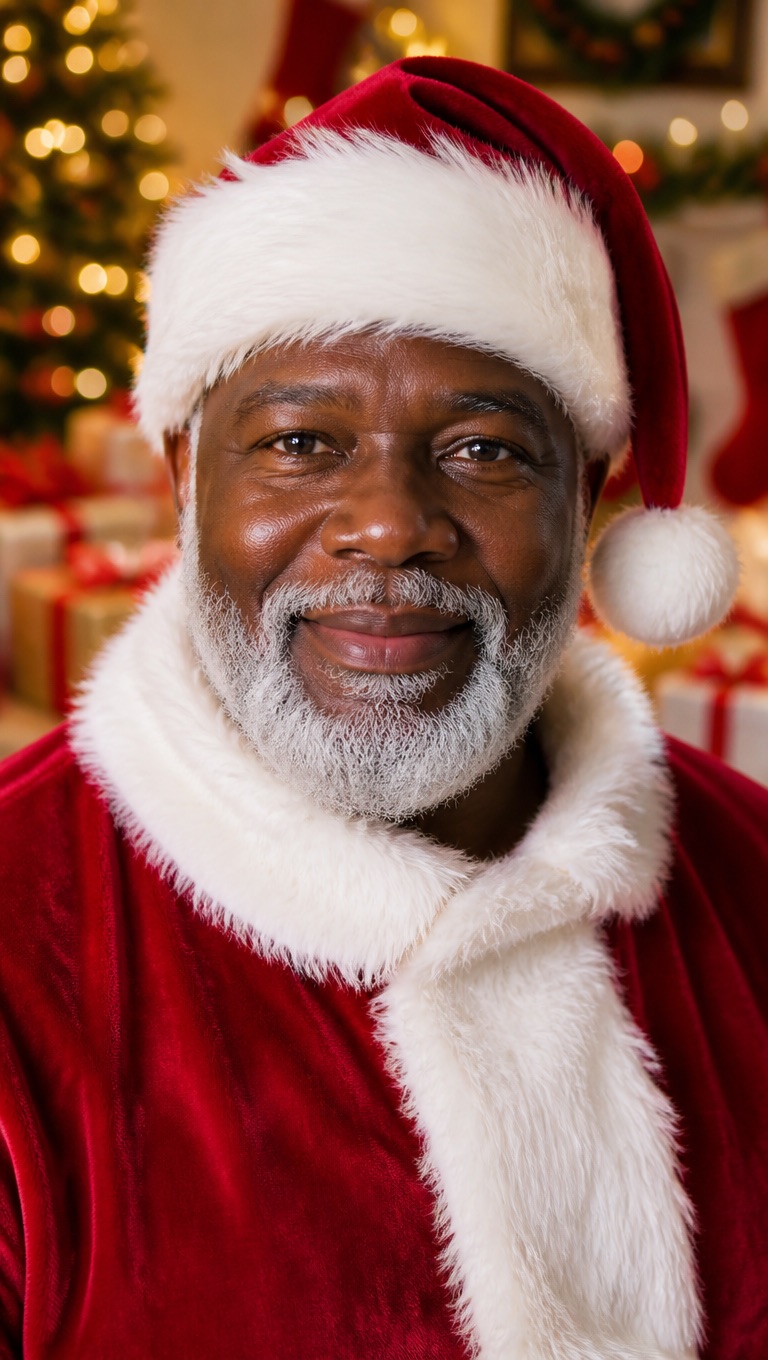
Write what only Santa would know
Add your child's name and one or two details: the kind thing they did, the pet's name, the gift on their list. About 45 words fit into a 20-second message.
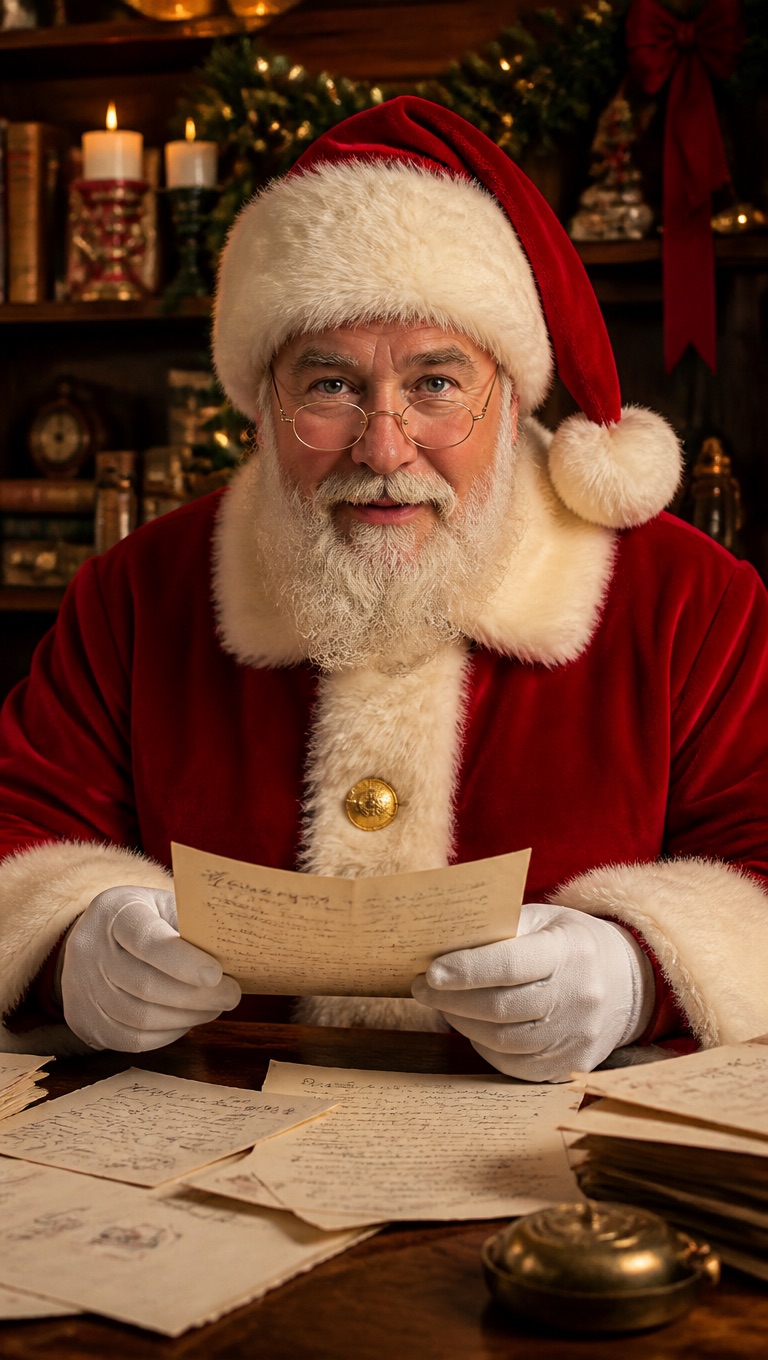
Give Santa a voice
The tool starts with Jovial Man, a warm, cheerful voice. You can pick another voice, record the message yourself, or use the Santa Claus voices in Spanish and Portuguese. For an English Santa voice, make the audio in the Santa Voice Generator first, then upload it here.
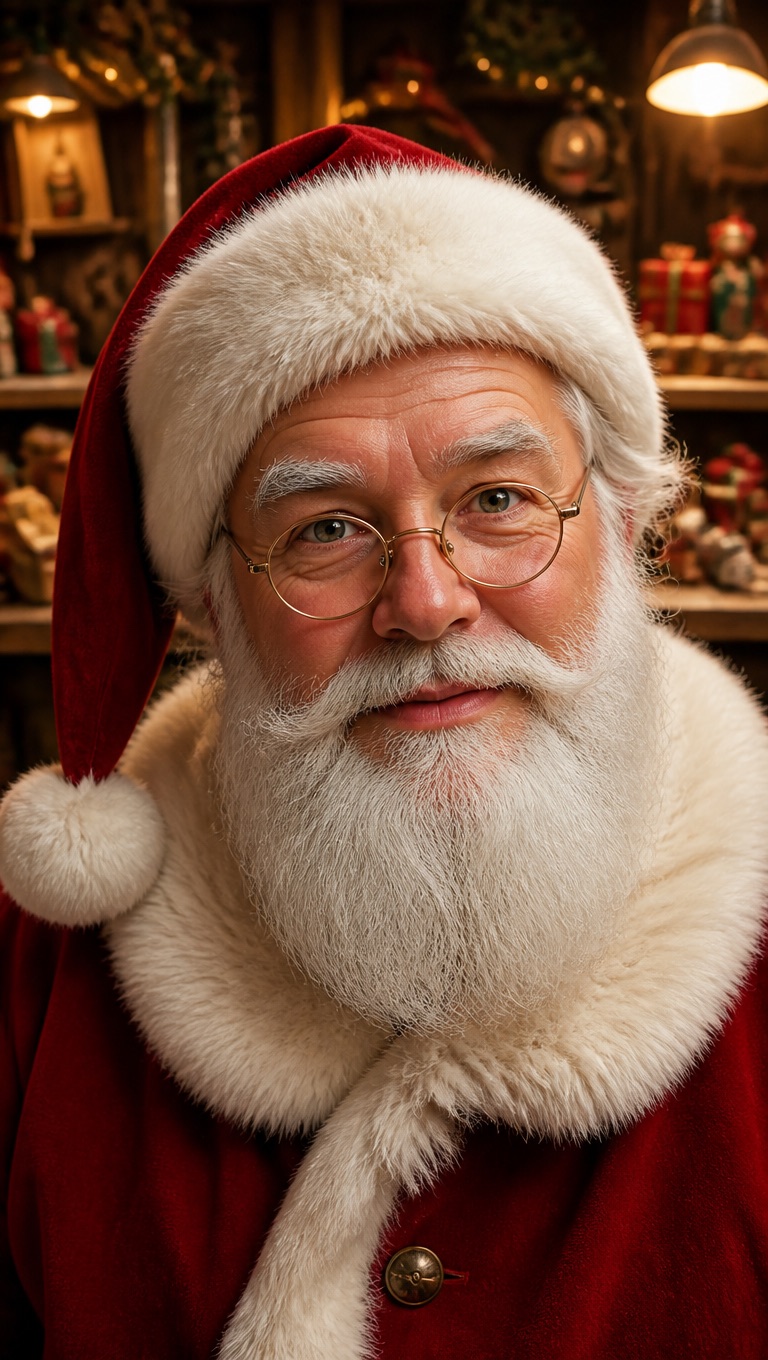
Download and share
Download the finished video and send it by text or email, or play it on Christmas morning.
Personalized Santa Video Ideas
A talking Santa works for more than one message. Here are the ones parents make most.
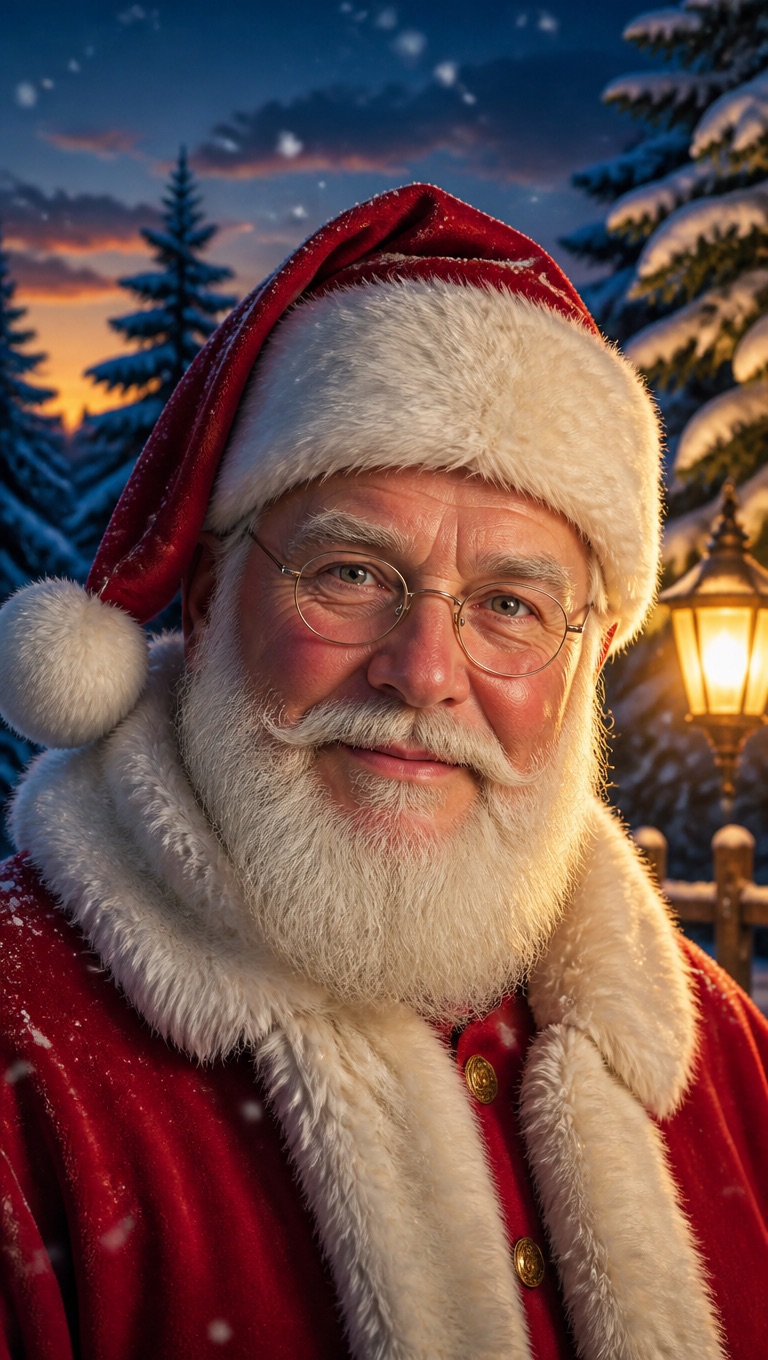
A Christmas Eve message
Santa says goodnight, mentions the cookies, and reminds your child to go to sleep so he can visit.
A nice-list nudge
A gentle word from Santa about sharing, bedtime, or being kind to a sibling, with a promise that the nice list is still open.
A greeting for family far away
Send grandparents or cousins a Santa message that names every child in the family.
Classroom and group greetings
Teachers and club leaders can make one message from Santa that thanks the whole group.
What to Know Before You Make a Santa Video
8 Christmas characters
Fireside Santa, Workshop Santa, Santa by the Tree, Snowy Forest Santa, Santa's Letters, Mrs. Claus, Cartoon Santa, and Workshop Elf.
Your own Santa photo works
Use a photo with one face looking at the camera and the mouth visible. A beard that covers the lips makes the lip movement harder to see.
Up to 20 seconds on the free plan
Free accounts can use up to 20 seconds of audio per video; paid plans allow up to 60 seconds.
30 free credits for new accounts
Enough for one 20-second Santa video at standard resolution, including the text-to-speech script.
Priced by length
Video costs 1 credit per second at standard 540p, or 2 credits per second at 720p on paid plans. Text-to-speech adds 1 credit per 200 characters.
Content review
Scripts are checked against our content policy before speech is generated, and some text may be rejected.
How to Make a Personalized Santa Video
Three steps: Santa, message, generate
- 01
Choose your Santa
Pick one of the Christmas characters, or upload a photo with one clear face looking at the camera.
- 02
Write Santa's message
Type the script with your child's name and a personal detail, then pick a voice or record your own.
- 03
Generate and download
Generate the video, watch it back, and download it to share. A short message usually takes a few minutes.
Why Parents Use a Talking Santa Video
- Santa says exactly what you write: Your child's name, the bike on the list, the dog's name: Santa reads your script word for word.
- Ready in minutes, any day in December: There is no booking and no delivery window. Make it the night before, or on Christmas Eve itself.
- No photos of your child needed: You type your child's name into the script. The only photo in the video is Santa.
Santa says exactly what you write
Nothing is filled in from a template, so the message can be as specific as you like.
Ready in minutes, any day in December
Generate again with a different Santa or a new line until it feels right.
No photos of your child needed
Share the finished video privately by text or email, or play it at home.
Personalized Santa Video Message FAQ
How do I make a personalized video from Santa?
Pick a Santa, type the message with your child's name, choose a voice, and generate. When the video is ready, download it and share it or play it at home.
Is the Santa video free?
New accounts start with 30 free credits, enough for one 20-second Santa video at standard resolution. After that, video costs 1 credit per second at 540p, and text-to-speech adds 1 credit per 200 characters. Starting 30 days after sign-up, accounts without a subscription are topped back up to 20 credits every 30 days.
Can Santa say my child's name?
Yes. Type the name into the script. If the voice says it wrong, spell it the way it sounds, for example Aydin as Eye-din, and generate again.
Can I use my own Santa photo?
Yes, for example Grandpa in his Santa suit. Use a photo you have permission to use, with one face looking at the camera and the mouth visible.
Does it sound like Santa?
In English, make the audio in our Santa Voice Generator, an AI Santa Claus voice, then upload it here. You can also pick a warm, jolly voice such as Jovial Man or record the message yourself. Spanish and Portuguese have dedicated Santa Claus voices.
How long can the message be?
Up to 20 seconds on the free plan and up to 60 seconds on a paid plan. About 45 words fit into 20 seconds.
How is this different from pre-made Santa video services?
Those services drop your child's name and photos into a pre-produced North Pole story. Here Santa is a talking portrait who says exactly what you write. There are no sleigh rides or workshop scenes, but the message can be completely personal.
Can I make a Santa video in Spanish or Portuguese?
Yes. Write the script in Spanish or Portuguese and pick the Santa Claus voice for that language.