
AI UGC Video Generator
Make UGC-style video ads with an AI presenter: pick a face, paste your ad script, and get a lip-synced talking clip of 3 to 60 seconds. No creator, no shoot.
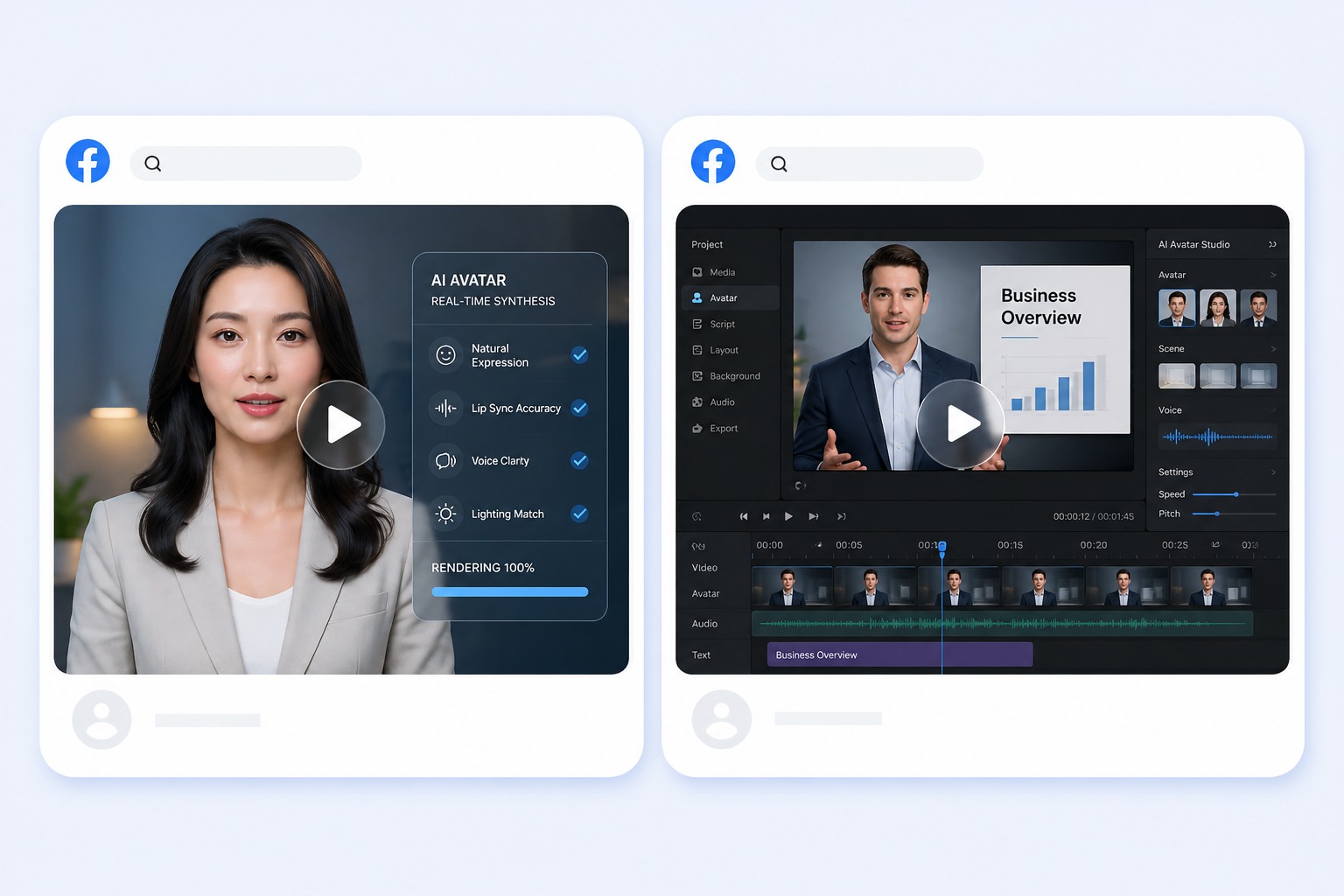
How to Make AI UGC Ads That Feel Natural
Start with the right portrait
Pick a preset presenter or a front-facing portrait you are cleared to use. UGC ads work best with a natural, everyday look: even lighting, one clearly visible face, and no heavy retouching.
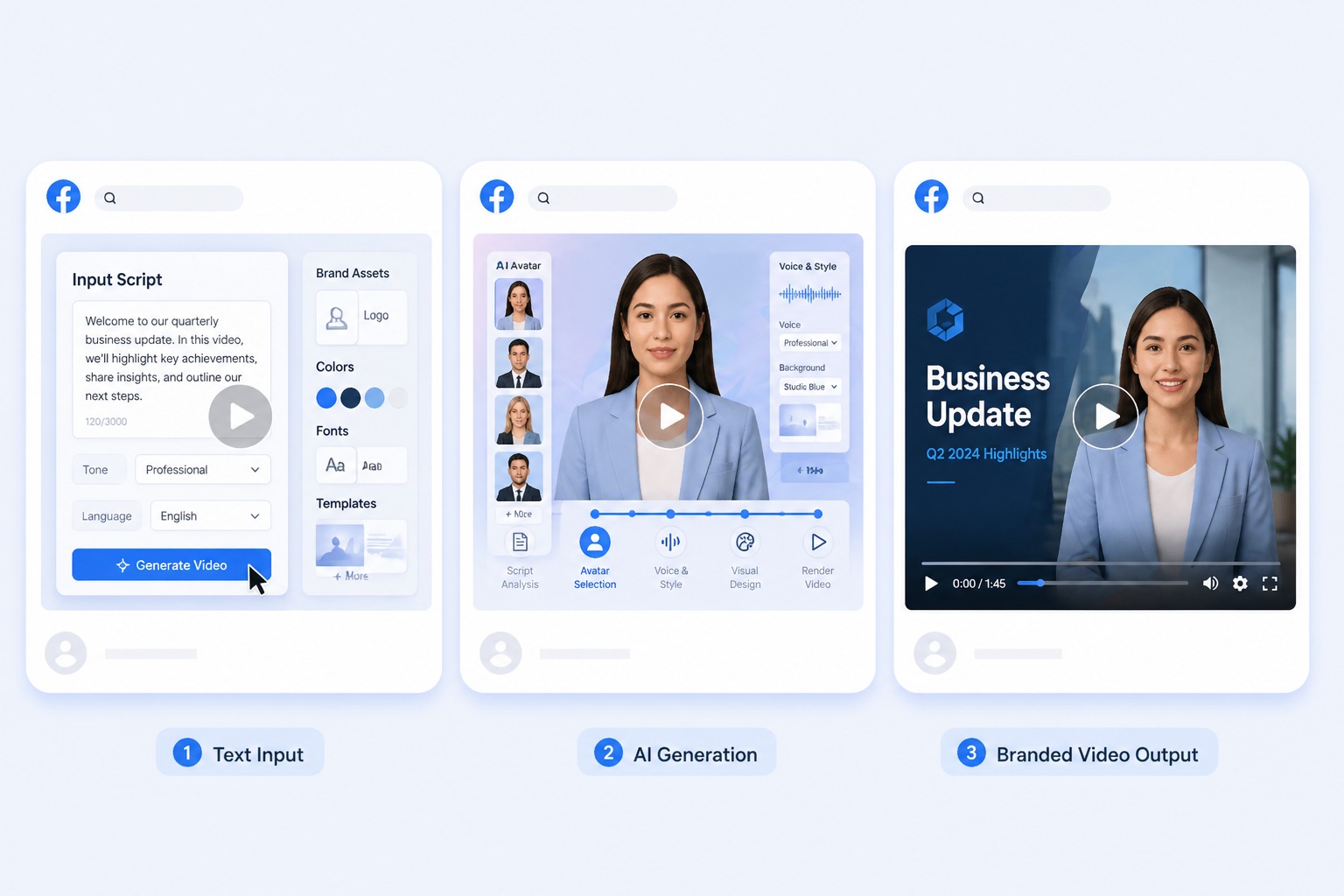
Add a script or permitted audio
Paste the ad script for text to speech, or upload a recording you have rights to. Write it the way a customer would talk about the product, and keep the audio between 3 and 60 seconds.
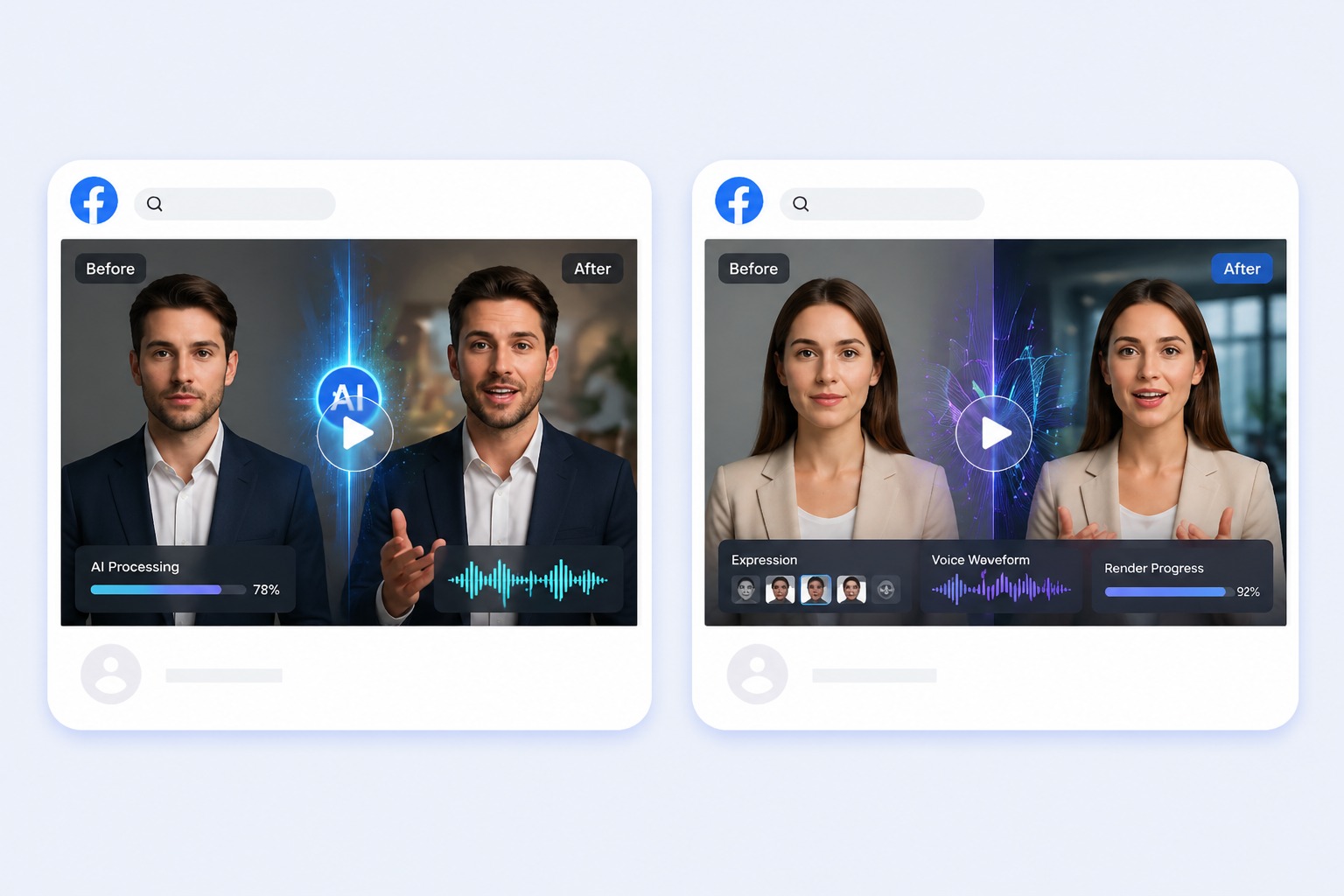
Generate and review the result
Check the claims, the offer, and the call to action as carefully as the lip sync. The tool animates a presenter; whether the ad is accurate, disclosed, and compliant is still your call.
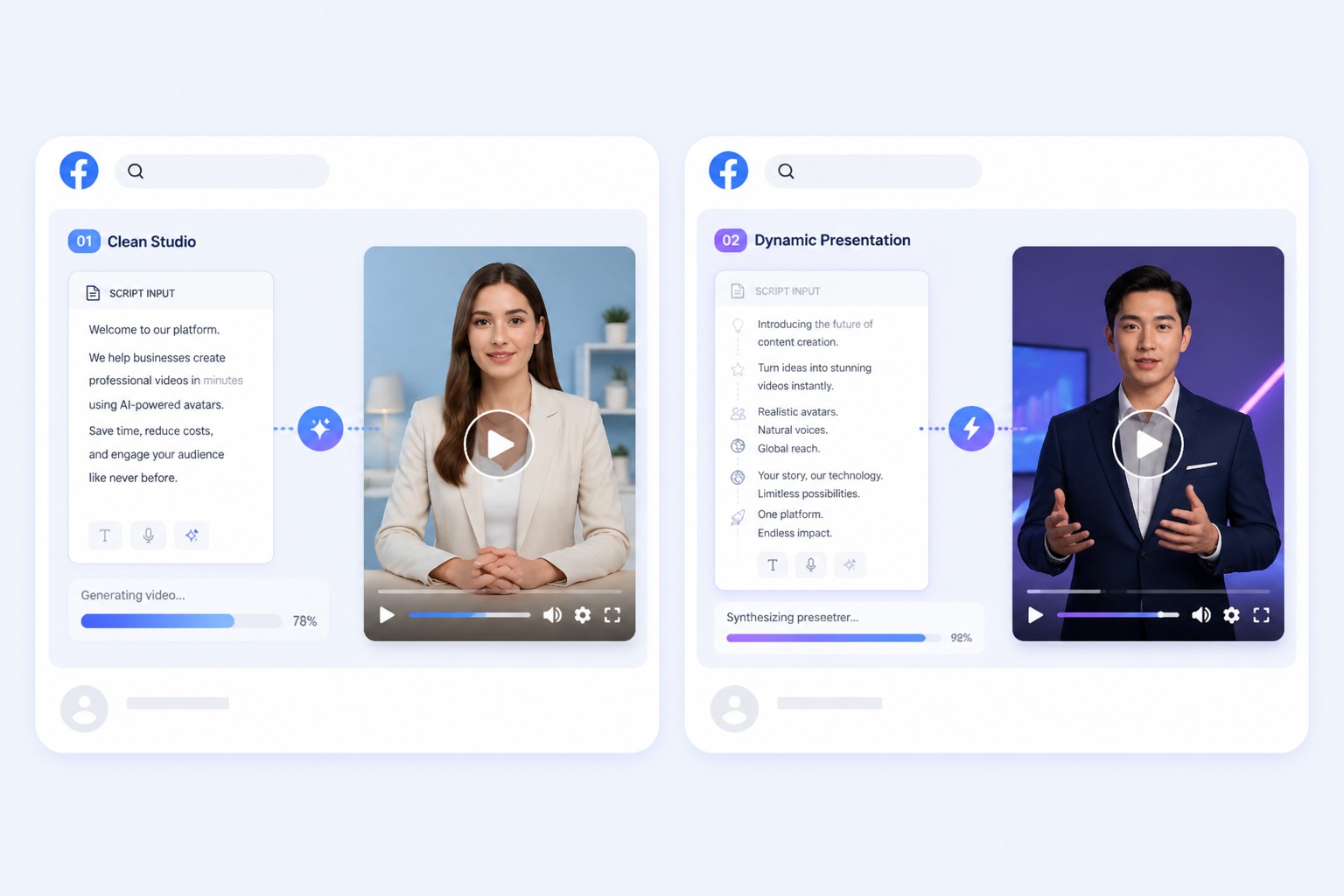
Plan for UGC-style product pitches, hook tests, social promos, and seasonal offers
A focused UGC-style video ad works best when one subject, one message, and one audience are defined before generation. Keep the first version short, review it in context, and revise the source image or audio when the result needs improvement.
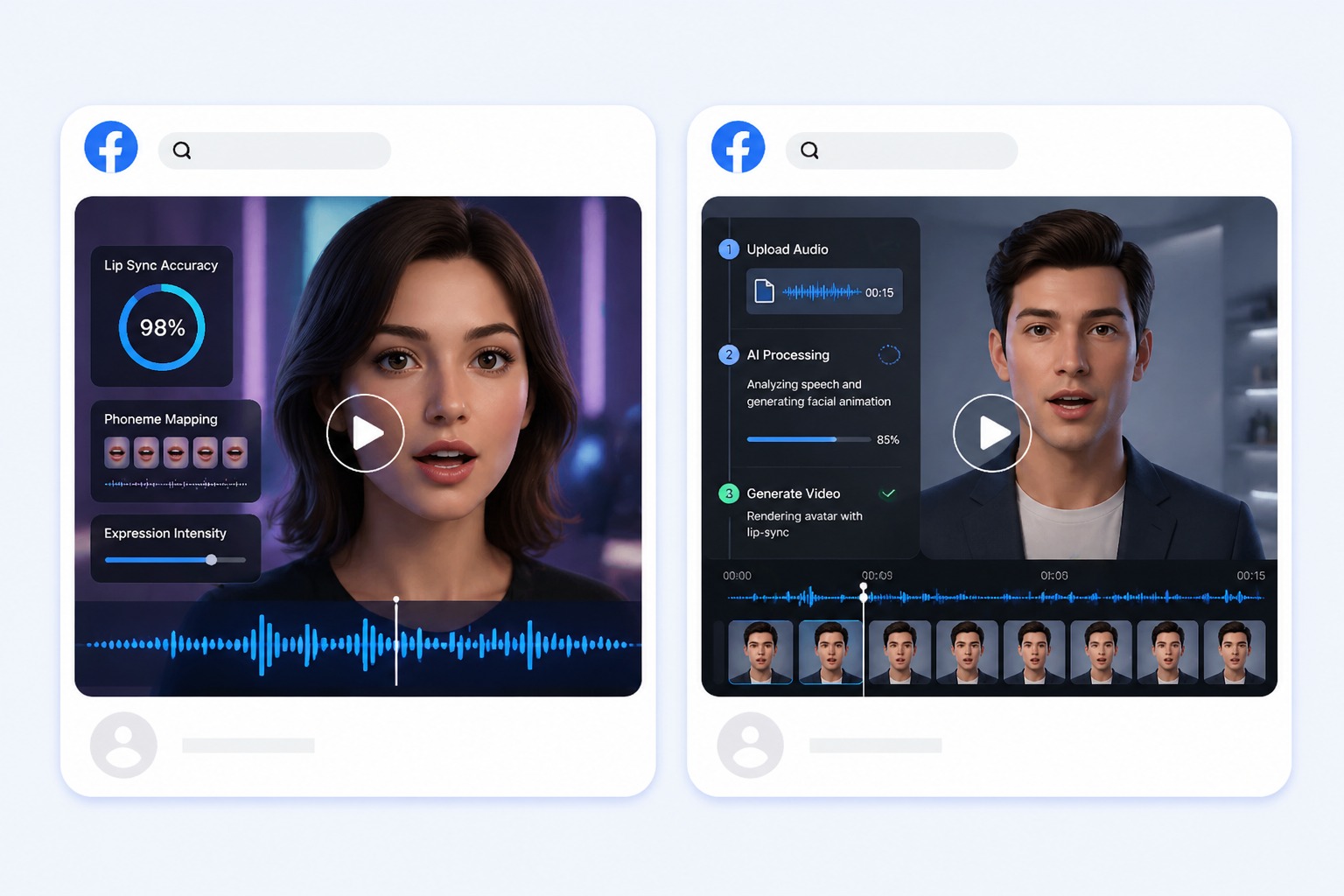
AI UGC Video Generator Use Cases
Use this workflow for UGC-style product pitches, hook tests, social promos, and seasonal offers.
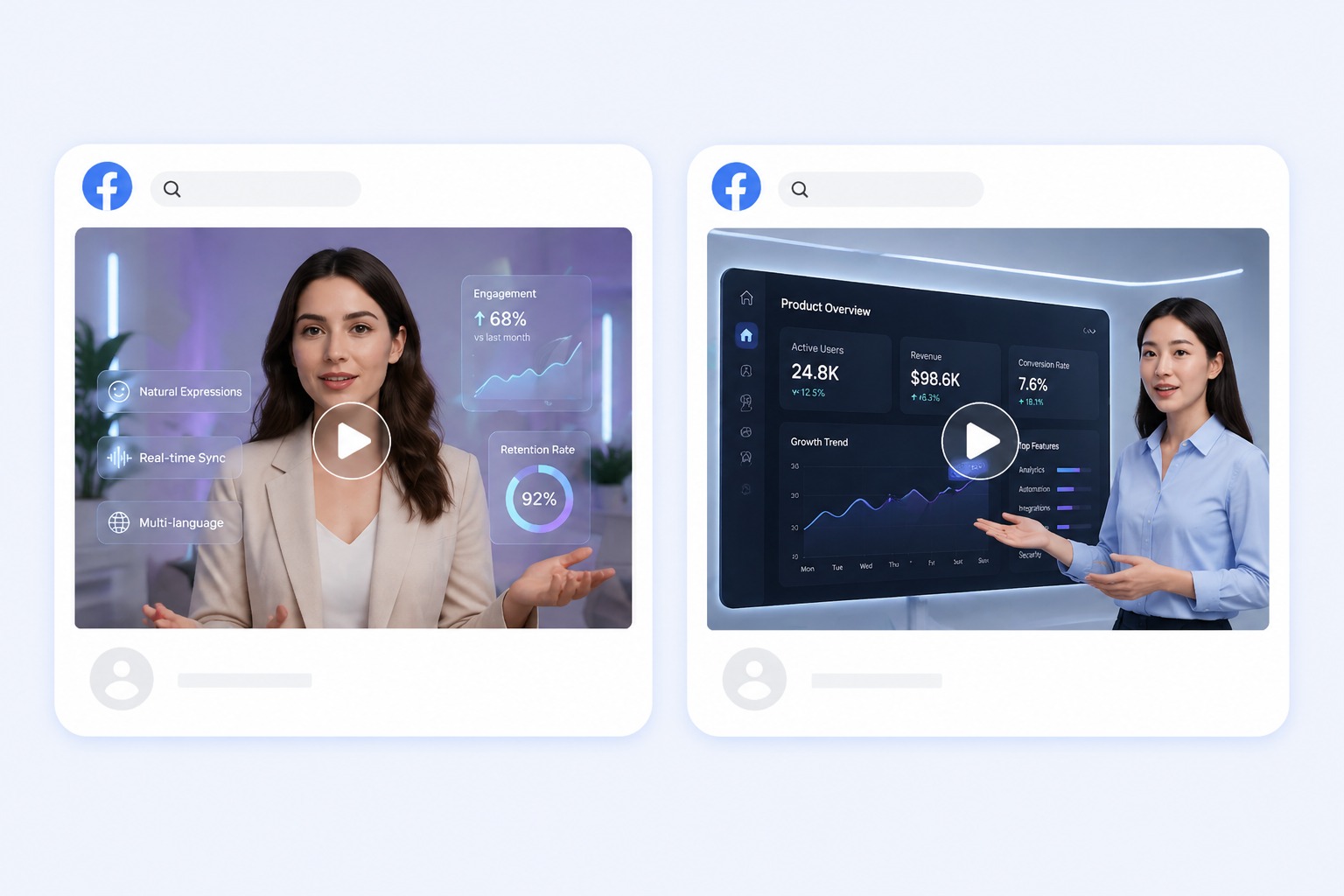
UGC-style product pitches
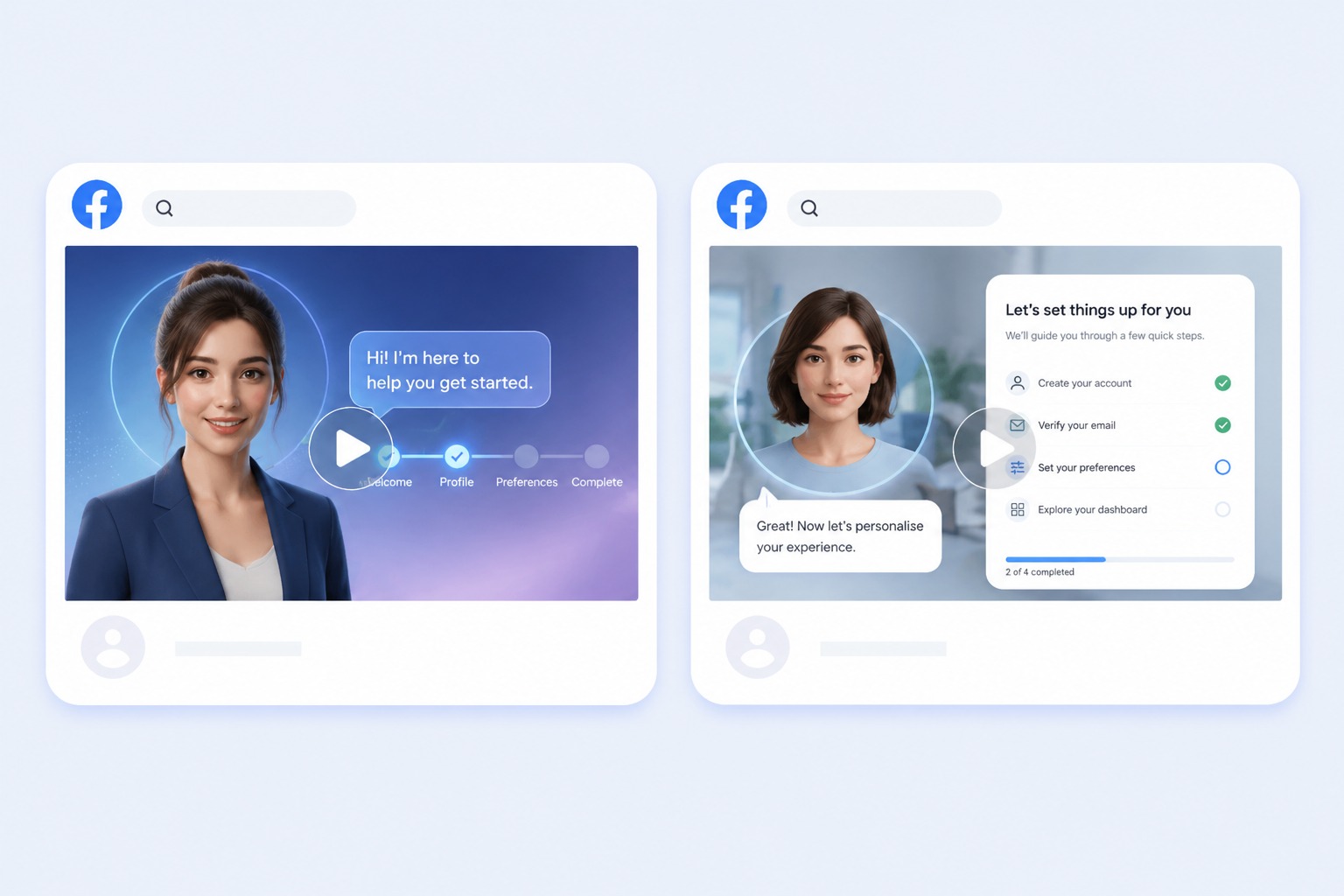
A presenter talks to camera about one benefit and one offer, the way a customer review would, without booking a creator for every product.
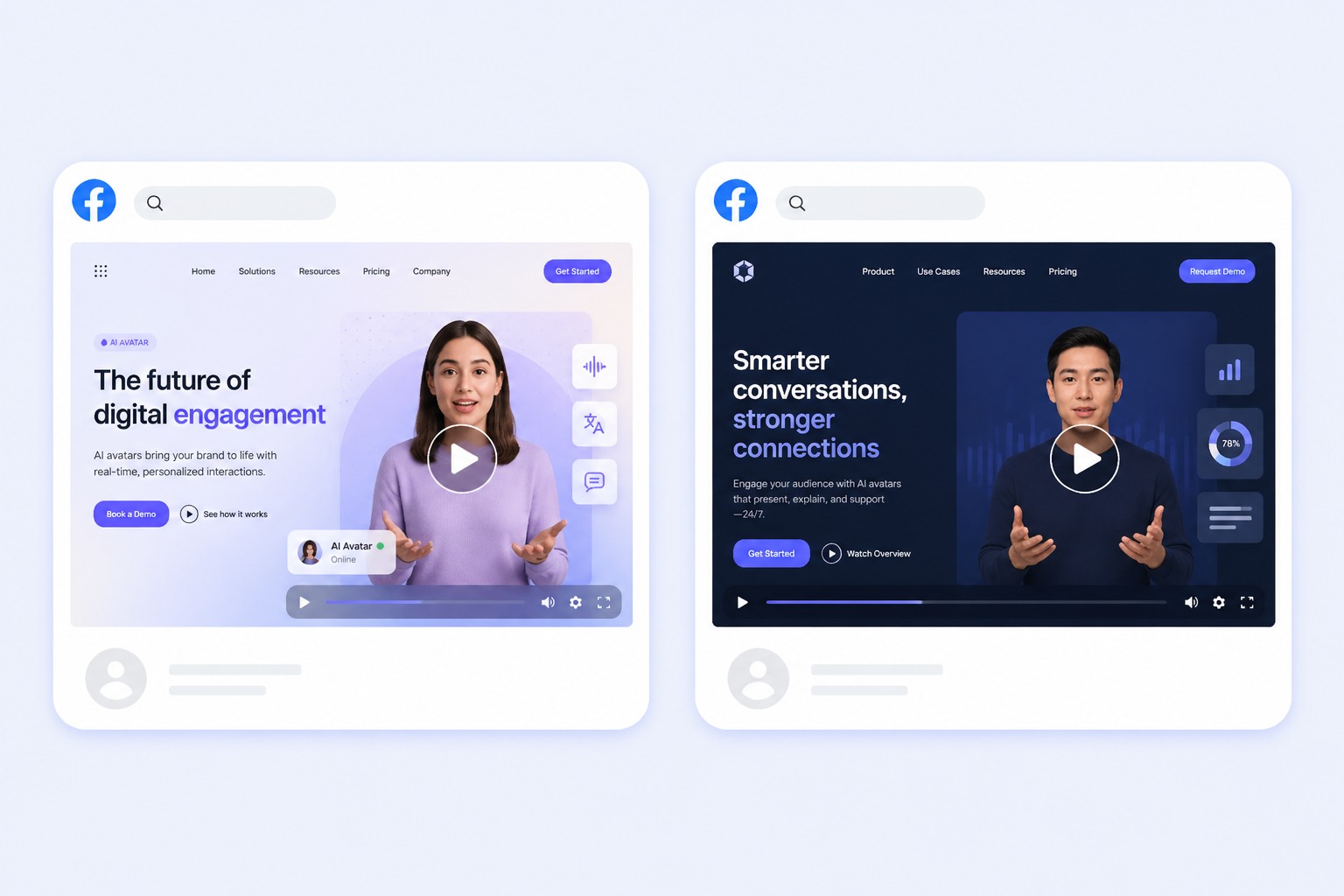
Hook and script tests
Keep the same presenter and change only the opening line or the angle, then compare which version your audience responds to.
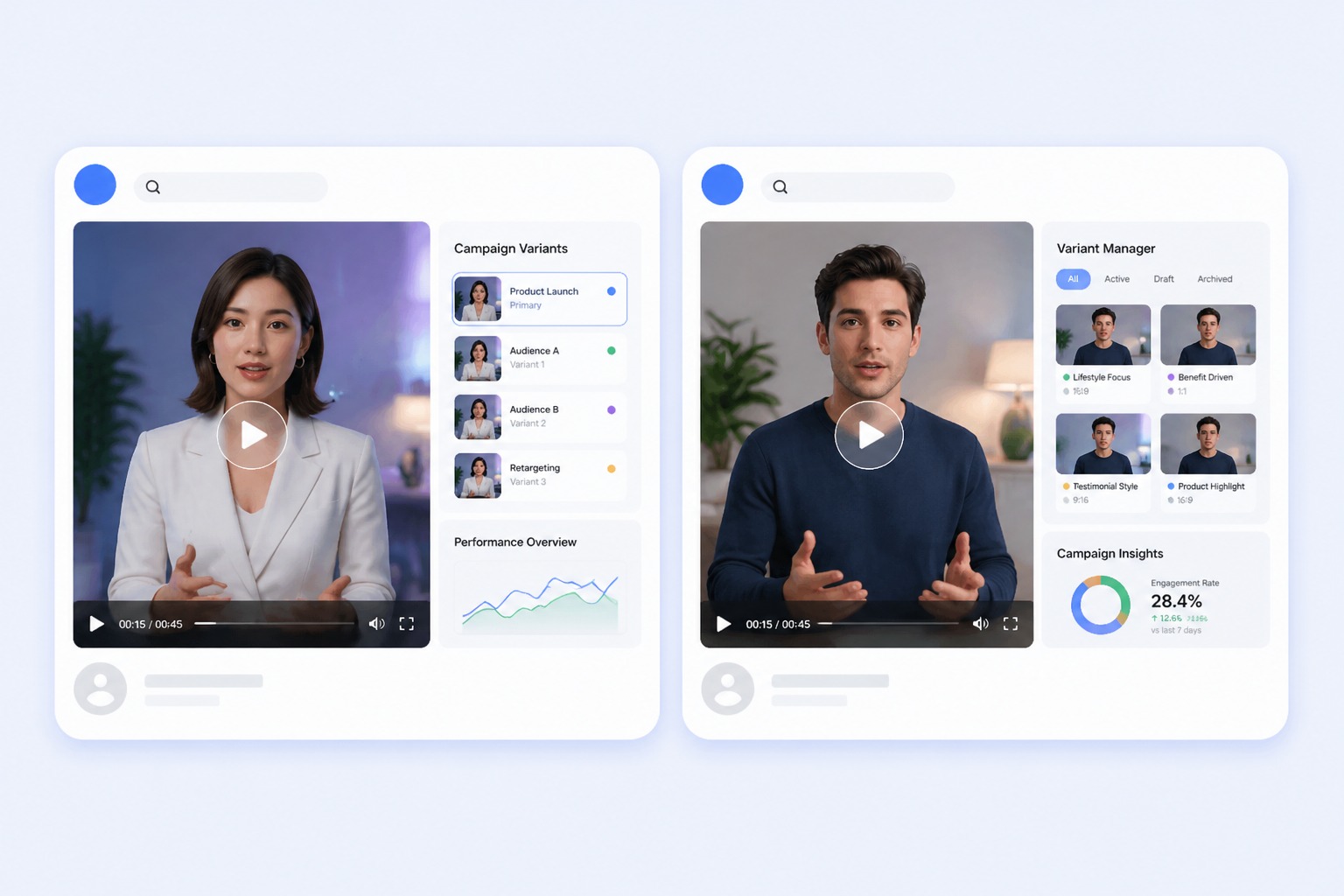
Social promos
Produce a short talking clip for a promo window that closes before a creator brief and a shoot would finish.
Seasonal offers
Refresh a recurring offer each season by changing only the script and the dates.
What to Check Before Running AI UGC Ads
Script length
Audio must be between 3 and 60 seconds. Write the ad to that window instead of cutting a longer read.
Claim accuracy
Verify prices, offers, and product details before generating. The tool does not check what the presenter says.
No product in hand
The presenter talks to camera; it cannot hold, unbox, or demonstrate your product. Add product shots in your own edit if the ad needs them.
Portrait and voice rights
Use a preset, your own image, or a portrait you are licensed to animate, and only upload a real person's voice with that person's permission.
One clip at a time
Each generation produces a single video. Variants are separate runs with their own scripts.
Ad platform rules
Check the finished clip against the ad policies of the channel you run it on, including any rules on labeling AI-generated content.
How to Make an AI UGC Video
A simple three-step portrait-to-video workflow
- 01
Choose or upload a permitted portrait
Pick a preset presenter or a front-facing portrait you are cleared to use. UGC ads work best with a natural, everyday look: even lighting, one clearly visible face, and no heavy retouching.
- 02
Add text or audio
Paste the ad script for text to speech, or upload a recording you have rights to. Write it the way a customer would talk about the product, and keep the audio between 3 and 60 seconds.
- 03
Generate, review, and export
Check the claims, the offer, and the call to action as carefully as the lip sync. The tool animates a presenter; whether the ad is accurate, disclosed, and compliant is still your call.
Why Use AI UGC for Video Ads
- Create without a new camera recording: Turn one permitted portrait and one message into a focused UGC-style video ad.
- Choose text or recorded delivery: Text-to-speech supports quick revisions, while uploaded audio preserves your performance.
- Keep the output easy to review: Short scripts make visual quality, message accuracy, and audience fit easier to assess.
Create without a new camera recording
The reusable workflow is useful when scripts change more often than the presenter or character.
Choose text or recorded delivery
Both inputs lead to the same review step, where timing, rights, and context must be checked.
Keep the output easy to review
Use the finished UGC-style video ad as one component in a responsible publishing workflow.
AI UGC Video Generator FAQ
What is an AI UGC video generator?
It makes user-generated-content style videos, a person talking to camera about a product, without hiring a creator. In AvatarCraft AI you pick a preset presenter or a portrait you are cleared to use, add your ad script or audio, and get a lip-synced AI presenter video you can run as a marketing video ad.
Can the AI presenter hold or show my product?
No. The presenter talks to camera with lip sync and natural head movement, but it cannot hold, unbox, or demonstrate a product. If the ad needs product shots, cut them in with your own footage after downloading the clip.
How long can a UGC ad be?
The audio must run between 3 and 60 seconds, so the finished clip falls in that range. The free plan allows up to 20 seconds per video.
Can I make several ad variants at once?
Each generation produces one clip. To test a second hook or angle, change the script and run it again with the same presenter.
Do I need my own footage or a creator?
No. Start from a preset presenter or a portrait you are cleared to use. No camera, studio, or creator booking is involved.
Can I use AI UGC videos in TikTok, Instagram, or YouTube ads?
You can download the clip and upload it to any ad platform. Check each platform's ad policies, including rules on labeling AI-generated or synthetic content, before you run it.
Is the AI UGC video generator free to try?
Yes. New accounts get 30 free credits, enough for one 20-second video at 540p, and accounts without a subscription are topped back up to 20 credits every 30 days, starting 30 days after sign-up. Free-plan videos carry a small AvatarCraft AI watermark. After that, video costs 1 credit per second at 540p, or 2 at 720p on a paid plan.
Who is responsible for the claims in the ad?
You are. The tool animates a presenter reading your script; it does not verify prices, offers, or compliance with advertising rules.