
AI Music Video Generator
Turn a song, voice track, or avatar idea into a shareable music video clip. Use AvatarCraft AI for virtual singer avatars, lyric concepts, cover previews, and photo-to-music-video workflows.
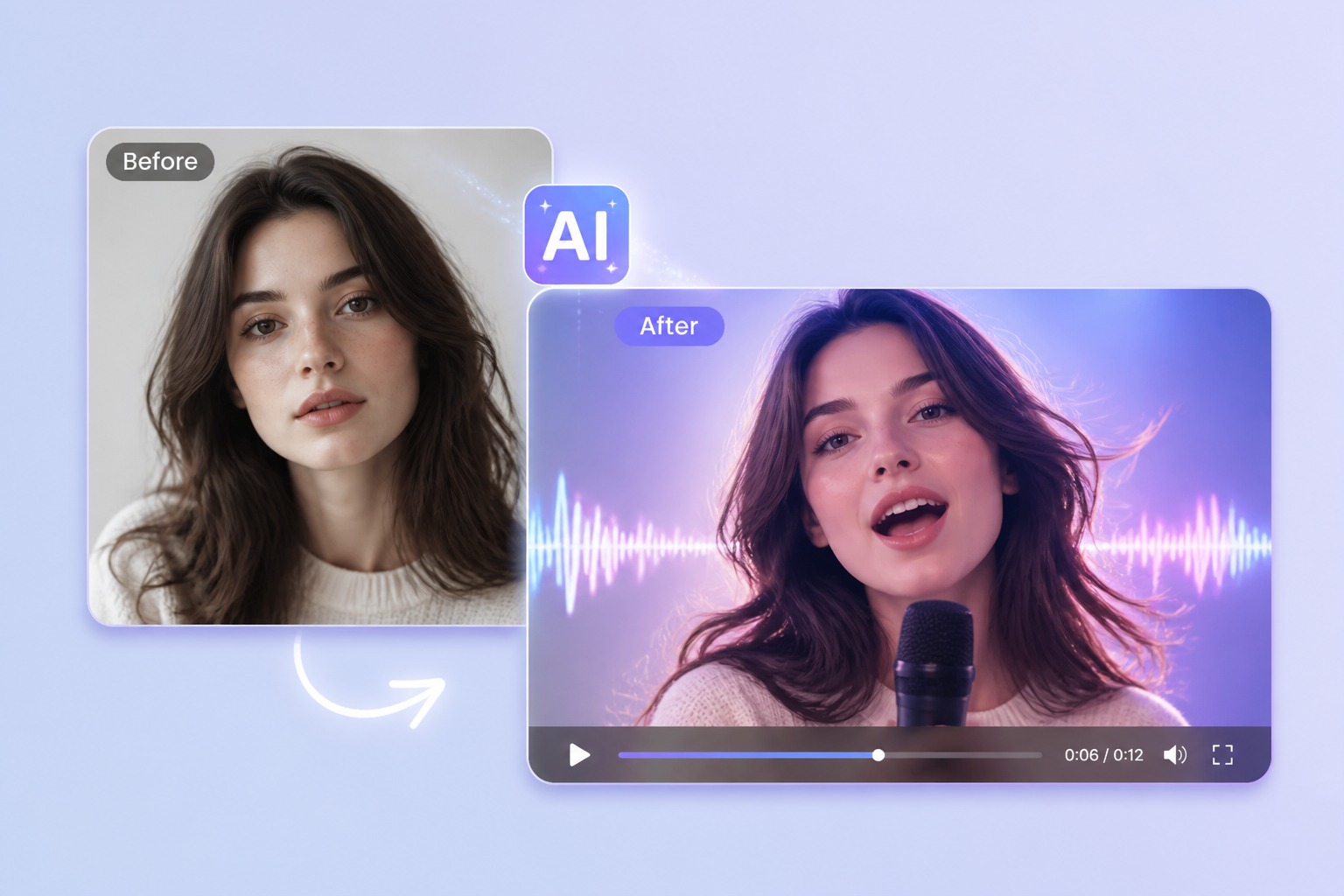
Avatar Music Videos From a Photo
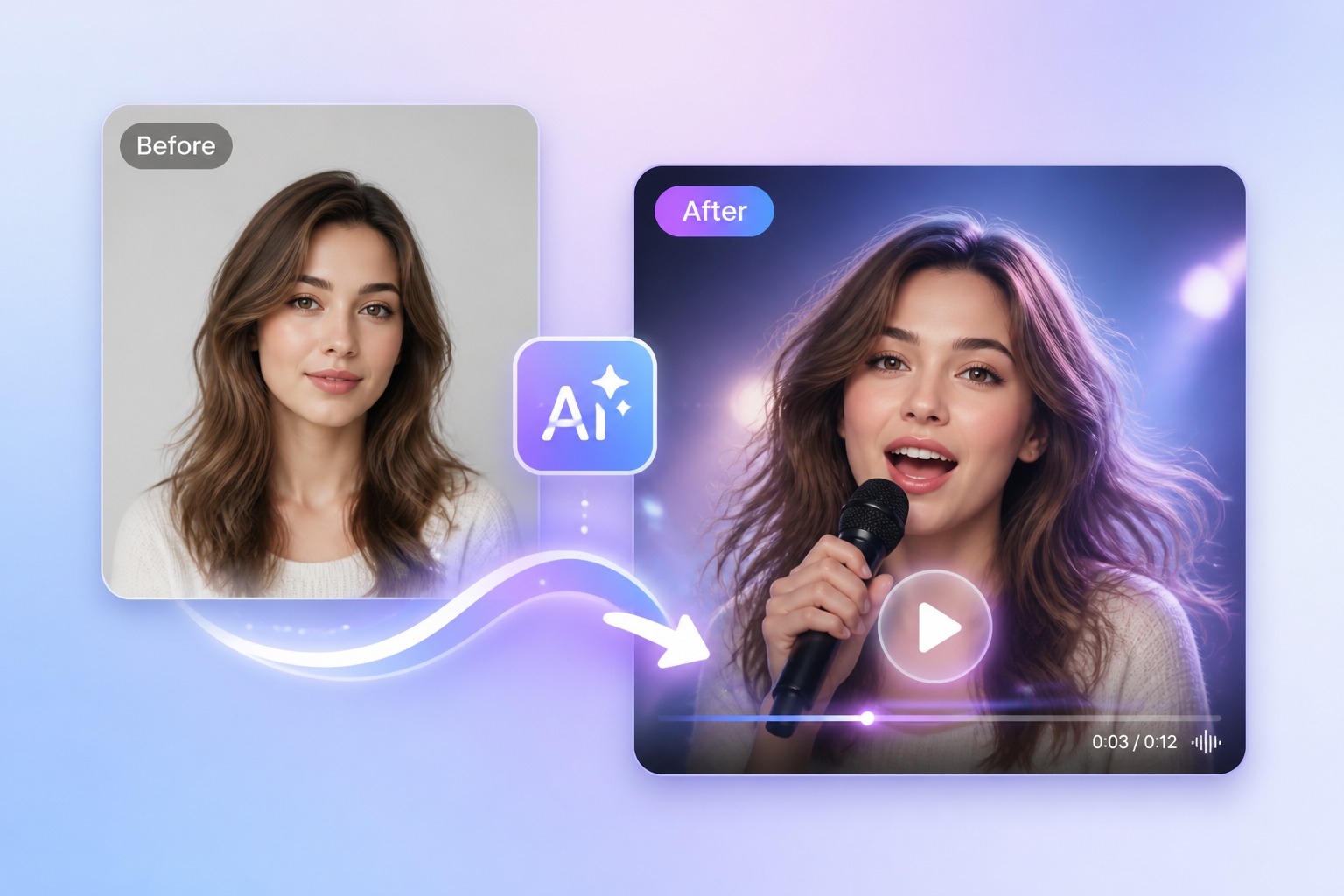
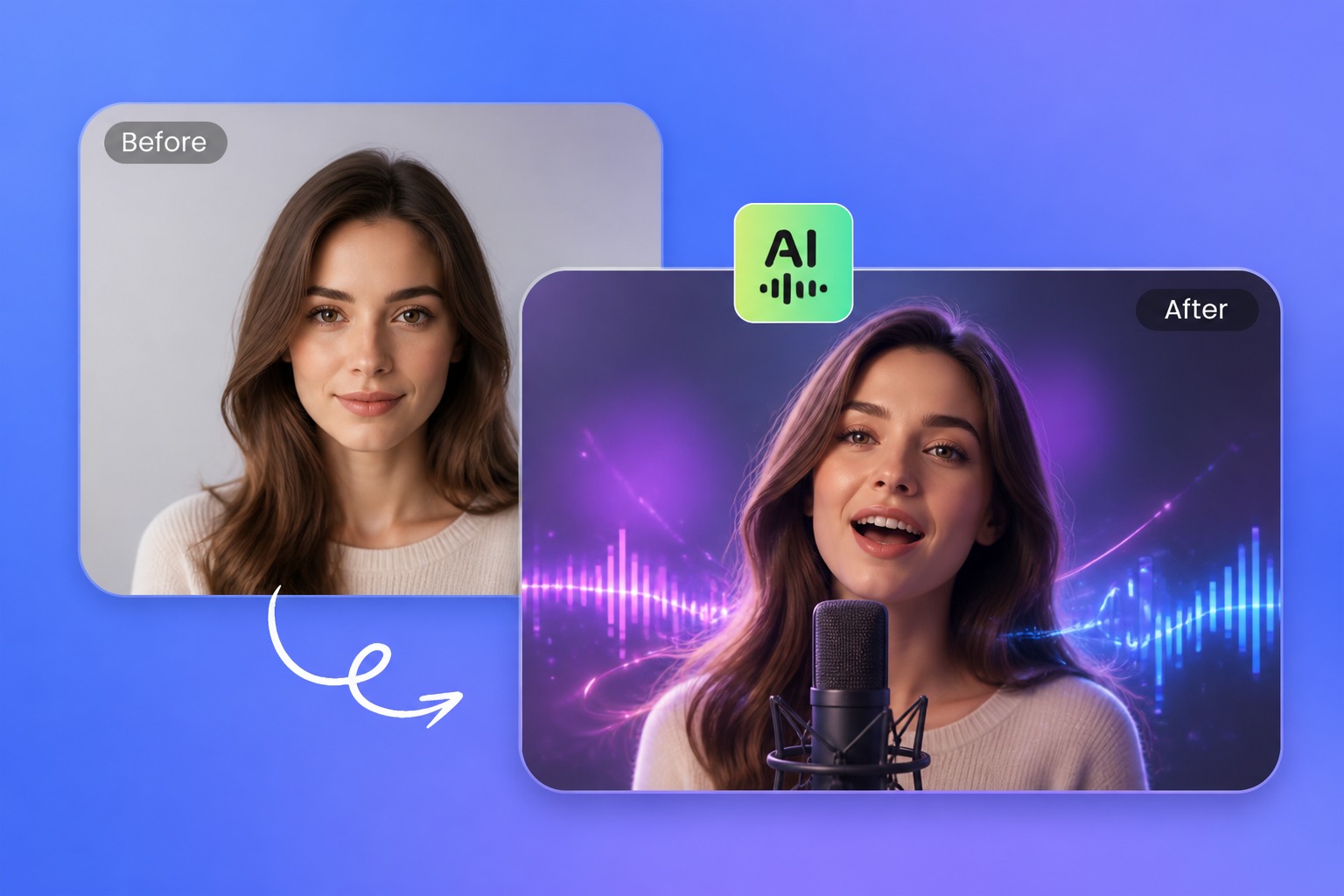
Photo to Music Video
Photo to music video AI works best when you start with one clear portrait and a short audio segment. The generator can build a singing avatar music video around the face, mood, and rhythm instead of requiring a full filmed performance.
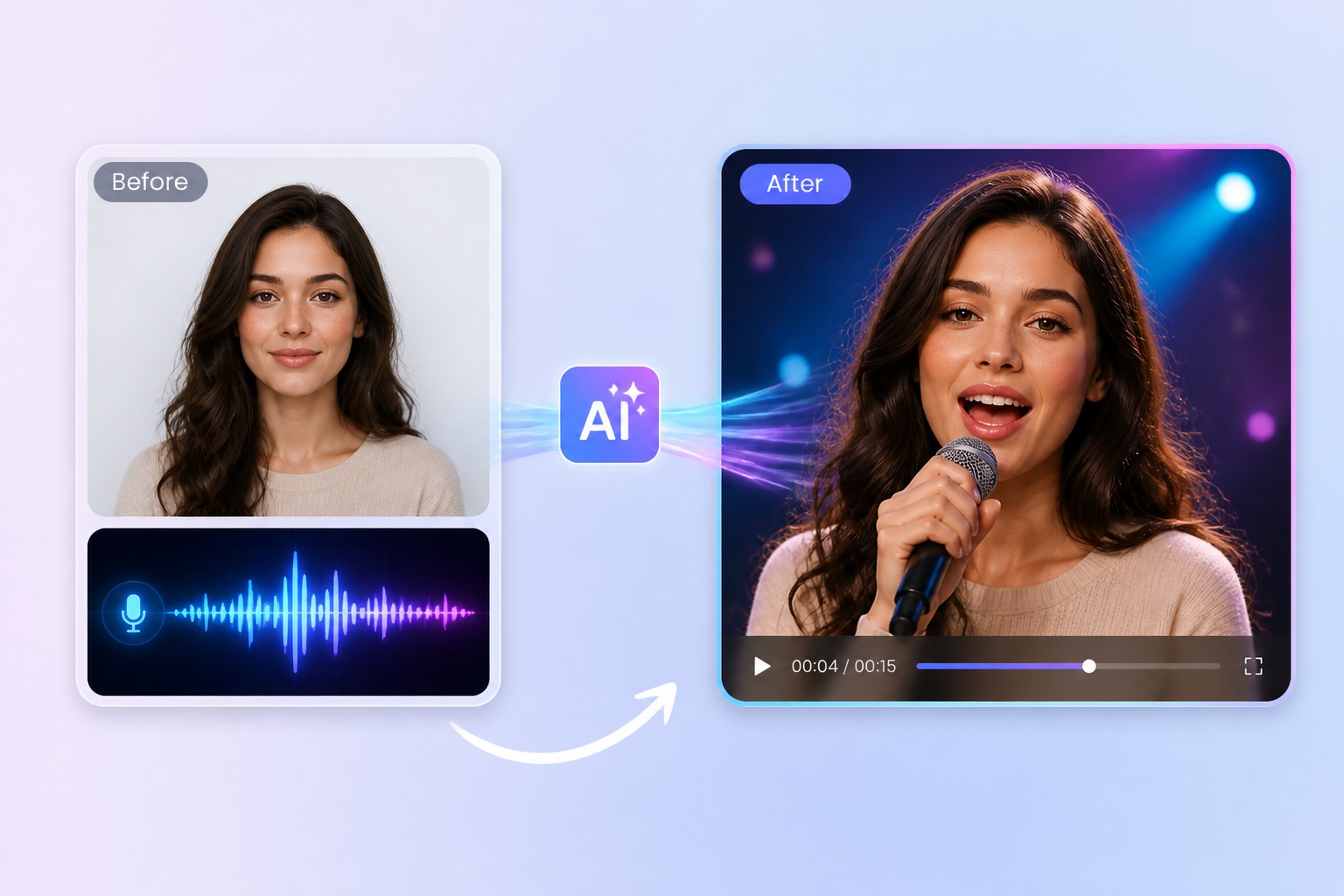
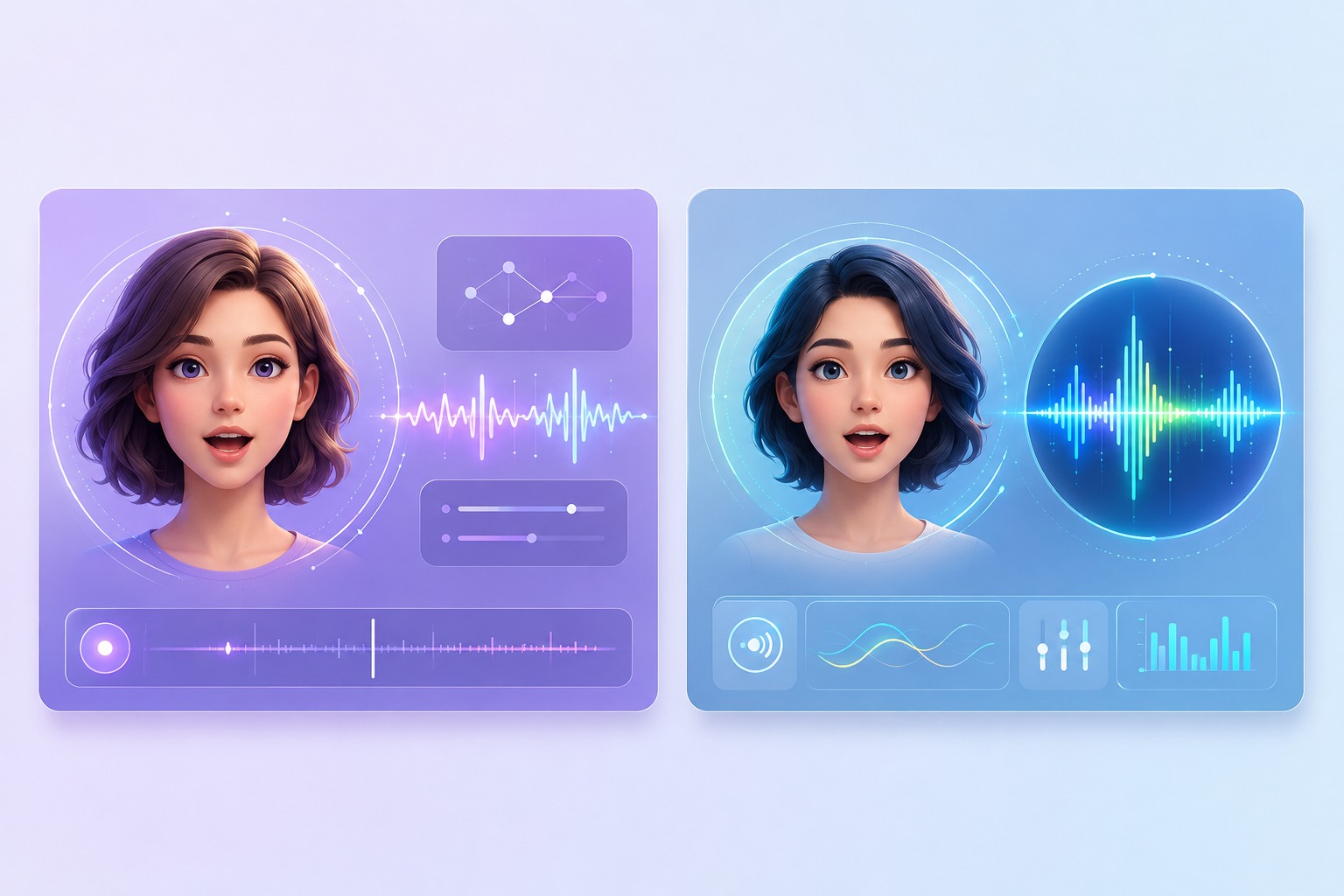
Virtual Singer Avatar
A virtual singer avatar gives the song a performer even when you do not have footage. Use an original character, mascot, or consented portrait, then review whether the mouth timing and facial expression fit the track.
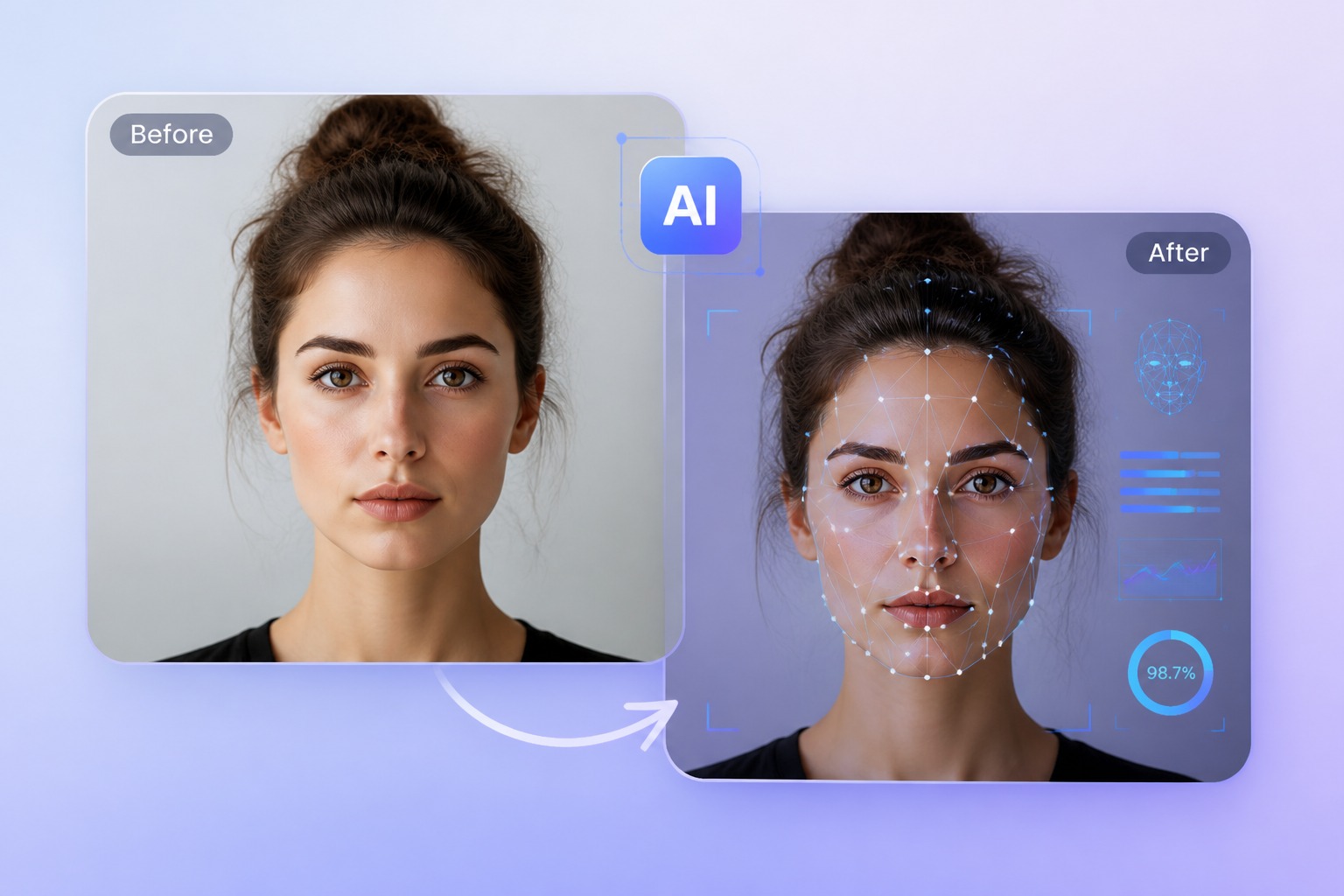
Lyric and Cover Clips
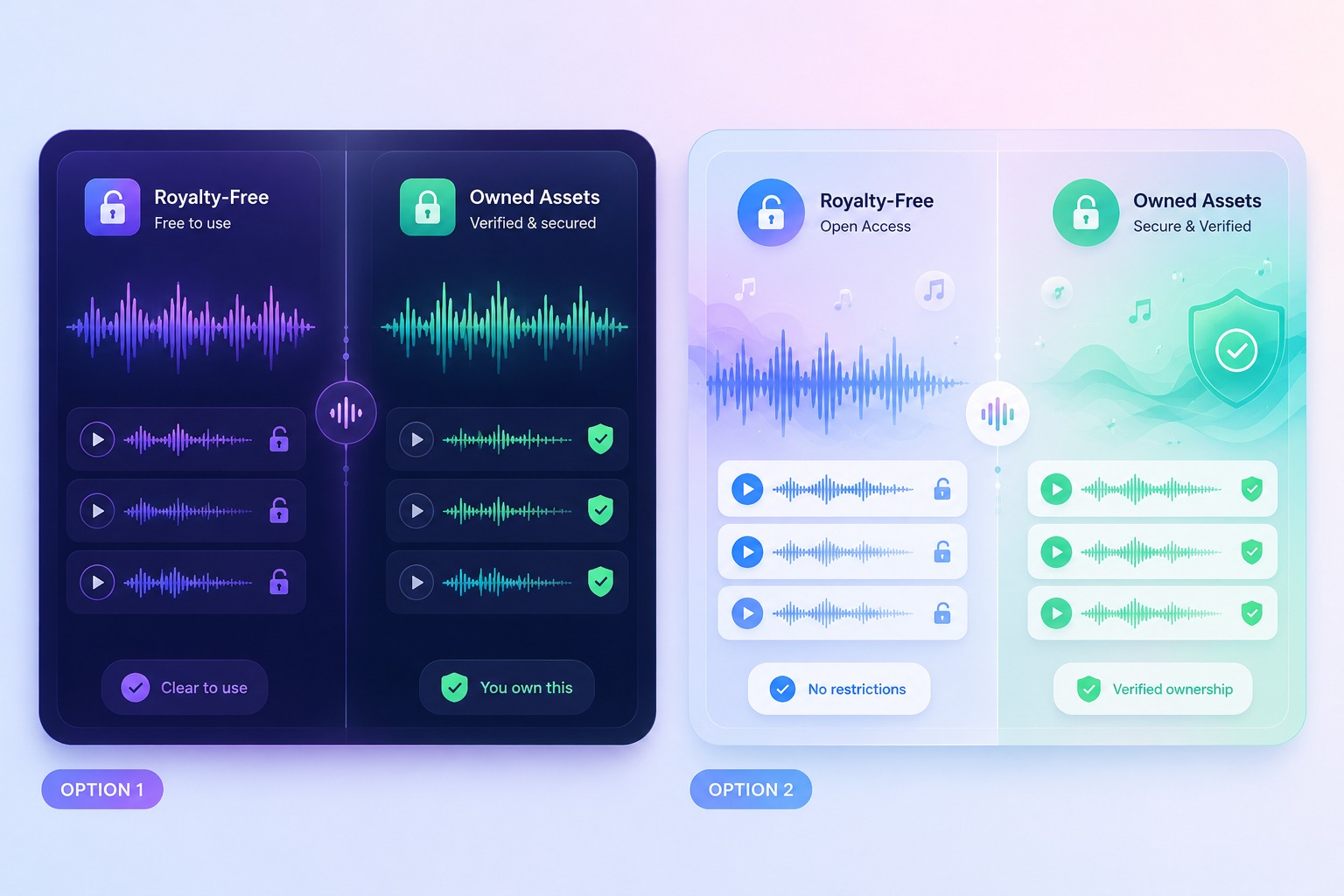
Use the AI song video generator for lyric-video concepts, cover previews, chorus hooks, and social snippets. Keep audio rights clean: owned, licensed, royalty-free, or otherwise cleared for public posting.
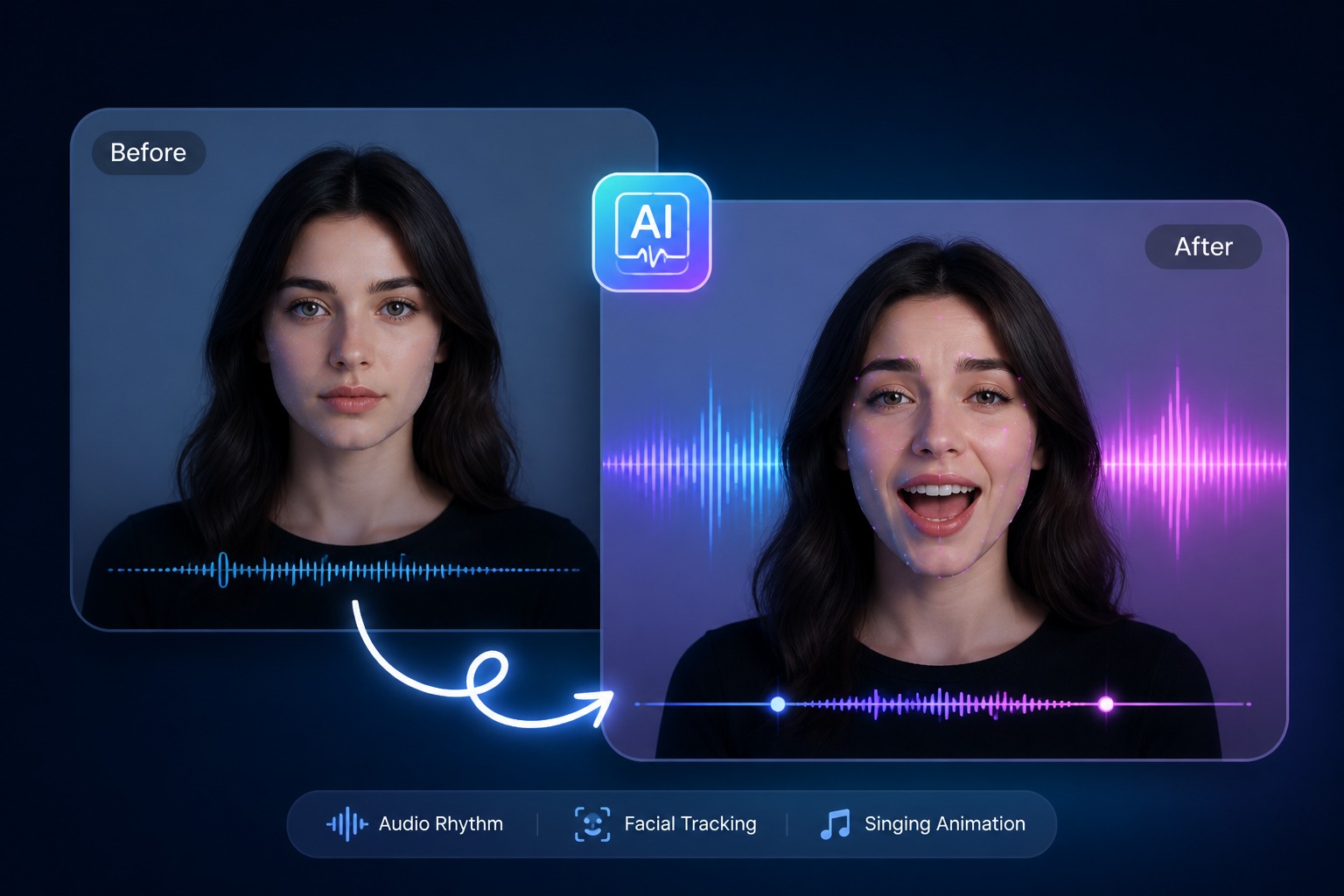
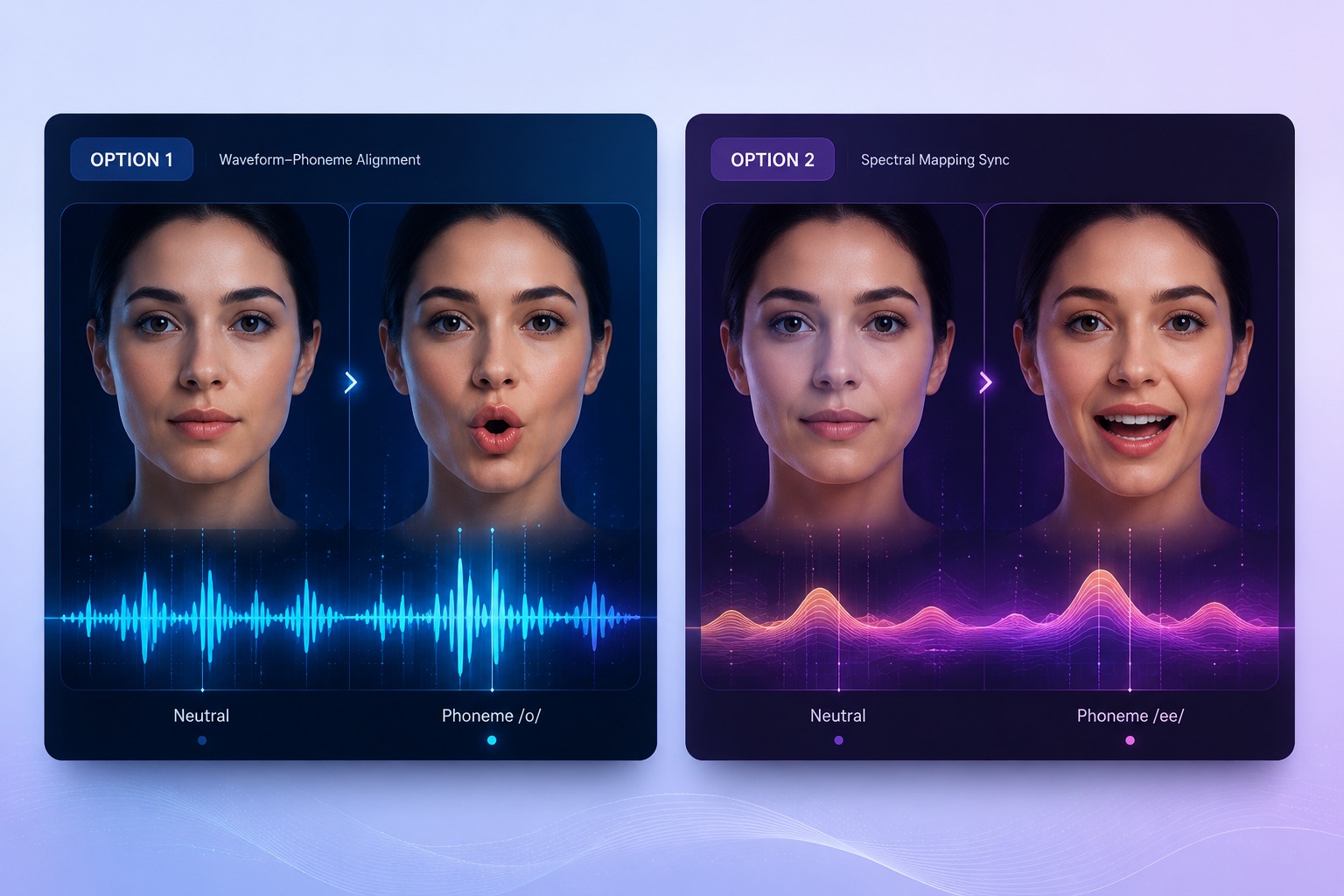
Lip Sync Accuracy Path
For technical timing, sustained vowels, and frame-accurate mouth movement, continue to [AI lip sync music video](/ai-lip-sync-music-video). For broader AvatarCraft workflows, use the [AI singing avatar](/ai-singing-avatar) pillar.
AI Avatar Music Video Ideas
Use the AI avatar music video generator for short, rights-safe clips that can be reviewed quickly before investing in longer edits.
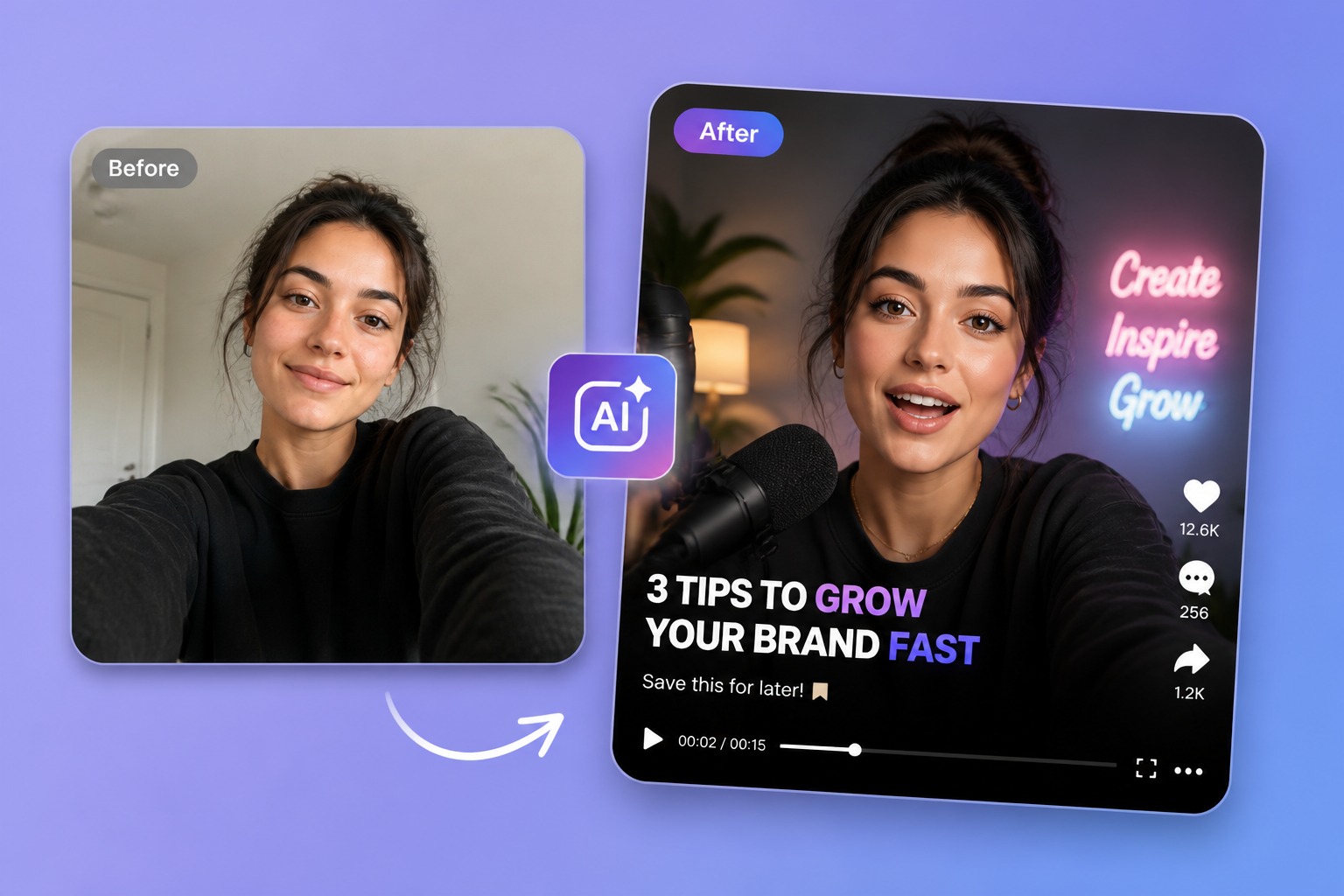
Virtual Singer
Create a performer for an original song, demo, or voice track without filming a full set.
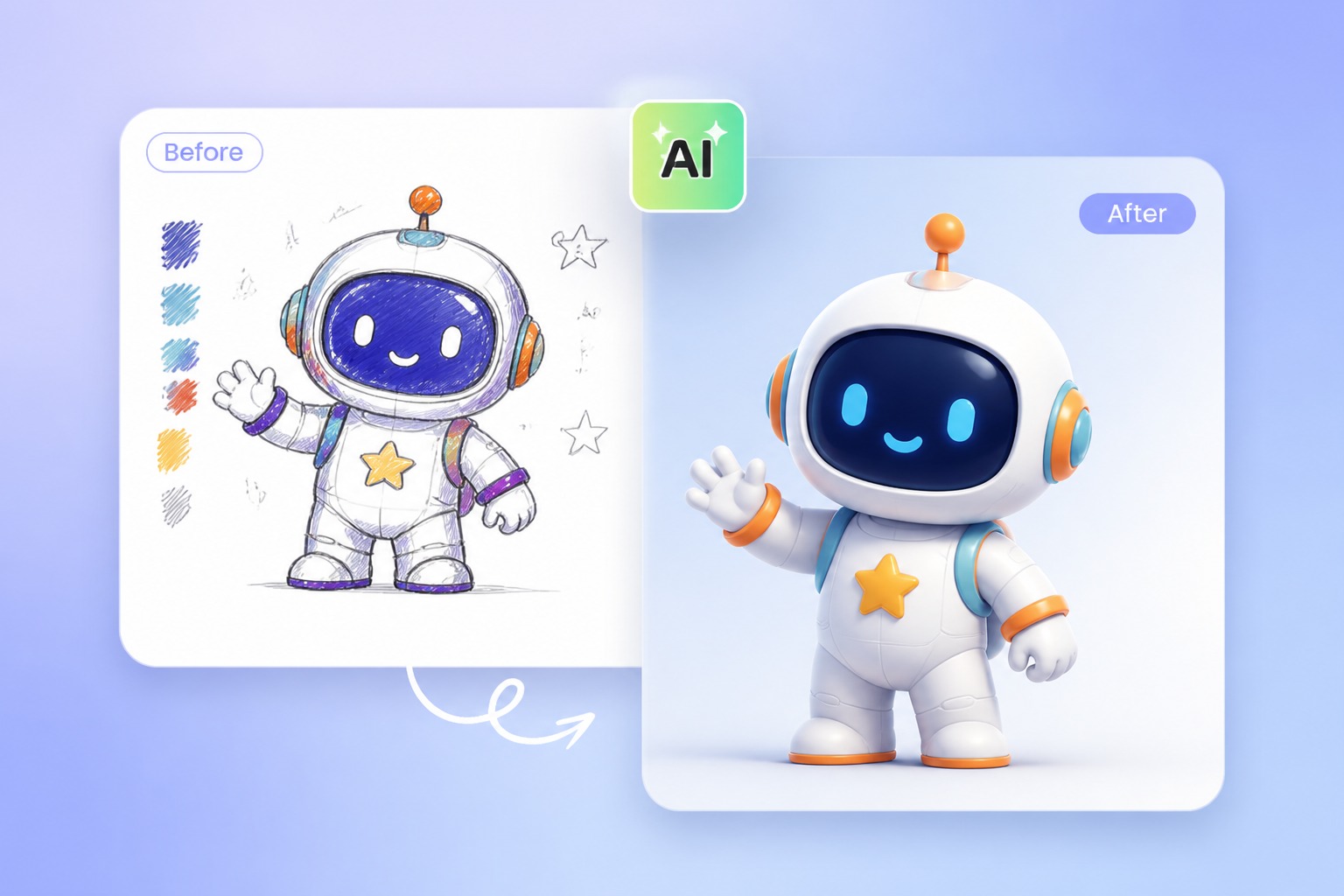
Lyric Video
Pair avatar motion with lyric-led scenes, captions handled separately where needed for readability.
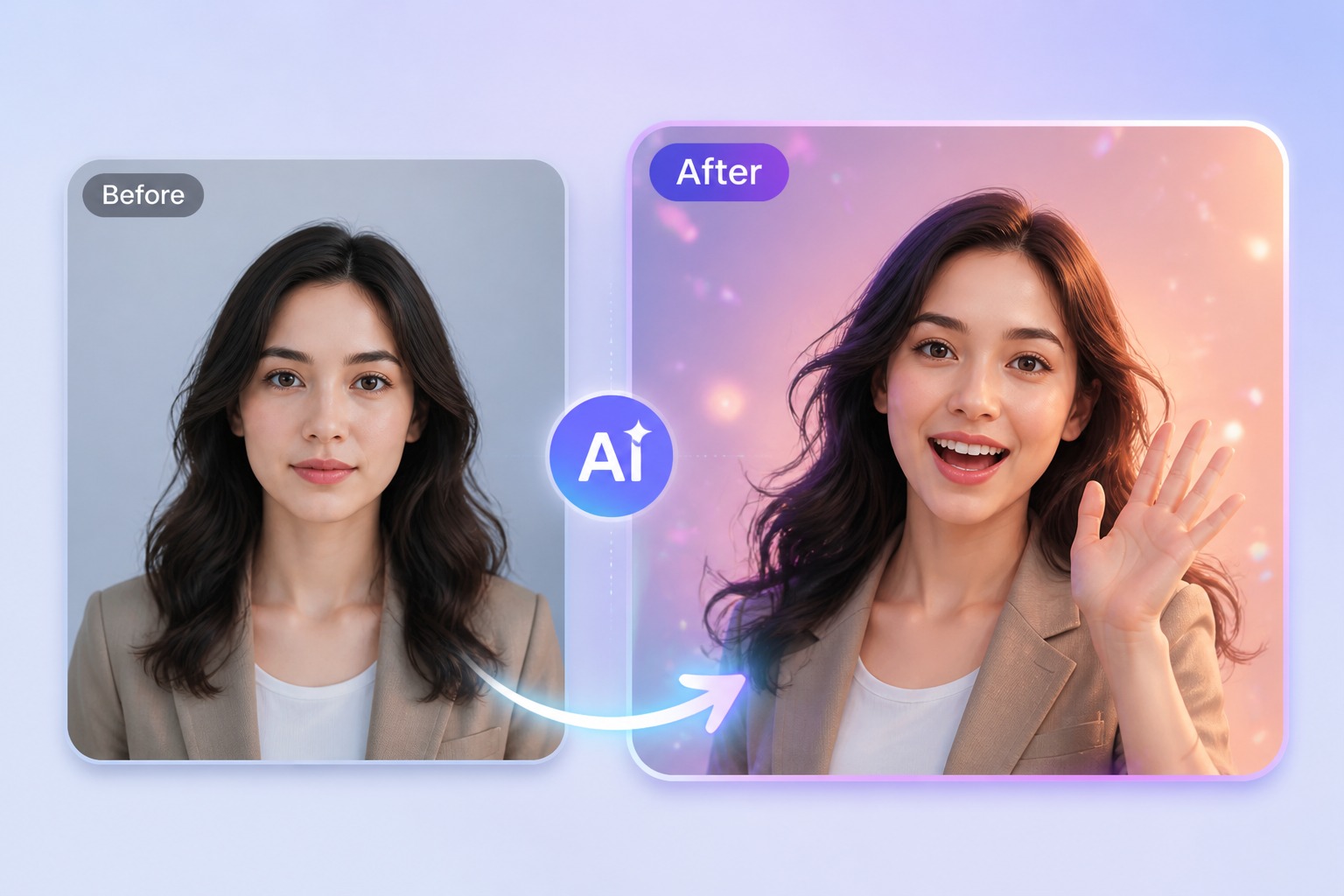
Cover Preview
Mock up a cover performance using audio you own, recorded, licensed, or have permission to use.
Social Hook
Turn the strongest 15 to 30 seconds of a song into a shareable Reels, Shorts, or TikTok-style clip.
Mascot Song
Give a brand mascot or original character a music moment with controlled tone and visual identity.
Fan Greeting
Use personal or royalty-free audio for birthday, holiday, and community greeting videos.
Best Inputs for AI Singer Video Generator Results
Use cleared audio
Owned, licensed, recorded, or royalty-free audio is safest for public or commercial clips.
Start with the hook
A short chorus or hook is easier to judge than a full-length song render.
Pick one performer
One singer avatar keeps the viewer focused and reduces face-animation ambiguity.
Match visual tone
A dramatic ballad, meme track, and birthday jingle need different motion and expression levels.
Review lip sync separately
If timing is the priority, check the dedicated AI lip sync music video workflow before publishing.
Avoid fake rights claims
AI can create visuals, but it does not grant permission to use someone else’s song or likeness.
Song to Shareable Video in 3 Steps
Build an AI music video from audio, avatar, and review passes
- 01
Choose Your Audio
Start with a song, voice track, or chorus segment you own, recorded yourself, licensed, or sourced royalty-free. Avoid copyrighted songs you are not allowed to publish.
- 02
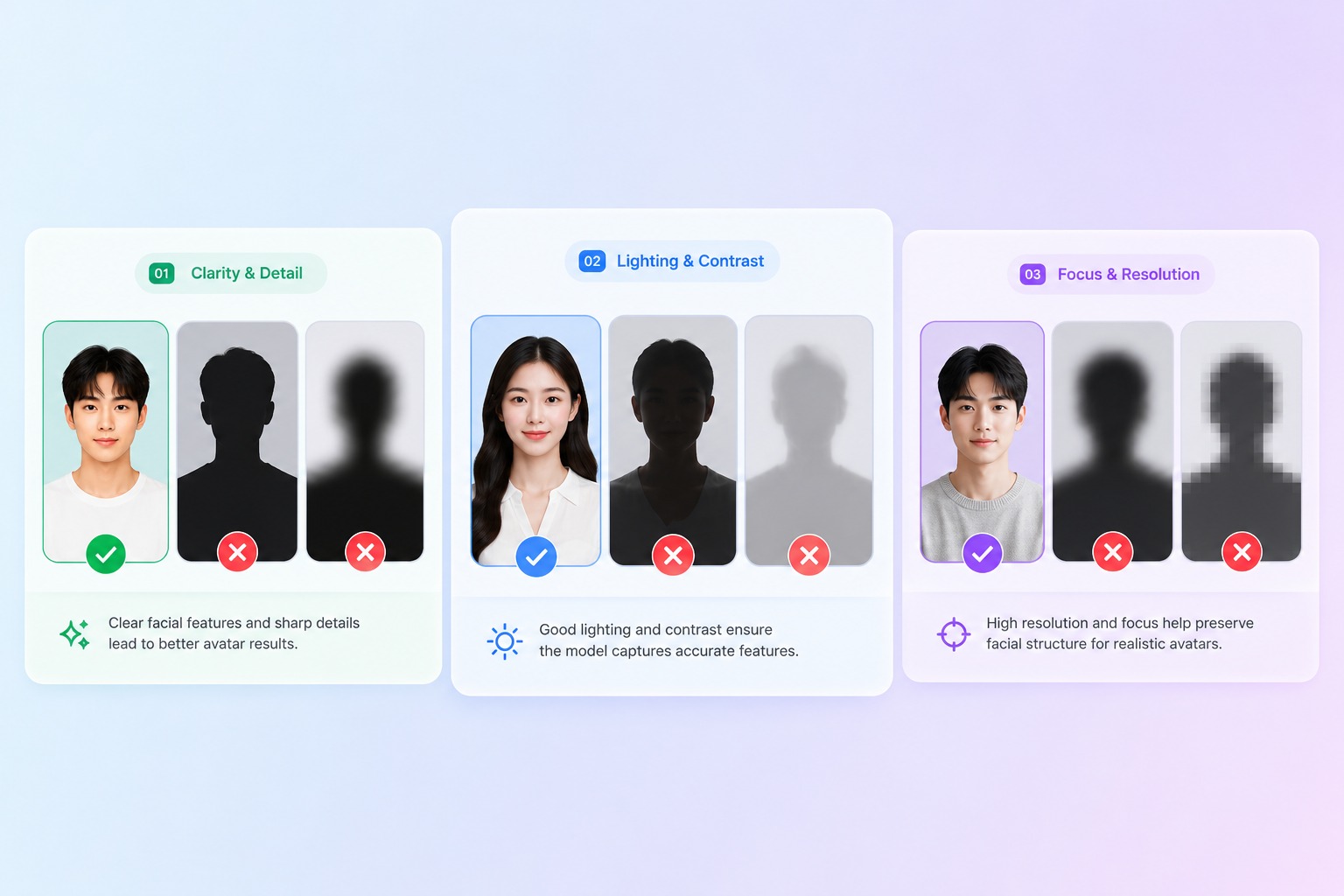
Add Avatar Source
Upload a portrait, original character, mascot, or avatar reference. Clear face visibility helps AvatarCraft AI build a stronger singing avatar music video.
- 03
Generate and Share
Create the AI music video, review sync and expression, then export a short clip for social, campaigns, lessons, or personal messages.
Music Video Scenes You Can Prototype
Plan the video around a clear format: performer, lyric mood, cover concept, or shareable hook. Keep the first render short so revisions stay practical.

AI Music Video Generator FAQ
What is an AI music video generator?
An AI music video generator helps turn a song, voice track, or audio idea into a visual clip. In AvatarCraft AI, the focus is avatar and singing-photo workflows: a performer, portrait, mascot, or original character can become the visual center of the music video.
What is an AI avatar music video generator?
An AI avatar music video generator creates a performer-driven clip around an avatar or portrait. It is useful when you have audio but no filmed singer footage. The best fit is a short, single-performer scene where lip sync, expression, and visual mood are easy to review.
Can I create a virtual singer avatar?
Yes. You can build a virtual singer avatar from an original character, mascot, or consented portrait. Use a clear face source and a short song segment first. Review mouth timing, expression, and identity before creating longer clips.
Can I use it as an AI singer video generator?
Yes, especially for demos, social hooks, short covers, birthday songs, mascot clips, and virtual performer concepts. It should not be treated as permission to use copyrighted music or someone else’s likeness without clearance.
Can I make lyric videos with AI?
A lyric video AI generator workflow can help shape mood, avatar motion, and visual scenes around a song. For readable lyrics, keep text handling separate or review carefully, because generated images are not always reliable for exact typography.
Can I make AI cover videos?
Yes, if you have the rights to the audio and visual source. Use original recordings, licensed tracks, royalty-free music, or cleared cover audio. The AI cover video generator can help prototype the performer and scene, but rights still matter.
Can I turn a photo into a music video with AI?
Photo to music video AI works when the image has a clear performer face and the song segment is manageable. It is strongest for short clips, chorus previews, social hooks, and personal greetings rather than complex multi-scene productions.
What audio can I legally use?
Use audio you own, recorded yourself, licensed, or sourced from royalty-free libraries. Do not assume AI generation gives you rights to copyrighted songs. For public or commercial posts, check music rights, likeness rights, and platform rules before publishing.
Create an AI Avatar Music Video with Cleared Audio
Start Music VideoMore singing use cases
Same tool, different subjects and occasions — pick the one closest to what you want to make.
AI Cat Singing Generator - Make a Cat Photo Sing
Make a cat photo sing with AI using your own image and permitted song audio. Create a playful, lip-synced singing cat video for greetings and social clips.