
~—Cost: —
AI Spokesperson
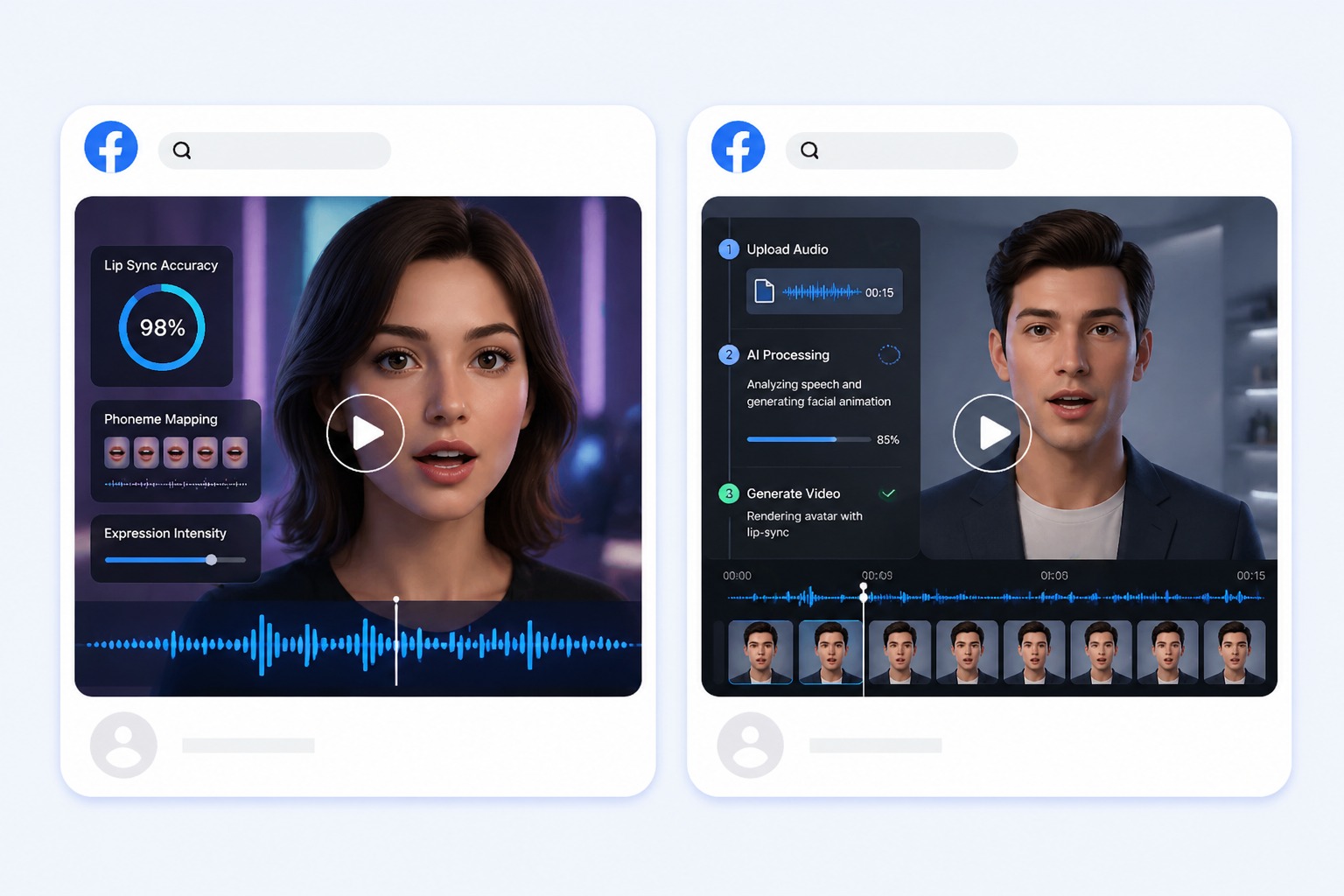
An AI spokesperson is a presenter generated from a single portrait. You supply the script or the voice, and AvatarCraft AI produces a lip-synced video of that face delivering it. Use a preset spokesperson or an approved photo of your own presenter for product demos, ads, and business updates.
How to Make an AI Spokesperson Video
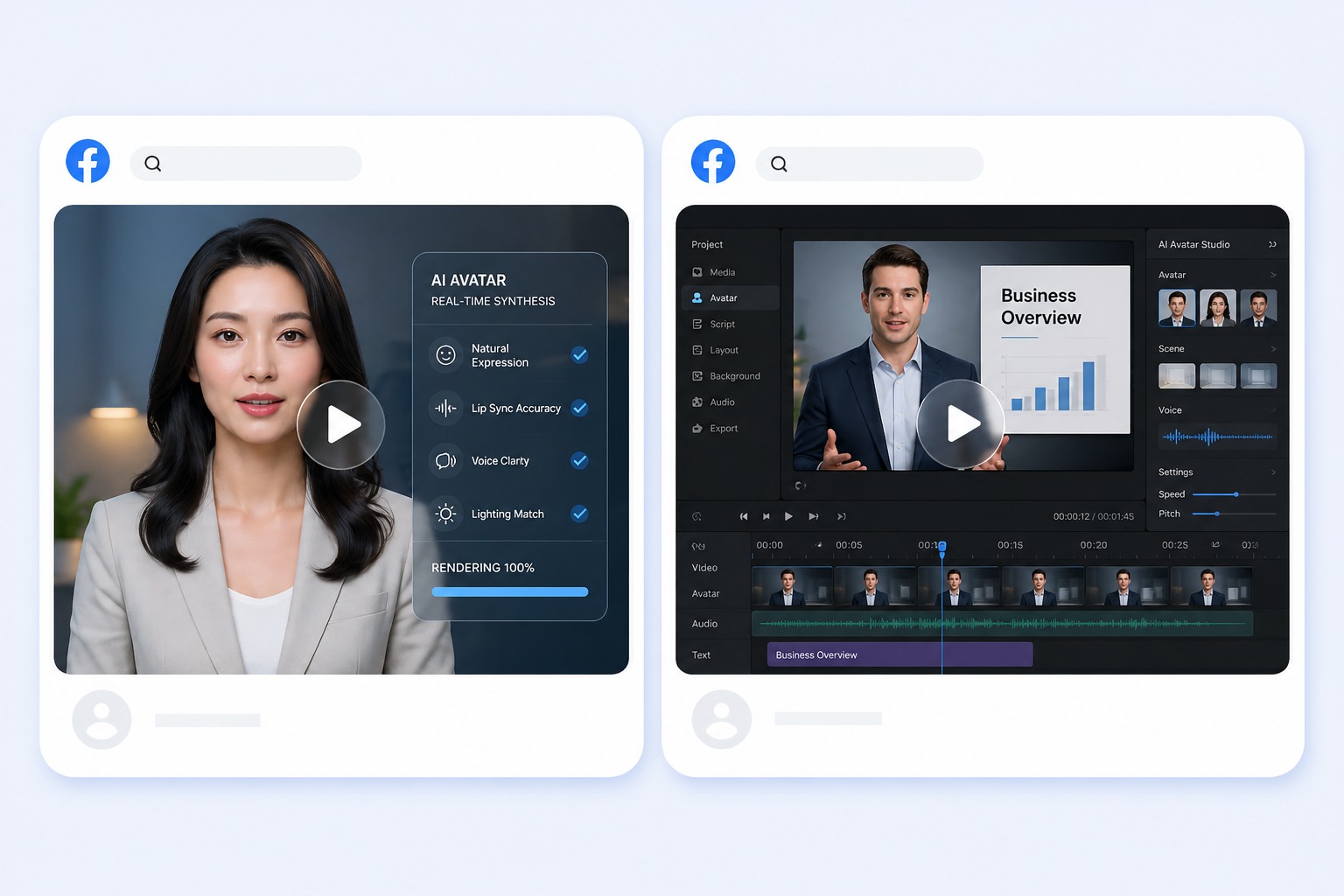
Choose a spokesperson
The tool opens on spokesperson presets such as Spokeswoman, Spokesman, Executive, and Tailored Suit, with 160+ avatars in the full gallery. Or upload an approved photo of your own presenter: JPG, PNG, or WebP up to 10MB with one clear face.
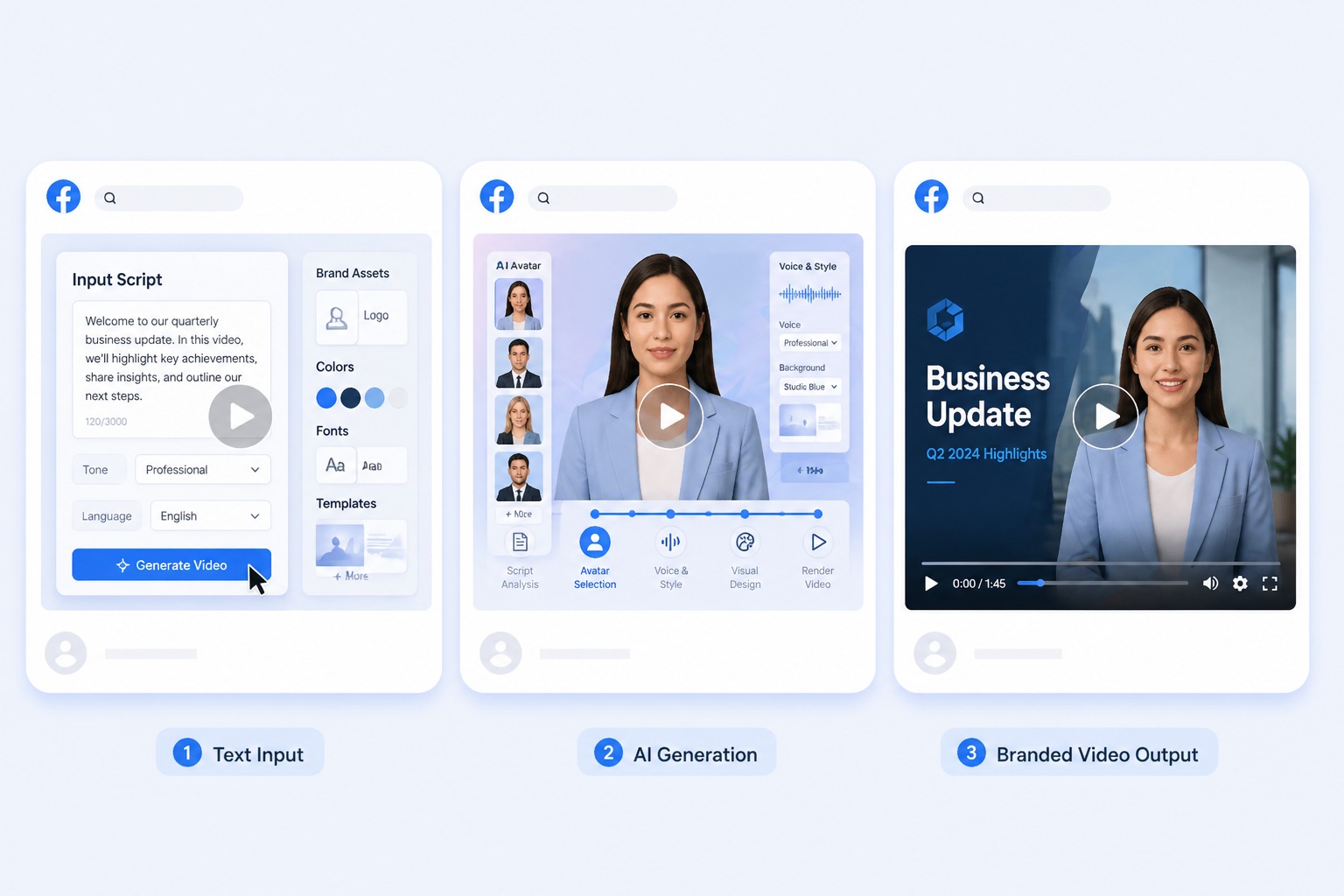
Add the script or the voice
Type the script and pick from 330+ voices in 20+ languages, or upload the voice track your team recorded as an MP3, WAV, or M4A file up to 50MB.
Keep each clip short
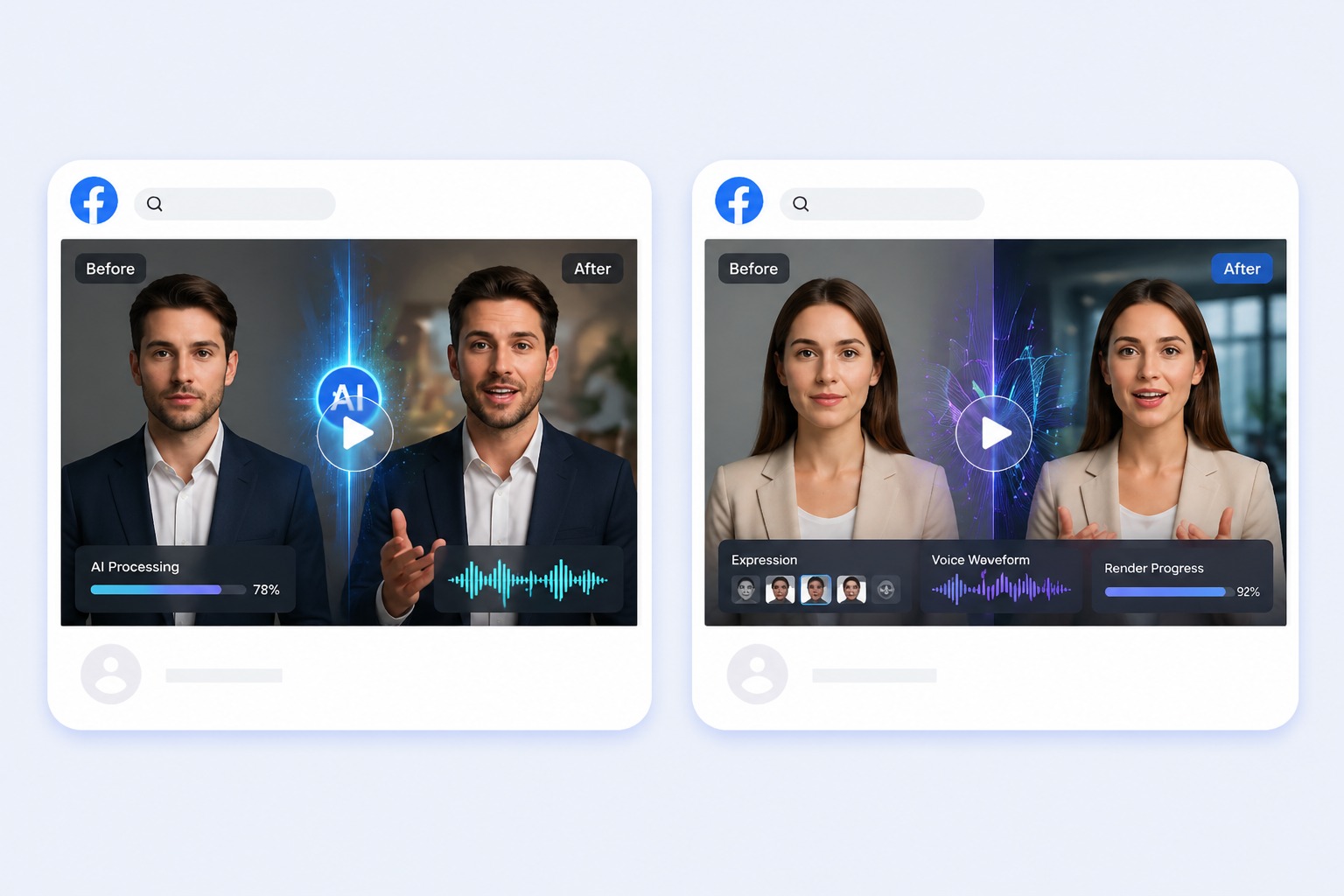
Each video takes 3 to 60 seconds of audio, up to 20 seconds on the free plan. Split a longer pitch into scenes and generate them one by one.
Review and download
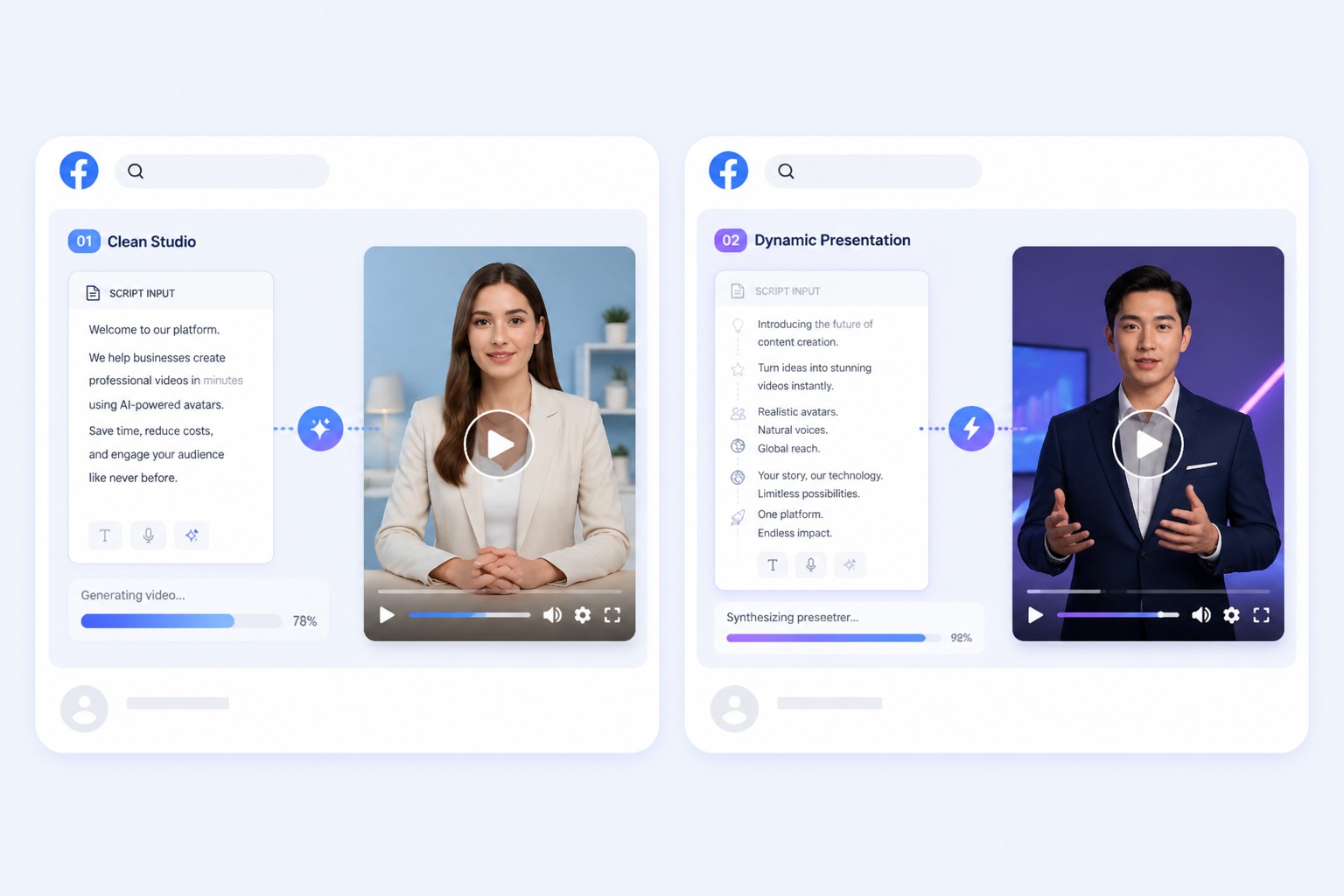
Choose 540p or 720p, check the lip sync and every claim in the script, then download the video for your website, ads, or channels.
Use Cases
AI Spokesperson Use Cases
Where a recognizable presenter helps the message, and filming every update does not scale.
Website explainers
Put a short spokesperson video on a homepage or landing page by downloading it and adding it like any other video.
Ads and promos
Turn an approved script into a talking video ad, then try a different presenter or voice by generating again.
Ecommerce product videos
Give a product listing a presenter who explains what it is and who it is for.
What to know before you generate
AI Spokesperson Video Limits and Pricing
Audio length
Each video takes 3 to 60 seconds of audio. The free plan allows up to 20 seconds.
Resolution and price
Video costs 1 credit per second at 540p. 720p costs 2 credits per second and needs a paid plan.
Free to start
New accounts get 30 free credits, enough for one 20-second spokesperson video at 540p.
Presenter photo
JPG, PNG, or WebP up to 10MB with one clear face. Use a preset or a photo you have permission to use.
Voice input
Text to speech with 330+ voices, an MP3, WAV, or M4A file up to 50MB, or a recording made in your browser.
Generation time
About three minutes for a 10-second clip at 540p, and about six minutes at 720p.
How to Create an AI Spokesperson Video
Three steps: presenter, script, generate
01
Pick the presenter
Choose a spokesperson preset or upload an approved portrait with one clear, front-facing face.
02
Add the script
Type the script and pick a voice, or upload the voice track you recorded.
03
Generate and download
Choose 540p or 720p, generate, review the delivery, and download the video.
Why Teams Use an AI Spokesperson Instead of Filming
- Update the message, not the shoot: Change a price, a feature, or a date and generate the clip again.
- One presenter across languages: Pick a voice in the target language or upload a translated voice track.
- You approve every word: The spokesperson says only the script you write.
Update the message, not the shoot
The same presenter stays consistent across every version you publish.
One presenter across languages
You supply the translation, and the spokesperson delivers it with matching lip sync.
You approve every word
Check claims and disclosures before publishing. AvatarCraft AI does not review your script for accuracy.
Common questions about creating AI spokesperson videos with AvatarCraft AI.
AI Spokesperson FAQ
What is an AI spokesperson?
An AI spokesperson, or virtual spokesperson, is a presenter video generated from a single portrait. You provide the script or the voice, and the face delivers it with lip sync, without filming anyone.
How do I make an AI spokesperson video?
In the spokesperson video maker, pick a preset presenter or upload a photo, add the script with text to speech or upload a voice track, then generate and download the video.
Can I use our own presenter or brand ambassador?
Yes, if you have their permission. Upload a JPG, PNG, or WebP up to 10MB with one clear, front-facing face. Do not use a real person's likeness or voice without consent.
Is the AI spokesperson generator free?
You can start free: new accounts get 30 credits, enough for one 20-second video at 540p. After that, video costs 1 credit per second at 540p or 2 at 720p, and text to speech adds 1 credit per 200 characters.
How long can an AI spokesperson video be?
Each video uses 3 to 60 seconds of audio, and the free plan allows up to 20 seconds. For a longer pitch, split it into scenes and join the clips in your editor.
Can I put the spokesperson video on my website?
Yes. Download the video and add it to your site like any other video file. AvatarCraft AI does not provide an embeddable website widget or a live spokesperson that talks to visitors.
Can the spokesperson speak other languages?
Text to speech offers 330+ voices in 20+ languages, and you can upload a voice track in any language. The tool does not translate your script, so prepare the translated text or audio first.
What can't an AI spokesperson do?
Each video animates one face. There is no batch generation of variants and no fact-checking of your script. To speak in a cloned voice, create the audio on the AI Text to Speech page (Clone tab) first, then use it here. For new audio on footage you already filmed, use the lip sync tool instead.