
~—Cost: —
AI News Reporter Generator
Turn a script or recorded report into an AI news anchor video. Choose a presenter, add your audio, and create polished news-style updates with natural lip sync.
How to Create a Better AI News Reporter
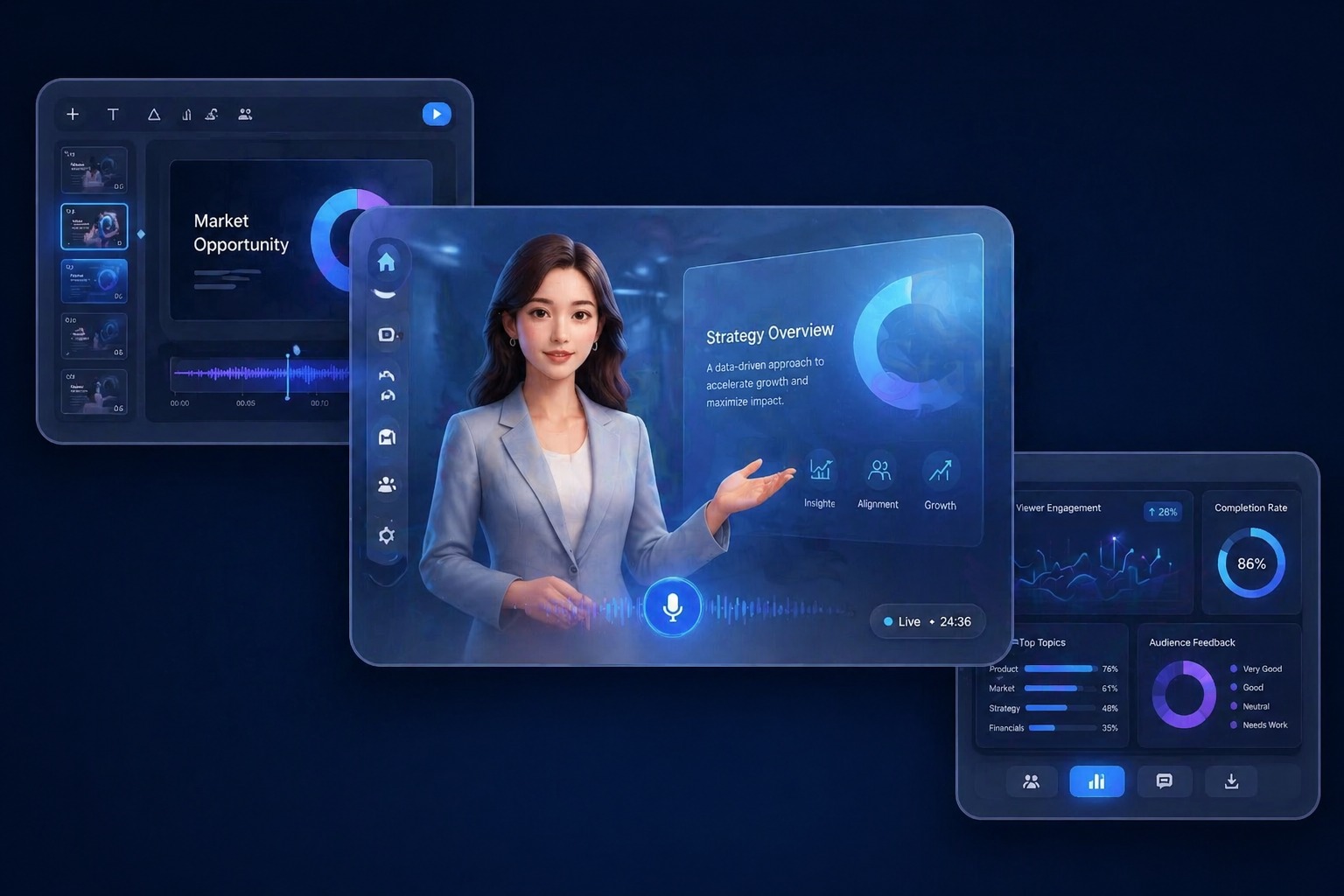
Start with the right portrait
Choose a presenter preset or a permitted portrait with a direct, camera-ready composition. News-style videos benefit from neutral framing and a clear view of the speaker's face.
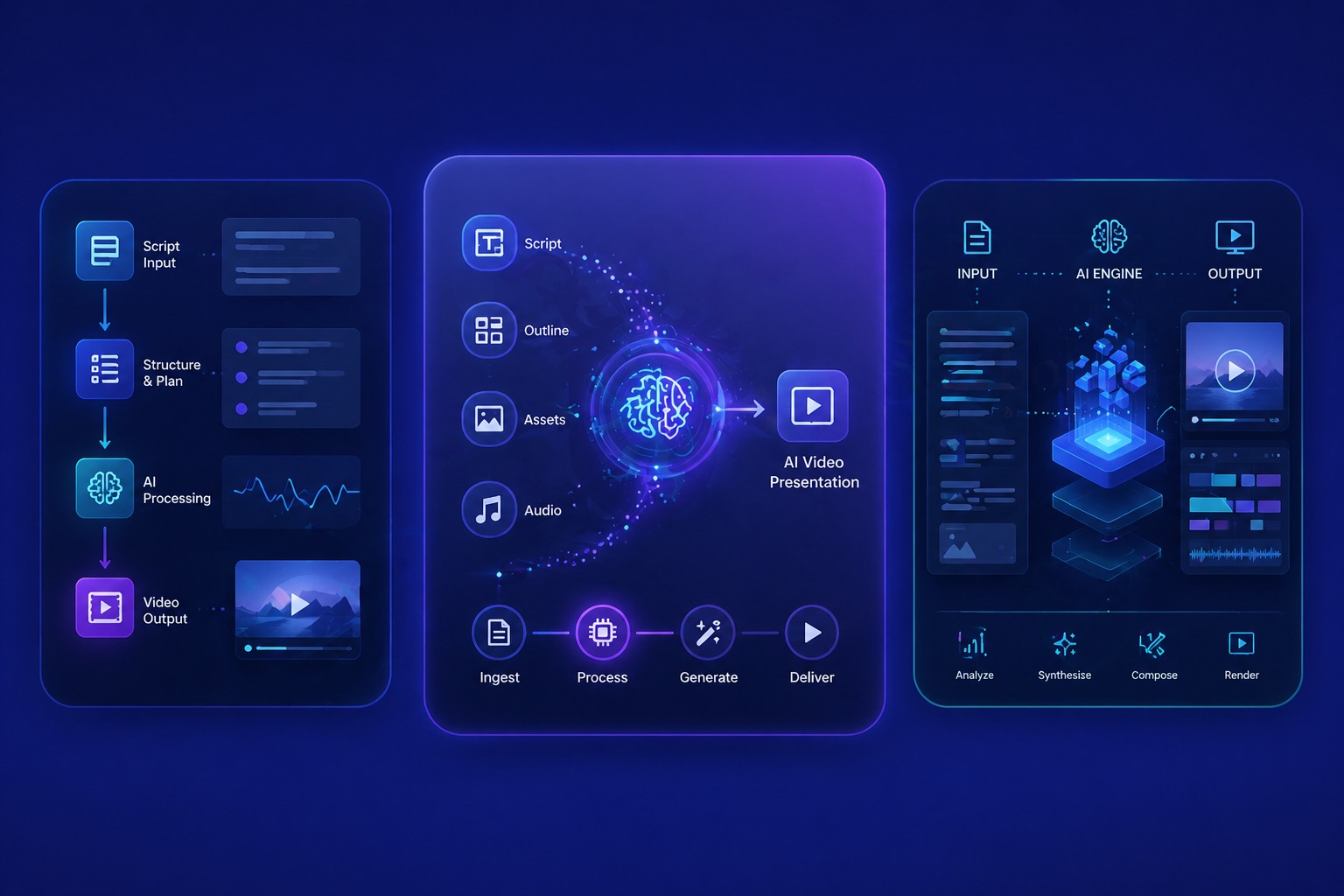
Add a script or permitted audio
Use a verified script with names, dates, and figures checked before generation. Text-to-speech works for fast revisions, while uploaded narration gives you direct control over delivery.
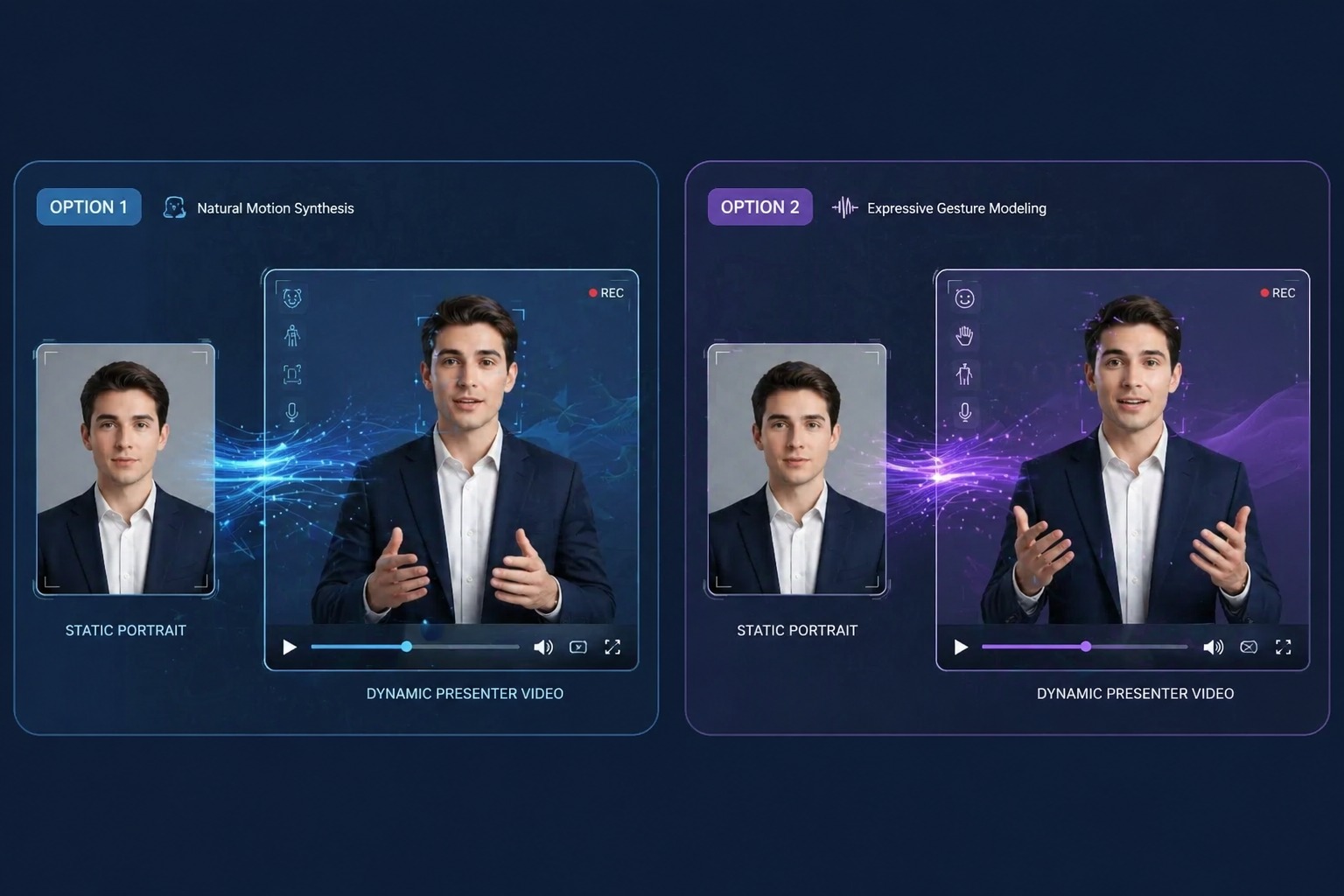
Generate and review the result
Treat the generated presenter as the delivery layer, not the source of the reporting. Confirm accuracy, attribution, disclosure, and context before publishing any news-style clip.
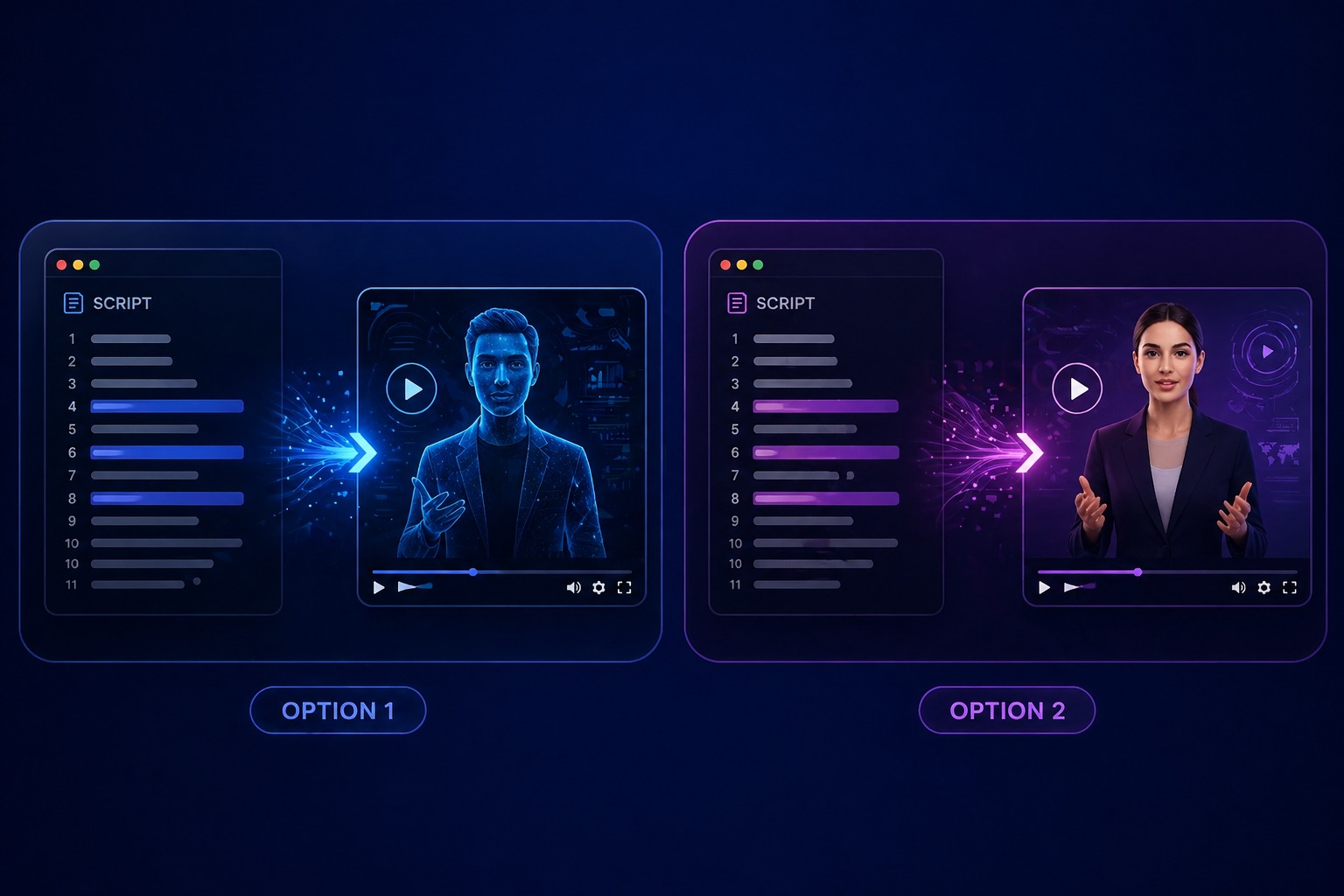
Plan for company news, community updates, event recaps, and educational briefings
A focused AI news reporter video works best when one subject, one message, and one audience are defined before generation. Keep the first version short, review it in context, and revise the source image or audio when the result needs improvement.
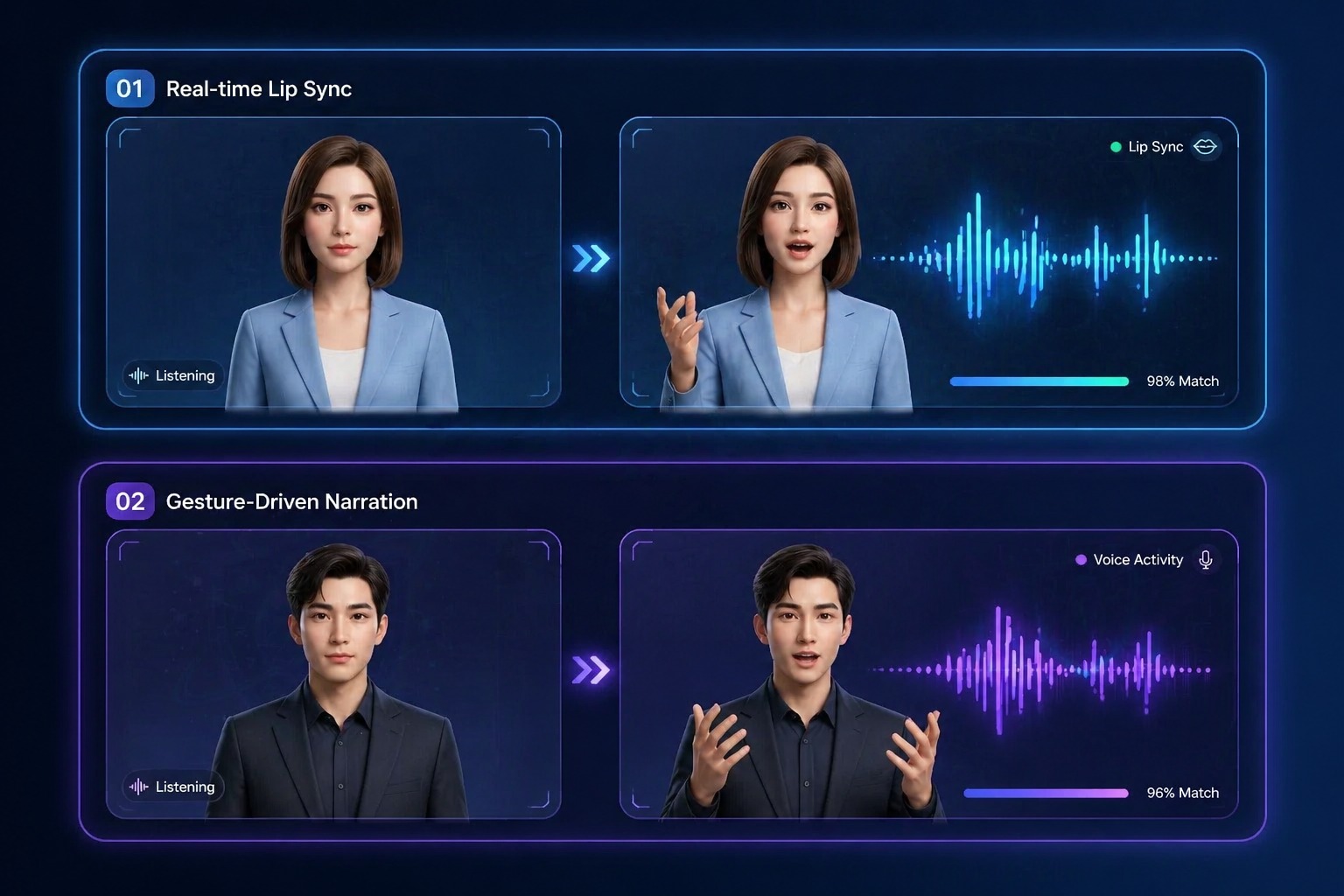
Use Cases
AI News Reporter Generator Use Cases
Use this workflow for company news, community updates, event recaps, and educational briefings.
Event recaps
Summarize sessions, launches, or community events with a concise anchor-led script.
Educational briefings
Turn a verified topic summary into a structured presenter video for learners or teams.
Channel updates
Create recurring update clips with a consistent host while changing the script each time.
Quality and Rights Checklist
What to Check Before Creating a AI News Reporter
Source accuracy
Verify every fact, quote, number, and attribution independently before generation.
Clear disclosure
Do not imply that the avatar is a real journalist or eyewitness when it is an AI presenter.
Portrait rights
Use a preset or a presenter image you are permitted to animate.
Neutral delivery
Use concise sentences and measured pacing when clarity matters more than performance.
Timely review
Recheck dates and developing information immediately before the clip is published.
Editorial context
Include sources or supporting links where viewers can verify the underlying information.
How to Make a AI News Reporter Video
A simple three-step portrait-to-video workflow
01
Choose or upload a permitted portrait
Choose a presenter preset or a permitted portrait with a direct, camera-ready composition. News-style videos benefit from neutral framing and a clear view of the speaker's face.
02
Add text or audio
Use a verified script with names, dates, and figures checked before generation. Text-to-speech works for fast revisions, while uploaded narration gives you direct control over delivery.
03
Generate, review, and export
Treat the generated presenter as the delivery layer, not the source of the reporting. Confirm accuracy, attribution, disclosure, and context before publishing any news-style clip.
Why Creators Use AI News Reporter Generator
- Create without a new camera recording: Turn one permitted portrait and one message into a focused AI news reporter video.
- Choose text or recorded delivery: Text-to-speech supports quick revisions, while uploaded audio preserves your performance.
- Keep the output easy to review: Short scripts make visual quality, message accuracy, and audience fit easier to assess.
Create without a new camera recording
The reusable workflow is useful when scripts change more often than the presenter or character.
Choose text or recorded delivery
Both inputs lead to the same review step, where timing, rights, and context must be checked.
Keep the output easy to review
Use the finished AI news reporter video as one component in a responsible publishing workflow.
Common questions about creating a AI news reporter video with AvatarCraft AI.