
~—Cost: —
AI Talking Baby Generator
Create a talking baby video from a baby-style avatar, portrait, script, or voice. AvatarCraft AI works best for playful social clips, greeting videos, and short character-led messages where safety and tone matter.
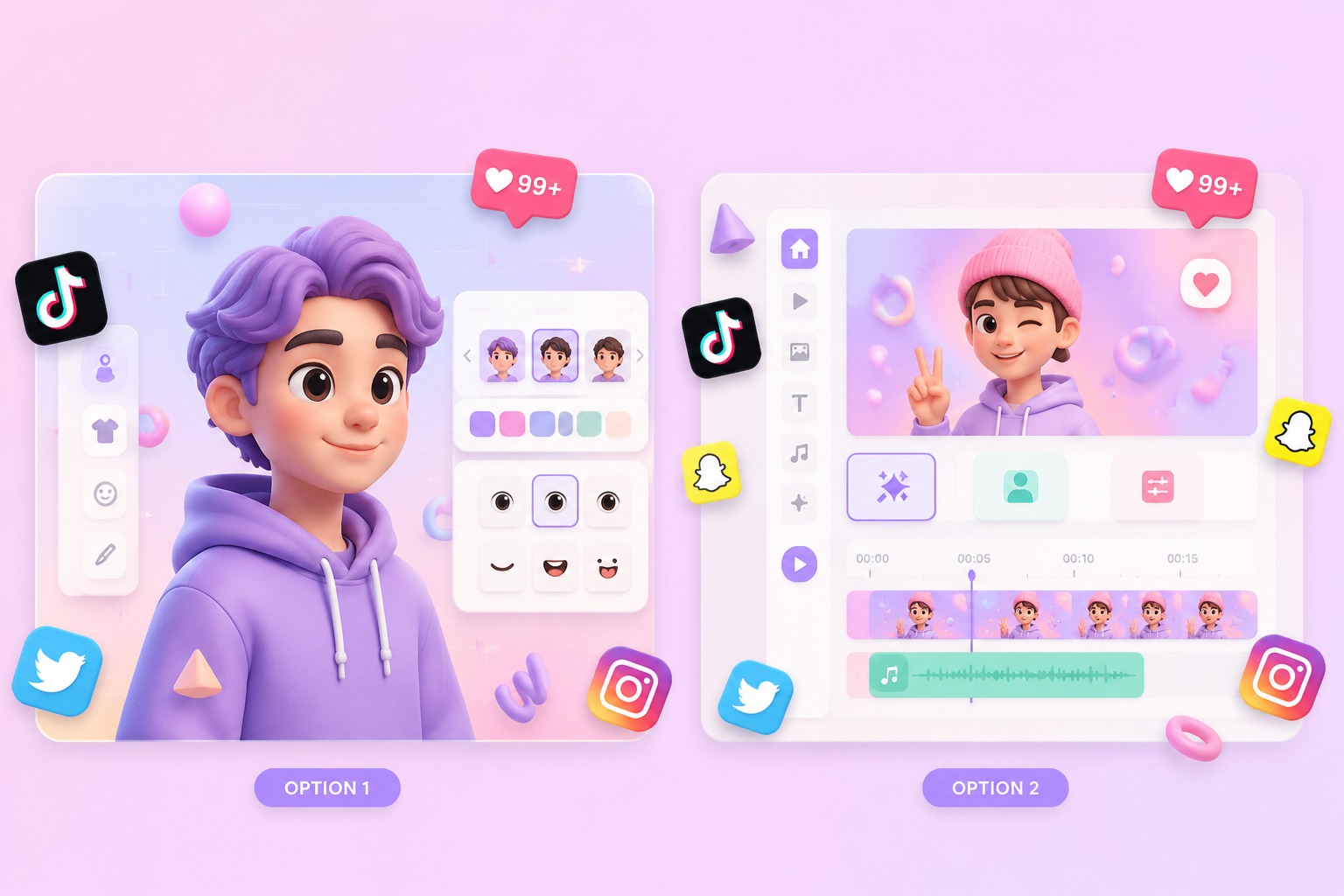
How AI Talking Baby Workflows Actually Fit
Start with a safe baby-style character
The strongest workflow uses an original baby-style avatar or a clearly permitted family image. Avoid using photos without consent, especially for minors. Treat the generator as a playful character video tool, not a way to imitate a real child without permission.
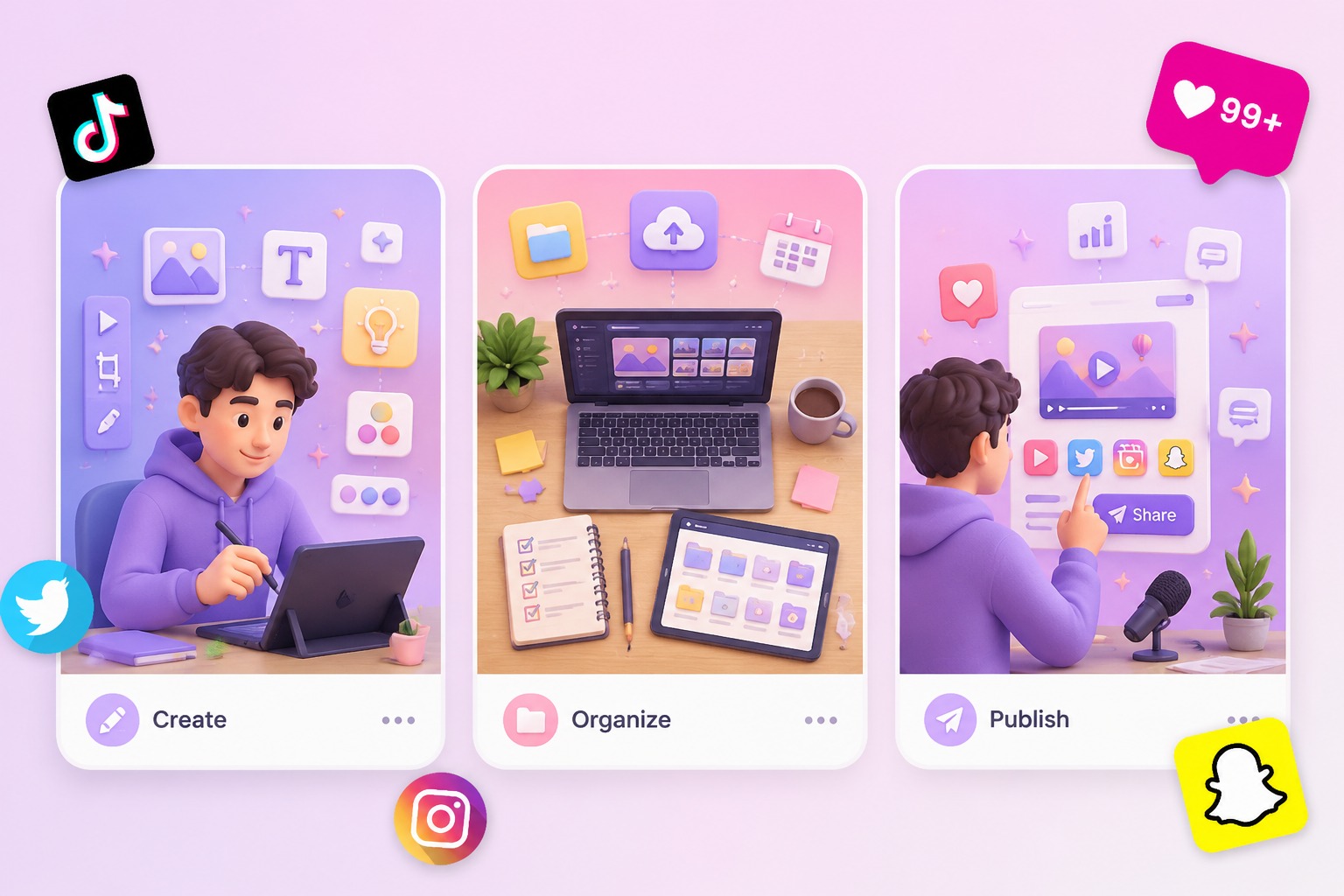
Script before motion
Short scripts work better than long monologues. A 6 to 20 second greeting, joke, announcement, or reaction gives the lip-sync model a cleaner rhythm and makes review easier before the clip is shared.
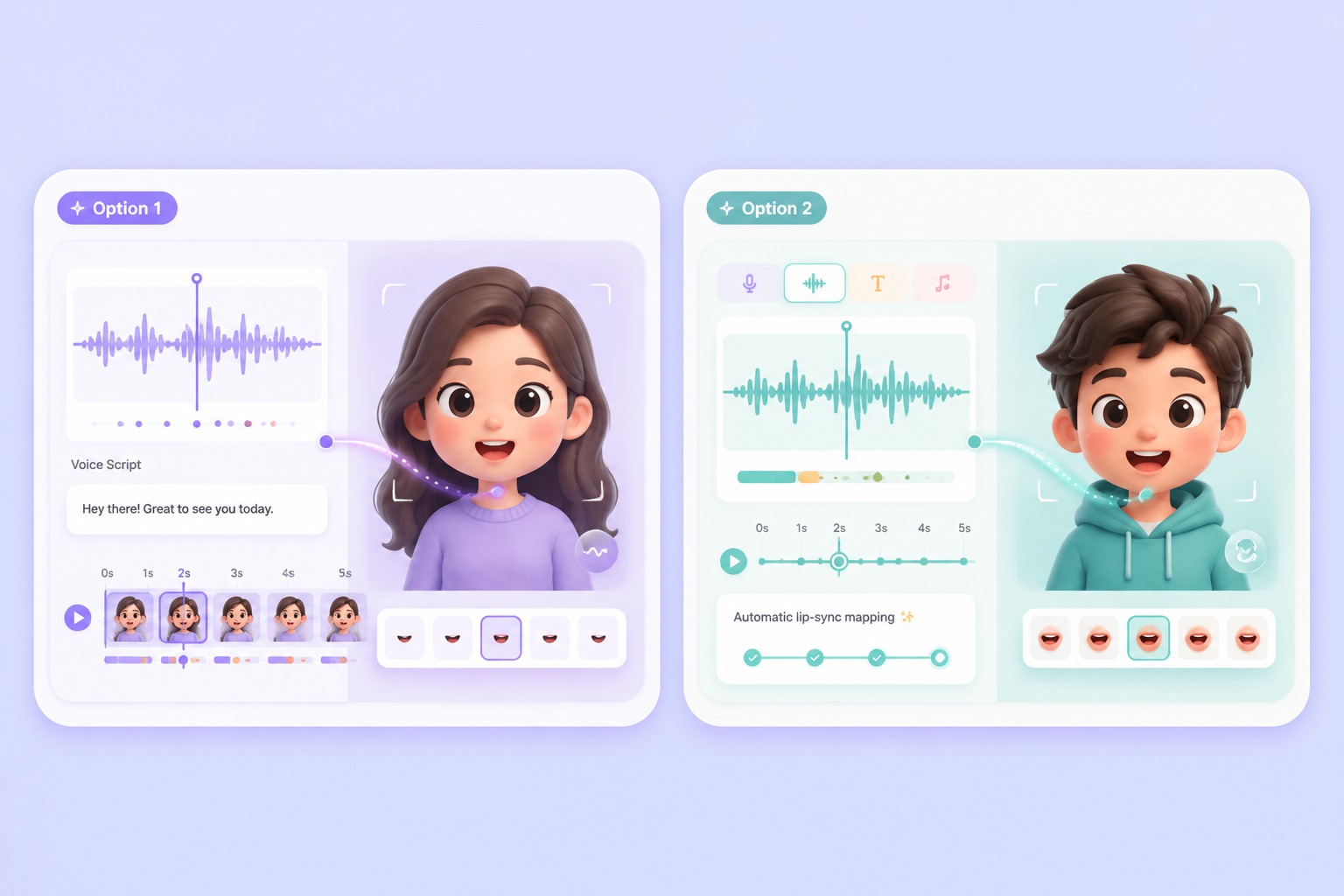
Voice choice changes the result
Text-to-speech is easier for fast edits, while recorded audio gives more control over timing and emotion. If the voice is meant to sound like a real person, use consented audio and keep the message clearly appropriate.
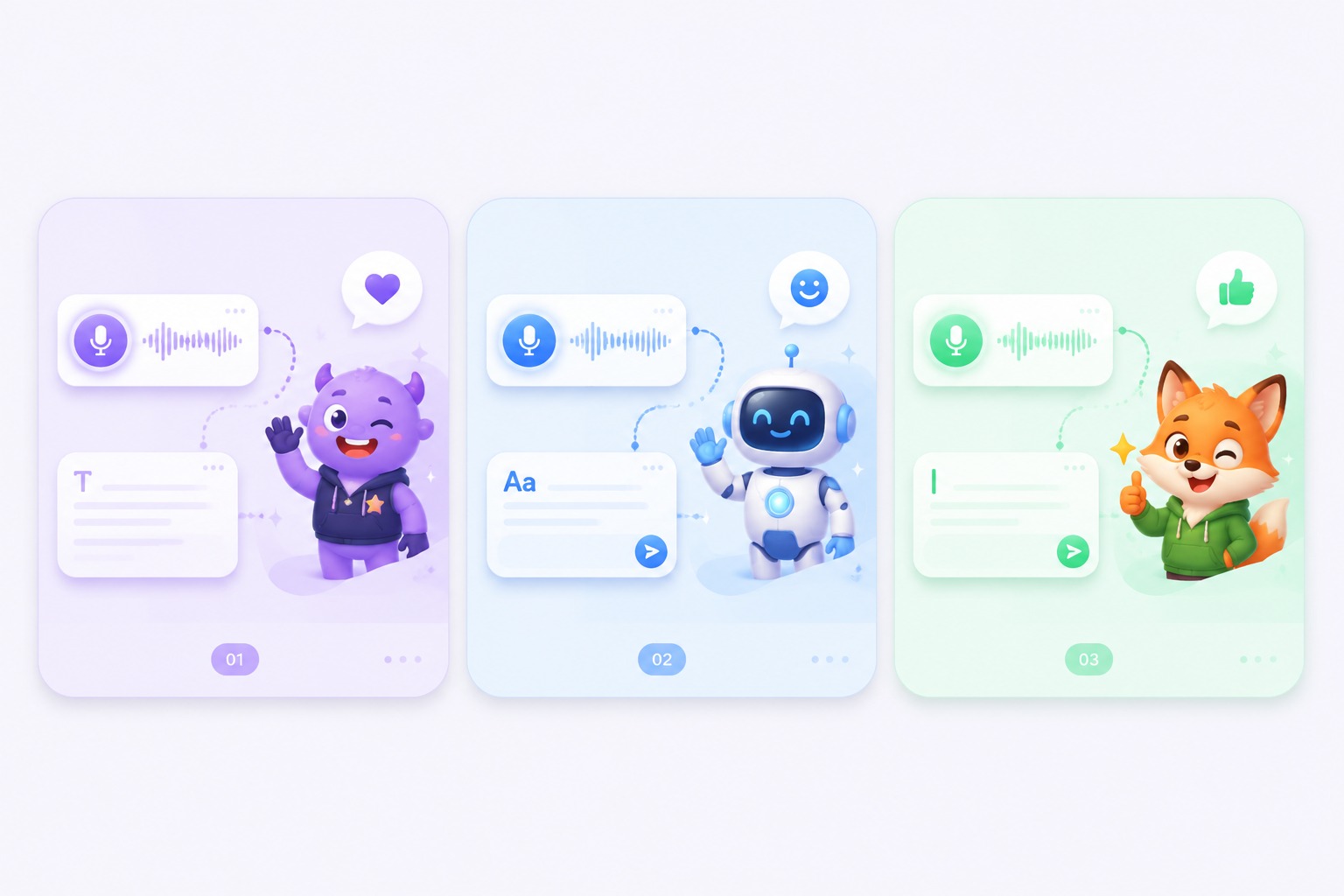
Best for playful short clips
AI talking baby videos fit greetings, social reactions, family-safe memes, and character-led promos. They are weaker for serious medical, parenting, or identity-sensitive claims where viewers could misunderstand the source or intent.
Use Cases
Best AI Talking Baby Use Cases
Use this workflow for short, playful, clearly fictional baby-style talking avatar videos.
Social reactions
Turn a funny line into a quick talking baby-style reaction clip.
Baby podcast skits
Use an original baby character for playful podcast or creator intros.
Product teasers
Make light, mascot-like promo clips where the baby character is clearly fictional.
Evaluation Factors
What to Check Before Making a Talking Baby Video
Consent and image rights
Use original characters or photos you have permission to animate.
Short script quality
Simple sentences usually sync better than dense, fast, or emotional monologues.
Tone safety
Keep the message clearly playful and avoid adult, political, medical, or deceptive claims.
Voice provenance
Only use cloned or recorded voices when you have permission from the speaker.
Clear fictional framing
The output should look like a creative avatar clip, not a misleading real baby recording.
Review before sharing
Check lip-sync, expression, caption context, and platform fit before publishing.
How to Create an AI Talking Baby Video
A safer three-step workflow for playful baby-style avatar clips
01
Choose or upload a permitted image
Start with an original baby-style avatar, a generated character, or a photo you have the right to use.
02
Add a short script or consented audio
Keep the message brief, clear, and family-safe so lip-sync and tone are easier to review.
03
Generate, review, and export
Check mouth movement, voice fit, and whether the clip is clearly framed as a playful creation.
Why Creators Use AI Talking Baby Generators
- A small idea can become a shareable clip: Short greetings, jokes, and reactions do not need a camera setup.
- Safer framing matters more than realism: The best result is a clearly fictional character clip, not a deceptive recording.
- Text and audio support different revision styles: Text is faster to edit, while audio preserves timing and delivery.
A small idea can become a shareable clip
The workflow is strongest when the output is brief, playful, and easy to review.
Safer framing matters more than realism
That boundary makes the page more trustworthy for family and social use cases.
Text and audio support different revision styles
Choose the input based on whether wording or performance matters more.
Common questions about creating baby-style talking avatar videos with AvatarCraft AI.
AI Talking Baby Generator FAQ
What is an AI talking baby generator?
It is a workflow that turns a baby-style image, script, or audio clip into a short talking avatar video. It works best for clearly playful and fictional content.
Can I use a real baby photo?
Only use real photos when you have the right and permission to animate them. For public or commercial content, an original baby-style avatar is usually the safer choice.
Can I clone a voice for the baby video?
Use cloned or recorded voices only with permission from the speaker. Text-to-speech is often easier for playful clips because the wording can be revised quickly.
What scripts work best?
Short greetings, jokes, announcements, and reactions usually work better than long monologues. Keep the line length easy to speak and easy to review.
What are the limits?
This workflow is weaker for serious identity claims, sensitive topics, or anything that could make viewers believe a real child said something they did not say.
Is this useful for brands?
Yes, if the baby character is clearly fictional and the message is light. For regulated categories or sensitive claims, use a more conventional spokesperson workflow.