
~—Cost: —
AI Singing Photo Generator
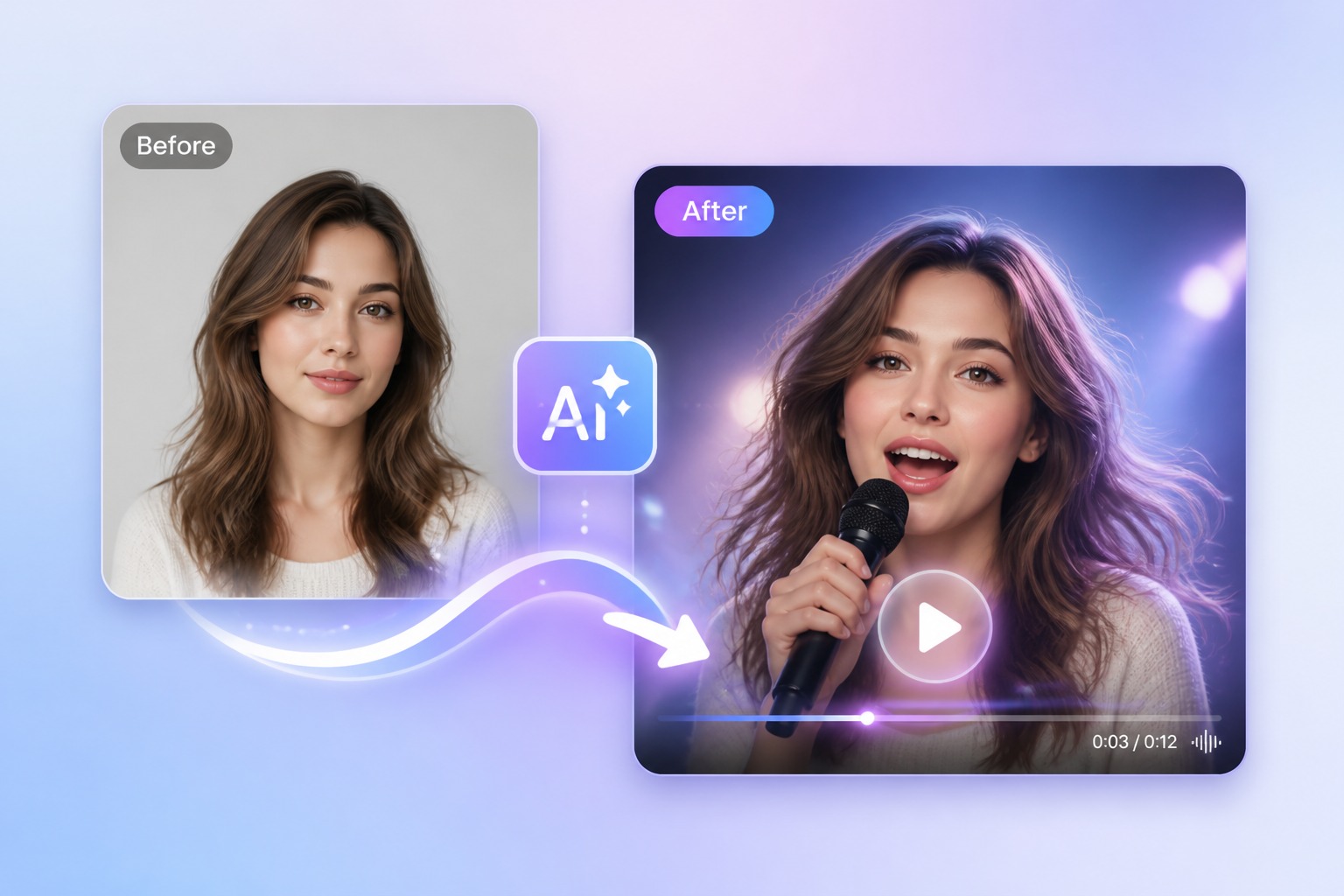
Make a photo sing with AI using your own portrait and song audio. Create lip-synced singing photo videos for greetings, characters, and social clips.
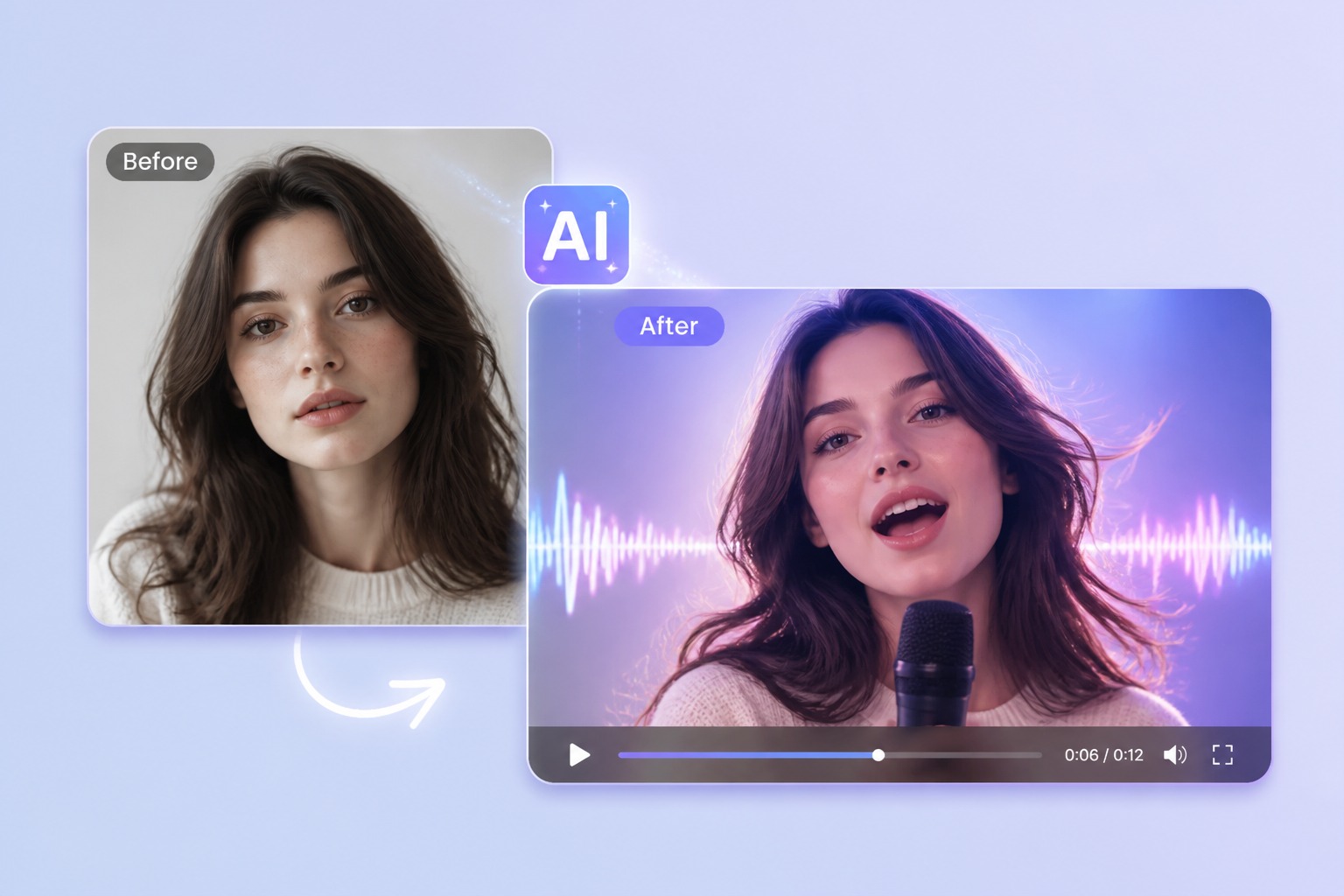
How to Create a Better AI Singing Photo
Start with the right portrait
Start with a sharp, front-facing portrait where the mouth and face are easy to see. A single subject and a stable crop help keep singing images recognizable during stronger mouth movement.
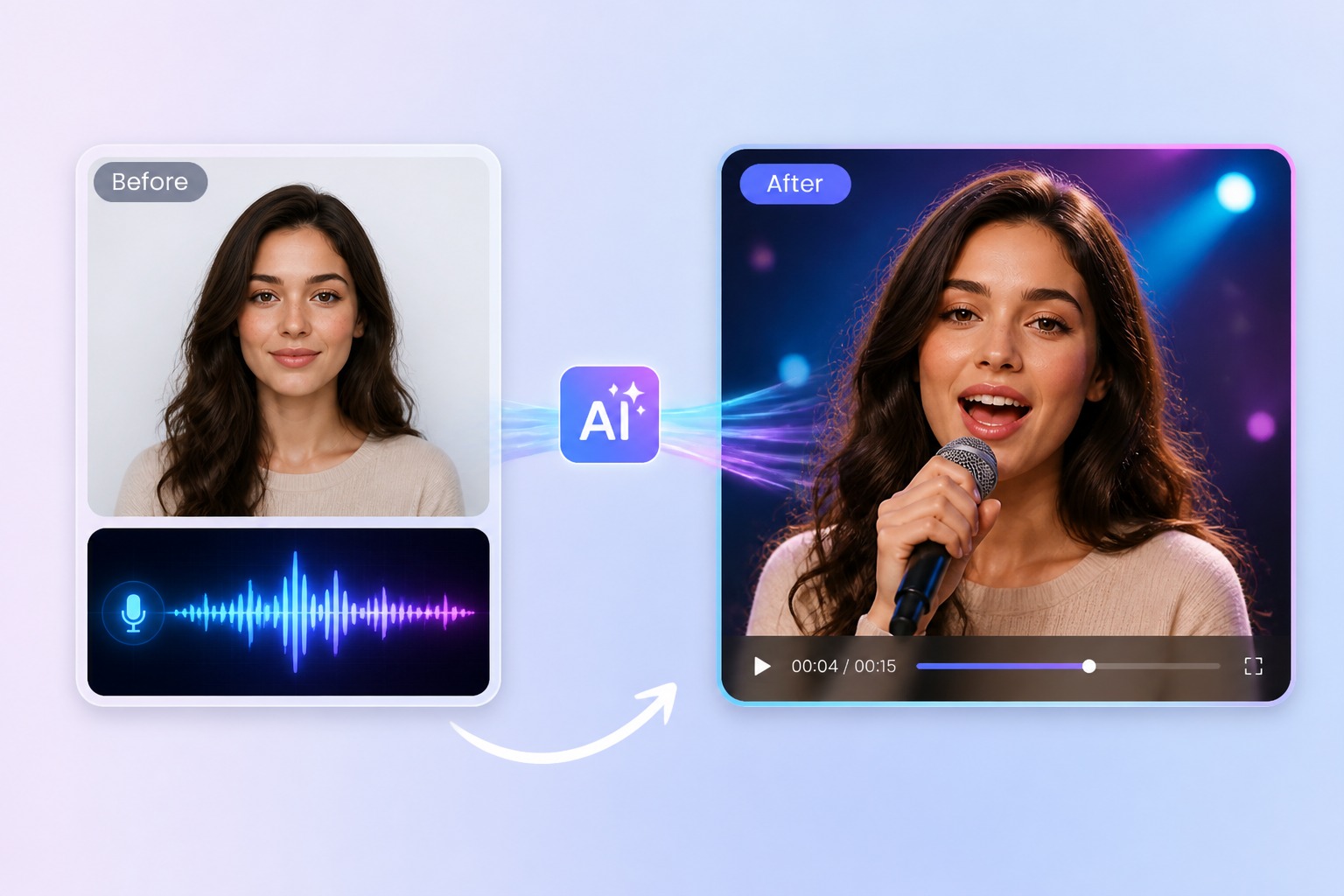
Add the song you want it to sing
Upload a clean vocal or music clip that you have the right to use. A short chorus with clear vocals gives the singing photo generator a more dependable rhythm than noisy or heavily layered audio.
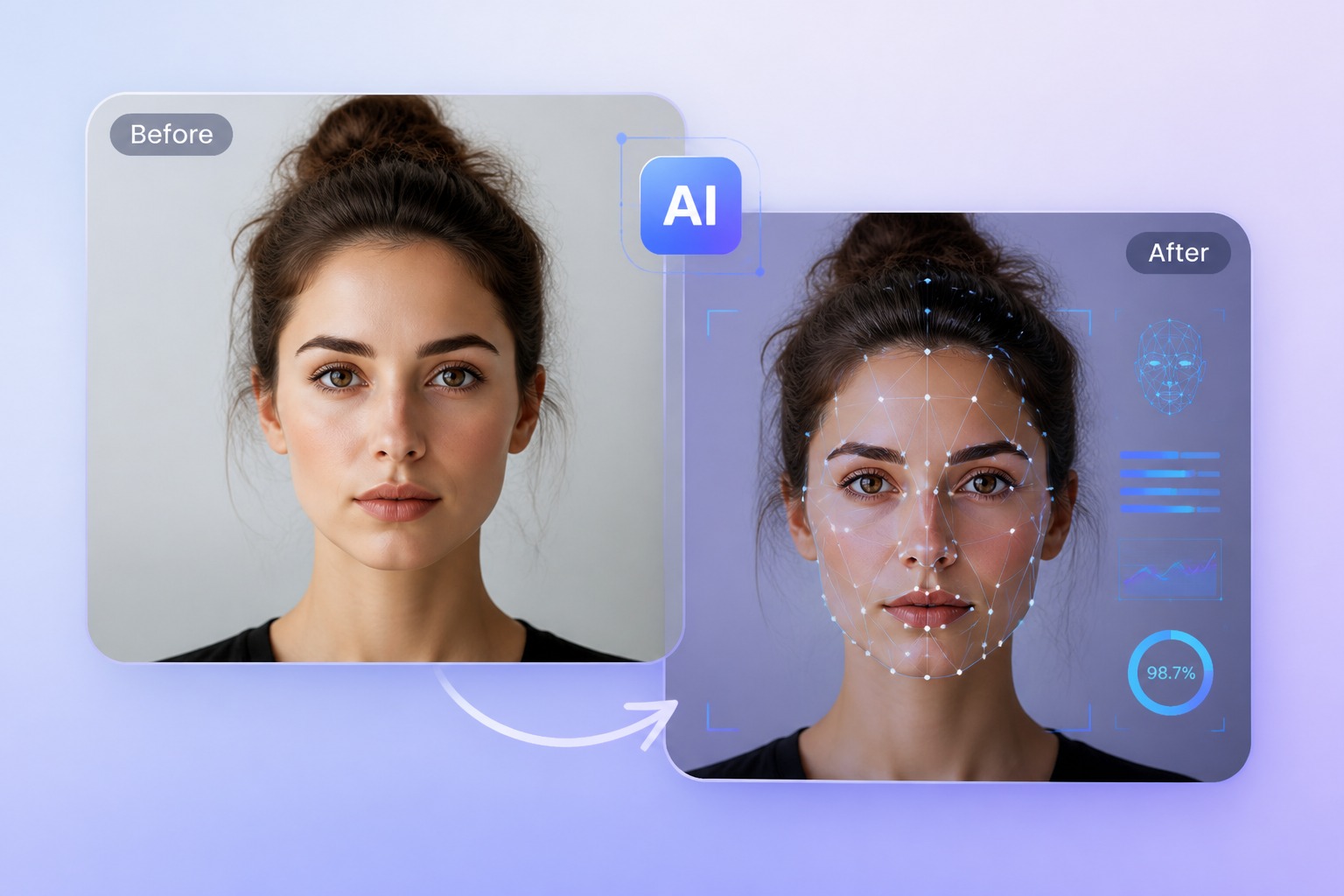
Generate and review the result
Preview the strongest mouth movements and confirm that the image, song, and character are permitted for the intended use. The output is a lip-synced portrait, not a multi-scene music video editor.
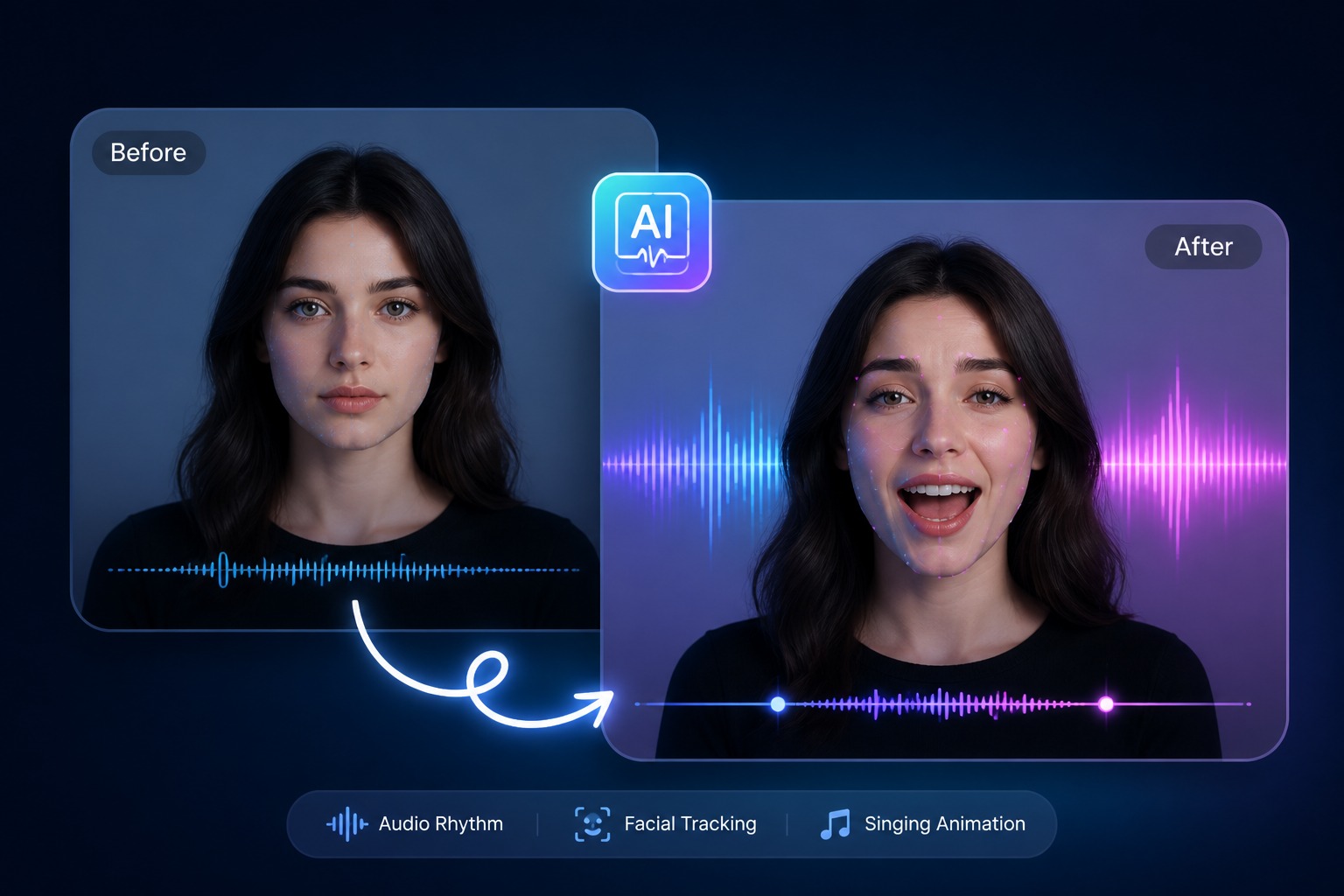
Plan for personal greetings, original characters, mascot clips, and short social hooks
A focused AI singing photo video works best when one subject, one message, and one audience are defined before generation. Keep the first version short, review it in context, and revise the source image or audio when the result needs improvement.
Quality and Rights Checklist
What to Check Before You Make a Picture Sing
Visible face
Use one clear face with an unobstructed mouth and avoid extreme profile angles.
Audio rights
Use original, licensed, or otherwise permitted song audio and vocals.
Vocal clarity
Cleaner vocals make the relationship between the mouth movement and the song easier to assess.
Short duration
A compact chorus or hook is easier to generate, review, and reuse than a full track.
Creative framing
Present the result as an AI-created singing portrait rather than a real recorded performance.
Output review
Watch the full clip for mouth artifacts, identity drift, and unsuitable frames before sharing.
How to Make a Photo Sing with AI
A simple three-step portrait-to-video workflow
01
Choose or upload a permitted portrait
Start with a sharp, front-facing portrait where the mouth and face are easy to see. A single subject and a stable crop help keep singing images recognizable during stronger mouth movement.
02
Add text or audio
Upload a clean vocal or music clip that you have the right to use. A short chorus with clear vocals gives the singing photo generator a more dependable rhythm than noisy or heavily layered audio.
03
Generate, review, and export
Preview the strongest mouth movements and confirm that the image, song, and character are permitted for the intended use. The output is a lip-synced portrait, not a multi-scene music video editor.
Singing Photo Ideas Made for Short, Clear Performances
Use one recognizable subject and one strong vocal moment so the singing motion remains the focus of the clip.
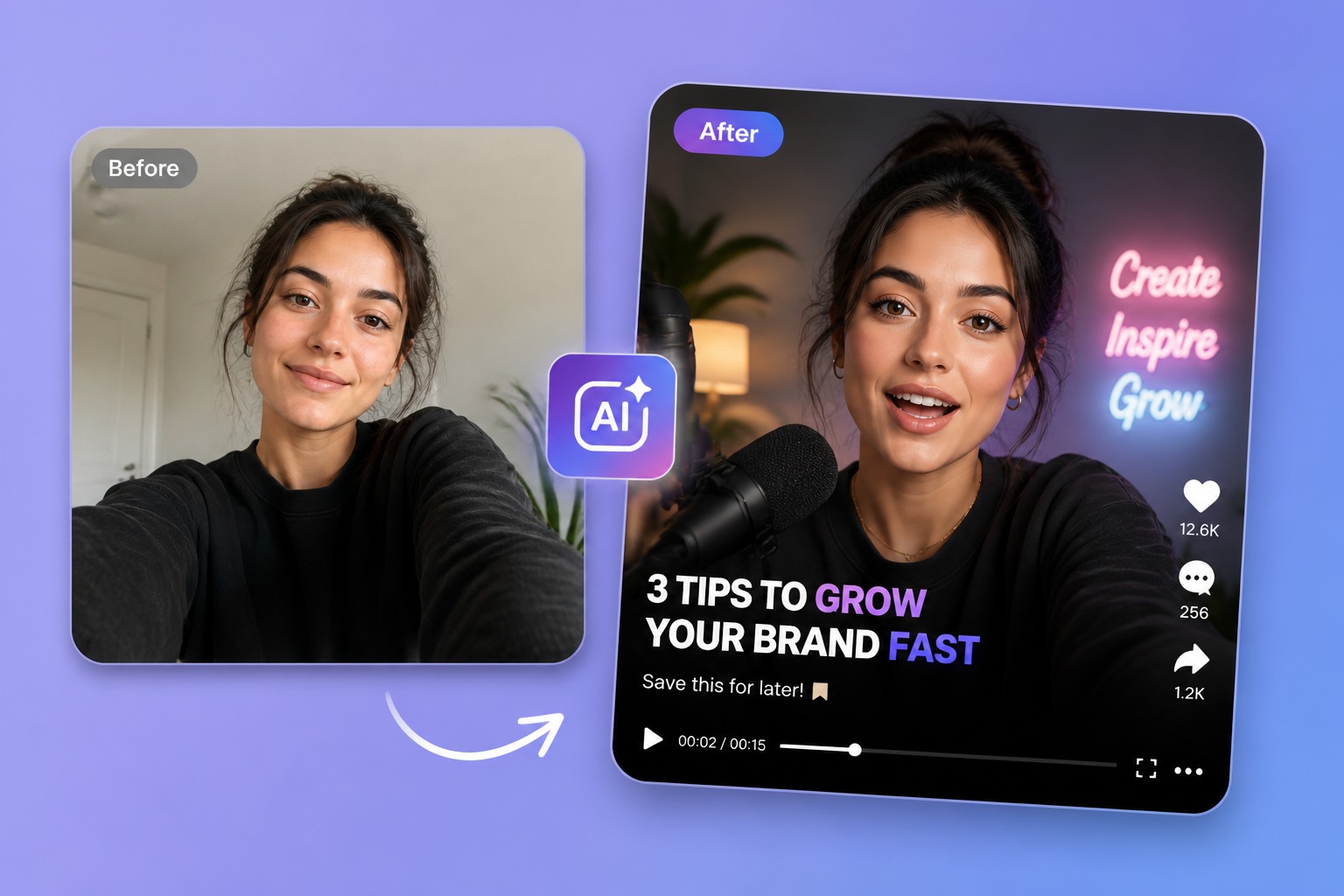
Selfie Hook
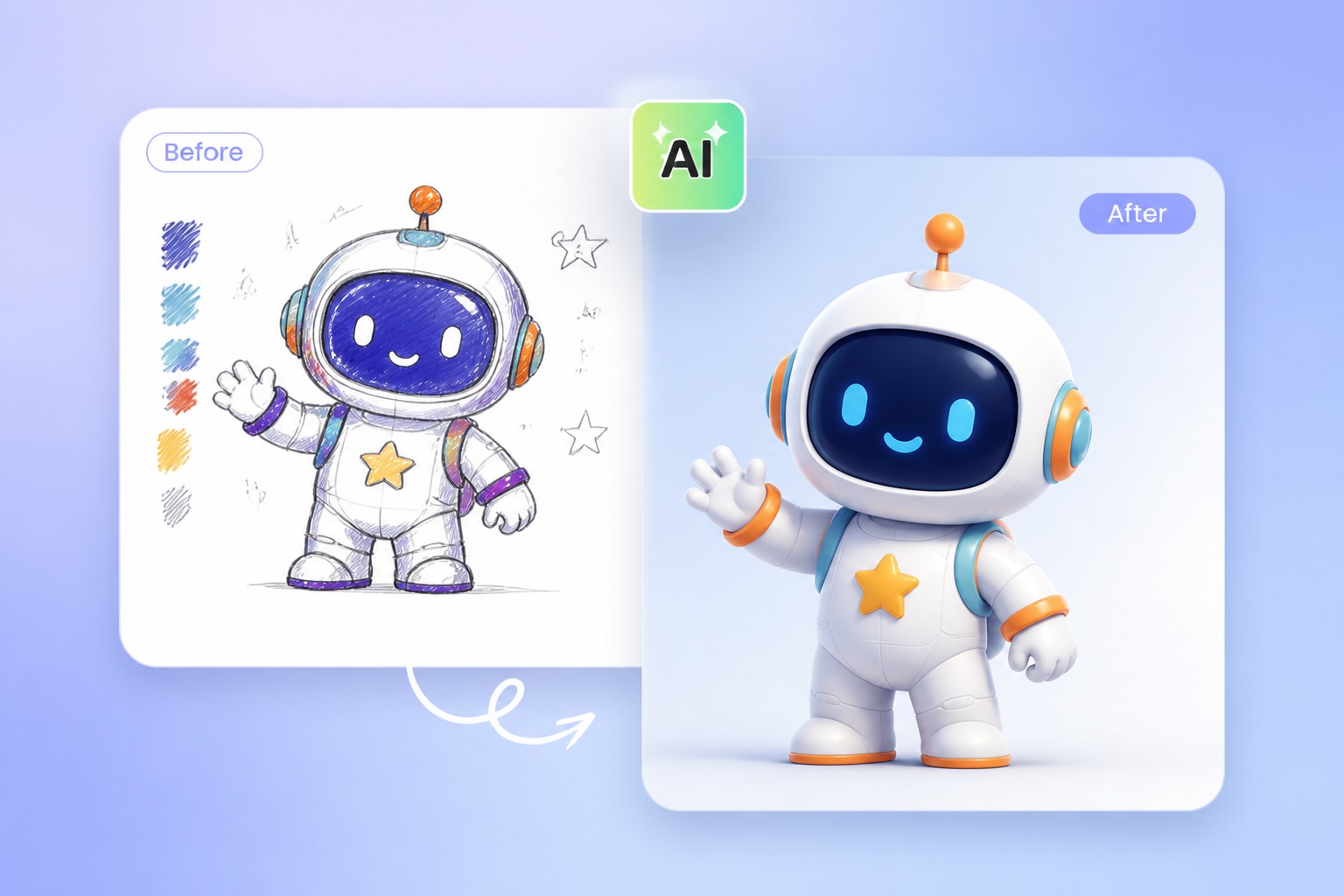
Mascot Chorus
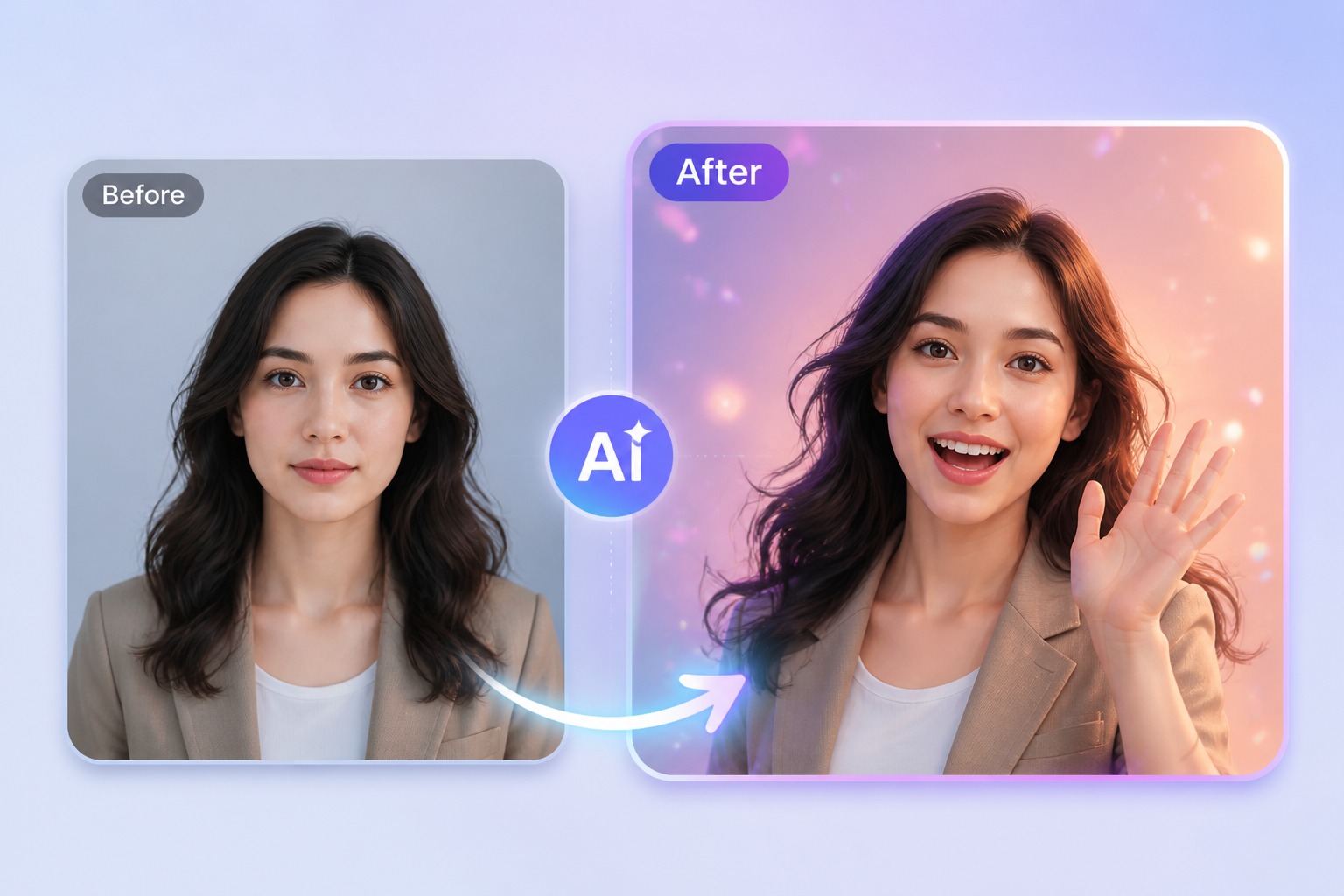
Portrait Greeting
Make Any Image Sing: Photos, Pictures, and Portraits
- Turn a photo into a singing video: Upload one photo and one song, and the face in the photo sings along in a short video you can download and share.
- Make a picture, drawing, or pet photo sing: A singing picture does not have to start from a selfie. Portraits, illustrated characters, mascots, and pet photos all work when one face is clear and facing forward.
- Sing online, with no app to install: Make an image sing directly in your browser: upload the photo, add the song, and generate on the same page.
Turn a photo into a singing video
The picture itself stays as it is. The AI animates the mouth and face to follow the vocals, which is what makes a photo sing rather than just move.
Make a picture, drawing, or pet photo sing
Use images you own or have permission to use. One face per image gives the cleanest result; group photos are harder for the model to follow.
Sing online, with no app to install
Each clip is charged in credits by length and resolution: 1 credit per second at 540p and 2 credits per second at 720p.
Common questions about creating an AI singing photo video with AvatarCraft AI.
AI Singing Photo Generator FAQ
Create Your AI Singing Photo with AvatarCraft AI
Try AvatarCraft AIMore singing use cases
Same tool, different subjects and occasions — pick the one closest to what you want to make.
AI Cat Singing Generator - Make a Cat Photo Sing
Make a cat photo sing with AI using your own image and permitted song audio. Create a playful, lip-synced singing cat video for greetings and social clips.