
~—Cost: —
AI Talking Photo Generator
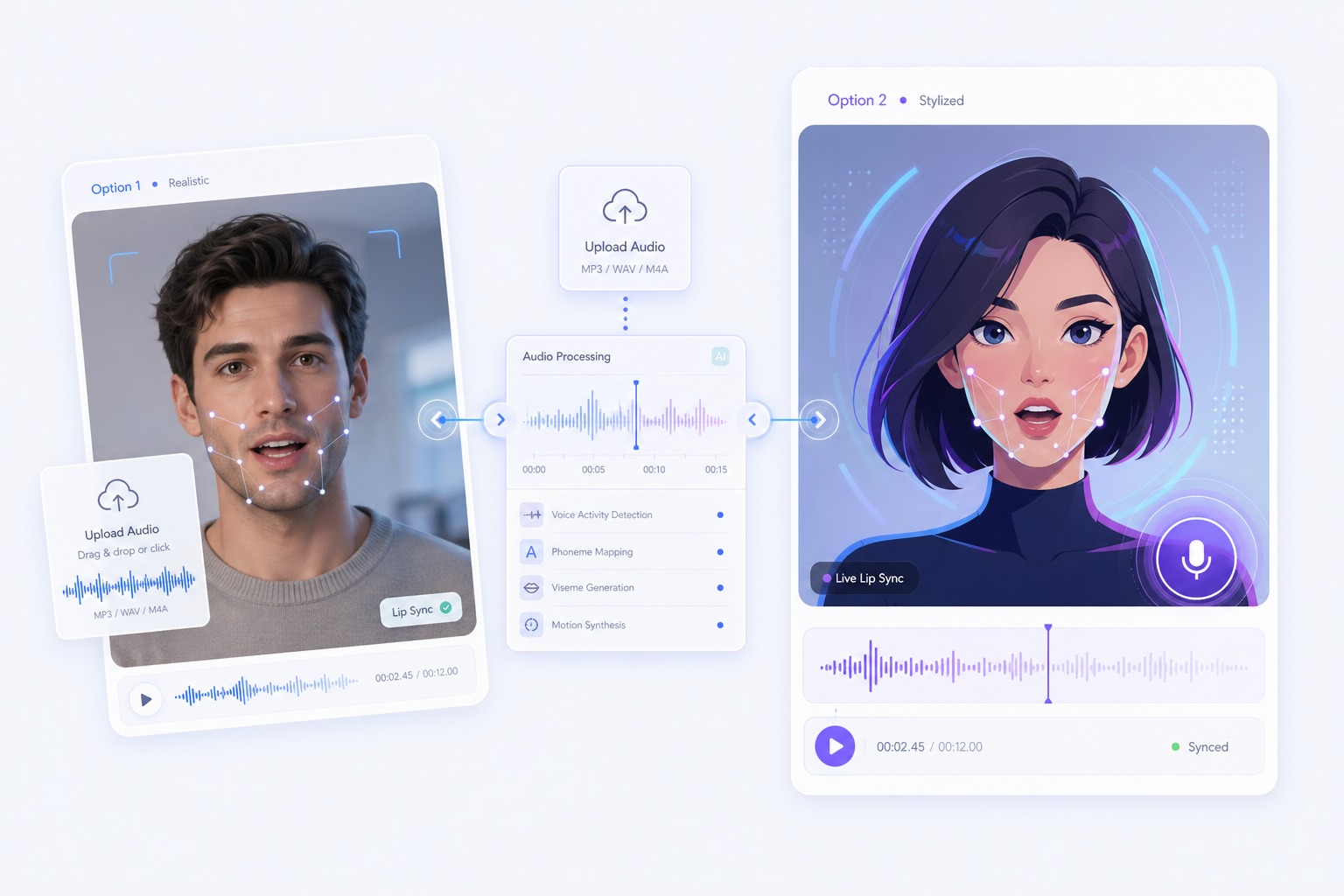
Make a photo talk with AI using your own text or audio. Upload a portrait, choose a voice, and create a natural lip-synced talking photo video online.
How to Create a Better AI Talking Photo
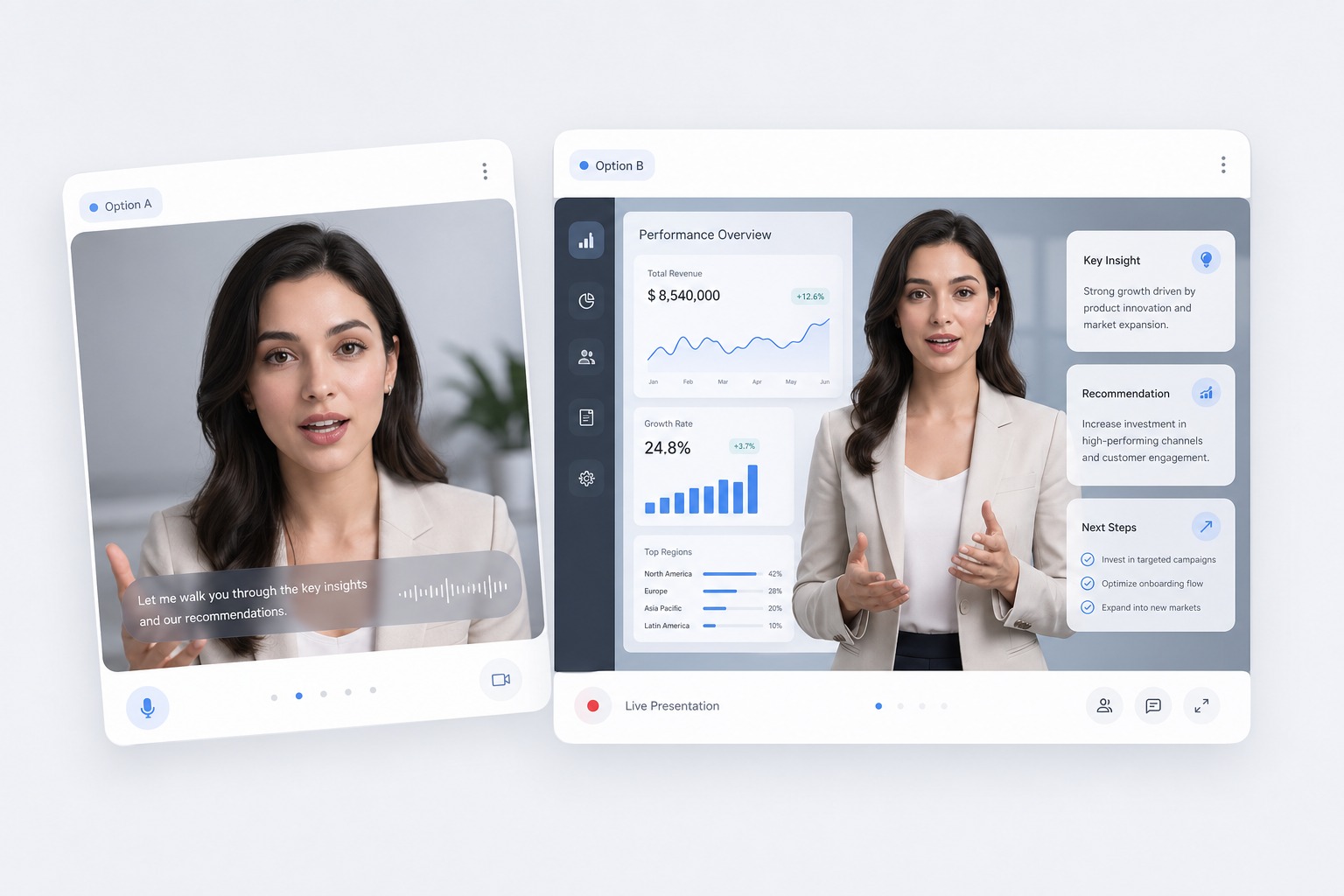
Start with the right portrait
Upload a sharp portrait with one front-facing subject and an unobstructed mouth. Photos with balanced lighting and a stable crop give the talking image a clearer facial reference.
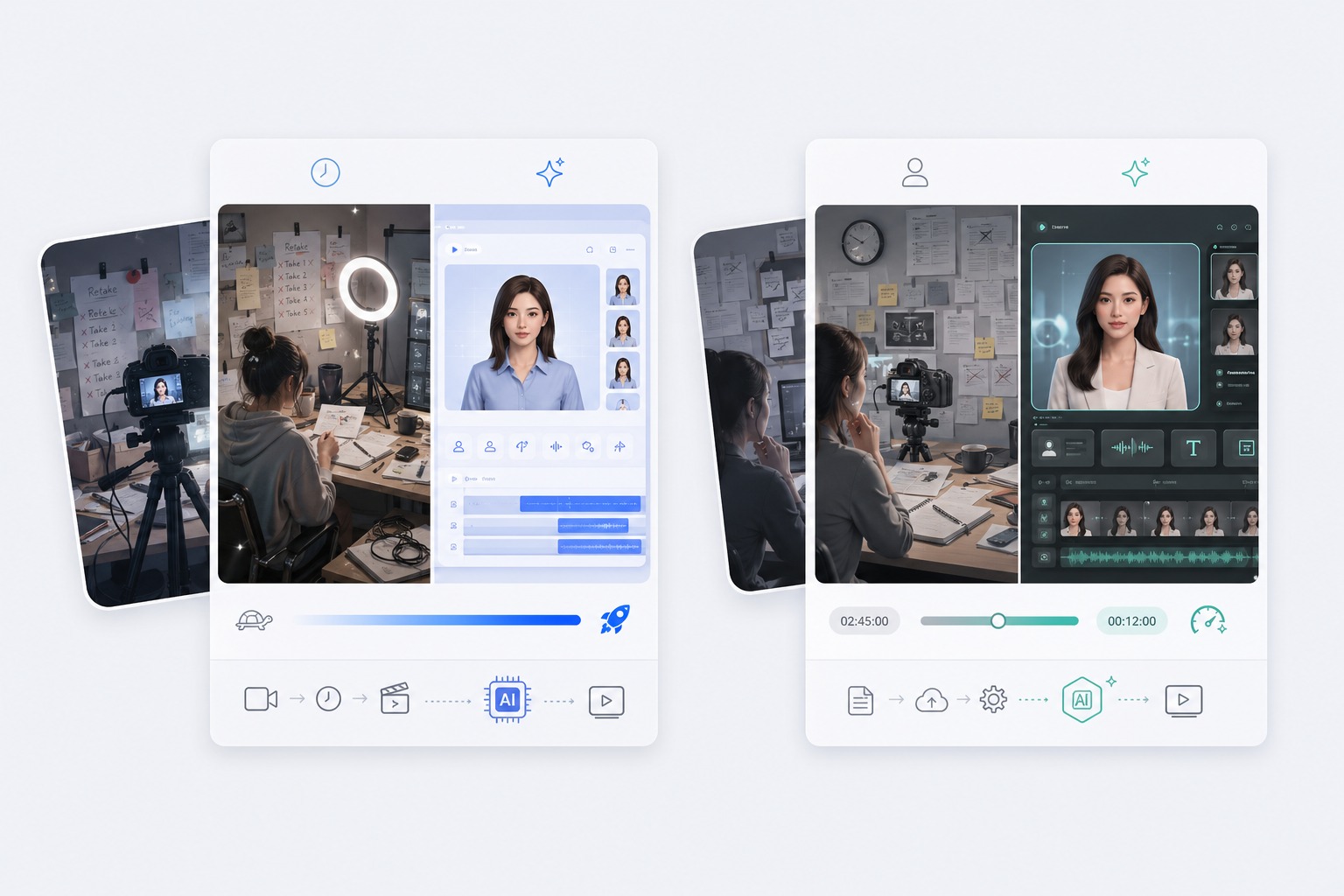
Add a script or permitted audio
Type a short message for text-to-speech, record a line, or upload consented audio. Clear speech and natural pauses help the talking picture feel more deliberate and easier to understand.
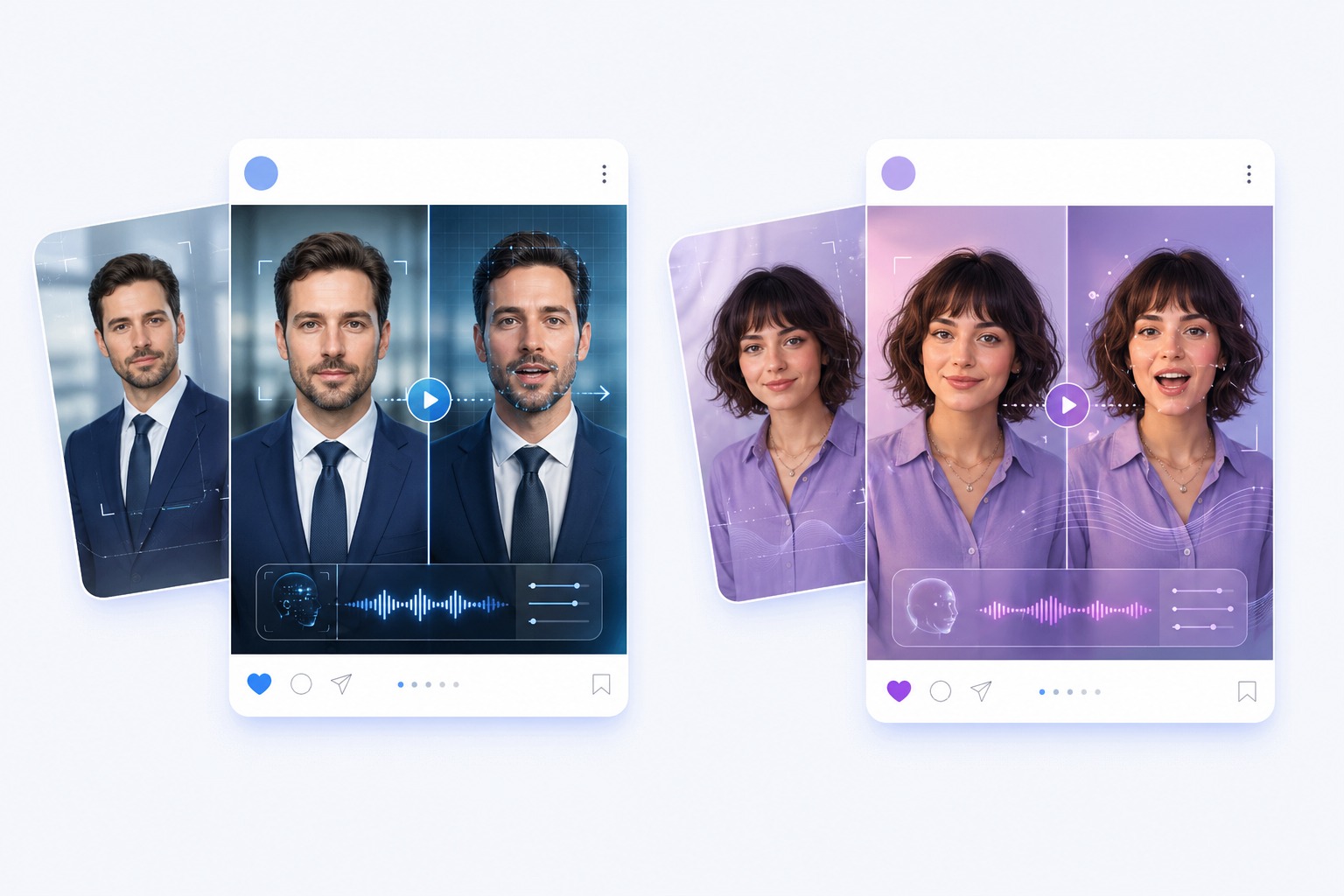
Generate and review the result
Preview the full clip before download. Check mouth movement, pronunciation, image rights, and whether the caption makes it clear that the result is an AI-created talking photo.
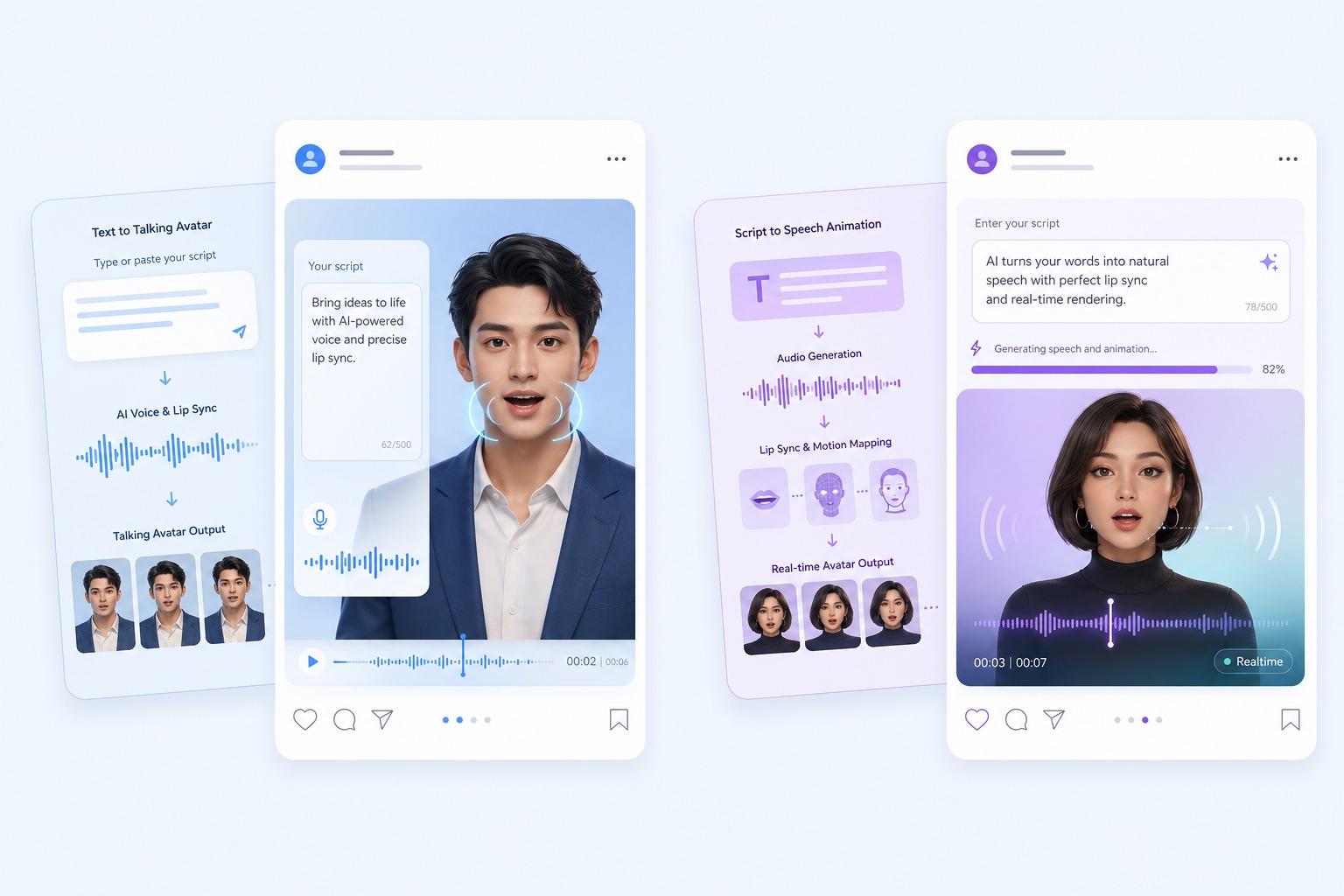
Plan for greetings, character messages, explainers, memorial stories, and social content
A focused AI talking photo video works best when one subject, one message, and one audience are defined before generation. Keep the first version short, review it in context, and revise the source image or audio when the result needs improvement.
Use Cases
AI Talking Photo Generator Use Cases
Use this workflow for greetings, character messages, explainers, memorial stories, and social content.
Character messages
Animate an original illustration, mascot, or avatar with a script you control.
Short explainers
Turn a headshot into a focused introduction or explanation without a camera recording.
Story projects
Add a narrated moment to an archival or family photo when you have the appropriate rights and context.
Quality and Rights Checklist
What to Check Before Creating a AI Talking Photo
Photo permission
Only upload photos you own or have clear permission to animate.
Visible mouth
Choose a face without hands, hair, or objects covering the mouth area.
One speaker
Single-person portraits are more predictable than group photos or crowded scenes.
Clear audio
Use understandable speech with limited background noise and a manageable speaking pace.
Honest framing
Do not present the output as a genuine recording of words the person never spoke.
Final inspection
Review the entire video for artifacts, context, and suitability before sharing it.
How to Make a AI Talking Photo Video
A simple three-step portrait-to-video workflow
01
Choose or upload a permitted portrait
Upload a sharp portrait with one front-facing subject and an unobstructed mouth. Photos with balanced lighting and a stable crop give the talking image a clearer facial reference.
02
Add text or audio
Type a short message for text-to-speech, record a line, or upload consented audio. Clear speech and natural pauses help the talking picture feel more deliberate and easier to understand.
03
Generate, review, and export
Preview the full clip before download. Check mouth movement, pronunciation, image rights, and whether the caption makes it clear that the result is an AI-created talking photo.
Why Creators Use AI Talking Photo Generator
- Create without a new camera recording: Turn one permitted portrait and one message into a focused AI talking photo video.
- Choose text or recorded delivery: Text-to-speech supports quick revisions, while uploaded audio preserves your performance.
- Keep the output easy to review: Short scripts make visual quality, message accuracy, and audience fit easier to assess.
Create without a new camera recording
The reusable workflow is useful when scripts change more often than the presenter or character.
Choose text or recorded delivery
Both inputs lead to the same review step, where timing, rights, and context must be checked.
Keep the output easy to review
Use the finished AI talking photo video as one component in a responsible publishing workflow.
Common questions about creating a AI talking photo video with AvatarCraft AI.