
~—Cost: —
AI Presenter
Create presenter-style videos from images, scripts, or voice tracks with AvatarCraft AI. Build lessons, demos, onboarding, and explainer videos faster without repeated presenter recording.
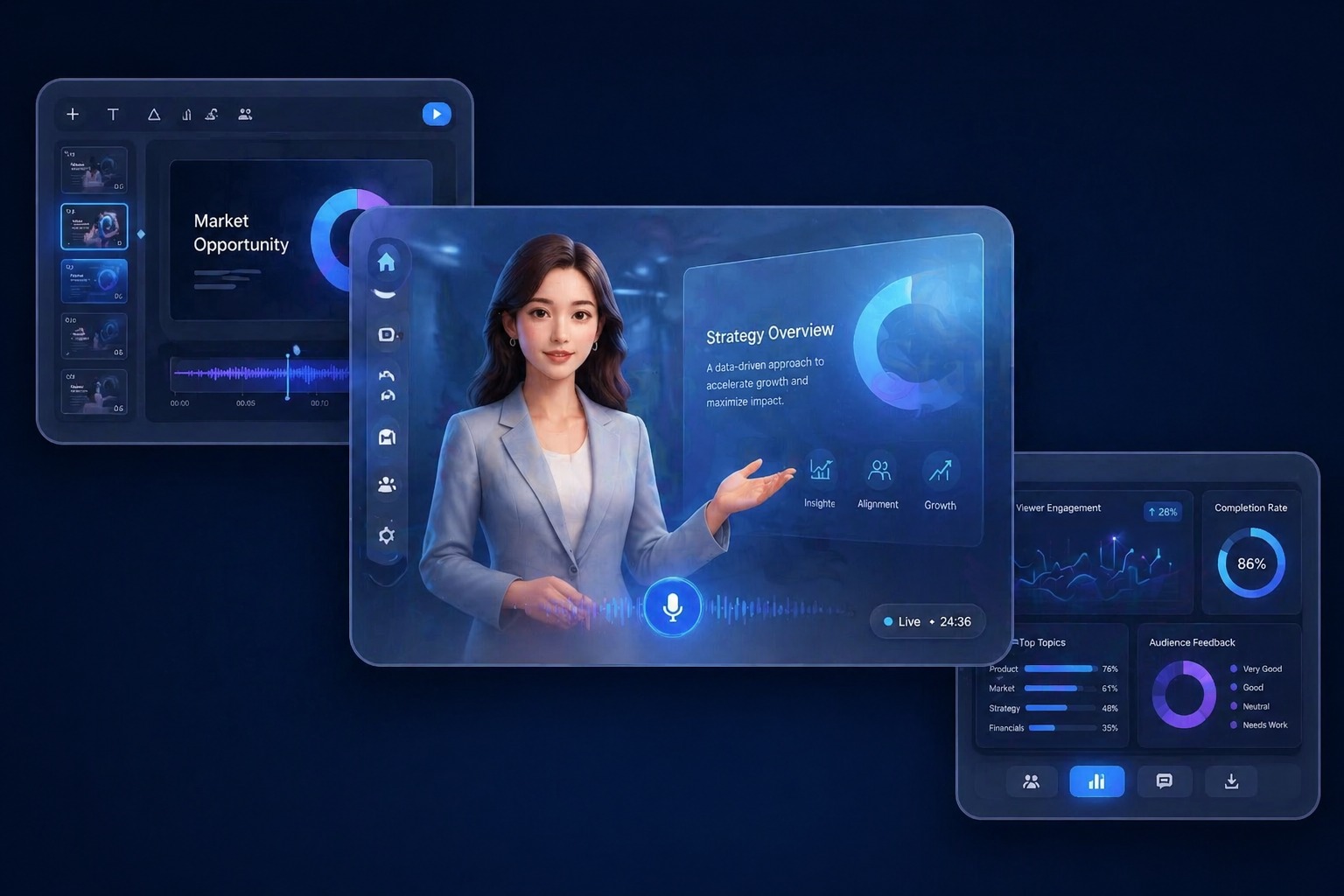
How AvatarCraft AI Fits Structured Presenter Workflows
Presenter-Led Explanations
An AI presenter is most useful for structured explanation content such as demos, lessons, onboarding, and repeatable walkthroughs. AvatarCraft AI helps turn those communication tasks into a workflow that is easier to maintain than repeated live recording.
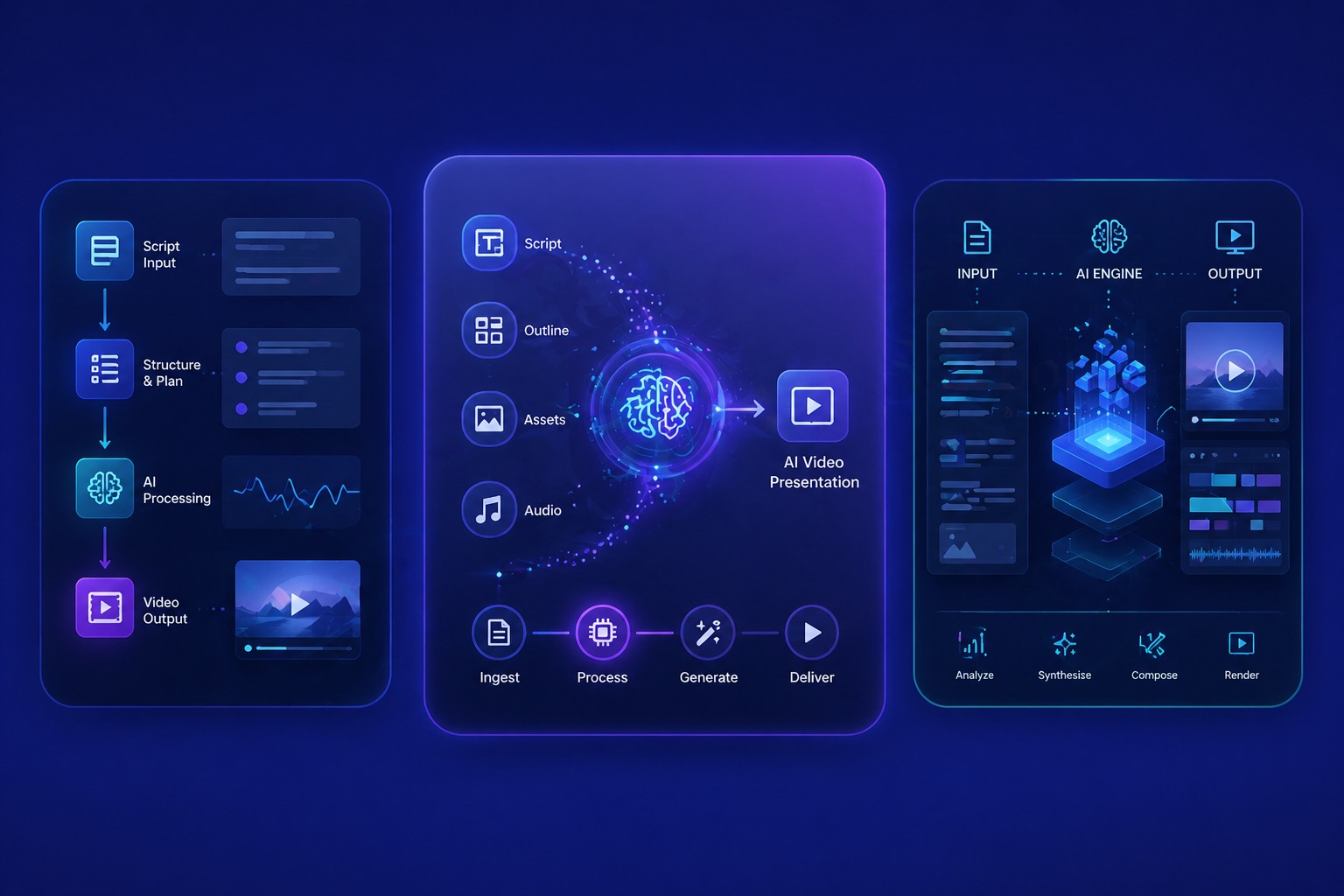
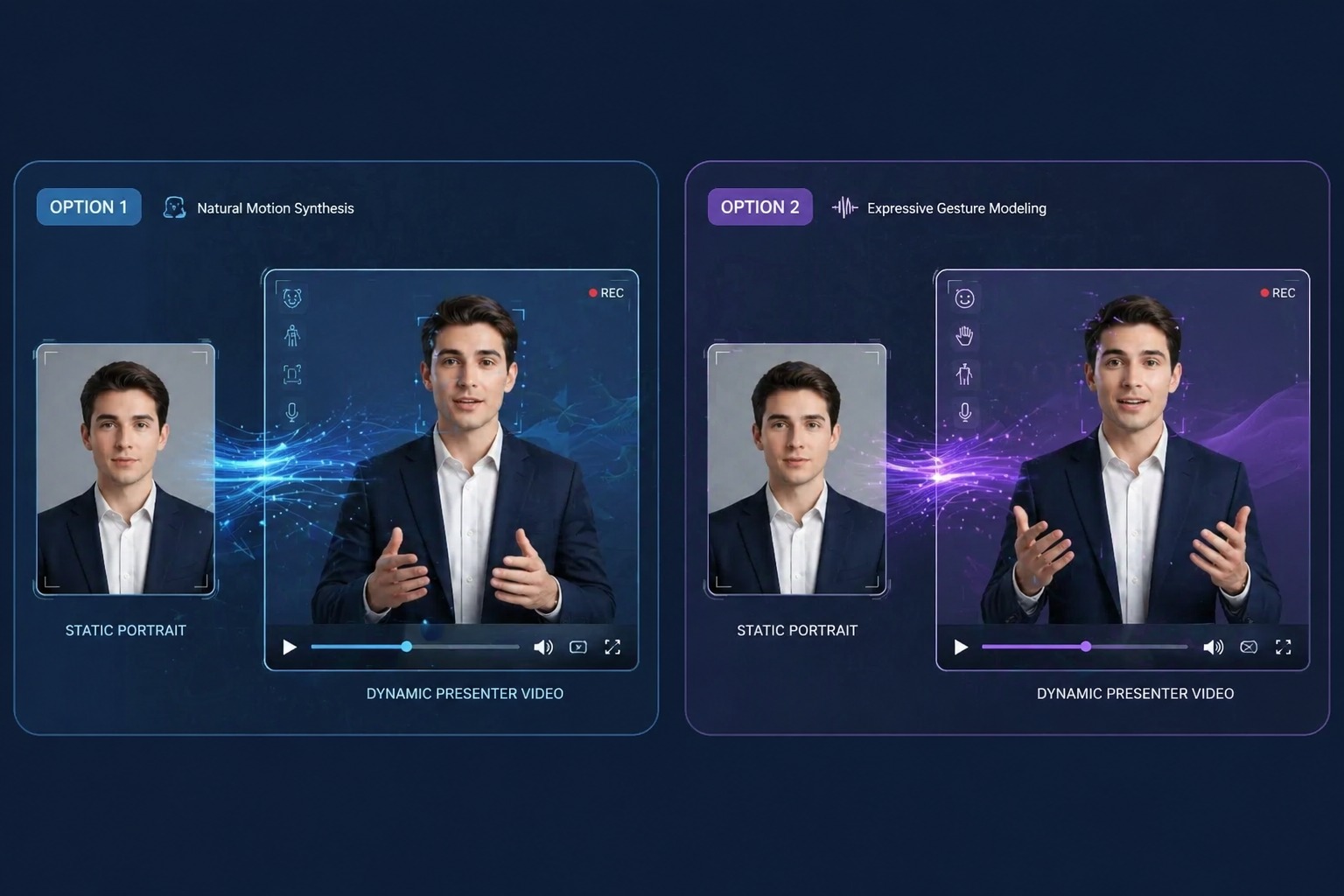
Image-Based Presenter Video
Start from a portrait and create a visible presenter format without another camera session. This works well for explainers, module previews, and product walkthrough intros that benefit from a clear speaker role.
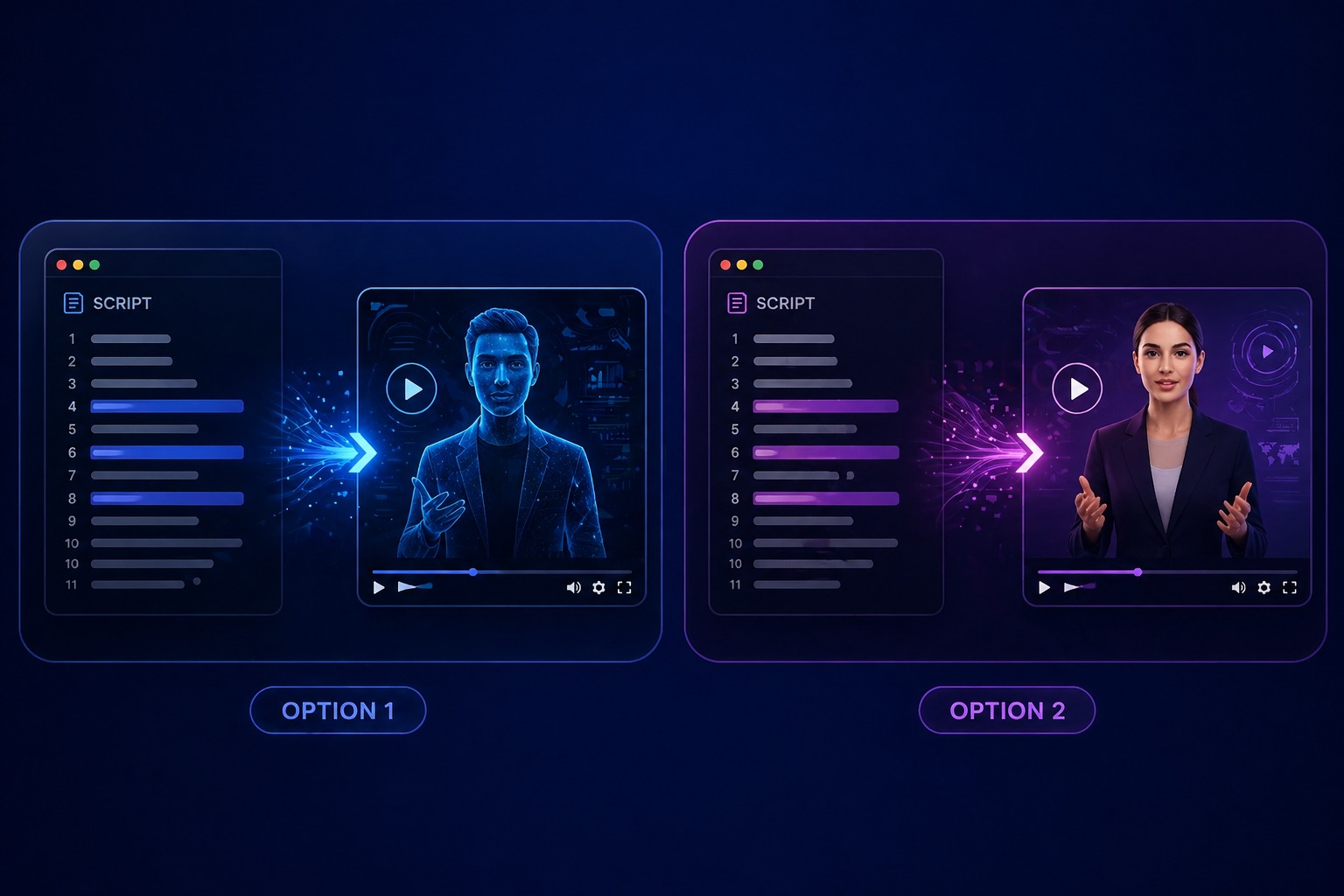
Scripted Presenter Workflow
Lesson plans, feature explanations, and onboarding content can move directly from script to presenter video. That makes revisions easier because the update starts in the text, not in another recording cycle.
Audio-First Presenter Delivery
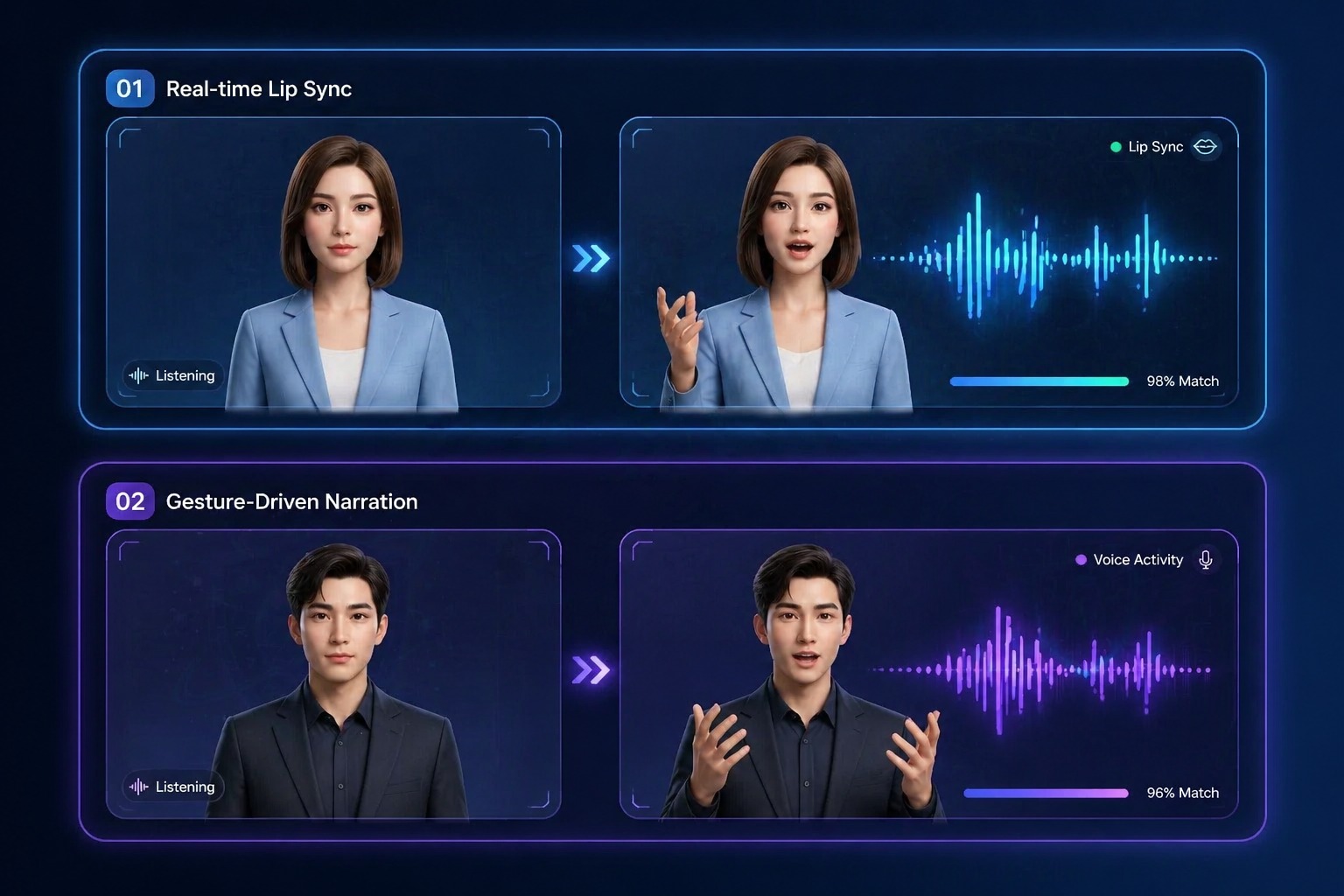
When a spoken explanation already exists, AvatarCraft AI can sync the avatar to that voice. This is useful for narrated lessons, internal explainers, and voice-led demo content.
Use Cases
Best AI Presenter Use Cases
These are the strongest scenarios where AvatarCraft AI helps users publish repeatable avatar-led video faster.
Course Modules
Turn structured lesson scripts into repeatable learning videos faster.
Training Content
Publish onboarding and process explainers without repeated live presenter recording.
Lesson Previews
Build short intros and summaries for educational content and module pages.
Evaluation Factors
What to Expect from an AI Presenter Tool
Quick updates
Presenter workflows are more valuable when new versions can be created without rebuilding production.
Clear delivery
The video needs to feel readable and presentable for structured explanation content.
Flexible input modes
Image, text, and audio inputs help teams choose the shortest route from idea to presenter video.
Simple creation flow
Non-creators benefit most when the tool does not require heavy setup or editing experience.
Reusable formats
Templates and consistent avatar setups support repeated lesson, demo, and onboarding content.
Realistic fit
The strongest use case is message-led explanation, not every live presenter scenario.
How to Create an AI Presenter Video with AvatarCraft AI
Simple steps to create avatar videos faster
01
Start with the right input
Choose image, text, or audio based on whether the job begins with a portrait, a script, or existing narration.
02
Generate the presenter video
Use the selected input, let AvatarCraft AI handle voice generation when needed, and create the talking presenter through lip sync and rendering.
03
Refine for the channel
Adjust pacing, length, and explanation style for demos, lessons, onboarding, or other presenter-led use cases.
Why Teams Use AI Presenter Workflows
- Explanation content becomes easier to maintain: Teams can update lessons, walkthroughs, and training modules without repeated live recording.
- Scripts become presenter assets: Text-first workflows help convert written knowledge into visible teaching or demo content.
- The format supports non-creators: Simple inputs make presenter-style video accessible beyond traditional production teams.
Explanation content becomes easier to maintain
That keeps structured communication current with less production overhead.
Scripts become presenter assets
This is especially useful when the message changes more often than the delivery format.
The format supports non-creators
Educators, marketers, support teams, and product teams can all use it more easily.
Common questions about using AvatarCraft AI for presenter-style lessons, demos, explainers, and training videos.
AI Presenter FAQ
What is an AI presenter?
An AI presenter is a video format where an avatar or portrait appears to deliver a script or spoken message. It is useful for structured explanations such as demos, lessons, onboarding, and repeatable educational or business communication.
What is an AI presenter video best for?
The strongest fit is message-led content that needs to be updated regularly, including product walkthroughs, course modules, training clips, and short explainer videos.
How does an AI presenter compare with recording a live presenter?
Live presenter recording still has advantages when spontaneity, performance nuance, or cinematic direction matter. AI presenter workflows are usually better when the priority is speed, repeatability, and easy revisions.
Can I create presenter videos from a script?
Yes. Script-first workflows are one of the best use cases because many lessons, demos, and onboarding assets already begin as written material that can be converted into presenter-led video.
When should I use audio-first presenter generation?
Audio input is useful when the original narration already carries the pacing or delivery you want to keep. It works well for lecture clips, spoken explainers, and voice-led updates.
Who benefits most from AI presenter tools?
Educators, creators, support teams, marketers, businesses, and product teams all benefit when they need presenter-style communication that can be updated and republished quickly.
What are the limits of AI presenter workflows?
They are strongest for structured explanation content. They are less suitable when the result depends on live spontaneity, detailed scene interaction, or highly expressive performance.
How does AvatarCraft AI fit this category?
AvatarCraft AI supports image, text, and audio-driven presenter creation in one workflow, which helps teams turn explainers, lessons, and demos into repeatable video content faster.