
AI Birthday Video Maker
Make a birthday video message from a photo: pick a birthday avatar or upload their picture, type the wish with their name, and download a talking video.
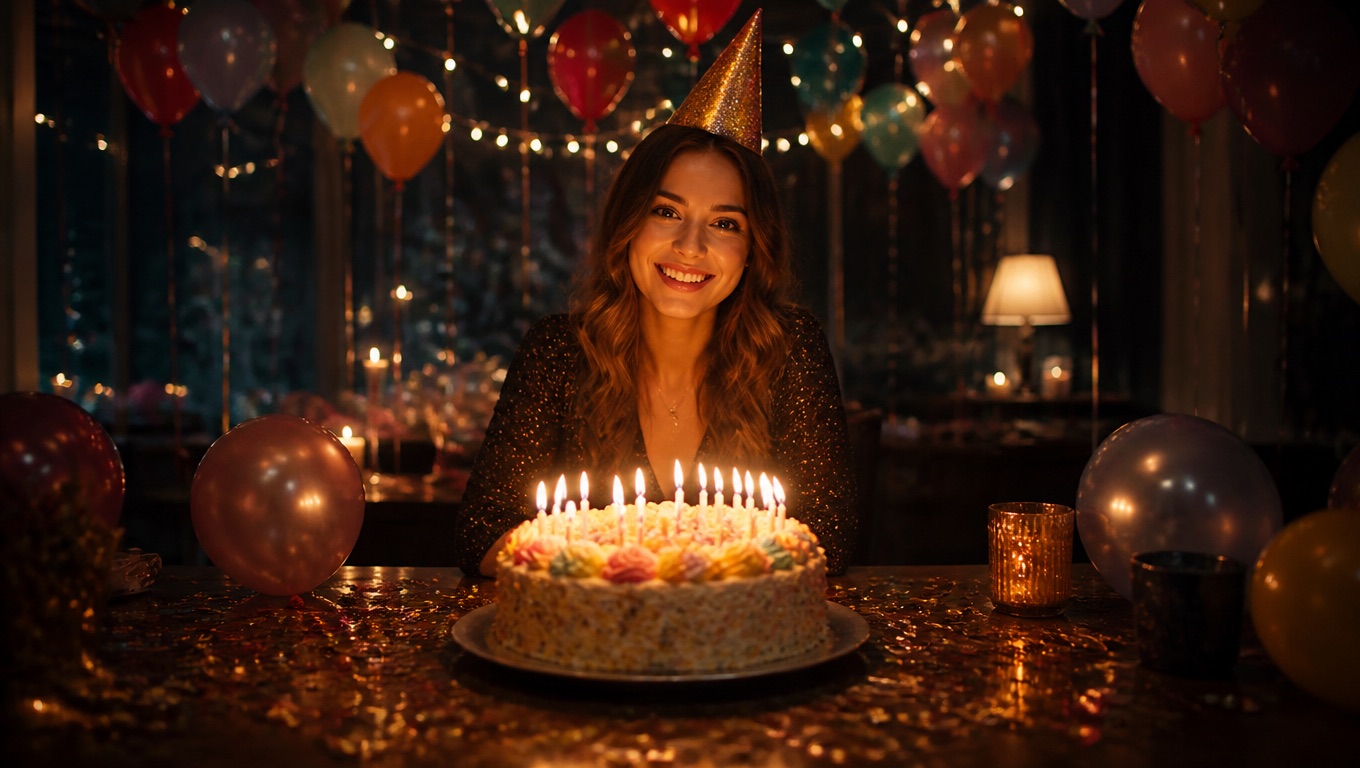
How to Make a Birthday Video with Photos People Remember
Pick a birthday avatar or their photo
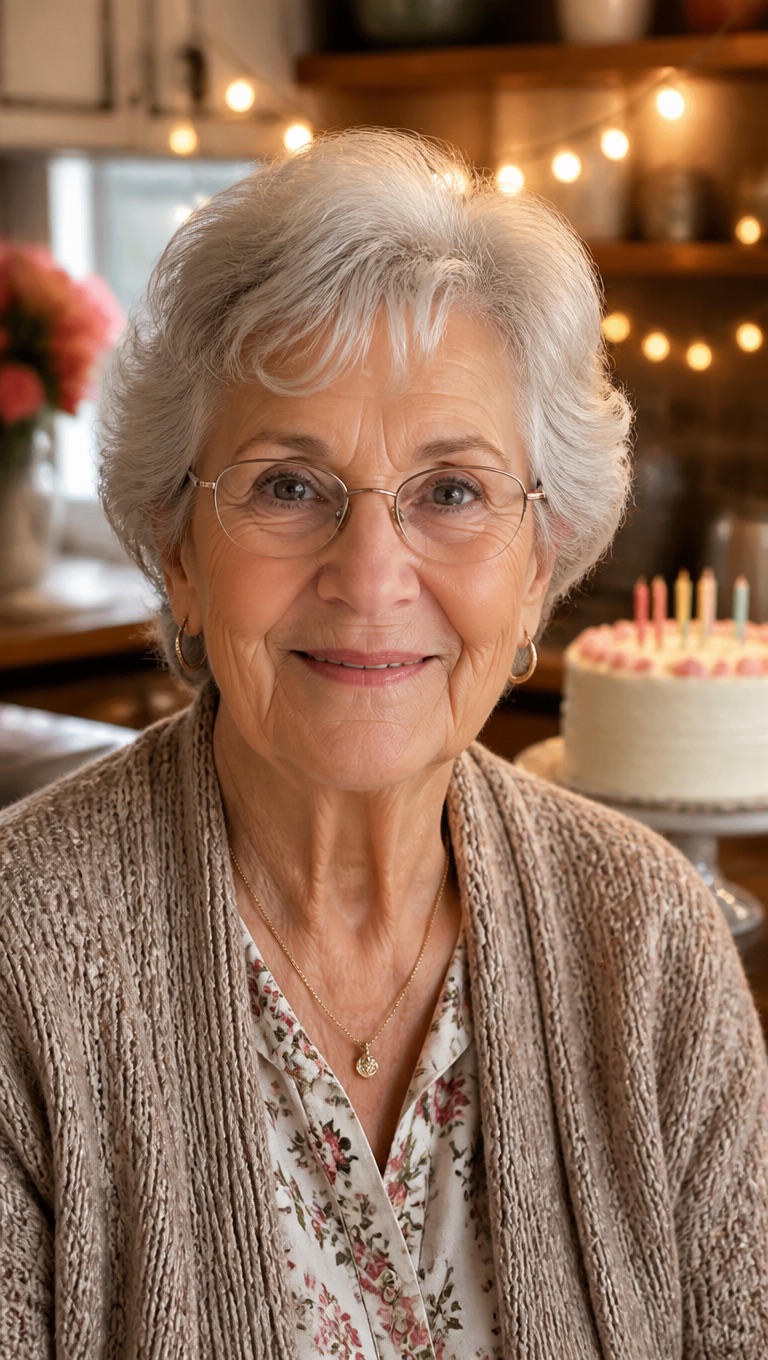
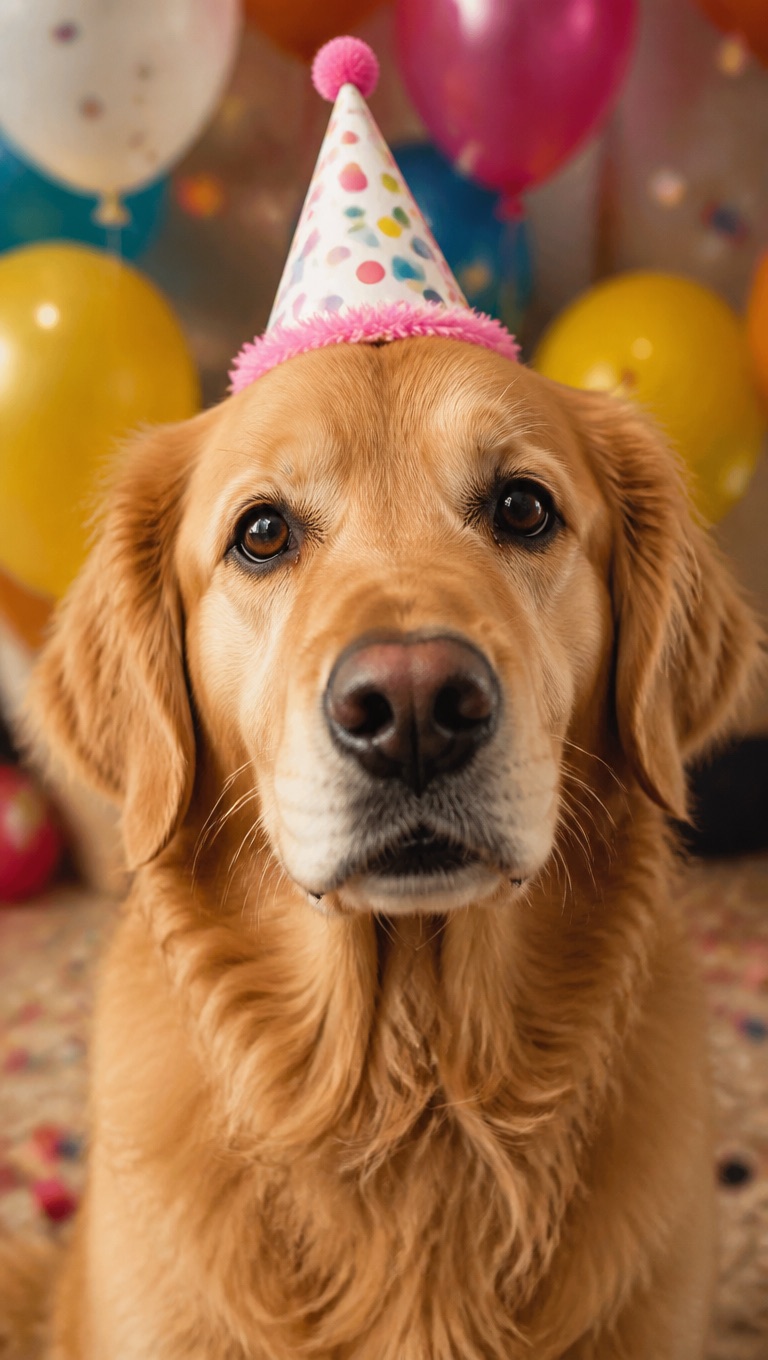
Start from eight birthday presets (a party hat, a birthday cake, Grandma, Grandpa, a party pup, a party cat, a teddy bear, and a dinosaur) or upload a photo of the birthday person, a friend, or the family pet. One clear, front-facing face works best.

Write a wish with their name in it
Say their name, one memory, and one wish. About 45 words fit into 20 seconds. If the voice says the name wrong, spell it the way it sounds.
Choose the voice, or record your own
Pick from 330+ voices in 20+ languages, or record the message yourself so it sounds like you. Upload a song you have the rights to instead, and the photo sings it.
Download and send
Download the video and send it by text, email, or a group chat, or play it at the party.
Birthday Video Ideas
A talking photo works for more than one kind of birthday message.
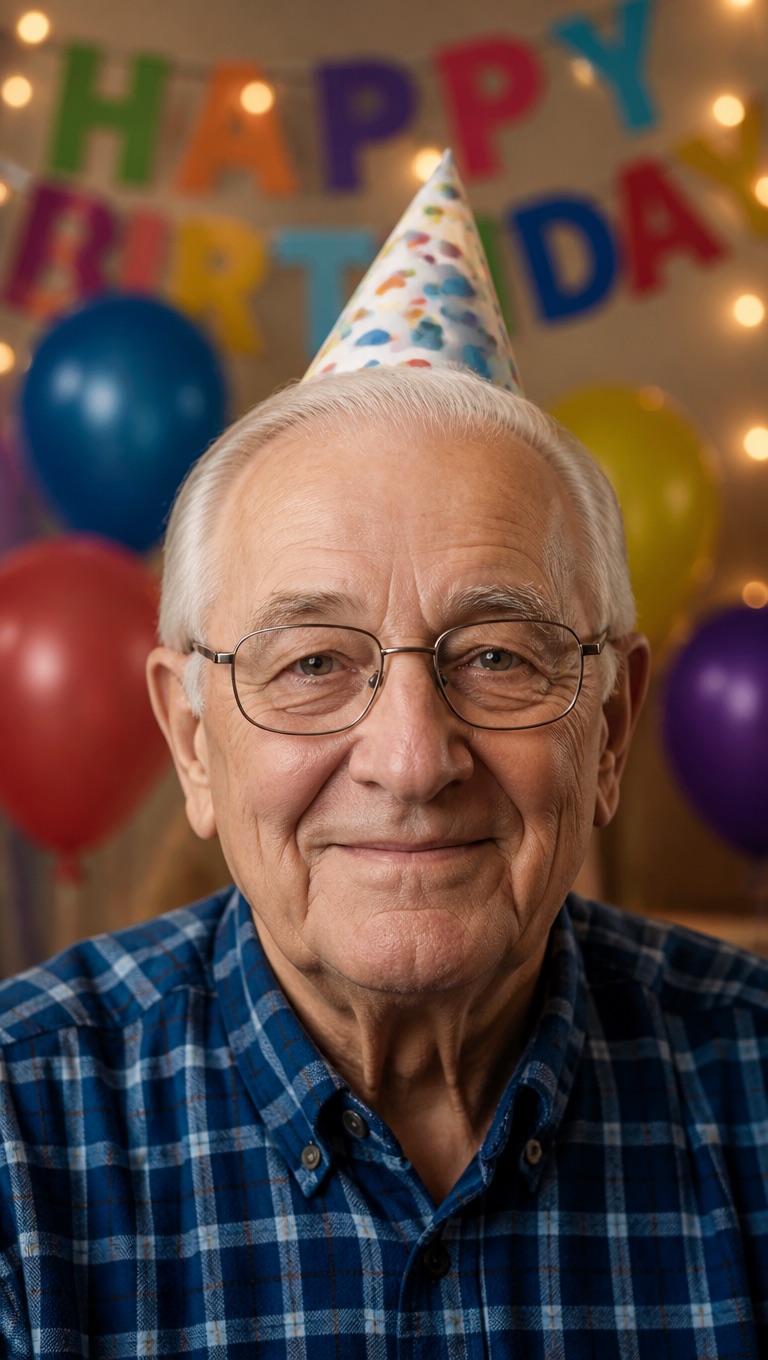
A message from far away
Can't make the party? Send a video where your photo wishes them happy birthday in your own recorded voice.
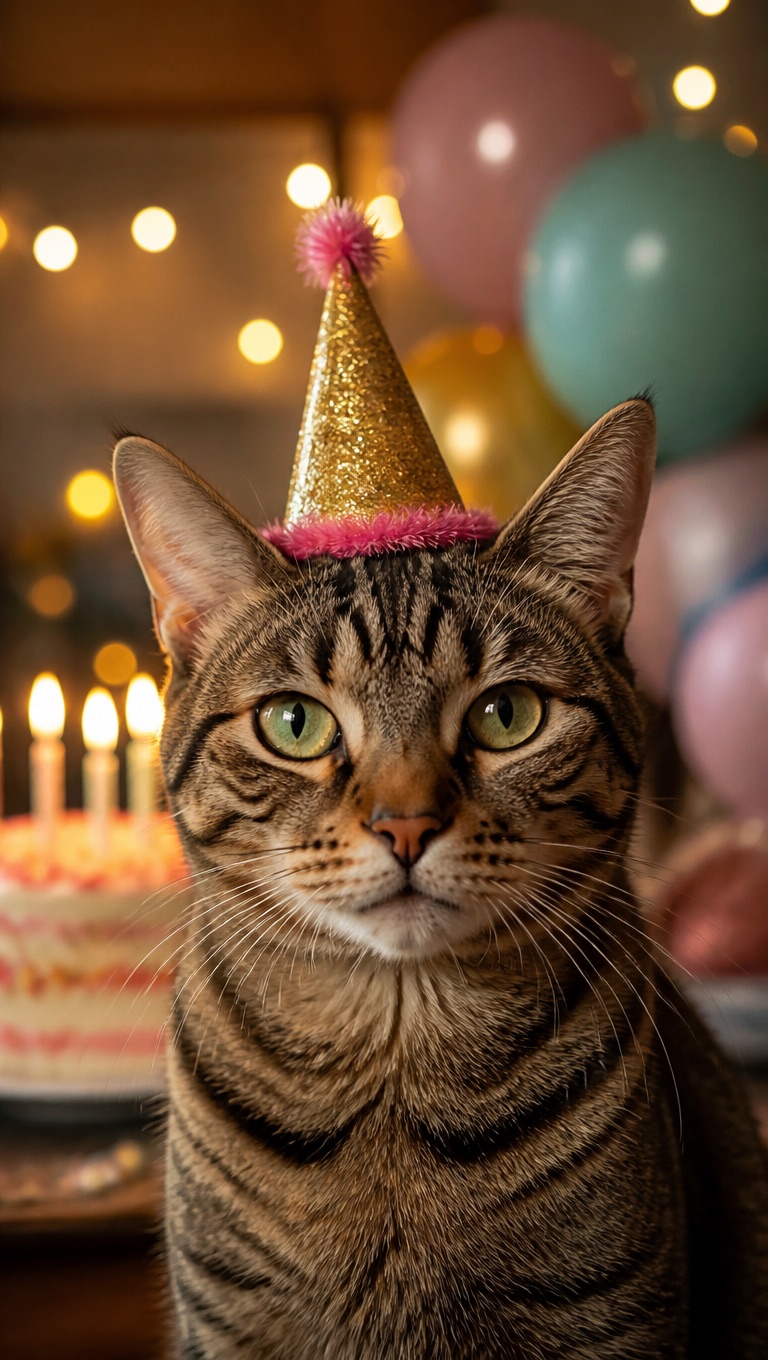
From the family pet
Let the dog or the cat say happy birthday, using a photo of the pet and a voice you pick.
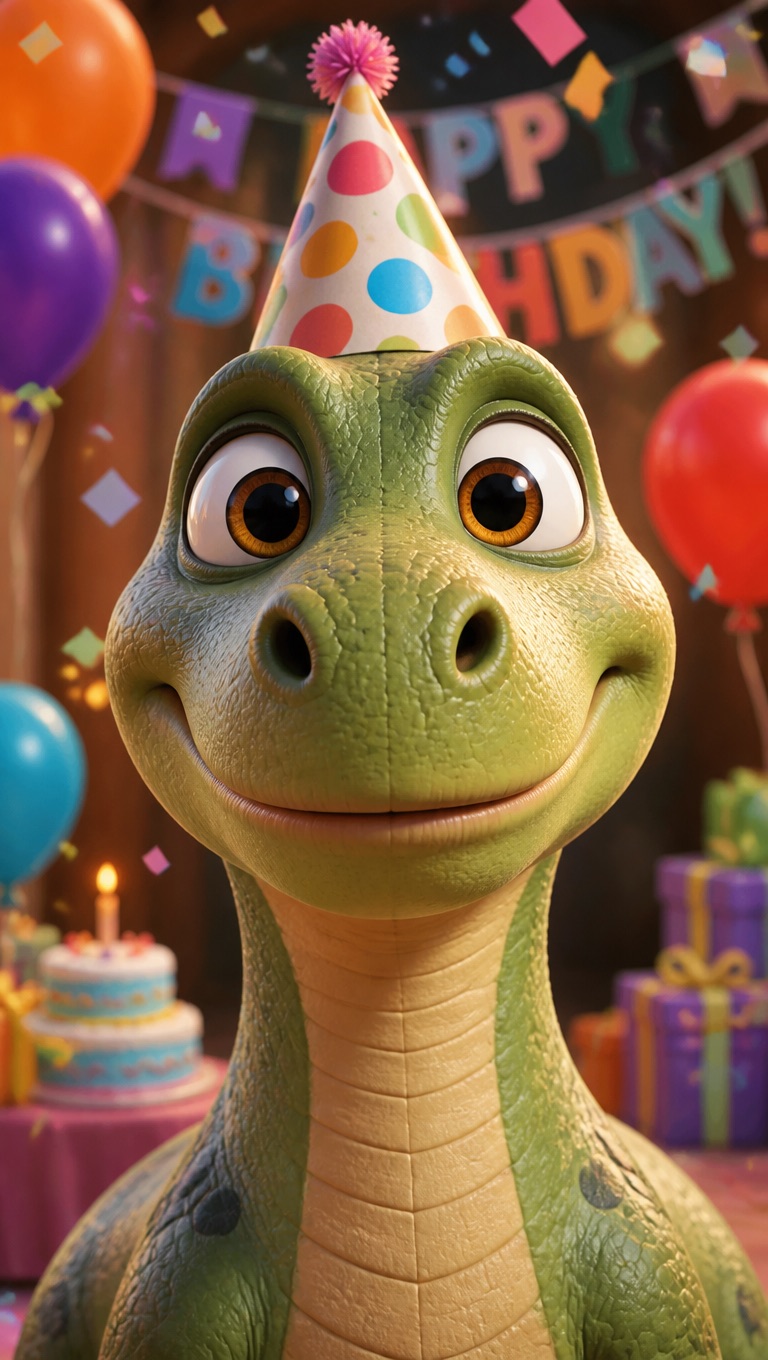
Kids' birthday surprises
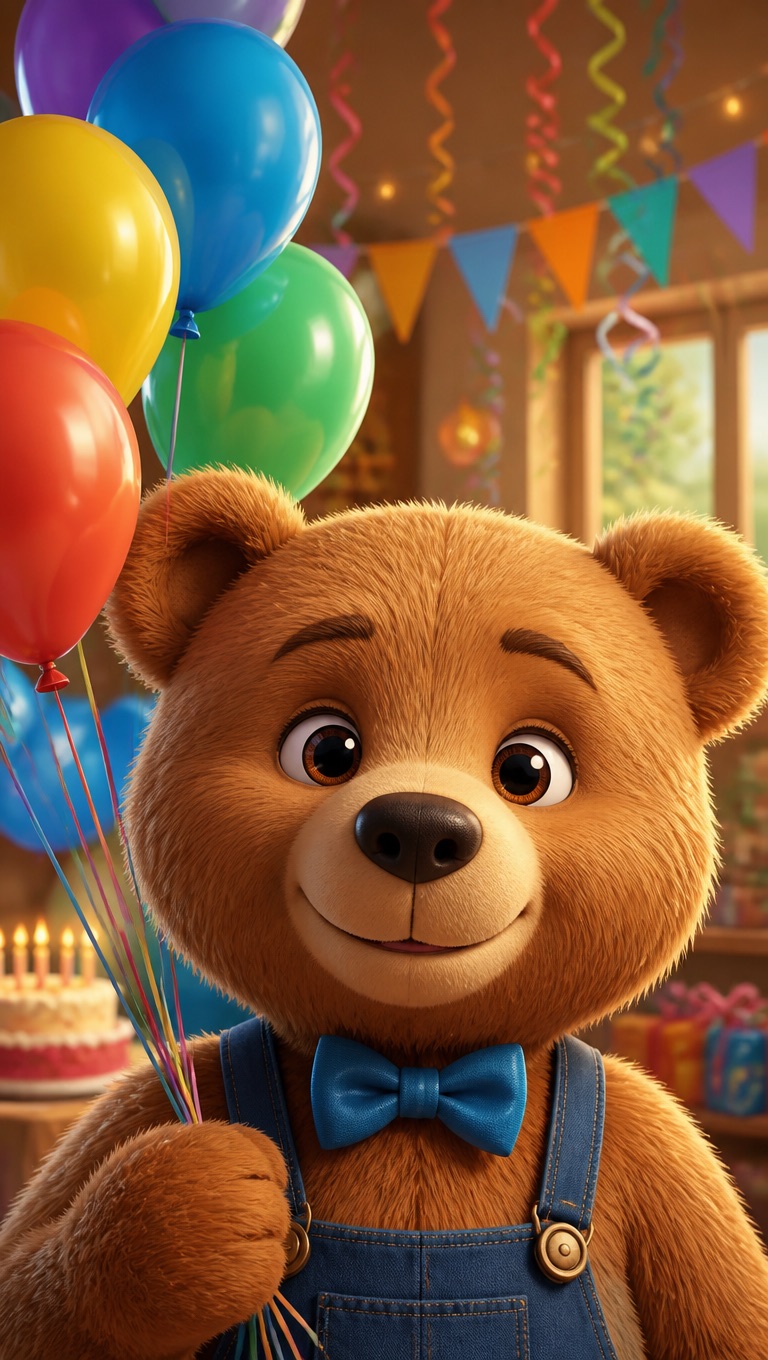
A cartoon teddy bear or dinosaur that says the birthday child's name.
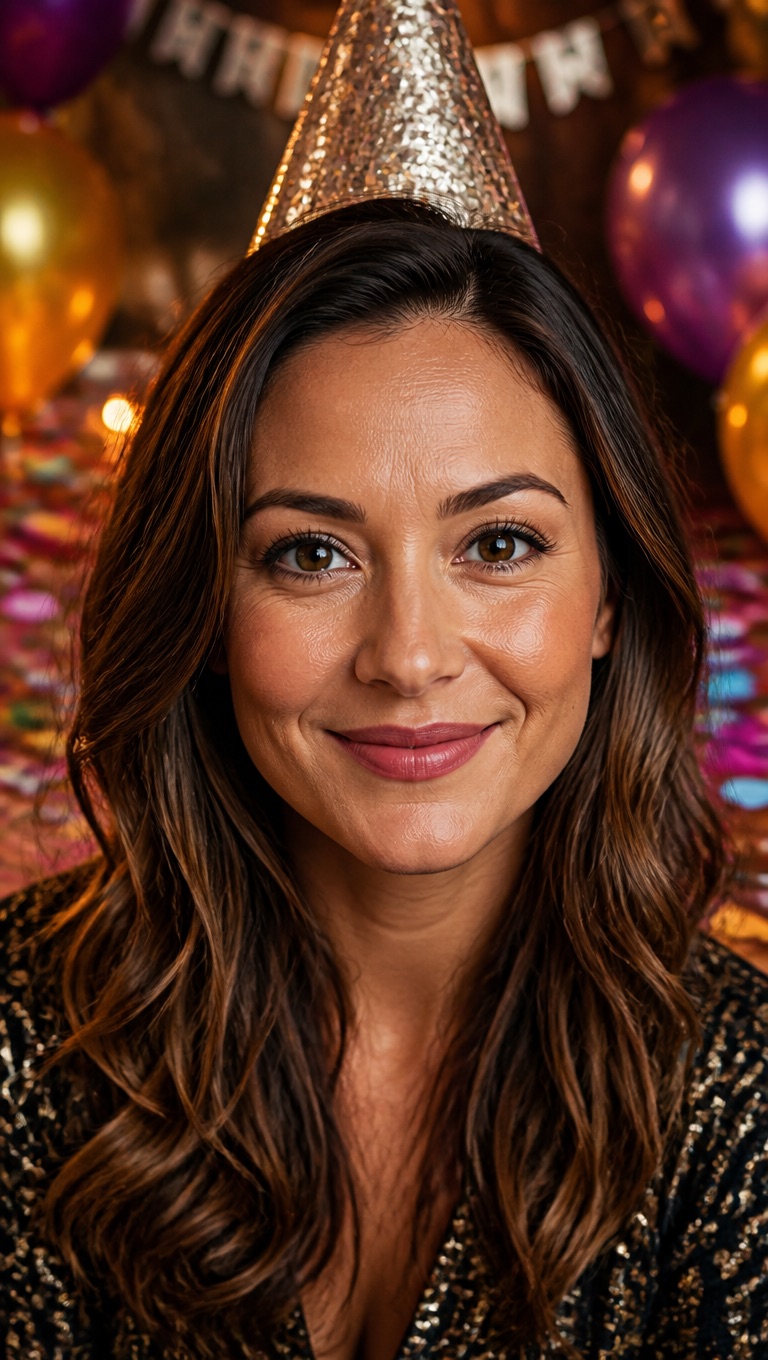
Office and team birthdays
One video from the whole team, delivered in a friendly presenter voice.
What to Know Before You Make a Birthday Video
8 birthday presets
Party Hat, Birthday Cake, Grandma, Grandpa, Party Pup, Party Cat, Teddy Bear, and Party Dino, plus 160+ more avatars in the gallery.
Their photo works too
Use a photo you have permission to use, with one face looking at the camera and the mouth visible.
Up to 20 seconds on the free plan
Each video takes 3 to 60 seconds of audio; free accounts can use up to 20 seconds.
30 free credits for new accounts
Enough for one 20-second birthday video at standard resolution, including the text-to-speech message.
Priced by length
Video costs 1 credit per second at 540p, or 2 credits per second at 720p on paid plans. Text to speech adds 1 credit per 200 characters.
A talking photo, not a slideshow
The video is one face delivering your message. It does not add music, captions, cake animations, or photo collages.
How to Make an AI Birthday Video
Three steps: face, wish, generate
- 01
Choose the face
Pick a birthday preset or upload a photo with one clear face looking at the camera.
- 02
Add the birthday wish
Type the message with their name and pick a voice, upload audio, or record yourself.
- 03
Generate and share
Generate the video, watch it back, and download it to send. A short message usually takes a few minutes.
Why Send a Happy Birthday AI Video
- Their name, your words: The message says exactly what you write, down to the inside joke.
- Your voice, or one of 330+: Record it yourself so it sounds like you, or pick a warm, upbeat AI voice.
- Ready in minutes: No booking and no editing: write it, generate it, send it.
Their name, your words
Nothing is filled in from a template, so it can be as personal as you like.
Your voice, or one of 330+
Messages in Spanish, Portuguese, and 20+ other languages work too.
Ready in minutes
Make another version with a different face or voice in a few minutes.
AI Birthday Video Maker FAQ
How do I make a birthday video message from a photo?
Pick a birthday preset or upload a photo, type the wish with their name, choose a voice, and generate. When the video is ready, download it and send it.
Is the AI birthday video maker free to use online?
New accounts start with 30 free credits, enough for one 20-second birthday video at standard resolution. After that, video costs 1 credit per second at 540p, and text to speech adds 1 credit per 200 characters. Starting 30 days after sign-up, accounts without a subscription are topped back up to 20 credits every 30 days.
Can I use the birthday person's photo?
Yes, if you have their permission. Use a photo with one face looking at the camera and the mouth visible. Pet photos and cartoon characters work too.
Can the photo sing Happy Birthday?
Yes, with audio you provide. Upload a recording of the song you have the rights to use, or use the AI singing photo generator, which is built for singing. The tool does not supply the song for you.
Can it say their name?
Yes. Type the name into the message. If the voice pronounces it wrong, spell it the way it sounds and generate again.
How long can the birthday video be?
Up to 20 seconds on the free plan and up to 60 seconds on a paid plan. About 45 words fit into 20 seconds.
Does it add music, captions, or a cake animation?
No. It makes one face speak or sing your audio. If you want music, captions, or other clips, add them in a video editor afterwards.
Can I make a birthday video in another language?
Yes. Text to speech has 330+ voices in 20+ languages, or you can upload or record the message in any language.
Does the AI write the birthday wishes for me?
No. The video says exactly the words you type, so the wish is yours. A simple shape works well: their name, one shared memory, and one wish for the year ahead, about 45 words for a 20-second video.
Can I send the birthday video on WhatsApp or Instagram?
Yes. Download the finished video and send it in WhatsApp, Messenger, or a text message, or post it to Instagram like any other video from your phone or computer.