
Ecommerce Product Video Maker
Turn a product script into a talking presenter video for listings, ads, and storefronts. One portrait, one script, and a clip you can publish the same day.
How to Create a Better Ecommerce Product Video Maker
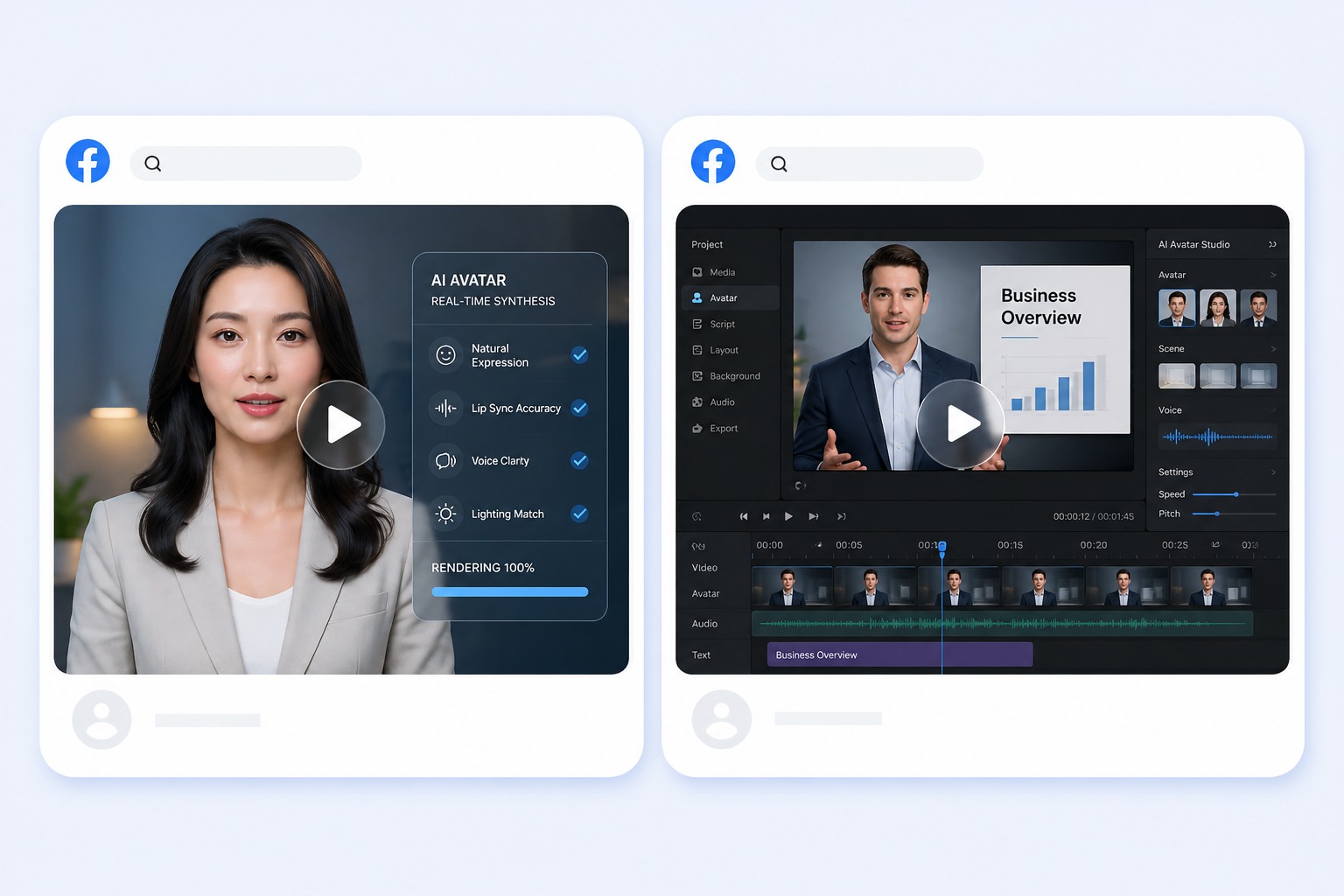
Start with the right portrait
Choose a presenter whose look matches the category you sell in, either a preset or a portrait you are cleared to animate. One clearly visible, front-facing face works best.
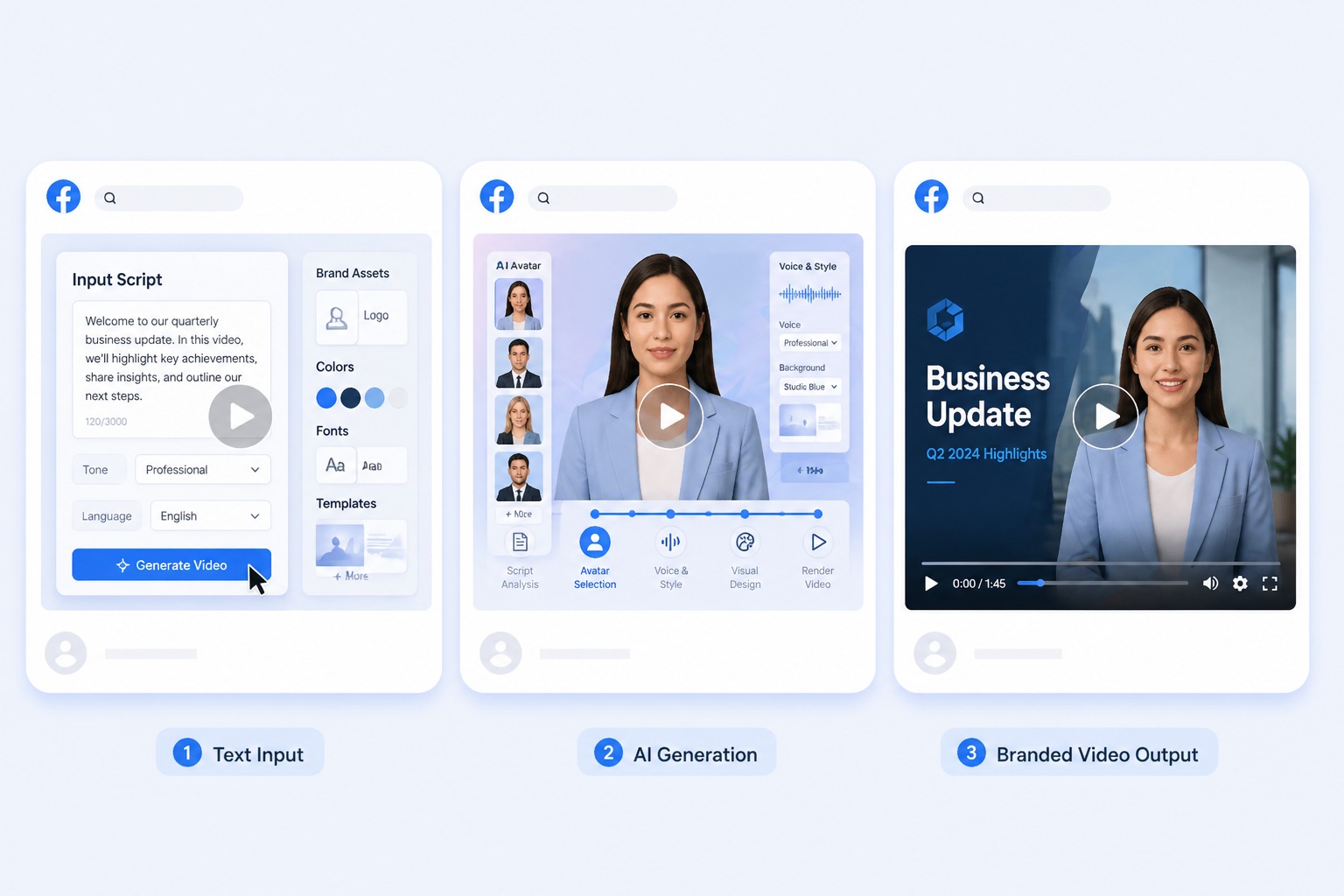
Add a script or permitted audio
Paste the product script for text-to-speech or upload an approved recording. Keep it between 3 and 60 seconds — one product, one benefit, one next step reads better than a full spec list.
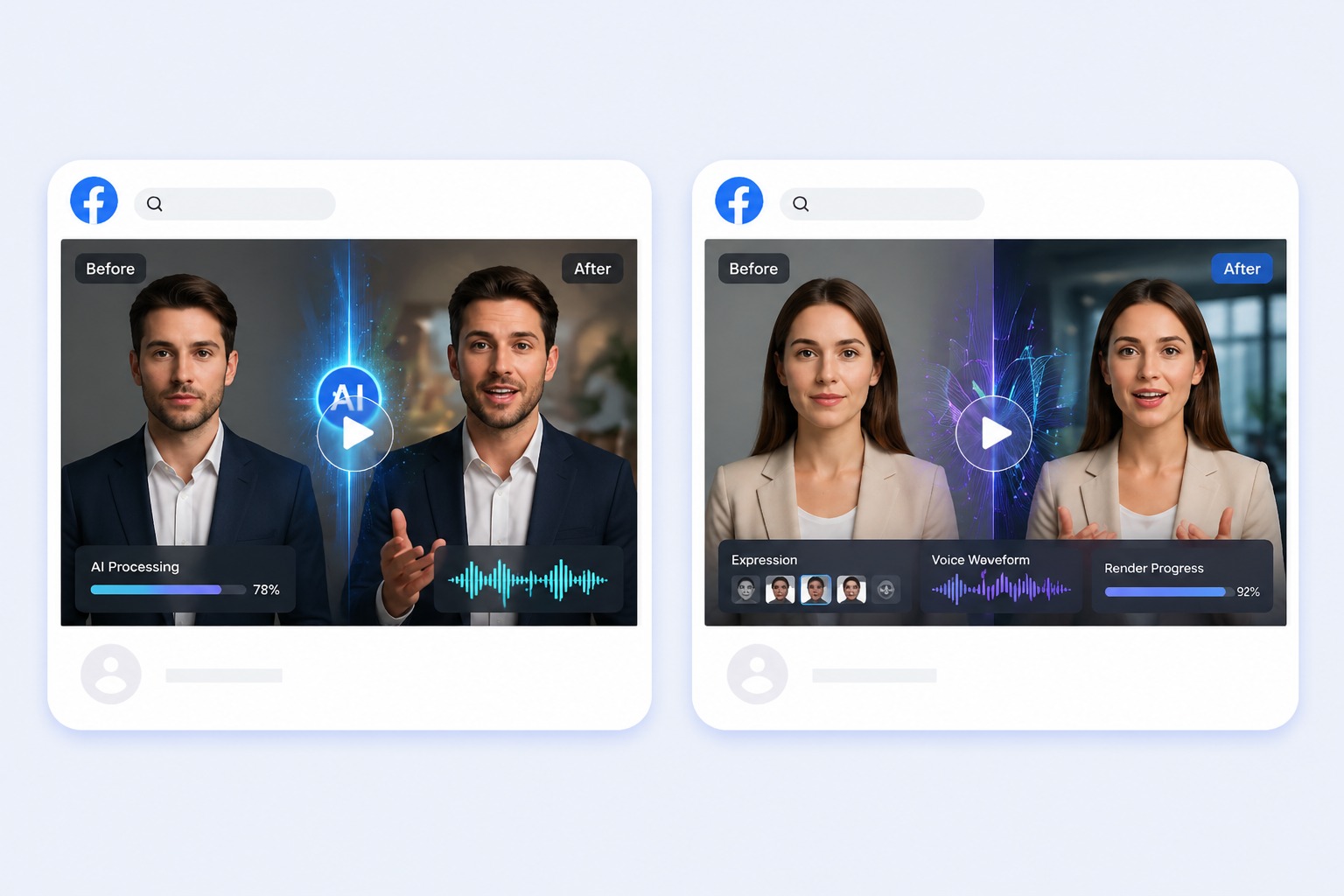
Generate and review the result
Check sizes, materials, prices, and shipping claims before publishing. The presenter will read whatever the script says, including a number that changed last week.
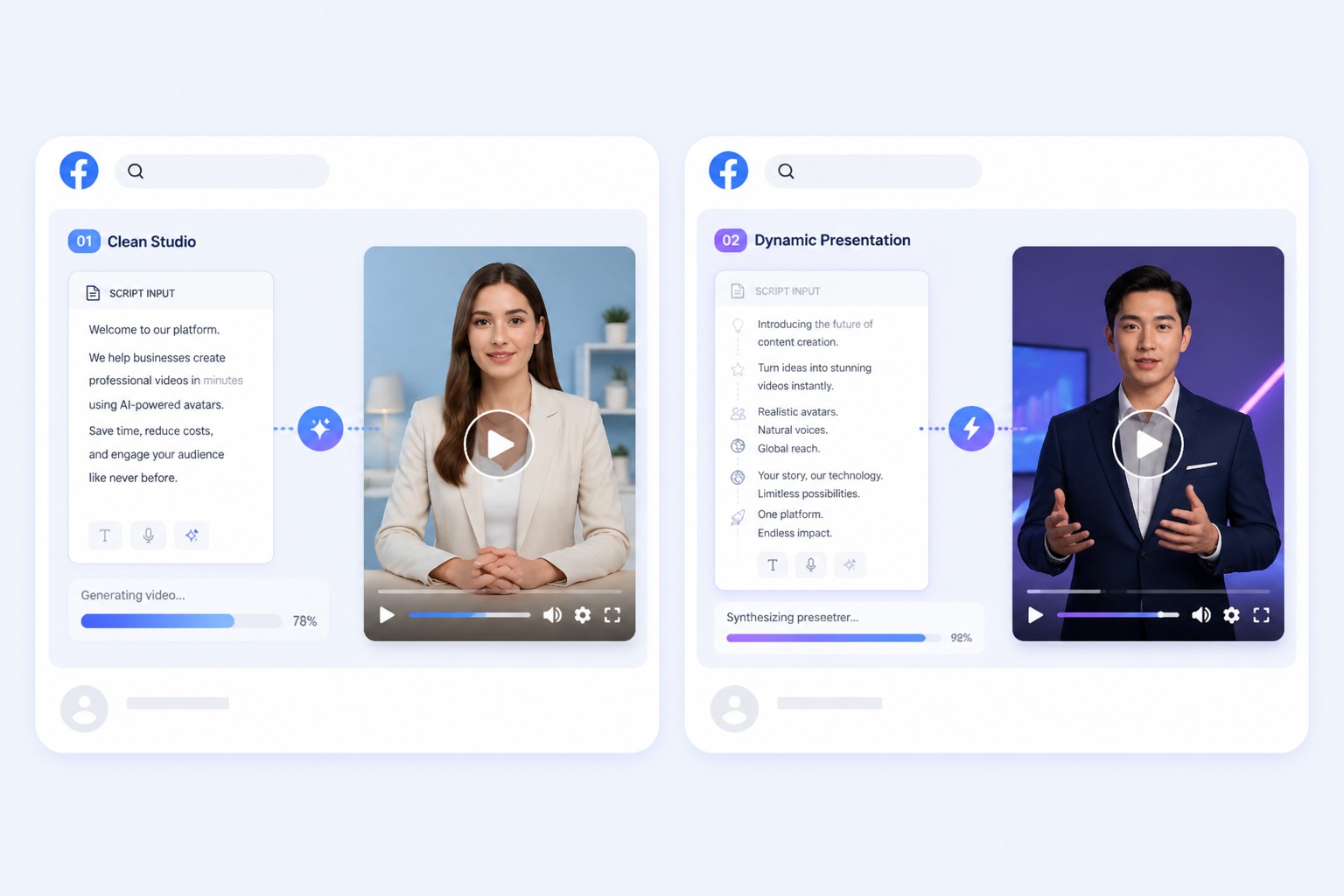
Plan for listing videos, storefront clips, catalog updates, and marketplace ads
A focused product video works best when one subject, one message, and one audience are defined before generation. Keep the first version short, review it in context, and revise the source image or audio when the result needs improvement.
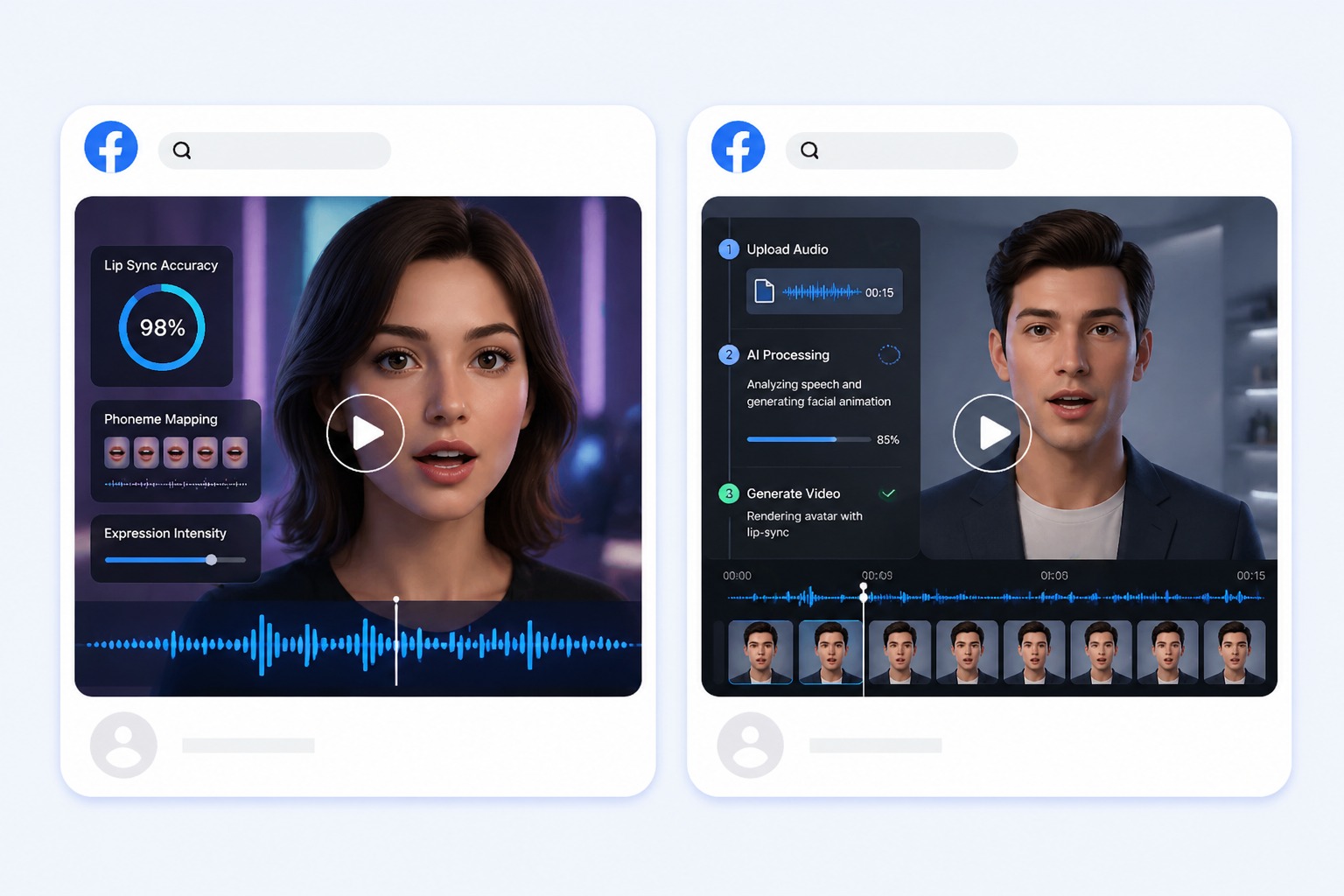
Ecommerce Product Video Maker Use Cases
Use this workflow for listing videos, storefront clips, catalog updates, and marketplace ads.

Listing videos
Give a product page a short spoken introduction instead of leaving buyers with photos and a spec table.
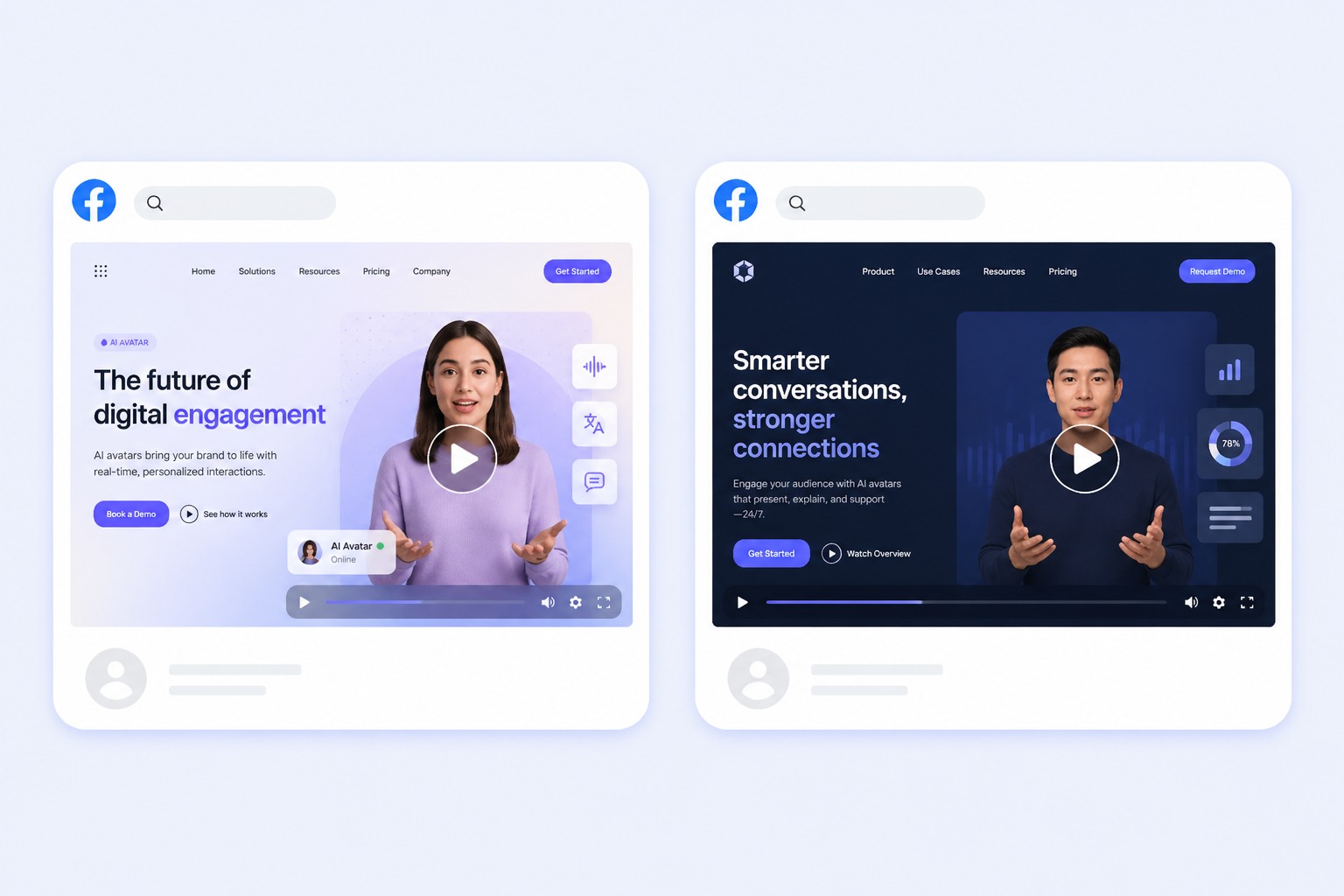
Storefront clips
Introduce a collection or a new arrival with the same presenter across the whole store.
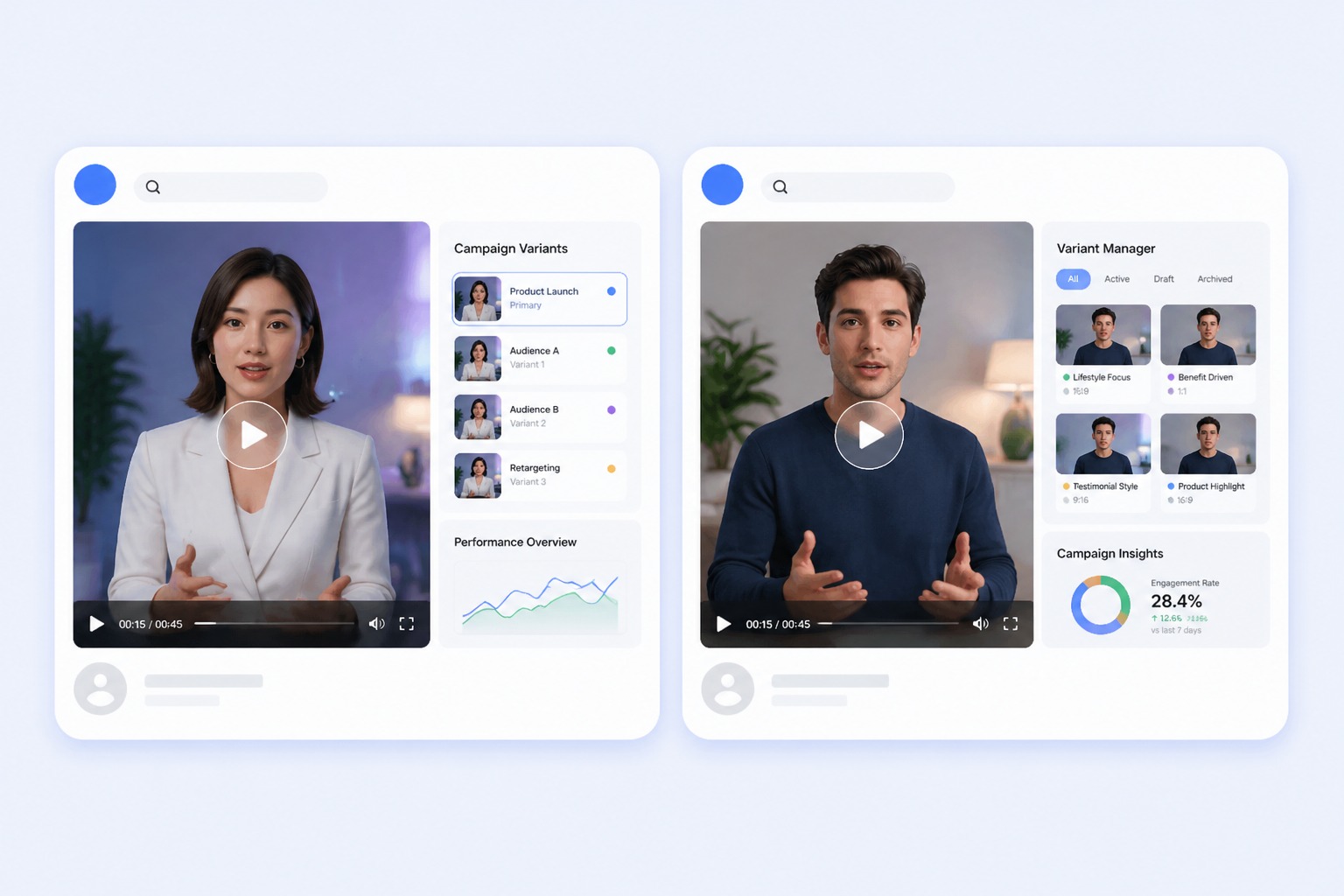
Catalog updates
Regenerate the clip when a price, size, or material changes — only the script needs editing.

Marketplace ads
Produce a short presenter clip for a channel that expects video but does not justify a shoot.
What to Check Before Creating a Ecommerce Product Video Maker
Script length
Audio must run between 3 and 60 seconds. One product per clip keeps it inside that window.
Product accuracy
Confirm price, size, material, and availability before generating. The tool reads the script as written.
Portrait rights
Use a preset or a portrait you own or are licensed to animate.
Voice consent
A real person's voice may only be used with their permission.
One clip per run
Each generation produces a single video. A catalog of products means one run per product.
Marketplace rules
Some marketplaces restrict synthetic presenters or require disclosure. Check before uploading.
How to Make a Ecommerce Product Video Maker Video
A simple three-step portrait-to-video workflow
- 01
Choose or upload a permitted portrait
Choose a presenter whose look matches the category you sell in, either a preset or a portrait you are cleared to animate. One clearly visible, front-facing face works best.
- 02
Add text or audio
Paste the product script for text-to-speech or upload an approved recording. Keep it between 3 and 60 seconds — one product, one benefit, one next step reads better than a full spec list.
- 03
Generate, review, and export
Check sizes, materials, prices, and shipping claims before publishing. The presenter will read whatever the script says, including a number that changed last week.
Why Creators Use Ecommerce Product Video Maker
- Create without a new camera recording: Turn one permitted portrait and one message into a focused product video.
- Choose text or recorded delivery: Text-to-speech supports quick revisions, while uploaded audio preserves your performance.
- Keep the output easy to review: Short scripts make visual quality, message accuracy, and audience fit easier to assess.
Create without a new camera recording
The reusable workflow is useful when scripts change more often than the presenter or character.
Choose text or recorded delivery
Both inputs lead to the same review step, where timing, rights, and context must be checked.
Keep the output easy to review
Use the finished product video as one component in a responsible publishing workflow.
Ecommerce Product Video Maker FAQ
What does an ecommerce product video maker do?
It turns a portrait and a product script into a talking presenter clip for a listing, storefront, or ad. AvatarCraft generates the voice from text or syncs to uploaded audio.
How long should a product video be?
The audio must run between 3 and 60 seconds. One product and one benefit usually fits comfortably; a full spec list does not.
Can I use the same presenter across my whole catalog?
Yes. Reuse the same portrait or preset for every product so the store keeps a consistent face.
Can it generate a video for every product automatically?
No. Each generation is a single clip from a single script, so a catalog means one run per product.
Do marketplaces allow AI presenters?
Policies differ by platform and some require disclosure. Check the rules of the marketplace before you upload.