
An expressive adult male voice with a British accent, perfect for engaging audiobook narration.
1 credit per 200 characters
AI Text to Speech
Turn text into natural-sounding speech with 330+ AI voices in 20+ languages. Preview each voice, download the audio, or use it in a talking avatar video.
How to Get Natural-Sounding Text to Speech
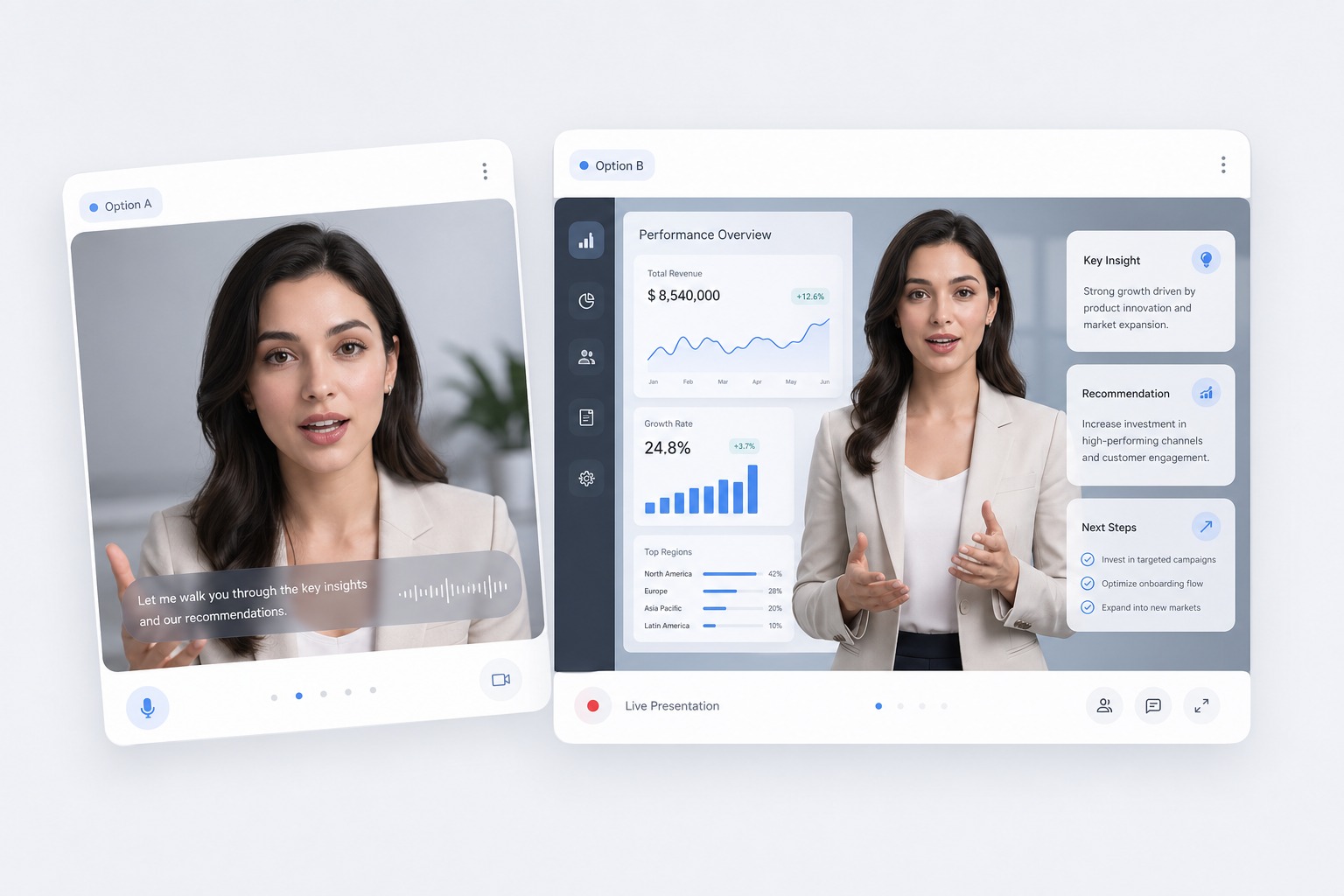
Choose from 330+ voices
Filter the voice library by language, gender, and age, and play a sample of each voice before you commit. Every voice in the library has a preview.
Write for the ear, not the page
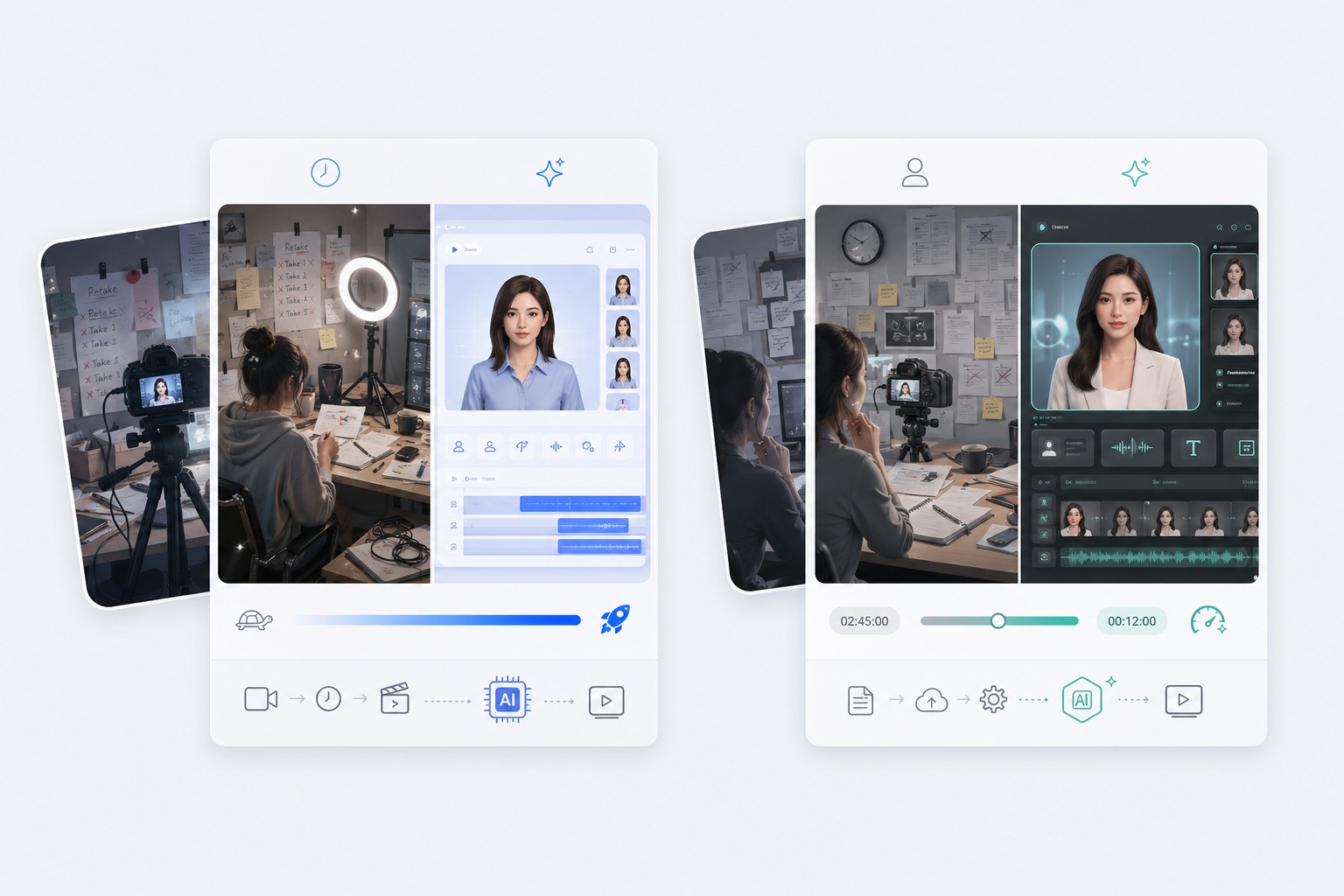
Short sentences, punctuation where you want a pause, and numbers written the way they should be read give the most natural result. Each generation takes up to 2,000 characters.
Match the voice to the language
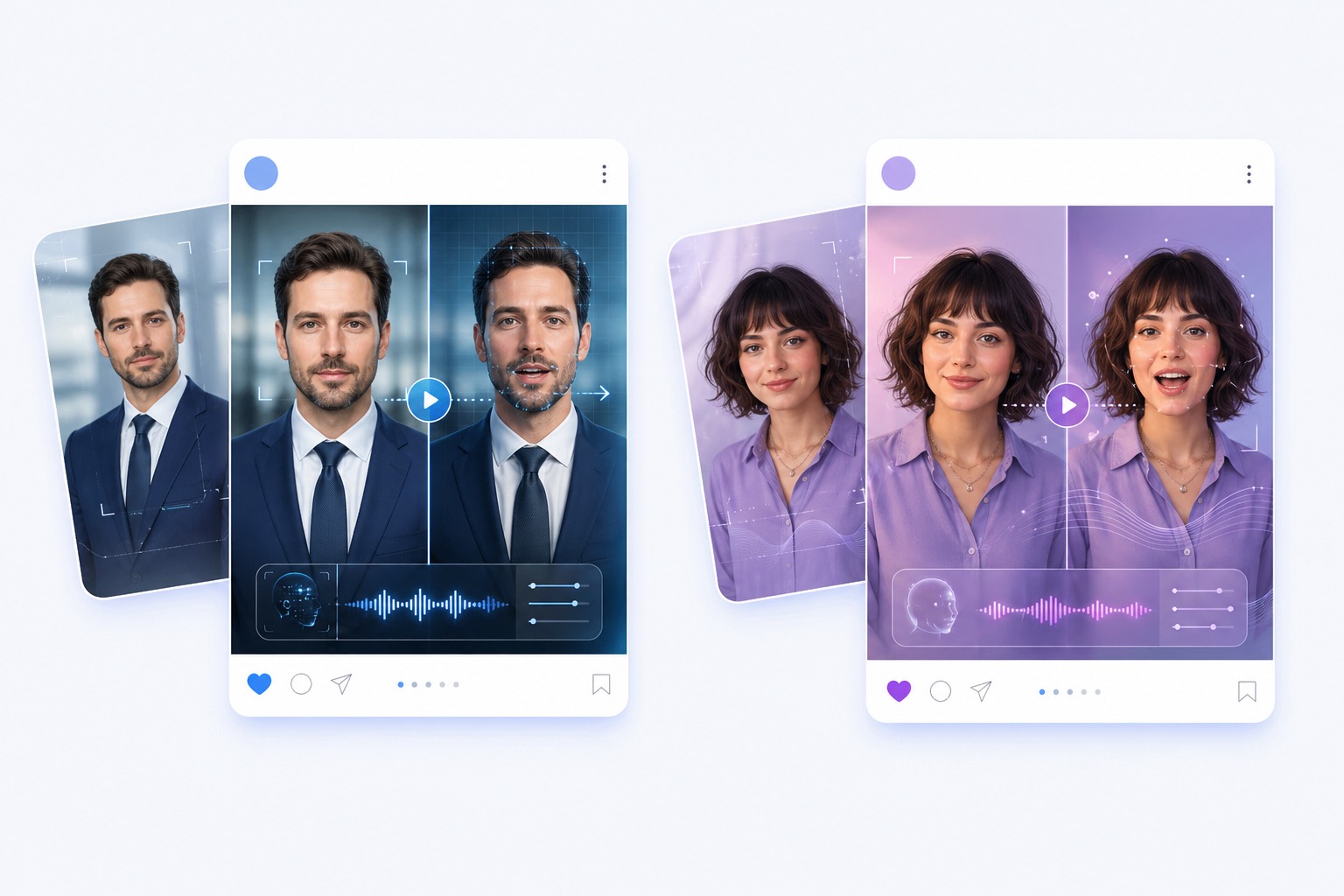
Each voice is built for a specific language, from Portuguese, Korean, and Spanish to English, Chinese, and Japanese. A voice sounds most natural reading text in its own language.
Turn the audio into a talking video
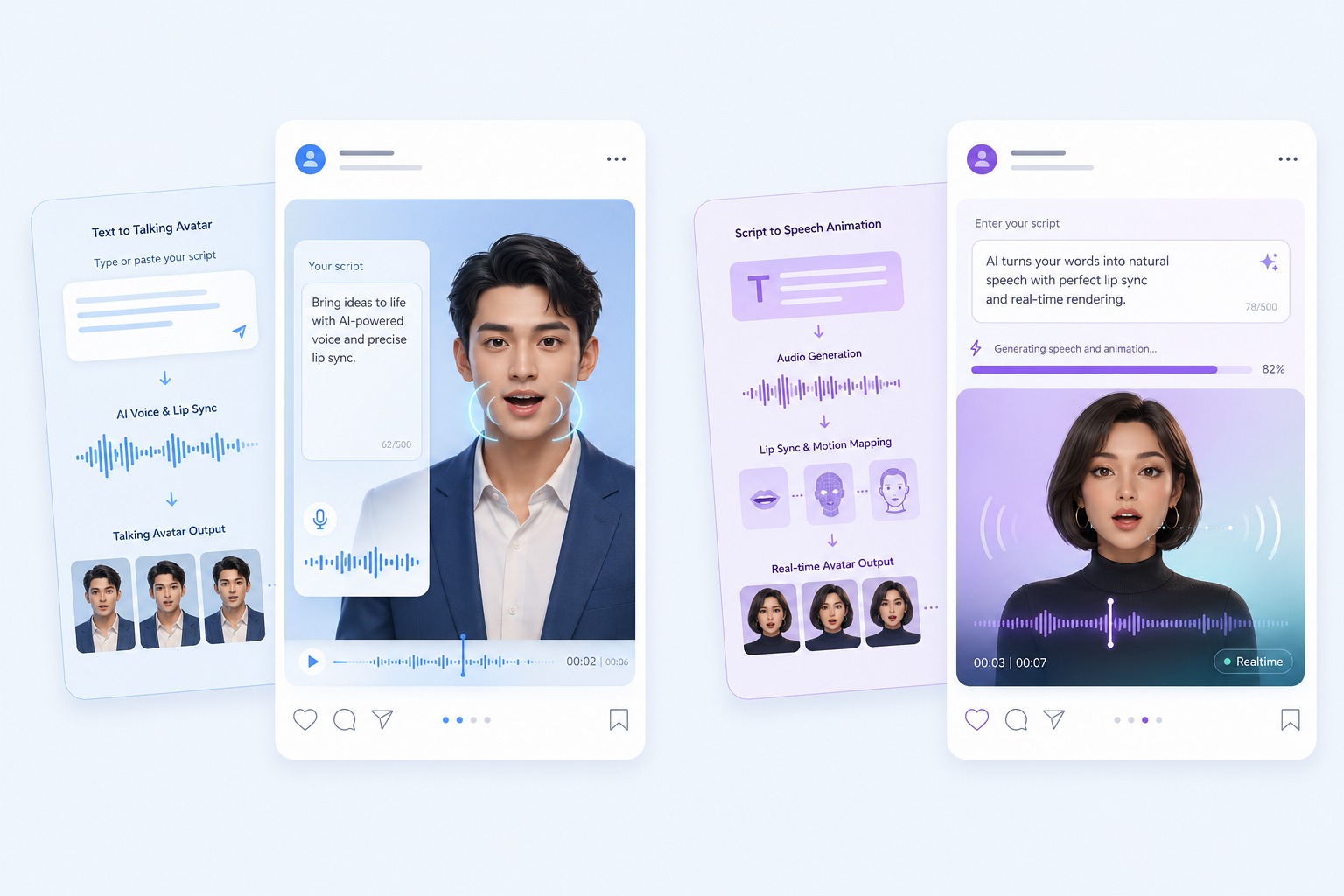
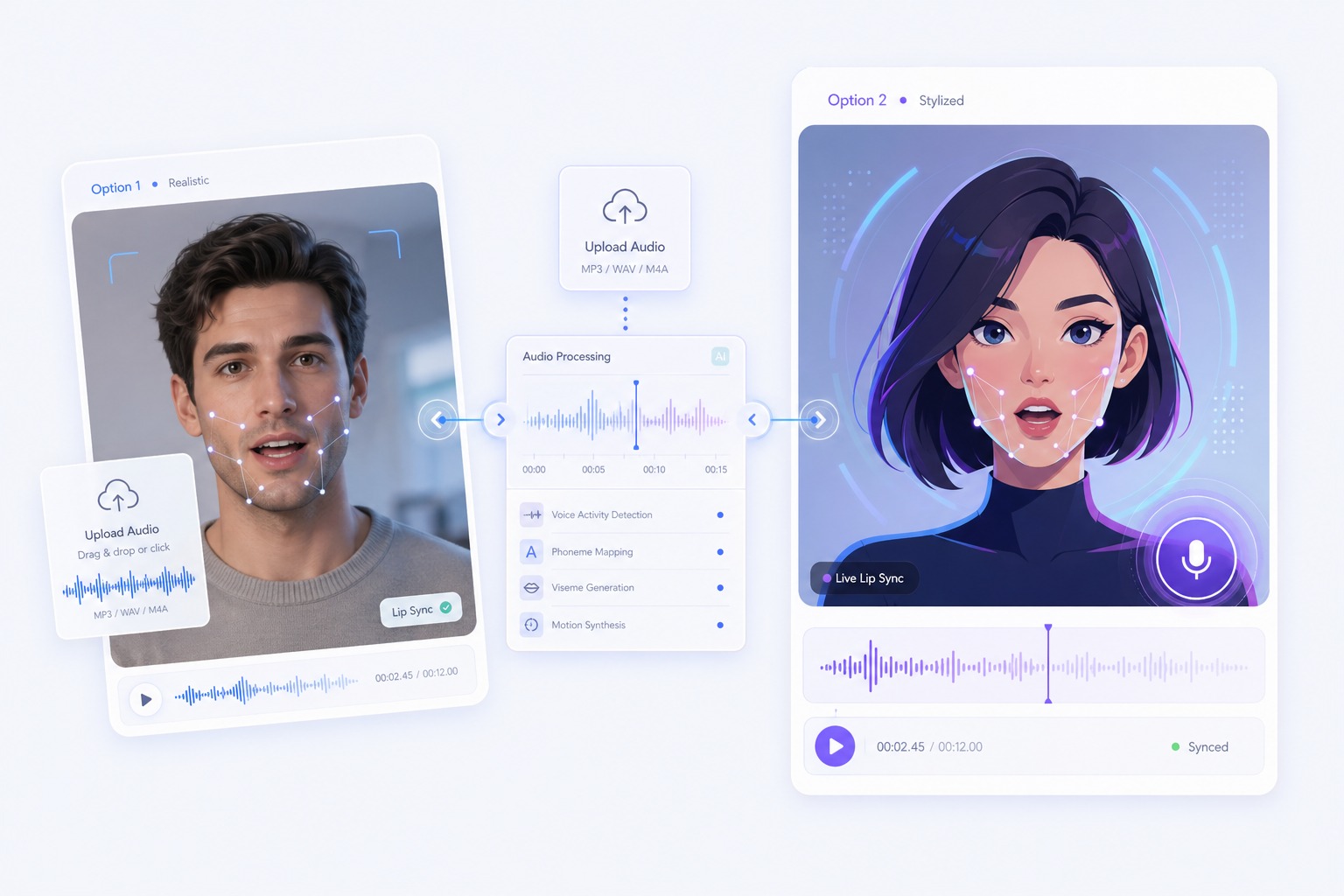
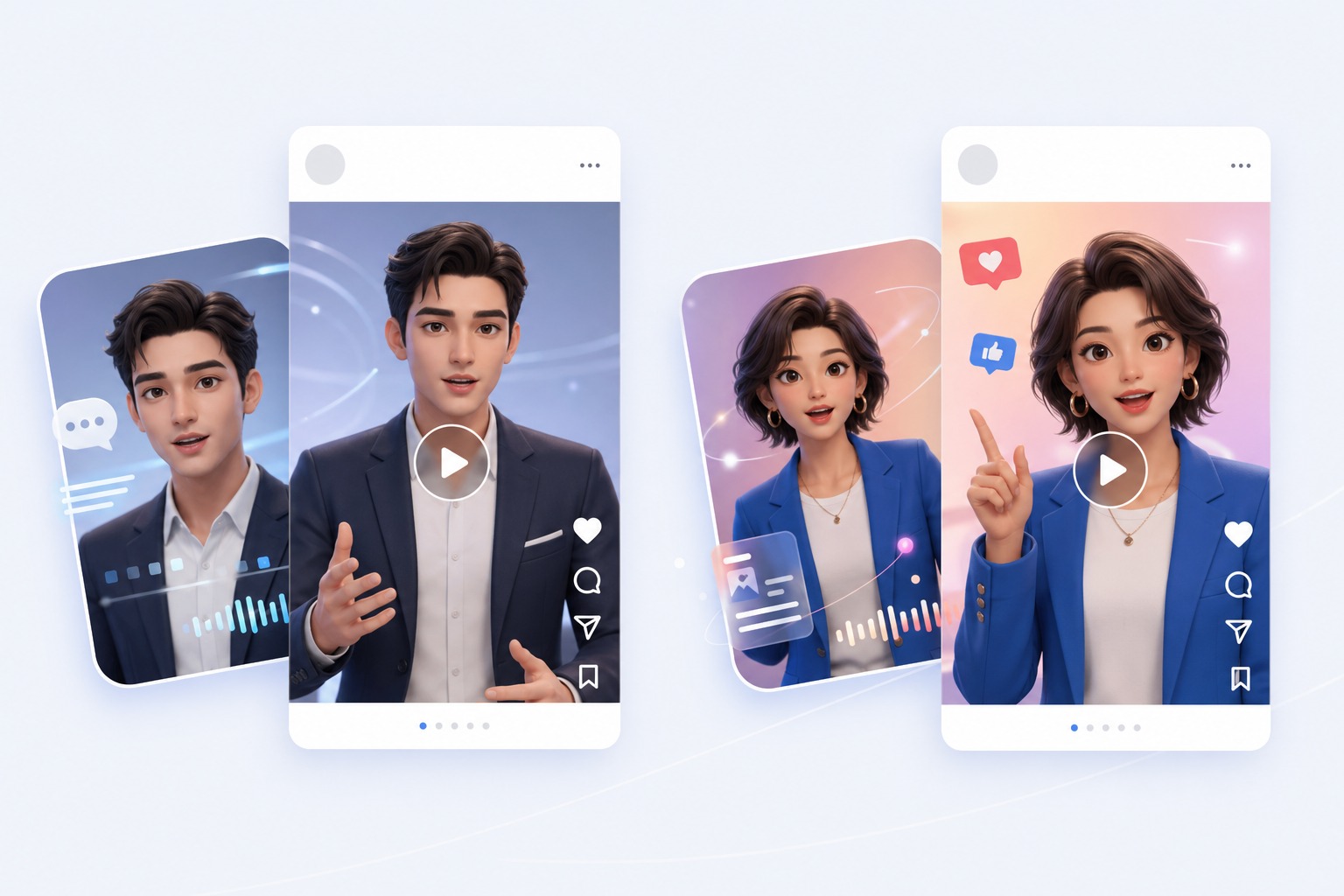
Once the speech sounds right, send it straight to the talking avatar tool and pair it with a photo. The voice is already in place.
AI Text to Speech Use Cases
Use text to speech wherever a clear, human-sounding voice is needed and recording one is not practical.
Voiceovers for video
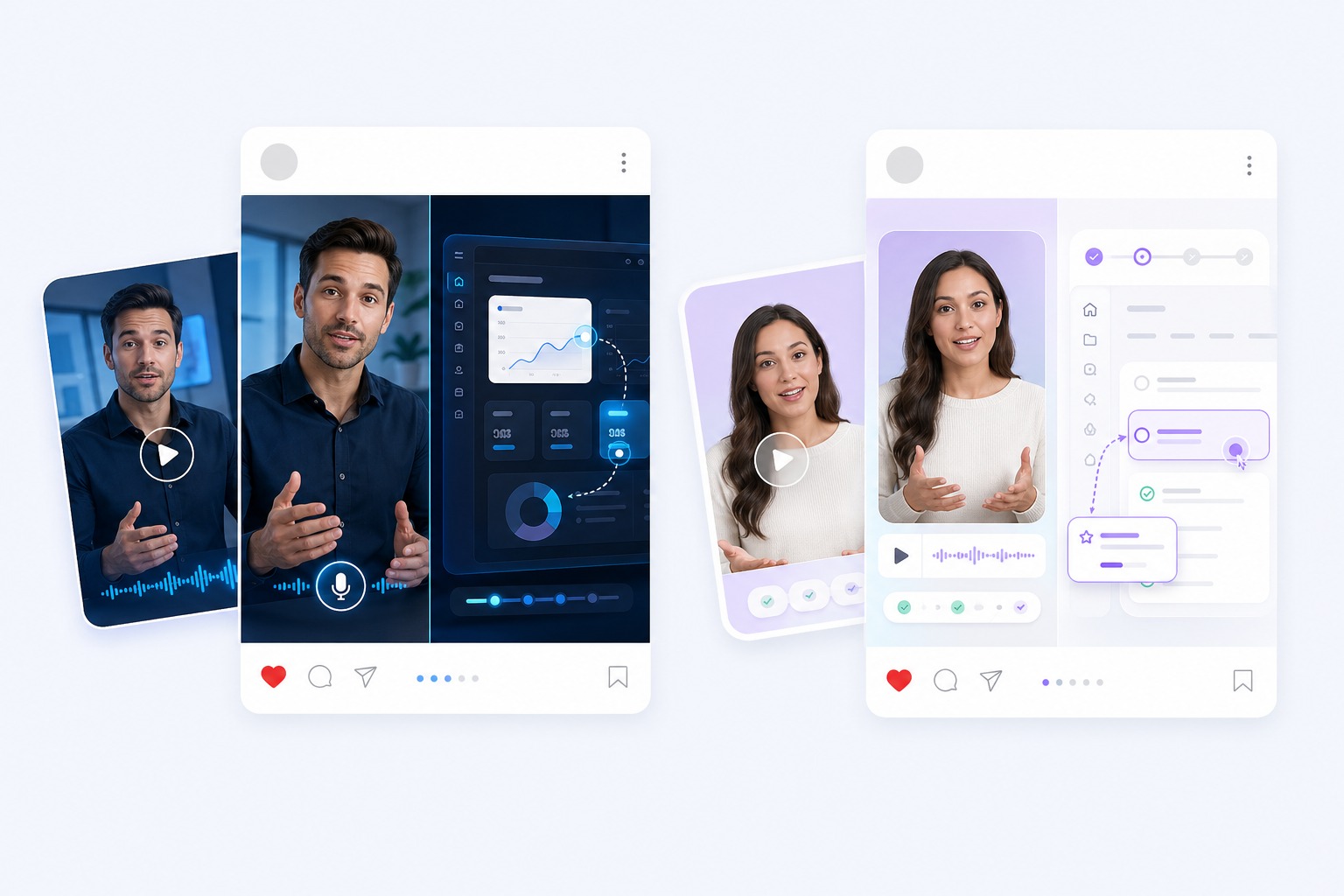
Add narration to explainers, product demos, and social clips without booking a voice actor or a recording session.
Audiobooks and stories
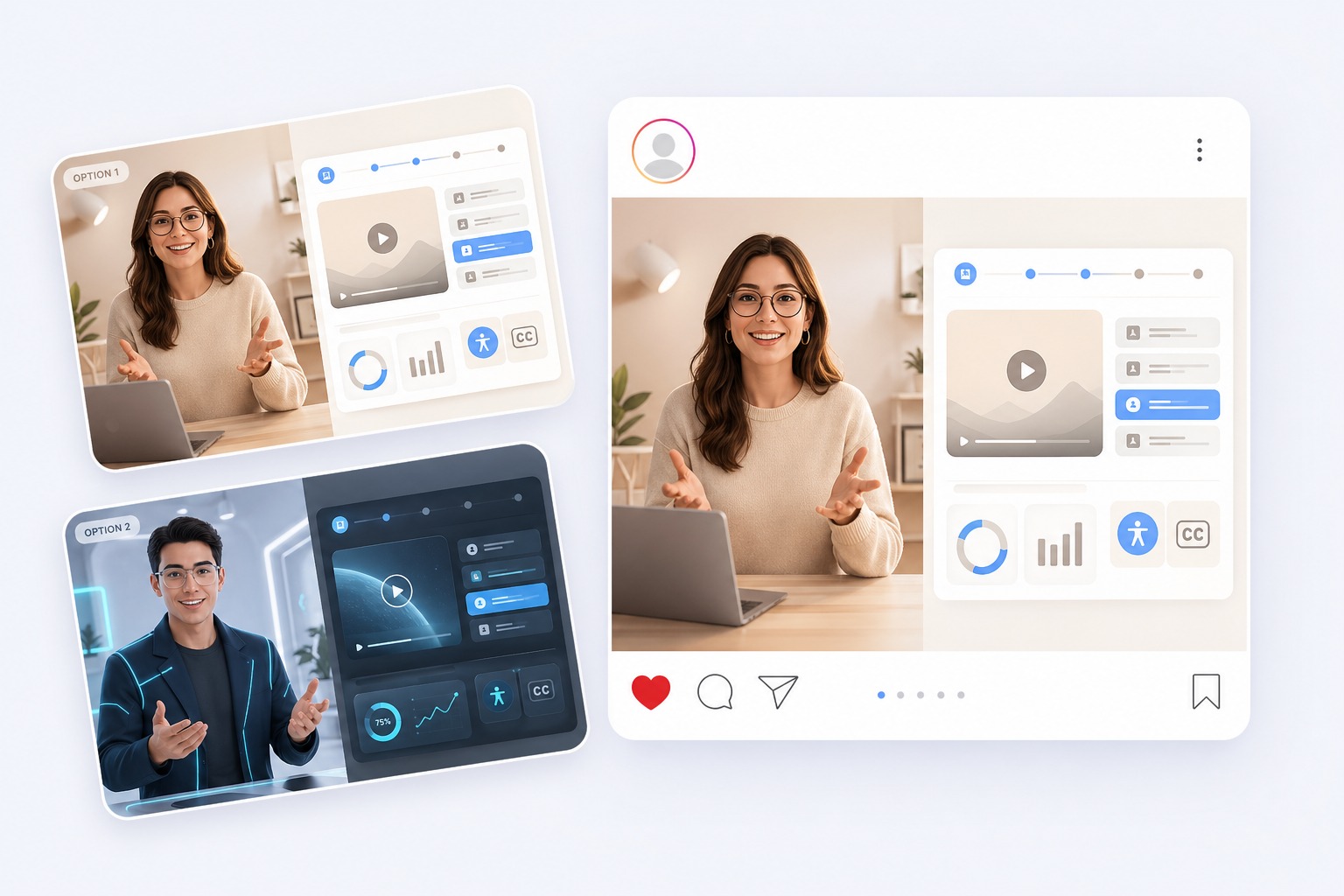
Narrate chapters, bedtime stories, and long-form posts with a storytelling or audiobook voice.
Lessons and tutorials
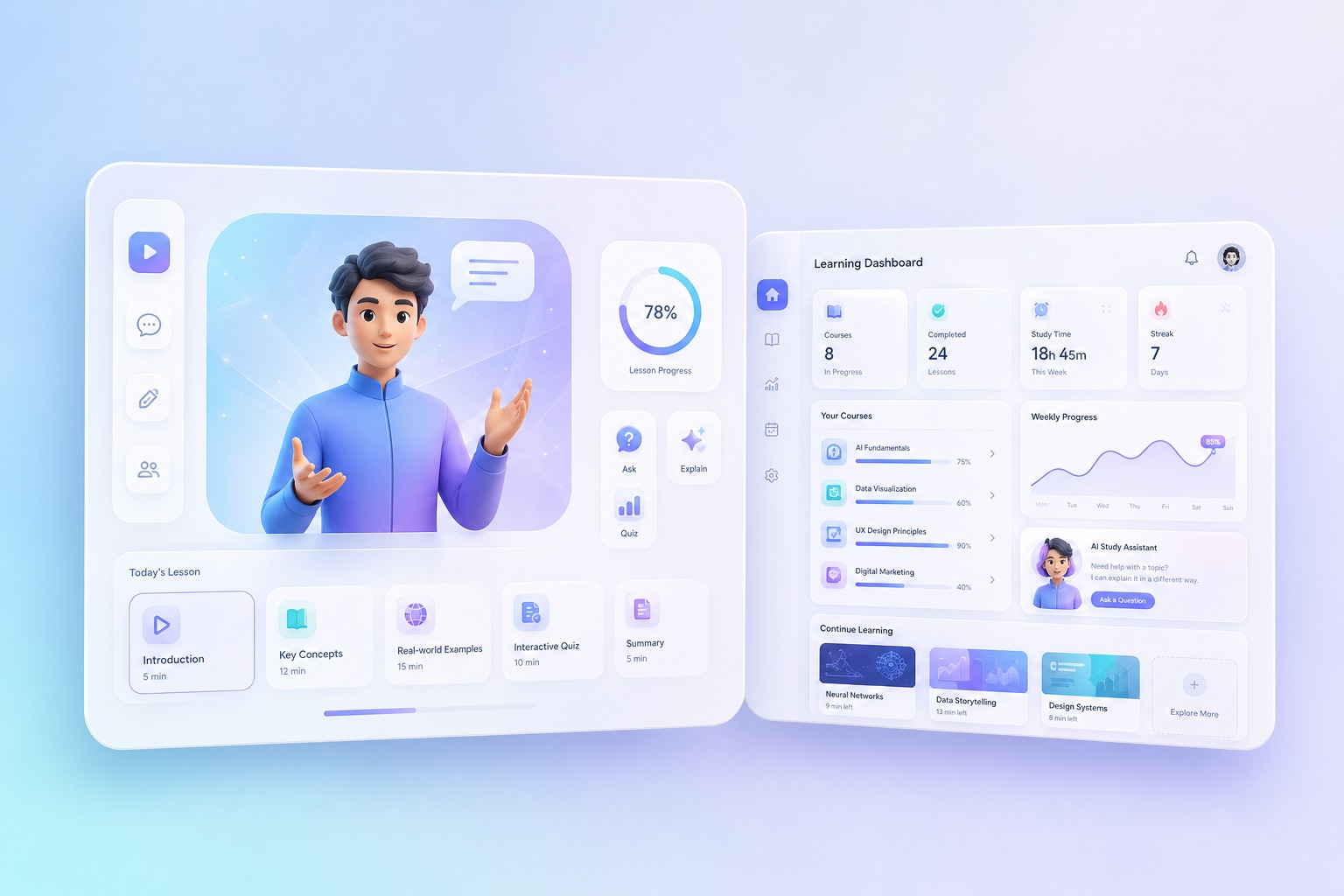
Give courses and how-to videos a steady instructor voice, and regenerate a line when the material changes.
Ads and announcements
Produce short promotional reads and announcements, then try a different voice by generating again.
What to Know Before You Generate
330+ voices, 20+ languages
The largest sets are Portuguese (73 voices), Korean (49), Spanish (47), English (45), Chinese (32), and Japanese (15).
Filter by use case
Voices are tagged for narration, news, advertising, audiobooks, tutorials, storytelling, characters, and friendly everyday speech.
Up to 2,000 characters
Each generation accepts up to 2,000 characters. Split longer scripts into sections and generate them one by one.
Priced by length
The voice library costs 1 credit per 200 characters, rounded up, so a 450-character script uses 3 credits. Expressive, Design, and Clone cost 2 credits per 200 characters.
Preview before you spend
Every voice in the library has a sample you can play before generating, so credits only go on the voice you actually chose.
Content review
Text is checked against our content policy before speech is generated, and some text may be rejected.
How to Convert Text to Speech
Three steps: text, voice, generate
- 01
Type or paste your text
Add up to 2,000 characters. Use punctuation to mark pauses, and write numbers and names the way they should be spoken.
- 02
Pick a voice
Browse 330+ voices in 20+ languages, filter by language, gender, and age, and play a sample before choosing.
- 03
Generate and download
Generate the speech, listen back, then download the audio or turn it into a talking avatar video.
Why Creators Use AI Voice Text to Speech
- Natural voices for real projects: The library covers expressive narrators, calm instructors, energetic presenters, and character voices.
- Voice and video in one place: Generate the speech here, then turn it into a talking avatar video without re-uploading anything.
- Cost shown before you generate: From 1 credit per 200 characters, displayed on the button while you type.
Natural voices for real projects
Each voice comes with a description and a sample, so you know how it sounds before you use it.
Voice and video in one place
The text, voice, and audio carry over to the talking avatar tool, so all that is left is adding a photo.
Cost shown before you generate
Short lines cost little, and you always see the cost before spending anything.
AI Text to Speech FAQ
What is AI text to speech?
AI text to speech turns written text into spoken audio using a synthetic voice. On AvatarCraft you type or paste text, choose one of 330+ voices, and generate audio you can play, download, or use in a talking avatar video.
Is AvatarCraft text to speech free?
You can start for free. Each generation is charged in credits by length: 1 credit per 200 characters with the voice library, or 2 credits per 200 characters with Expressive, Design, and Clone, rounded up. Playing voice samples costs nothing, so you can compare voices before spending credits.
Which languages are supported?
20+ languages, including Portuguese, Korean, Spanish, English, Chinese, Japanese, Indonesian, Russian, Cantonese, French, Italian, German, Hindi, and Arabic. For the most natural result, pick a voice built for the language of your text.
Can I download the audio?
Yes. After generating, play the result in your browser and download the audio file, or send it straight to the talking avatar tool to make a video.
How long can the text be?
Up to 2,000 characters per generation. For longer scripts, split the text into sections and generate each one separately.
Can I choose a male or female voice?
Yes. Filter the voice library by gender and age, and by use case such as narration, news, audiobook, or character voices, then play samples to compare.
Can I turn the speech into a talking video?
Yes. After generating, choose Make a talking video and the text, voice, and audio carry over to the talking avatar tool. Add a photo and generate the video.
Can I control the speaking speed or emotion?
Yes, with the Expressive voices. Describe the delivery in a few words, such as "warm and calm" or "excited, fast-paced", and the voice follows it. Voices in the library speak at their natural pace and style, so pick a different library voice to change the delivery.
Can I clone my own voice?
Yes. On the Clone tab, upload or record 3 to 60 seconds of clear speech, optionally type what the sample says, and generate any text in that voice. Only clone your own voice or a voice you have permission to use. Each generation uses the sample you provide; no voice profile is saved.
Can I create a new voice from a description?
Yes. On the Design tab, describe the voice you want, for example "a deep, husky middle-aged male voice", and generate. A new voice is created from the description each time, so results can vary slightly between runs.
Turn Your Text into Natural Speech with AvatarCraft AI
Try AvatarCraft AIText to speech by language and voice
The same tool with the voice library narrowed to one language or one kind of voice.
AI Voice Cloning
Clone a voice from a 3 to 60 second recording and hear any text read in it. Upload or record a sample, confirm permission, and download the cloned speech.
Spanish Text to Speech
Convert Spanish text to speech with 47 natural AI voices, 18 female and 28 male. Preview each voice, download the audio, or turn it into a talking video.
Japanese Text to Speech
Convert Japanese text to speech with 15 AI voices, from calm narrators to character voices. Preview each voice, download the audio, or make a talking video.
Chinese Text to Speech
Convert Chinese text to natural Mandarin speech with 32 AI voices, plus 6 Cantonese voices. Preview each voice, download the audio, or make a talking video.
Portuguese Text to Speech
Convert Portuguese text to speech with 73 AI voices, the largest language set in our library. Preview each voice, download the audio, or make a talking video.
Korean Text to Speech
Convert Korean text to speech with 49 AI voices, from calm narrators to drama-style characters. Preview each voice, download the audio, or make a talking video.
French Text to Speech
Turn French text into natural speech with 6 French AI voices, male and female. Preview each voice, download the audio, or turn it into a talking video.
English Text to Speech
Turn English text into natural speech with 45 AI voices in American, British, Australian, and Indian accents. Preview each voice, then download the audio.
British Accent Generator
Type text and hear it in a British accent with 17 British AI voices, male and female. Preview each voice, download the audio, or turn it into a talking video.
Santa Voice Generator
Type a message and hear it read in a warm AI Santa Claus voice. Preview the voice, download the audio, or turn it into a personalized Santa video.
Australian Accent Generator
Type text and hear it in an Australian accent with AI voices, male and female. Preview each voice, download the audio, or turn it into a talking video.
Scottish Accent Generator
Type text and hear it in a Scottish accent with a male and a female AI voice. Preview each voice, download the audio, or turn it into a talking video.
Irish Accent Generator
Type text and hear it in an Irish accent with a male and a female AI voice. Preview each voice, download the audio, or turn it into a talking video.
AI Female Voice Generator
Generate a female voice from text with 150+ AI female voices in 20+ languages, from calm narrators to upbeat presenters. Preview each voice and download it.
AI Male Voice Generator
Generate a male voice from text with 160 AI male voices in 20+ languages, from deep narrators to friendly presenters. Preview each voice and download the audio.