
Upload a voice sample
MP3, WAV, M4A, AAC, OGG or FLAC · 3–60 seconds of clear speech
2 credits per 200 characters
AI Voice Cloning
Clone a voice from a 3 to 60 second recording and hear any text read in it. Upload or record a sample, confirm permission, and download the cloned speech.
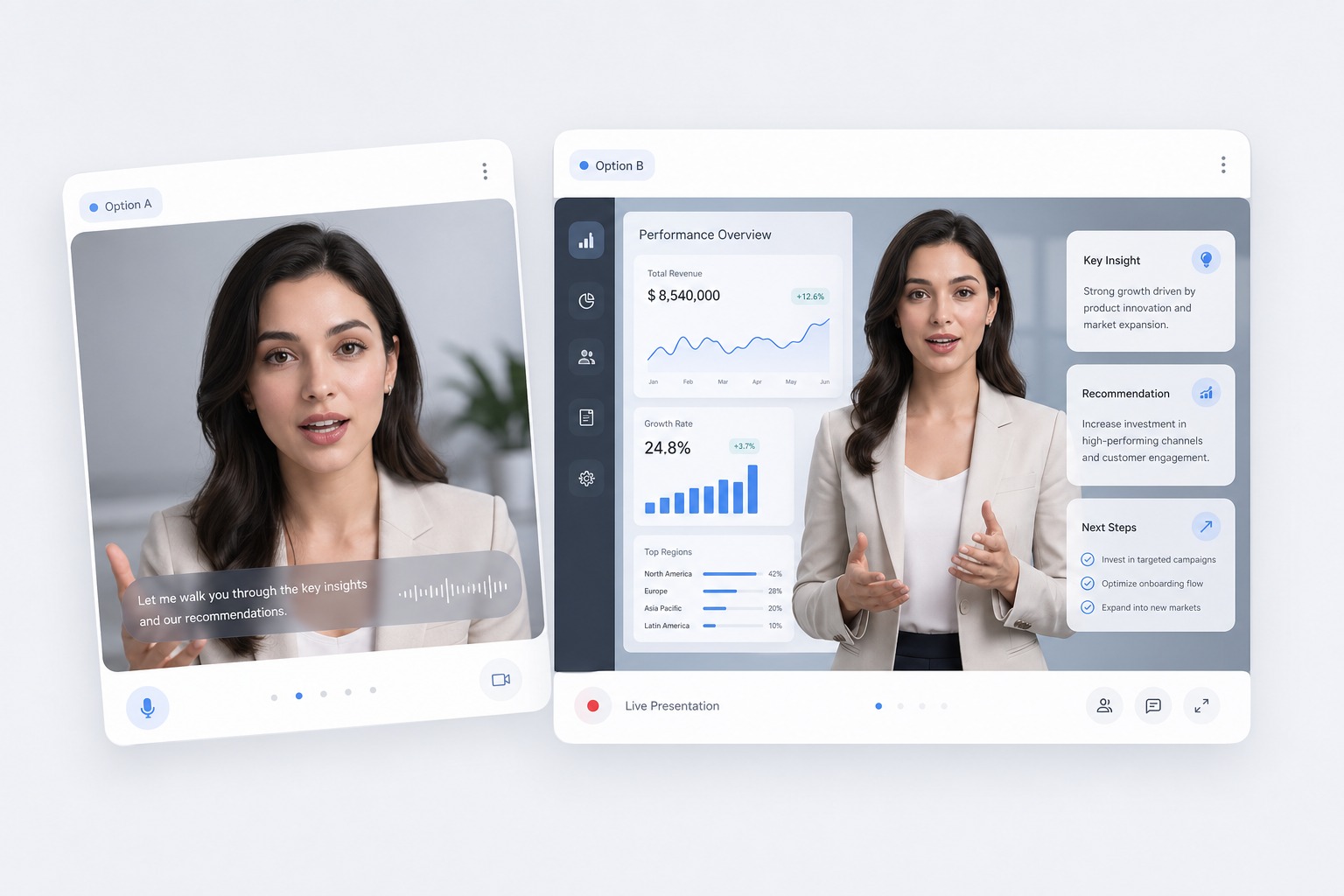
How to Clone Your Voice with AI
Start with a clean 3 to 60 second sample
Upload an MP3, WAV, M4A, AAC, OGG, or FLAC file, or record straight from your browser. One speaker, a quiet room, and natural reading give the closest match; music and background noise get copied too.
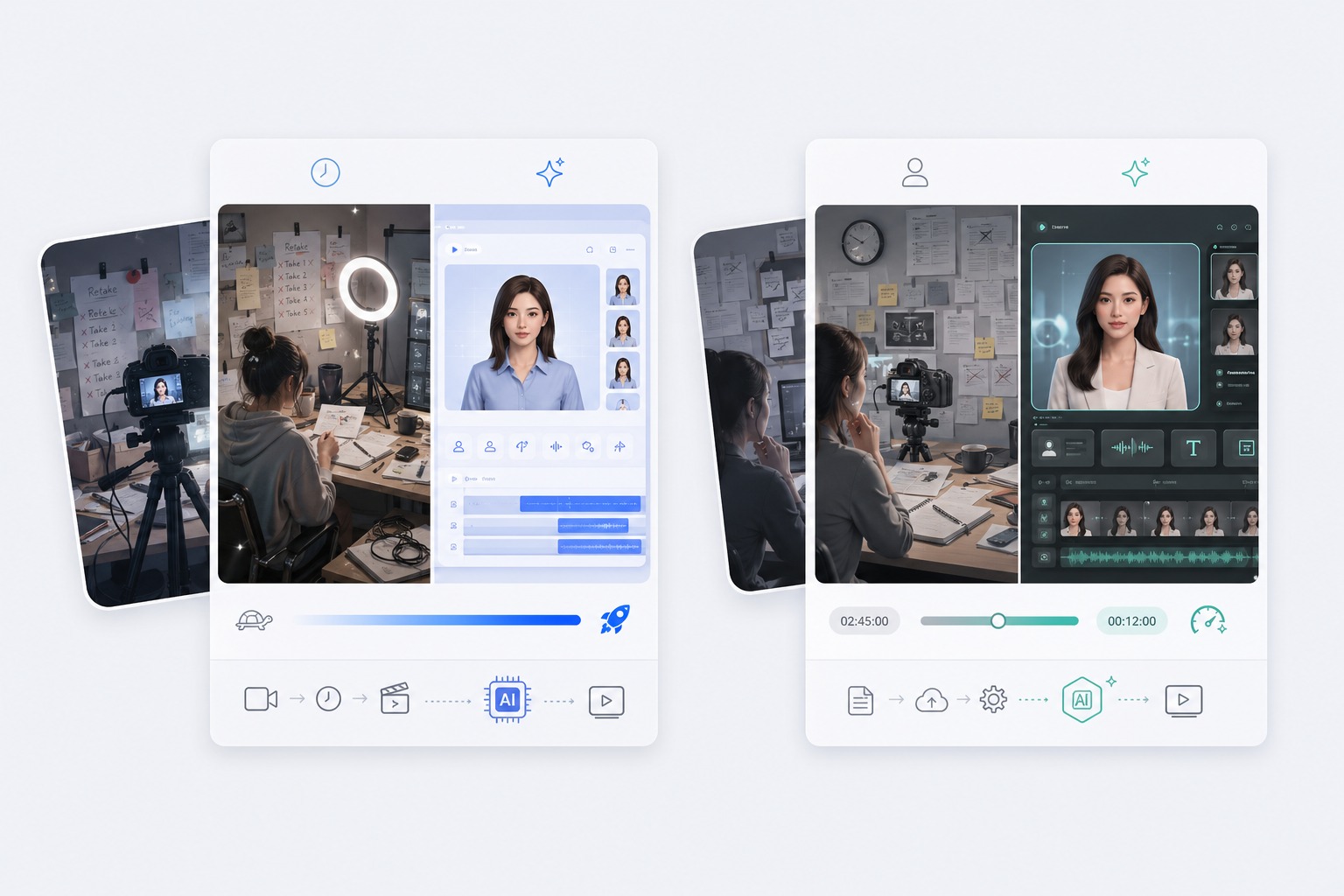
Add what the sample says for a closer match
Optionally type the words spoken in the sample exactly as said. It helps the model line up the voice with the words, especially for short samples.
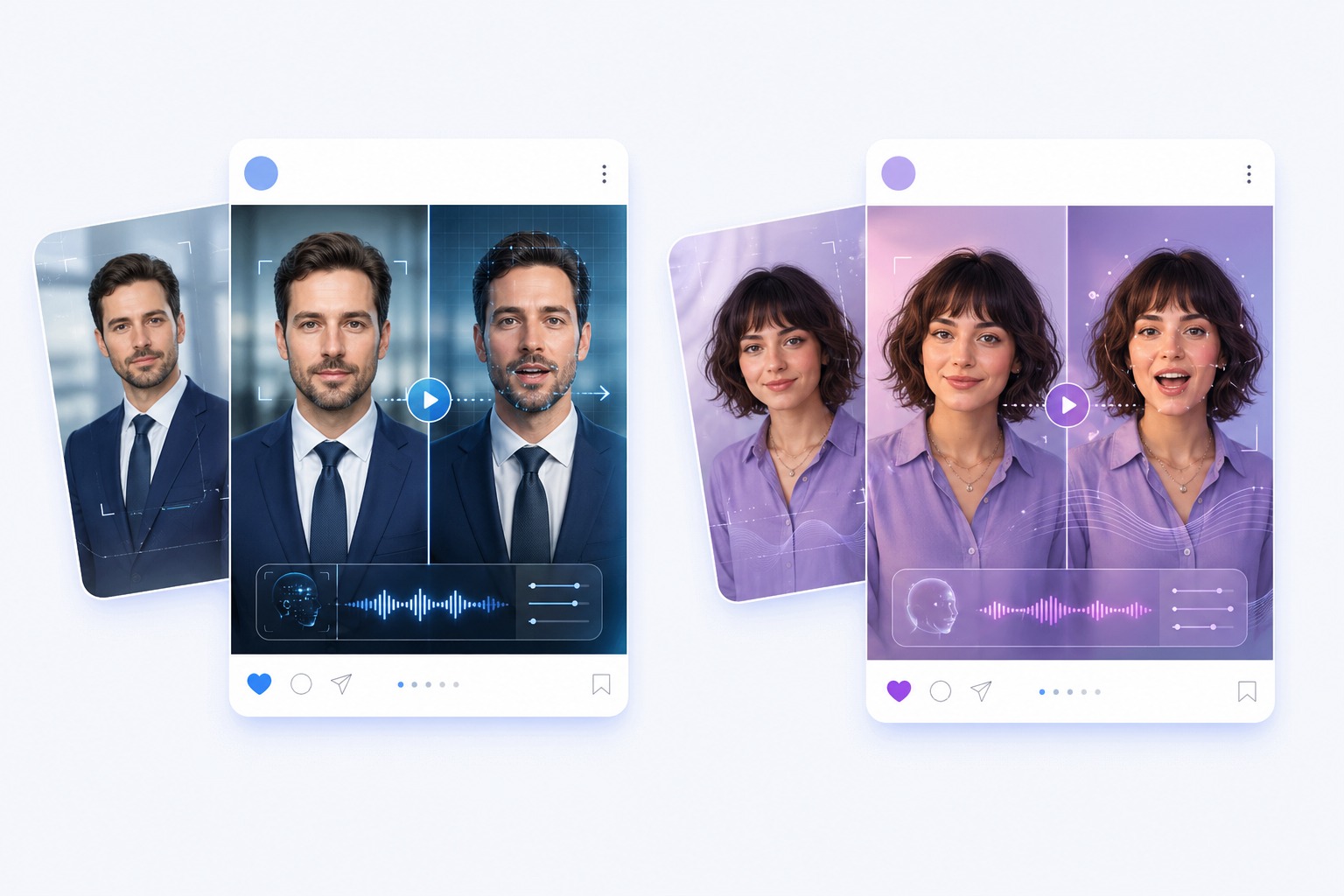
Clone only voices you have permission to use
Before you generate, confirm the voice is your own or that the speaker has agreed to it being cloned. Do not use a cloned voice to impersonate or mislead anyone.
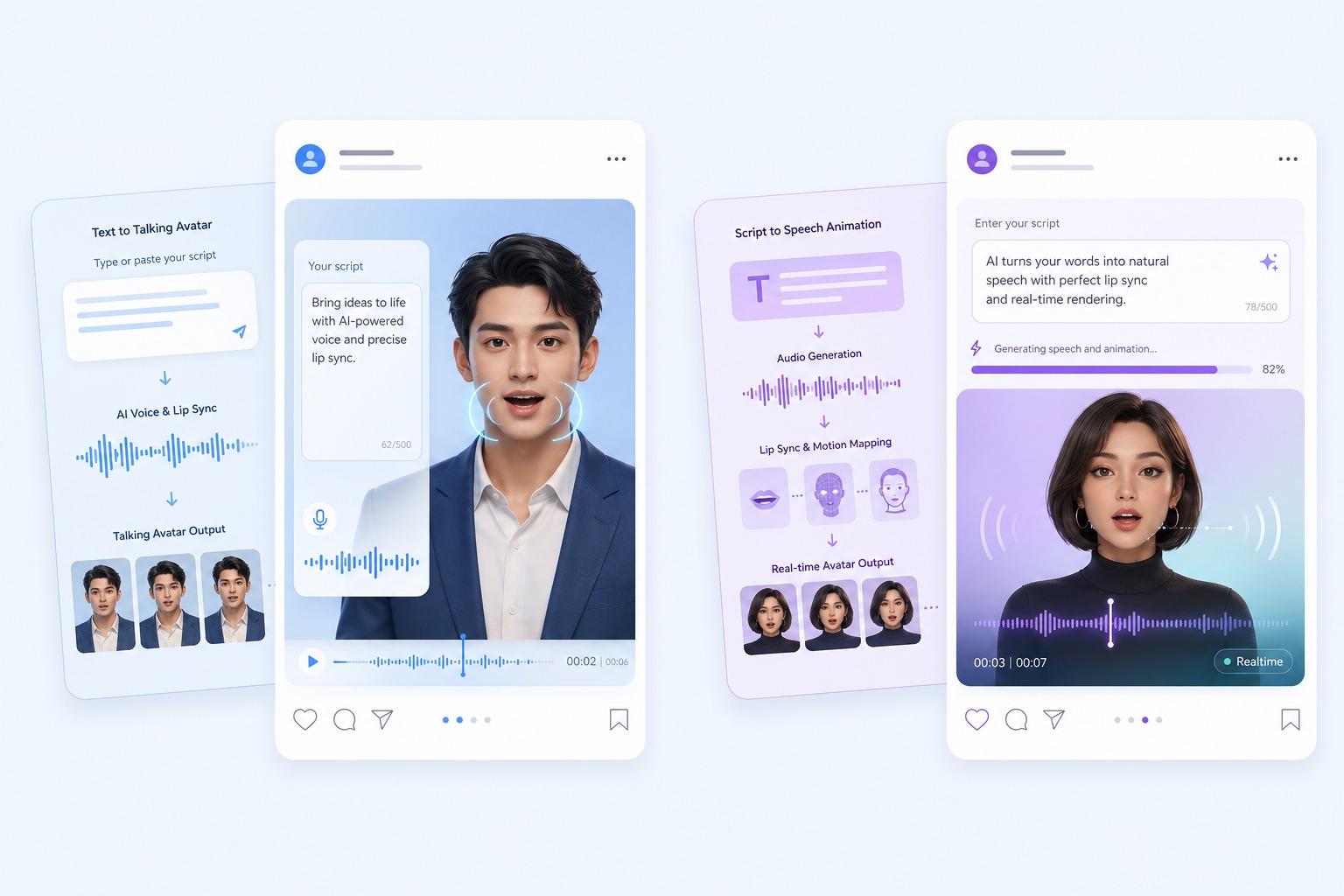
Turn the cloned speech into a talking video
When the cloned audio sounds right, send it to the talking avatar tool and pair it with a photo, so a picture speaks in that voice.
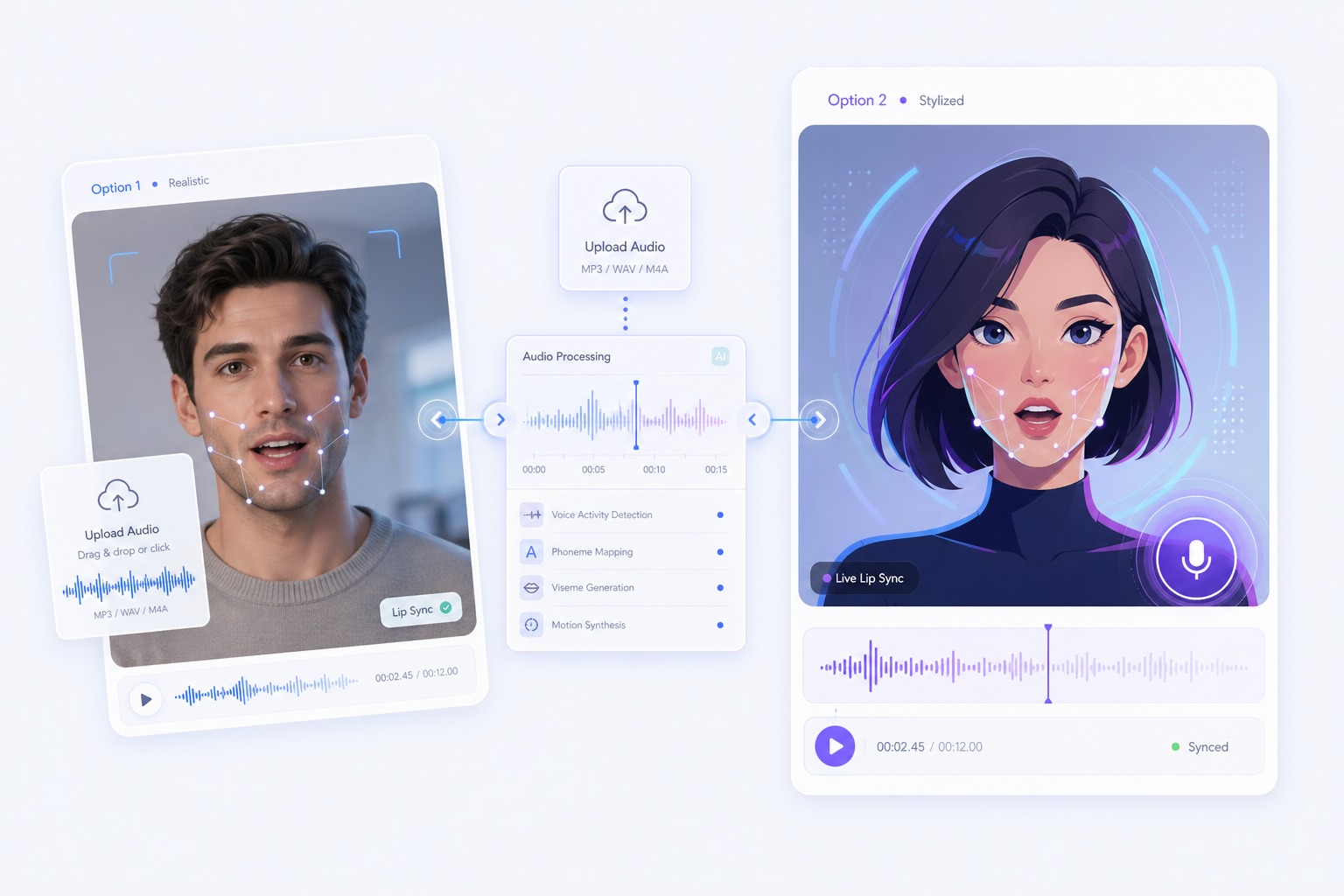
AI Voice Cloning Use Cases
Use voice cloning when the voice itself matters and recording every line is not practical.
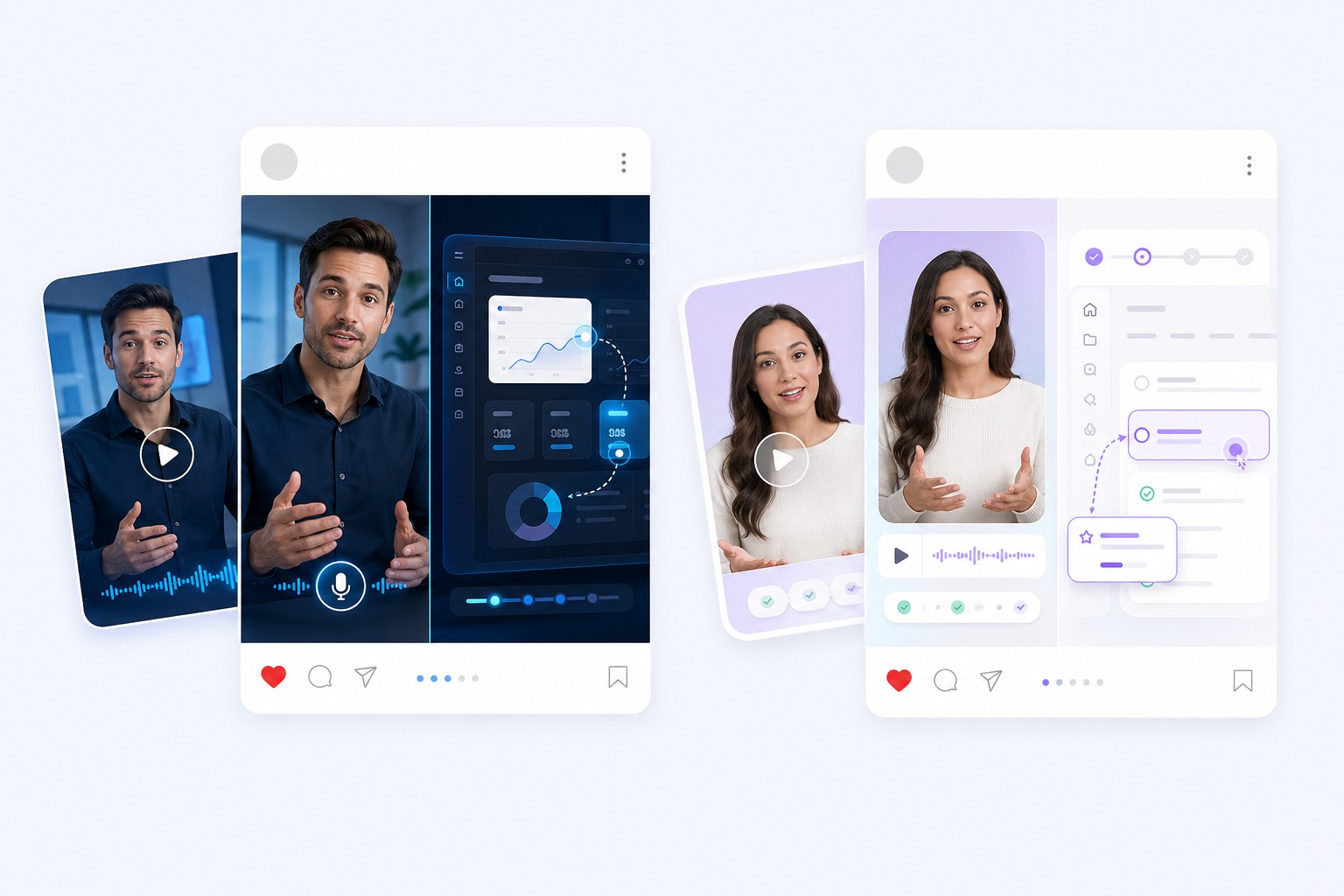
Voiceovers in your own voice
Record one sample, then generate new narration for videos, tutorials, and social clips without recording each line.
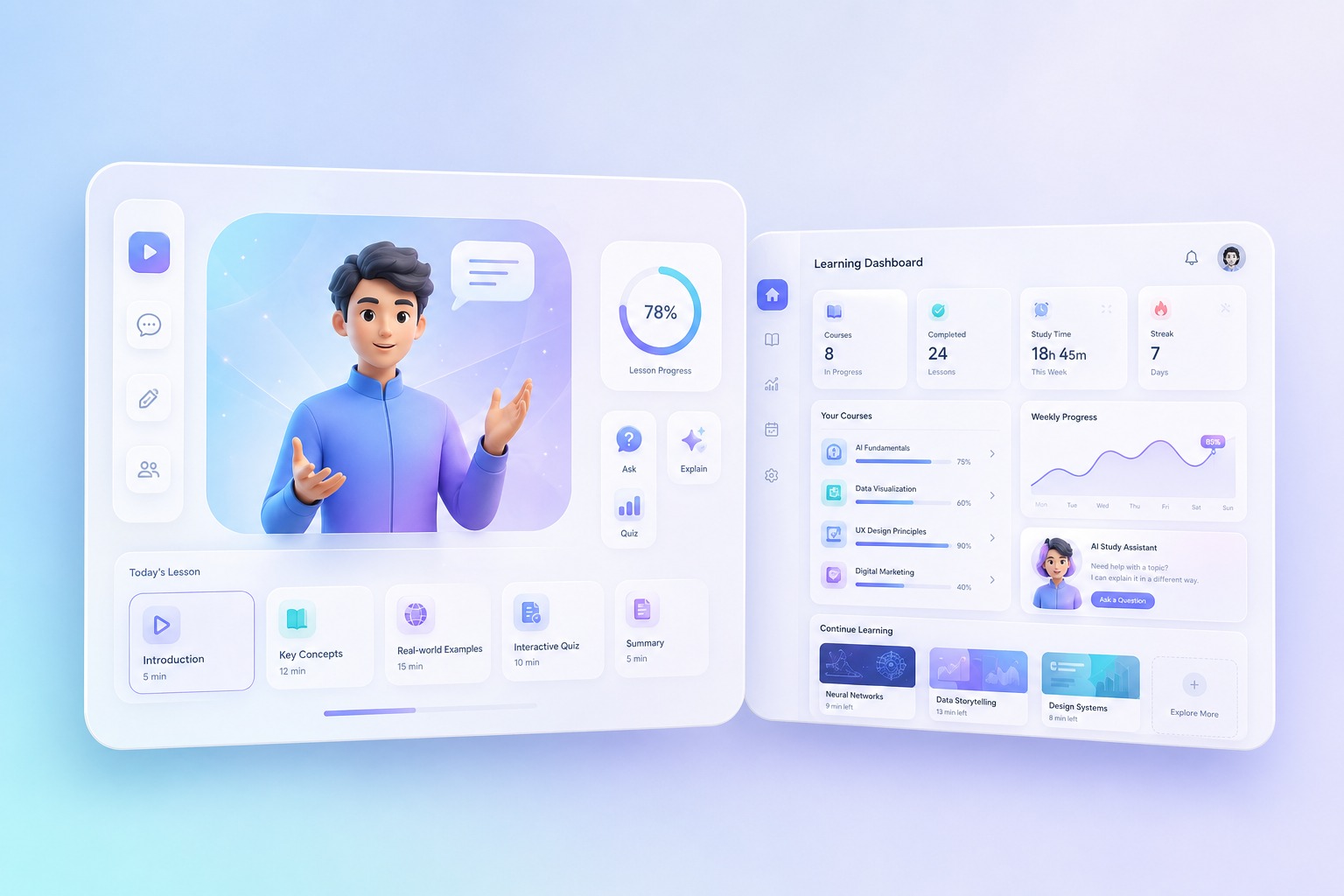
Narration in another language
Have a cloned voice read text in one of 10 languages, such as English, Spanish, French, or Japanese.
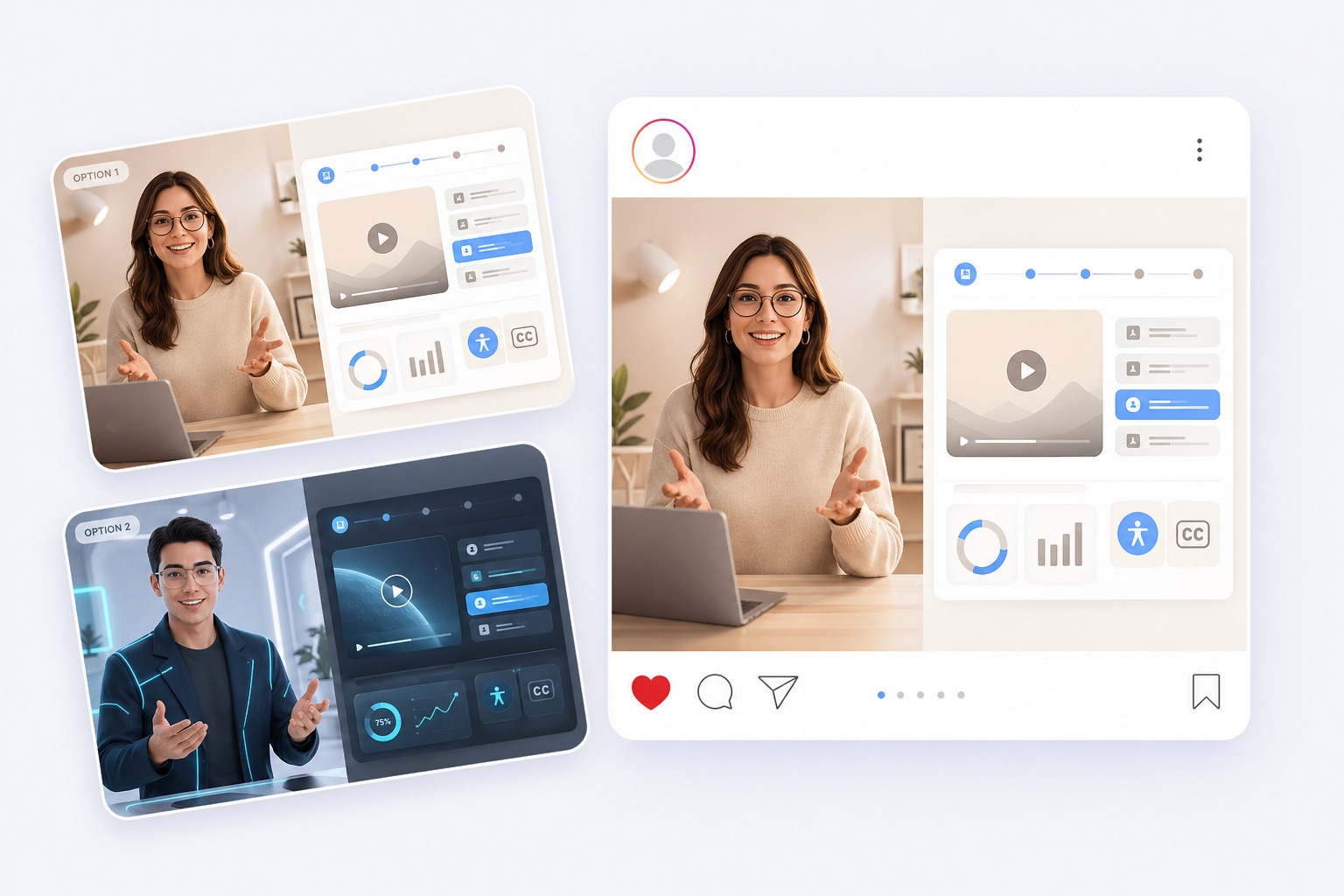
Fixing a line without re-recording
Regenerate a single sentence in the same voice when a script changes after recording.
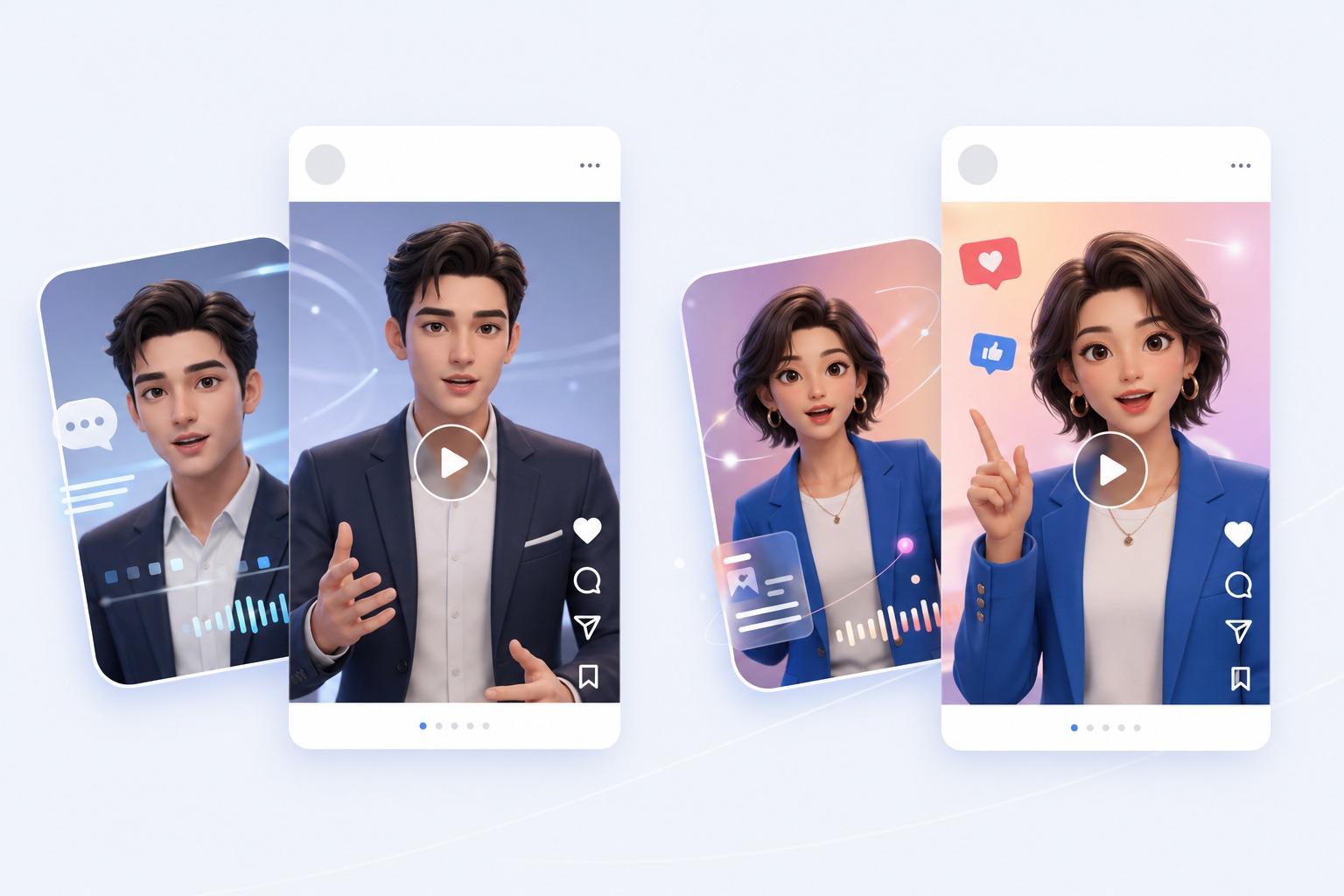
Talking photos that sound like you
Pair the cloned audio with a photo in the talking avatar tool for a video that speaks in your voice.
What to Know Before You Clone a Voice
3 to 60 seconds of speech
Samples shorter than 3 seconds or longer than 60 seconds are rejected before you generate. A clean 10 to 30 seconds is plenty.
Upload or record
Upload MP3, WAV, M4A, AAC, OGG, or FLAC, or record in your browser. Recording stops automatically at 60 seconds.
Permission is required
You must confirm the voice is yours or that you have the speaker's permission before every generation.
10 languages
The cloned voice can read English, Chinese, Japanese, Korean, Spanish, Portuguese, French, German, Italian, or Russian, or detect the language from your text.
The sample is not saved as a voice
Each generation uses the sample you attach. To use the same voice next time, upload or record the sample again.
Priced by length
Cloned speech costs 2 credits per 200 characters, rounded up, with up to 2,000 characters per generation.
How to Clone a Voice in Three Steps
Sample, text, generate
- 01
Upload or record a voice sample
Add 3 to 60 seconds of clear speech from one speaker, then tick the box to confirm you have permission to clone it.
- 02
Type the text to read
Write up to 2,000 characters and choose the language, or leave it on auto-detect.
- 03
Generate and download
Generate the speech, listen back, then download the audio or turn it into a talking avatar video.
Why Use AI Voice Cloning on AvatarCraft AI
- Clone from seconds, not hours: A few sentences of clear speech are enough to start; there is no training step to wait for.
- One voice, ten languages: Hear the same cloned voice read English, Spanish, Japanese, and more.
- From cloned audio to talking video: Send the cloned speech to the talking avatar tool without re-uploading it.
Clone from seconds, not hours
Attach the sample, type your text, and generate in one pass.
One voice, ten languages
Choose the language yourself or let the tool detect it from your text.
From cloned audio to talking video
The audio carries over, so all that is left is adding a photo.
AI Voice Cloning FAQ
How does AI voice cloning work?
Upload or record 3 to 60 seconds of someone speaking, confirm you have permission, and type the text you want read. The AI reads your text in a voice that matches the sample. You can play the result, download it, or turn it into a talking avatar video.
Can I clone my own voice?
Yes. Record a few sentences in a quiet room straight from your browser, or upload an existing recording of yourself. Read naturally, at your usual pace, so the clone sounds like you on a normal day.
How long should the voice sample be?
Between 3 and 60 seconds. A clean 10 to 30 seconds from one speaker, with no music or background noise, usually gives the closest match. Typing what the sample says can help too.
Can I clone someone else's voice?
Only with their permission. Before each generation you must confirm that the voice is yours or that the speaker has agreed to be cloned. Do not use a cloned voice to impersonate, deceive, or harass anyone.
Which languages can a cloned voice speak?
English, Chinese, Japanese, Korean, Spanish, Portuguese, French, German, Italian, and Russian. Pick one, or leave the language on auto-detect and the tool will follow your text.
Is my cloned voice saved for next time?
No. The tool does not store the sample as a reusable voice. Each generation uses the sample attached at the time, so keep your recording and upload it again when you come back.
How much does voice cloning cost?
Cloned speech costs 2 credits per 200 characters, rounded up, so a 450-character script uses 6 credits. Each generation accepts up to 2,000 characters. New accounts can start with free credits.
Can I use the cloned voice in a video?
Yes. When the audio is ready, send it to the talking avatar tool and add a photo to make a video of that face speaking in the cloned voice.
Clone Your Voice with AvatarCraft AI
Try AvatarCraft AIText to speech by language and voice
The same tool with the voice library narrowed to one language or one kind of voice.
AI Text to Speech
Turn text into natural-sounding speech with 330+ AI voices in 20+ languages. Preview each voice, download the audio, or use it in a talking avatar video.
Spanish Text to Speech
Convert Spanish text to speech with 47 natural AI voices, 18 female and 28 male. Preview each voice, download the audio, or turn it into a talking video.
Japanese Text to Speech
Convert Japanese text to speech with 15 AI voices, from calm narrators to character voices. Preview each voice, download the audio, or make a talking video.
Chinese Text to Speech
Convert Chinese text to natural Mandarin speech with 32 AI voices, plus 6 Cantonese voices. Preview each voice, download the audio, or make a talking video.
Portuguese Text to Speech
Convert Portuguese text to speech with 73 AI voices, the largest language set in our library. Preview each voice, download the audio, or make a talking video.
Korean Text to Speech
Convert Korean text to speech with 49 AI voices, from calm narrators to drama-style characters. Preview each voice, download the audio, or make a talking video.
French Text to Speech
Turn French text into natural speech with 6 French AI voices, male and female. Preview each voice, download the audio, or turn it into a talking video.
English Text to Speech
Turn English text into natural speech with 45 AI voices in American, British, Australian, and Indian accents. Preview each voice, then download the audio.
British Accent Generator
Type text and hear it in a British accent with 17 British AI voices, male and female. Preview each voice, download the audio, or turn it into a talking video.
AI Female Voice Generator
Generate a female voice from text with 150+ AI female voices in 20+ languages, from calm narrators to upbeat presenters. Preview each voice and download it.
AI Male Voice Generator
Generate a male voice from text with 160 AI male voices in 20+ languages, from deep narrators to friendly presenters. Preview each voice and download the audio.