
AI Lip Sync Music Video
Use AvatarCraft AI to align songs, vocals, mouth shapes, and facial motion for believable music video clips. Built for creators who need more than ordinary talking-photo lip sync.
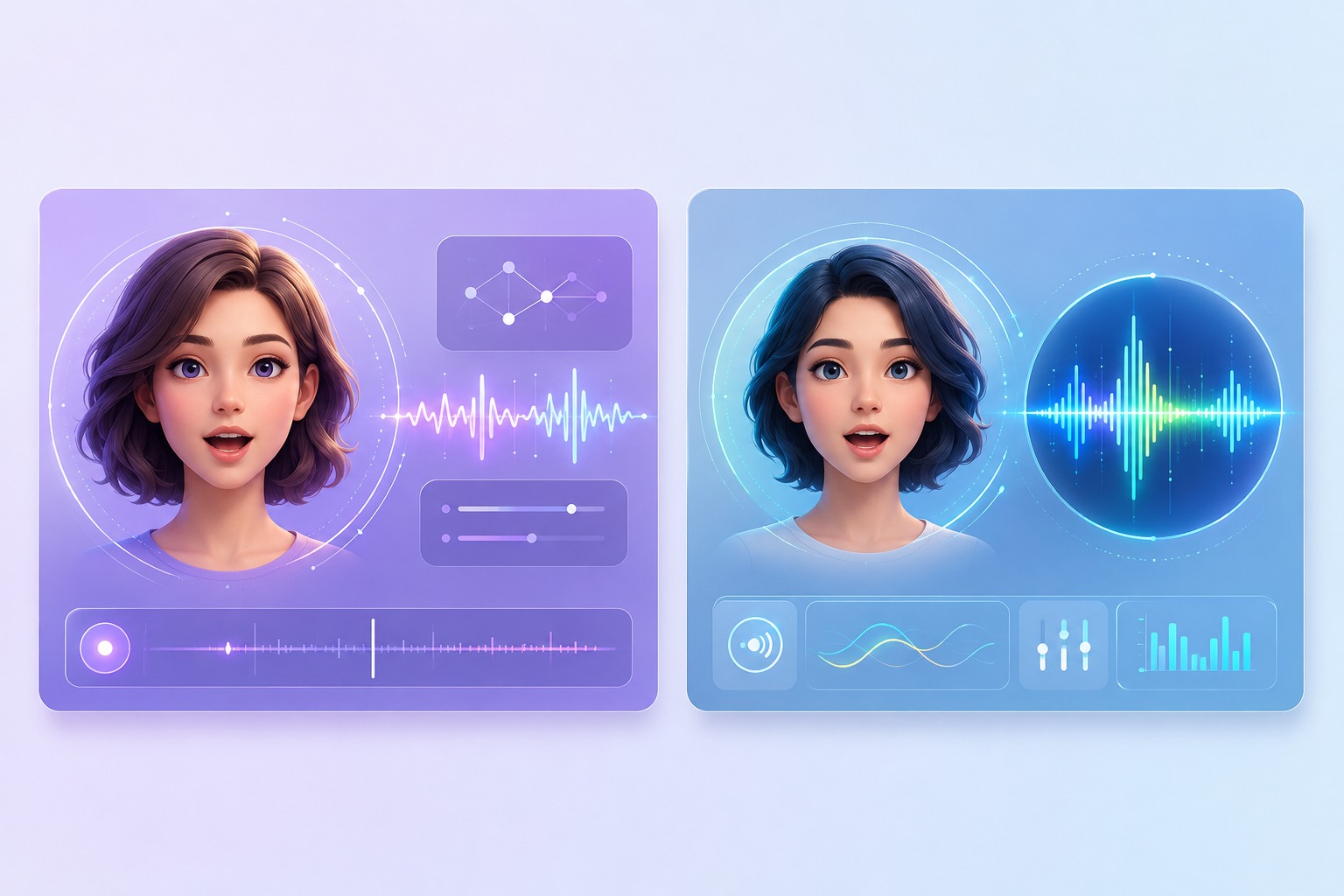
Why Singing Lip Sync Is Harder Than Talking
Rhythm-Aware Mouth Shapes
Talking lip sync can follow syllables. An AI lip sync music video must also respect beats, rests, pickups, and tempo changes. If the mouth opens on the lyric but misses the beat, viewers notice the error immediately.
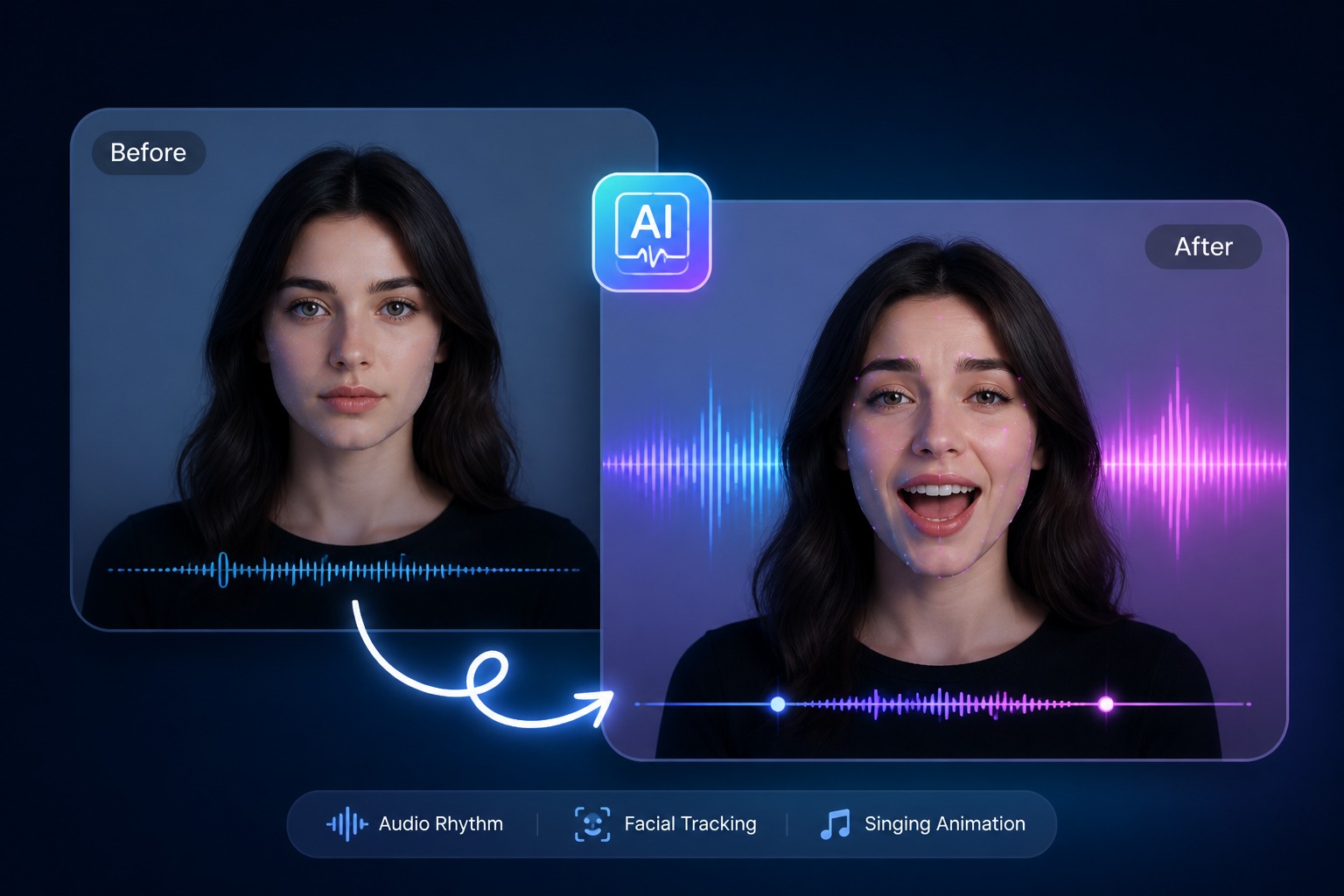
Sustained Vowel Control
Songs stretch vowels in ways speech rarely does. A song lip sync generator has to hold open-mouth shapes through long notes without freezing the face, then close cleanly before the next consonant lands.
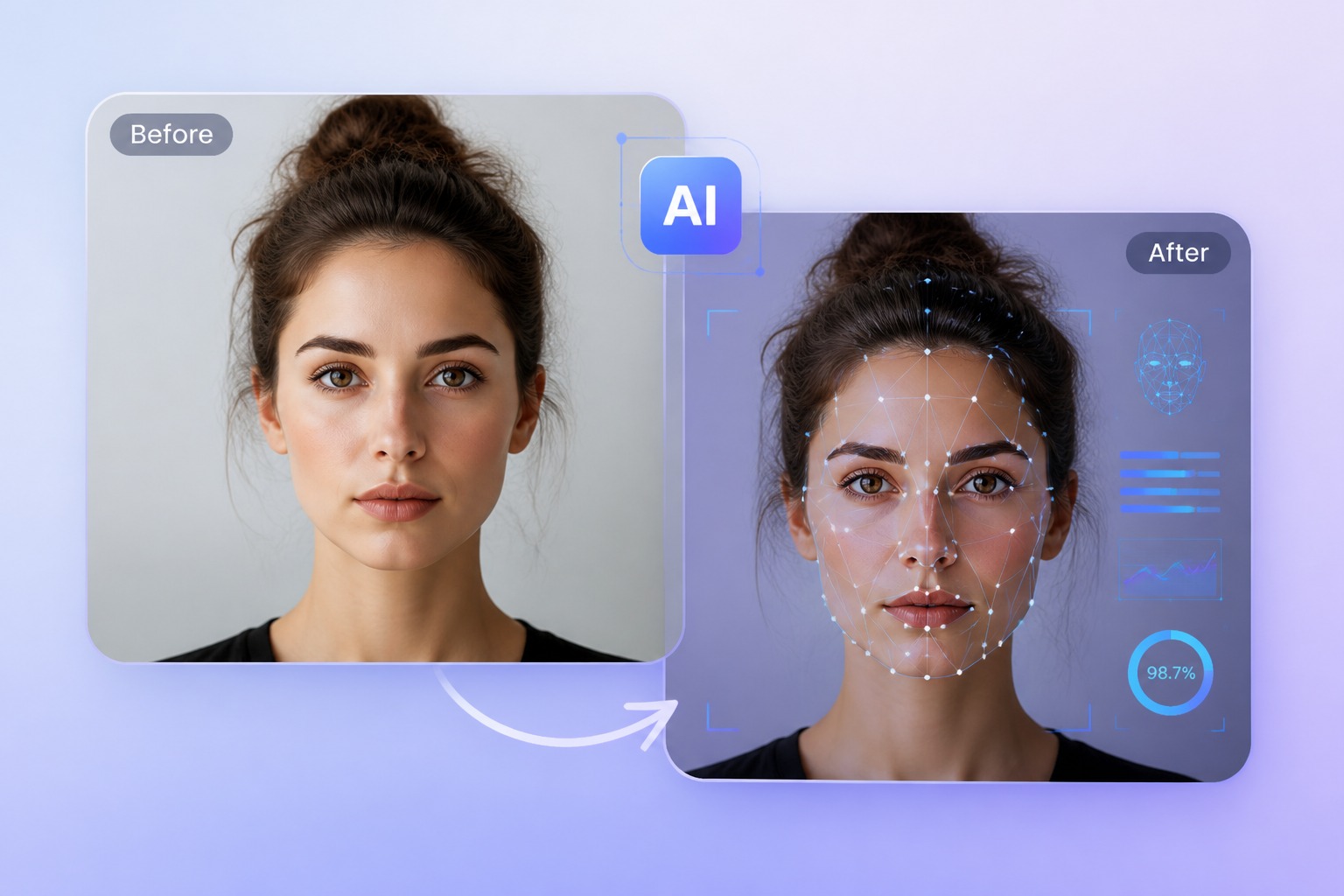
Chorus Timing Checks
The chorus usually repeats the hook, so timing errors repeat too. AvatarCraft AI works best when creators test short hook sections first, inspect drift, then expand to longer automatic lip sync video clips.
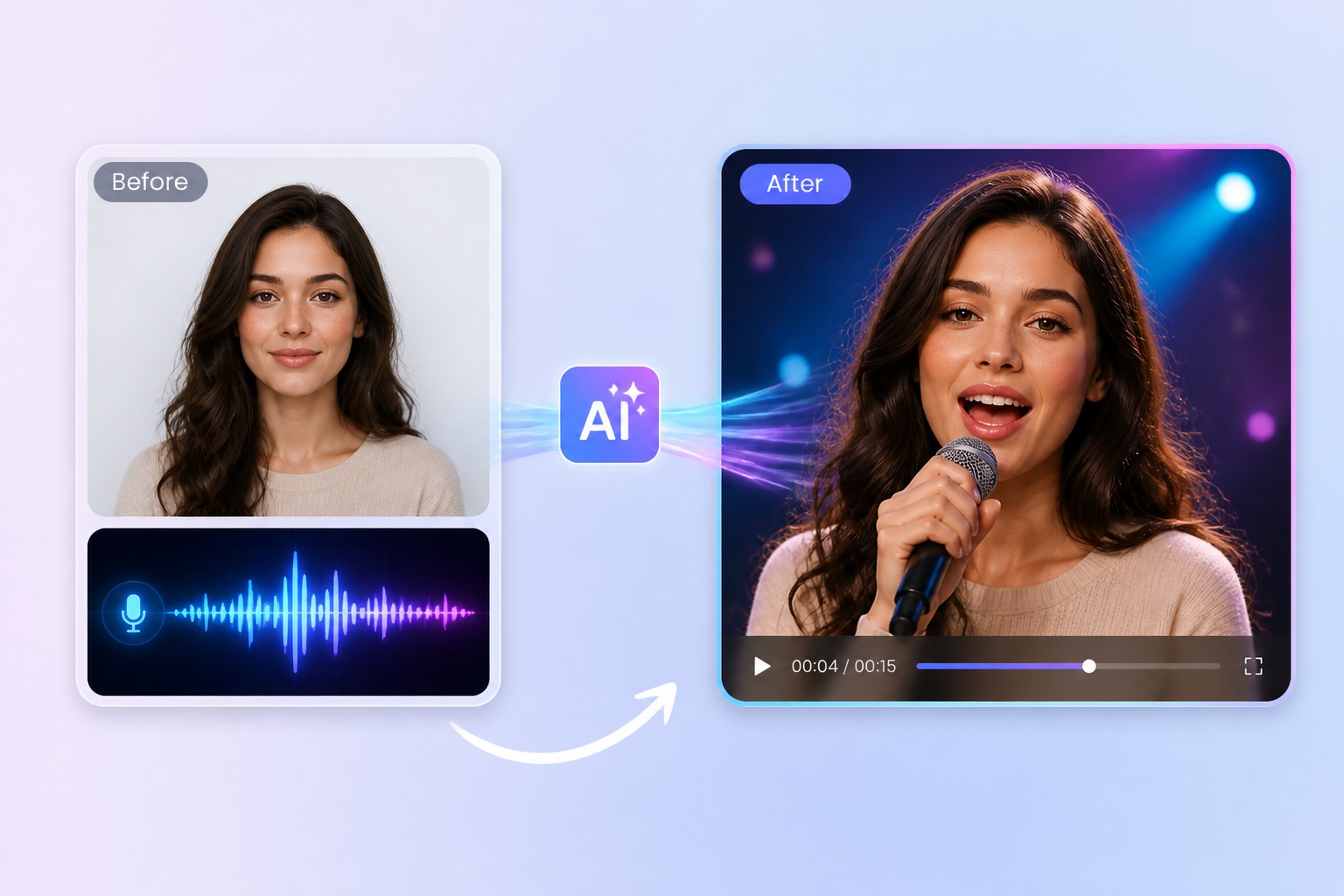
Music Video Workflow
Use this page for sync accuracy. For full creative production, continue to [AI Music Video Generator](/ai-music-video-generator). For the broader AvatarCraft workflow, use the [AI singing avatar](/ai-singing-avatar) pillar.
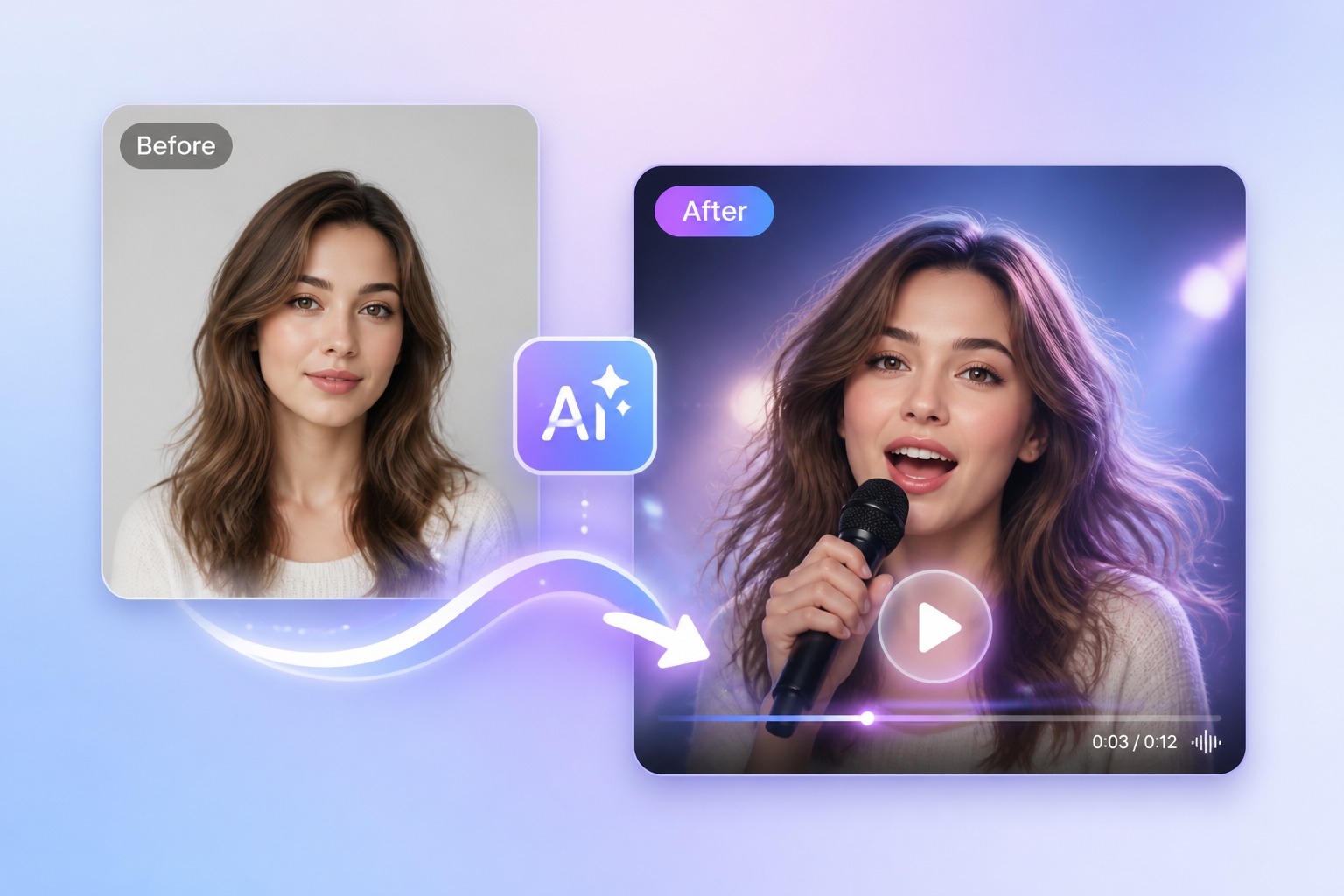
What Makes Lip Sync Look Frame-Accurate
Audio-to-mouth alignment
Vocals should drive mouth openings, closures, and transitions instead of generic talking motion.
Face motion continuity
Blinking, cheeks, jaw, and head motion need to stay alive while the mouth follows the song.
Short hook testing
A chorus preview reveals drift faster than a full render and saves rerender time.
Input image clarity
Image to lip sync video results improve when the face is front-facing and the mouth area is visible.
Consonant timing
Fast lyrics need clean consonant closures; otherwise the clip feels late even if vowels look smooth.
Rights-safe audio
Use original, licensed, or royalty-free music when the video is public or commercial.
Automatic Audio to Lip Sync Video Flow
Three steps for technical music-video sync
- 01
Upload Face Source
Start with a clear portrait or source clip. For image to lip sync video, use one visible face with unobstructed mouth, jawline, eyes, and cheeks.
- 02
Add Music Audio
Upload clean vocals or a song segment. Trim the first test to a chorus, hook, or expressive 15 to 30 seconds so timing problems are easy to inspect.
- 03
Generate and Review
Create the automatic lip sync video, then check beat timing, sustained vowels, consonant closures, facial animation, and resemblance before exporting.
AI Face Animation for Music Video Sync
Use the generator for short, controlled music moments where the sync itself carries the clip: hooks, covers, avatar performances, and social previews.
AI Lip Sync Music Video FAQ
What is an AI lip sync music video?
An AI lip sync music video is a generated clip where a face is animated to match a song or vocal track. An AI lip sync generator for music must follow rhythm, sustained vowels, fast lyric transitions, chorus repeats, and facial expression changes that match the performance.
How does a song lip sync generator work?
A song lip sync generator analyzes the audio timing, estimates mouth shapes for lyrics and vowels, then animates the face to match those cues. Good results depend on clean vocals, a readable face, and short review passes before rendering longer music video segments.
Why is singing lip sync harder than talking lip sync?
Singing stretches vowels, compresses fast consonants, repeats chorus patterns, and often changes expression with the beat. A talking model may open and close the mouth at the right words, but music lip sync AI also has to feel rhythmically correct.
Can I use audio to lip sync video automatically?
Yes. Automatic audio to lip sync video is the core workflow: provide a face source and a song or vocal track, then let the model generate motion. You should still review the output because fast lyrics, noisy vocals, and emotional delivery can expose timing issues.
Can I create image to lip sync video from a portrait?
Yes, image to lip sync video works best with a front-facing portrait where the mouth, jawline, cheeks, and eyes are visible. Side profiles, covered mouths, heavy blur, and strong shadows make realistic lip sync harder to preserve.
Can AI create perfect lip sync?
No tool should promise perfect lip sync in every music video. The strongest results come from clean audio, one readable face, short song segments, and manual review. Treat perfect lip sync as the target standard, not a guaranteed outcome for every input.
What makes lip sync look realistic?
Realistic lip sync is not just mouth opening. It includes consonant closures, long-vowel holds, cheek movement, blinking, jaw motion, and emotional fit. If the mouth is accurate but the rest of the face is frozen, the video still feels artificial.
What audio rights should I check?
Use original, licensed, or royalty-free audio when publishing music lip sync videos. For commercial use, also confirm rights to the image, likeness, avatar, or character being animated. Accuracy does not replace permission.
Create a Frame-Accurate AI Lip Sync Music Video
Start Lip SyncMore singing use cases
Same tool, different subjects and occasions — pick the one closest to what you want to make.
AI Cat Singing Generator - Make a Cat Photo Sing
Make a cat photo sing with AI using your own image and permitted song audio. Create a playful, lip-synced singing cat video for greetings and social clips.