
AI Cat Singing Generator
Make a cat photo sing with AI using your own image and permitted song audio. Create a playful, lip-synced singing cat video for greetings and social clips.
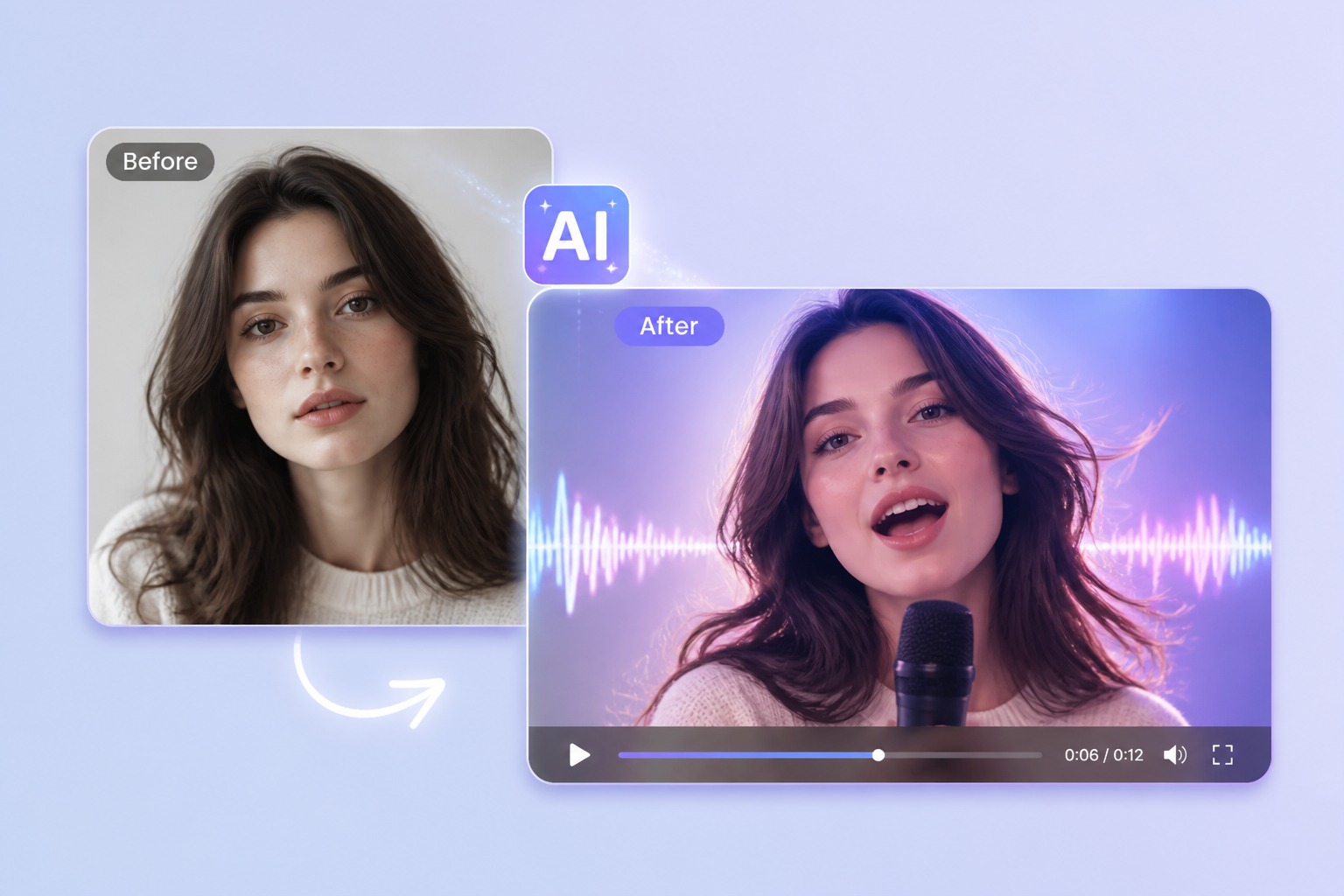
How to Create a Better AI Cat Singing
Start with the right portrait
Use your own cat photo, a licensed image, or an original cat character with a visible face and muzzle. A centered crop gives the singing motion a clearer reference.
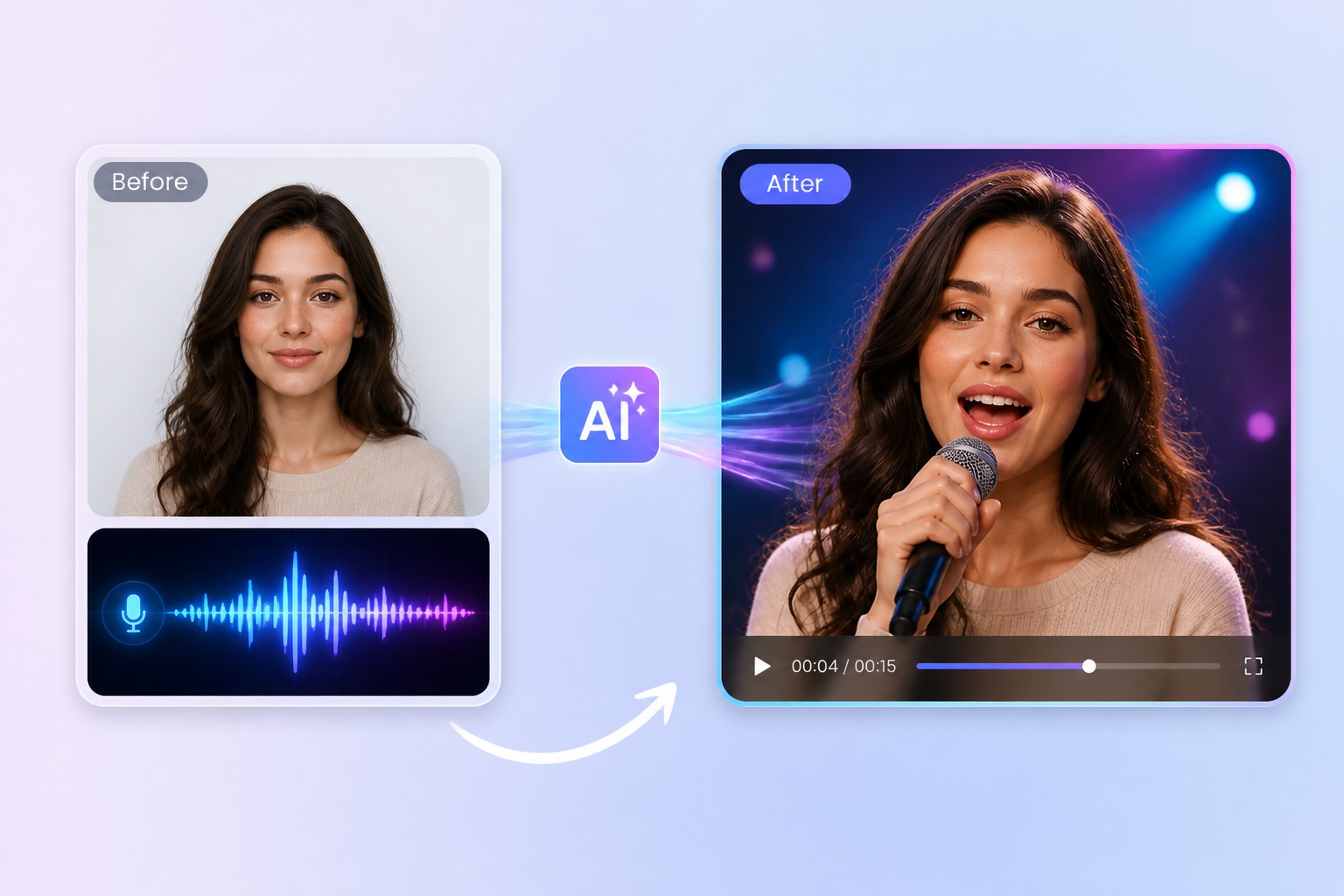
Add a script or permitted audio
Upload a short vocal or song clip that you created or are allowed to use. Clear vocals and a compact hook are easier to synchronize than a full, heavily layered track.
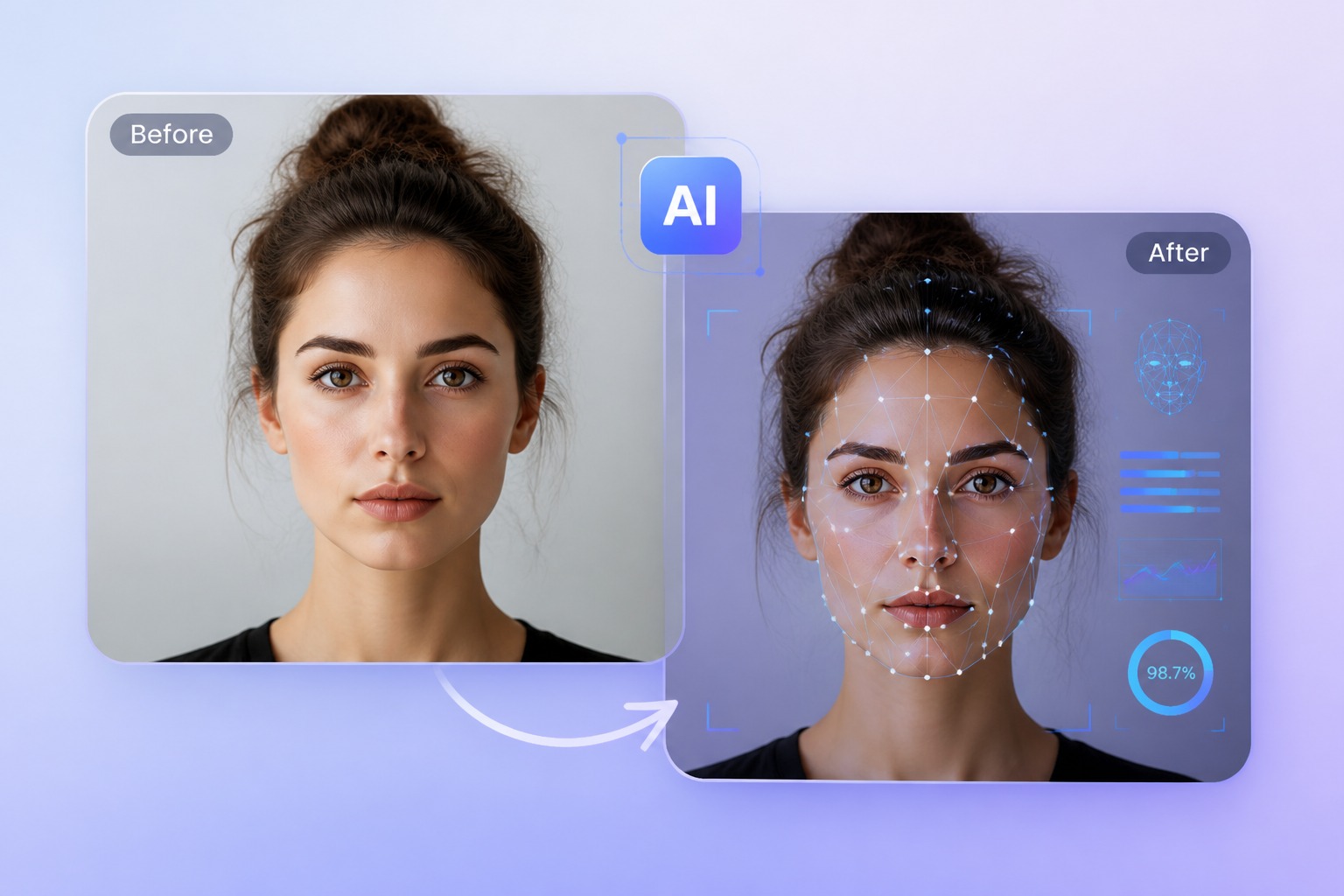
Generate and review the result
Preview the complete singing cat result and check the mouth area, audio rights, and context. This page animates one cat portrait; it does not generate a new cat or a multi-scene video.
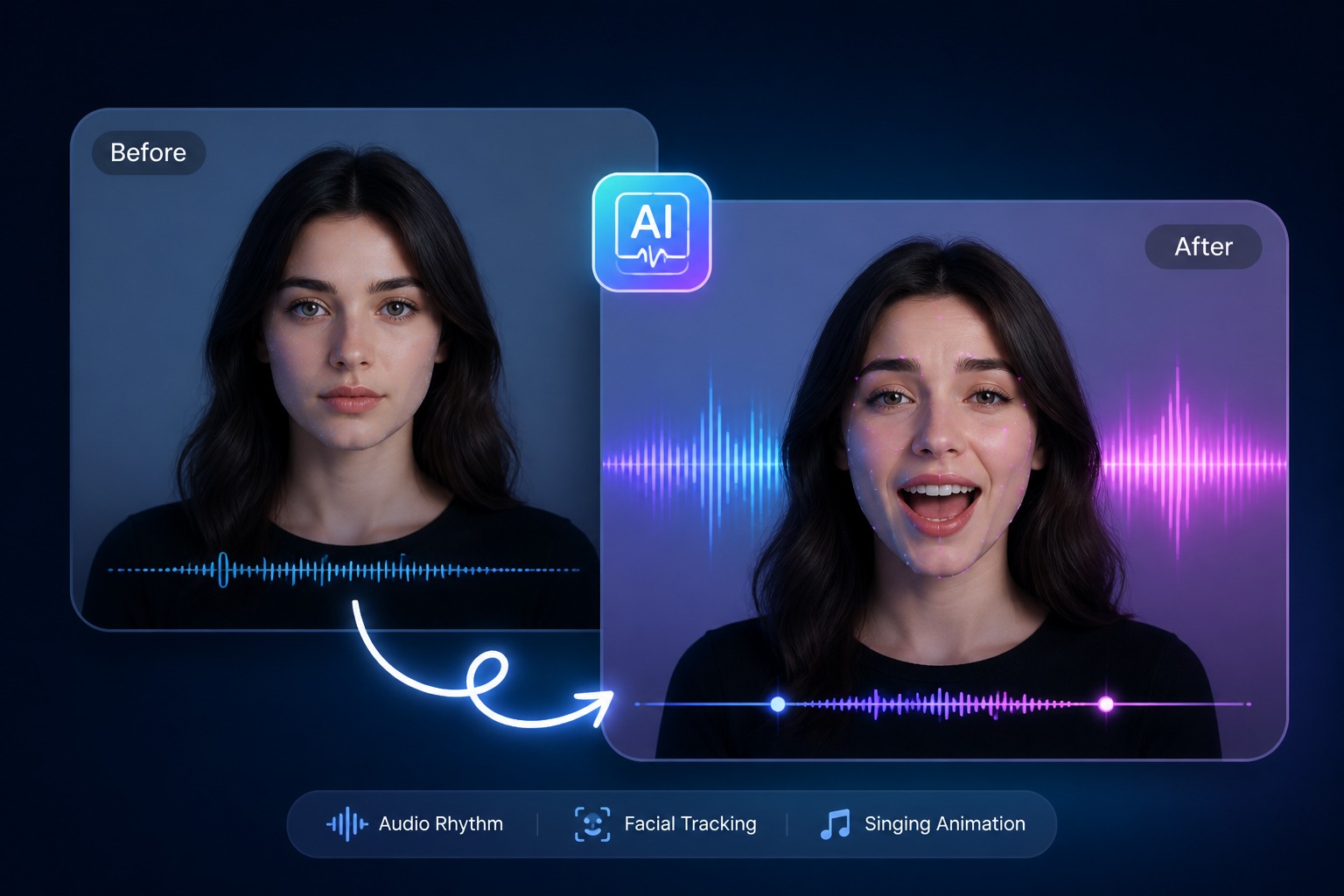
Plan for singing pet greetings, cat character clips, mascot moments, and short social hooks
A focused AI cat singing video works best when one subject, one message, and one audience are defined before generation. Keep the first version short, review it in context, and revise the source image or audio when the result needs improvement.
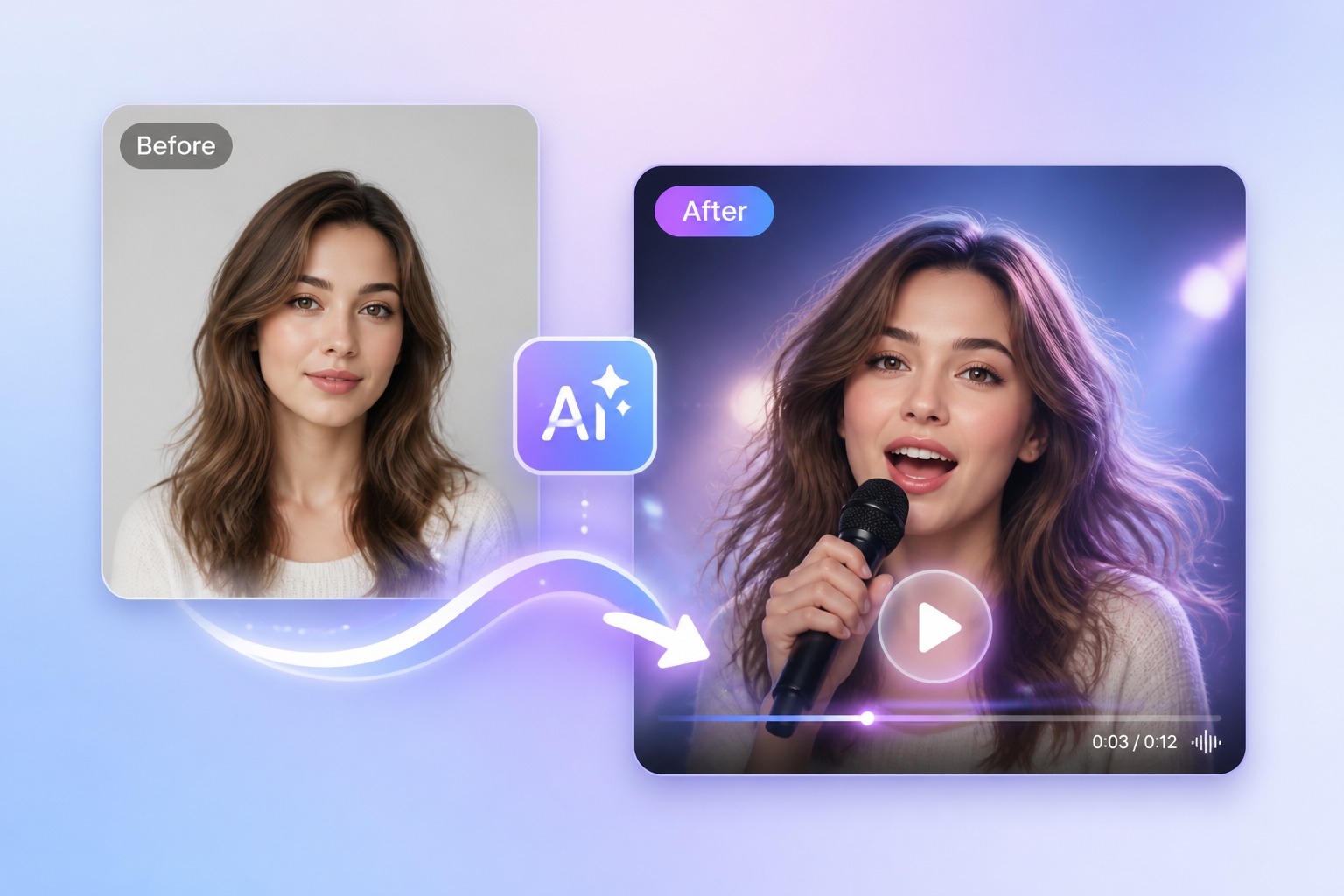
What to Check Before Creating a AI Cat Singing
Cat image rights
Use a cat photo or character you own or have permission to animate.
Visible muzzle
Choose a clear face without objects covering the mouth area.
Audio rights
Use original, licensed, or otherwise permitted vocals and music.
Short hook
A concise chorus is easier to synchronize and review than a complete song.
One subject
Single-cat portraits are more predictable than group photos or busy scenes.
Final review
Check the full clip for visual artifacts and suitable context before sharing.
How to Make a AI Cat Singing Video
A simple three-step portrait-to-video workflow
- 01
Choose or upload a permitted portrait
Use your own cat photo, a licensed image, or an original cat character with a visible face and muzzle. A centered crop gives the singing motion a clearer reference.
- 02
Add text or audio
Upload a short vocal or song clip that you created or are allowed to use. Clear vocals and a compact hook are easier to synchronize than a full, heavily layered track.
- 03
Generate, review, and export
Preview the complete singing cat result and check the mouth area, audio rights, and context. This page animates one cat portrait; it does not generate a new cat or a multi-scene video.
Singing Cat Ideas for Short Social Clips
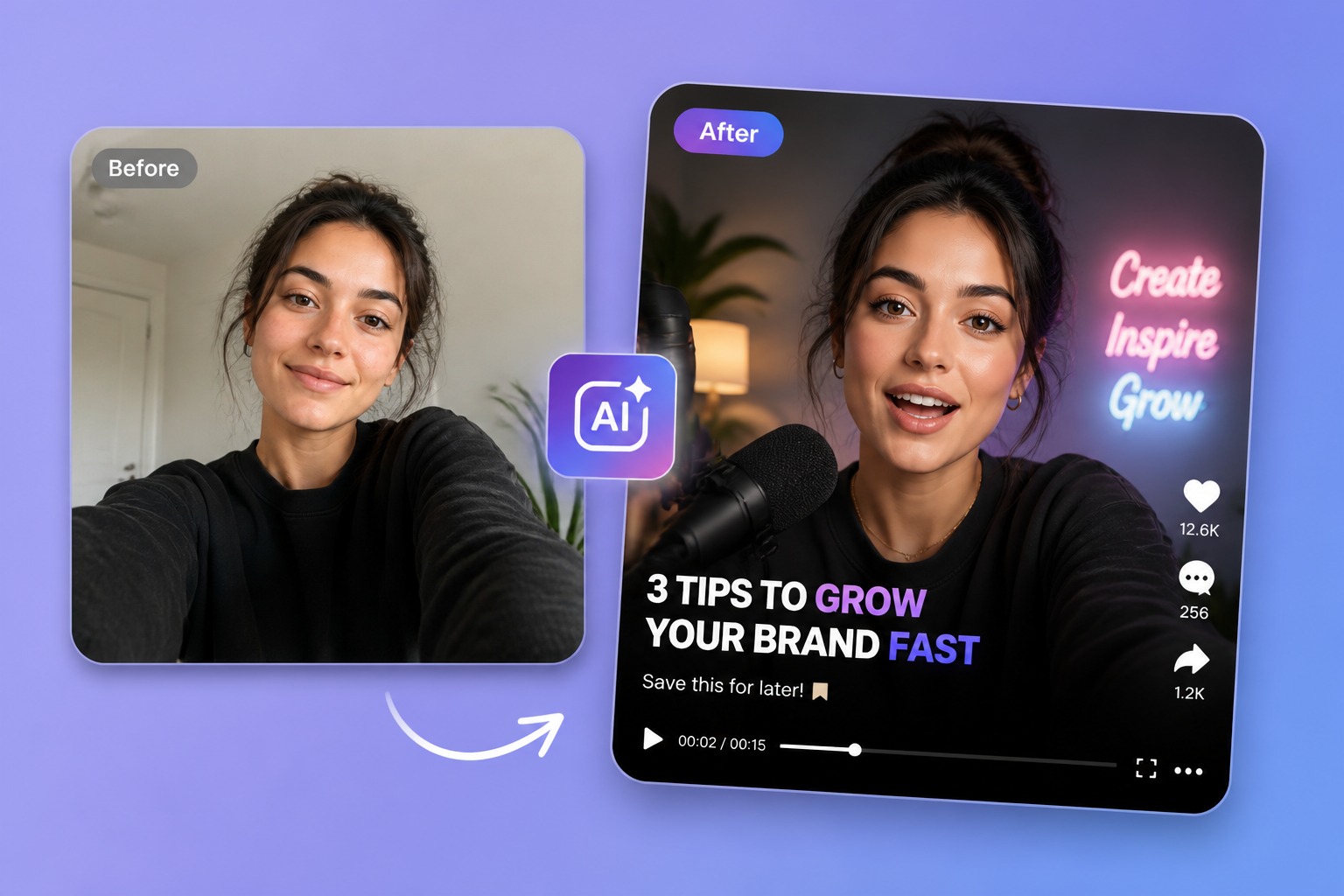
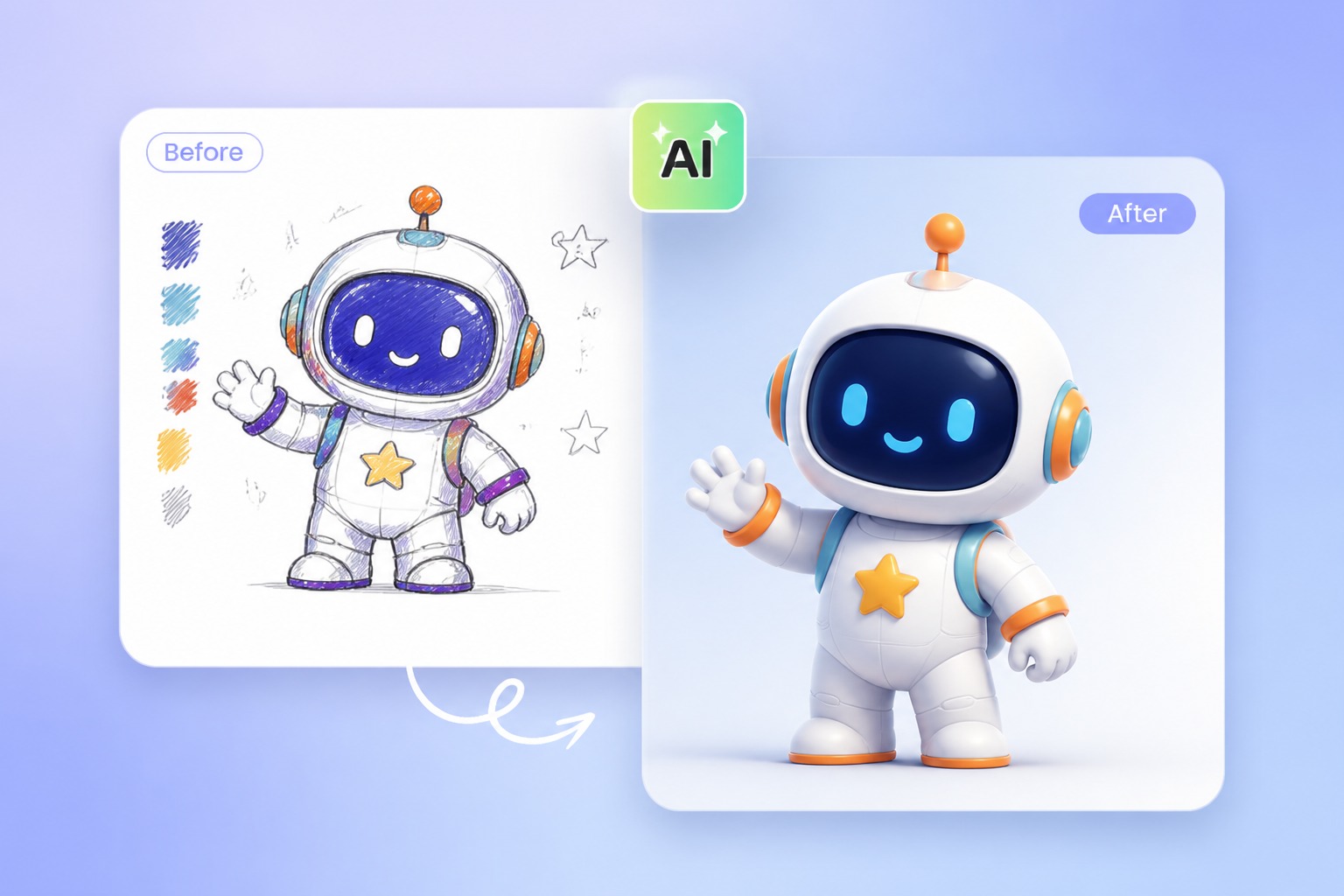
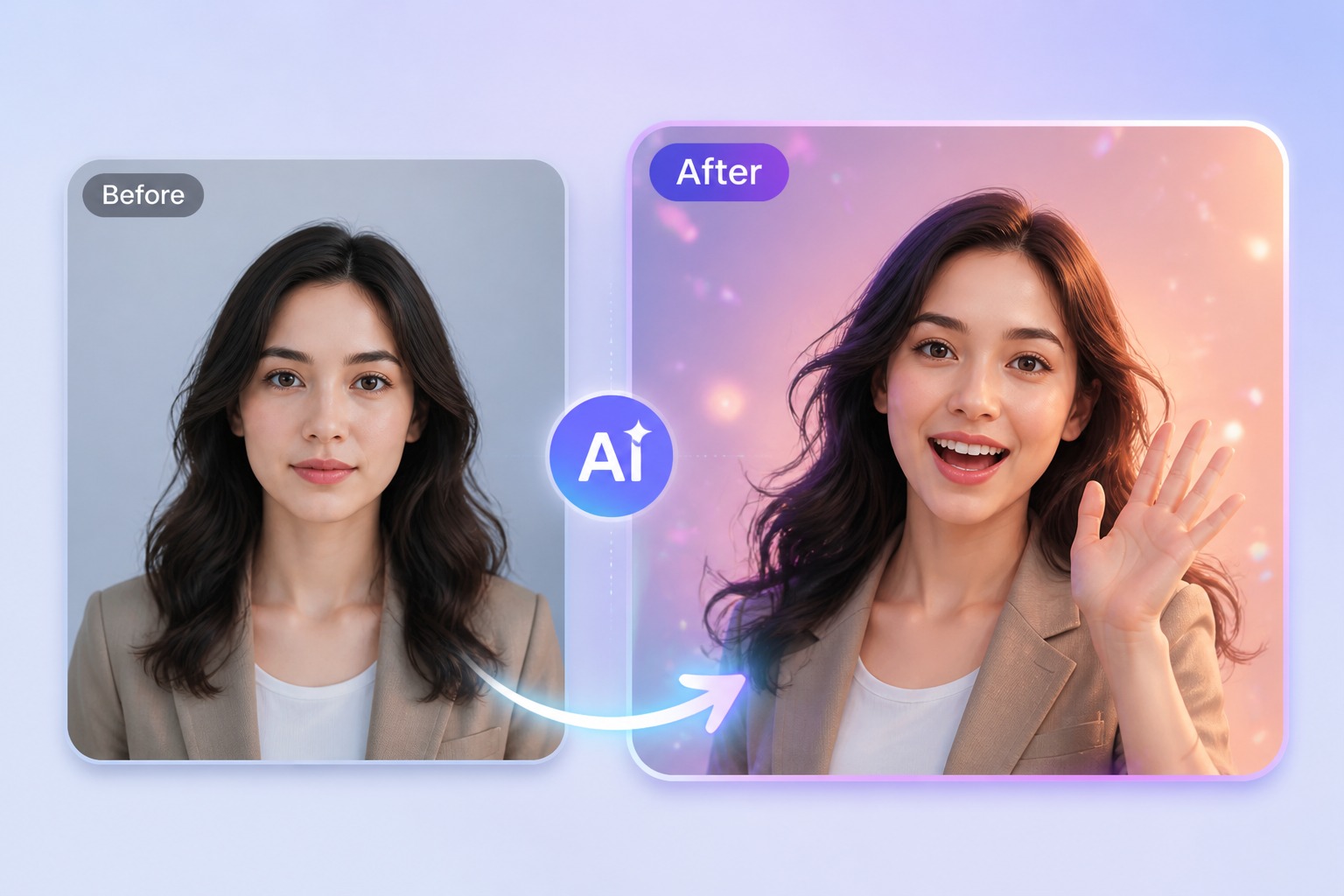
Keep the cat recognizable and the vocal moment short so the singing animation remains the center of the idea.
AI Cat Singing Generator FAQ
How do I make a cat photo sing with AI?
Upload a clear cat portrait, add a permitted vocal or song clip, and generate the lip-synced singing cat video.
What cat photos work best?
Use one centered cat with a clearly visible face and muzzle, good lighting, and enough resolution to preserve details.
Can I use any song?
Only use audio you own, licensed, or otherwise have permission to use. Copyright and platform rules still apply.
Can I animate an illustrated cat?
Yes. Original cat characters and mascots can work when the eyes and mouth area are clearly defined.
Does this generate a cat video from text?
No. It animates the cat portrait you provide to match an audio track; it does not create a new cat image or multi-scene video.