

Lip Sync AI Video Generator
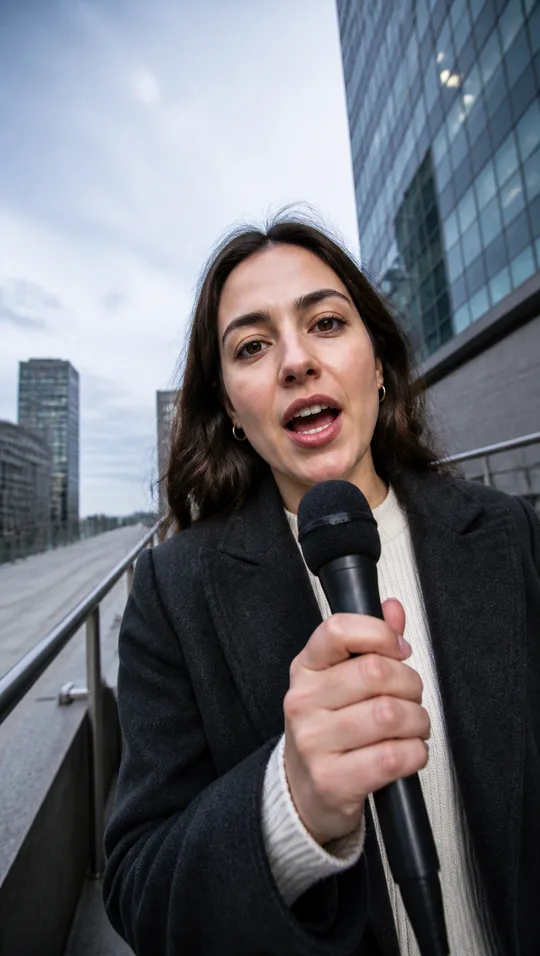
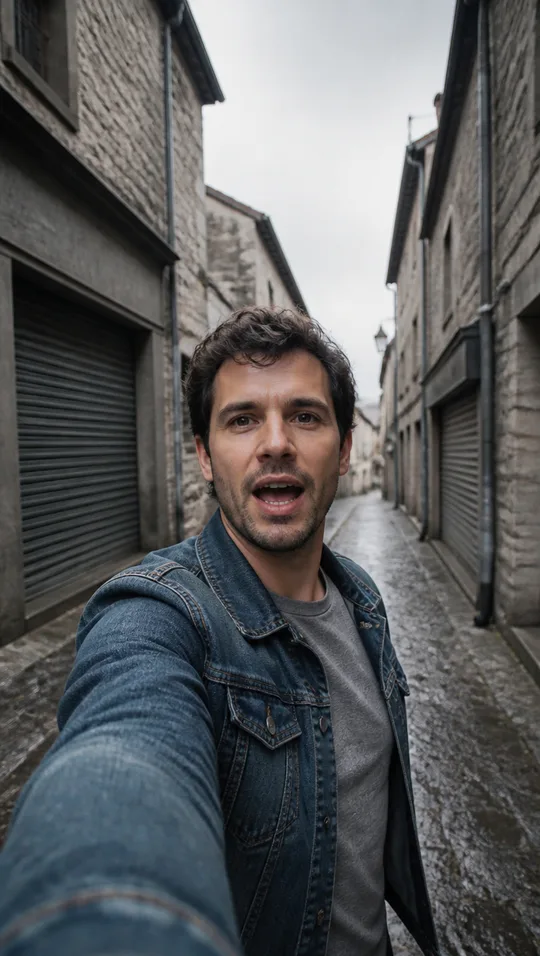
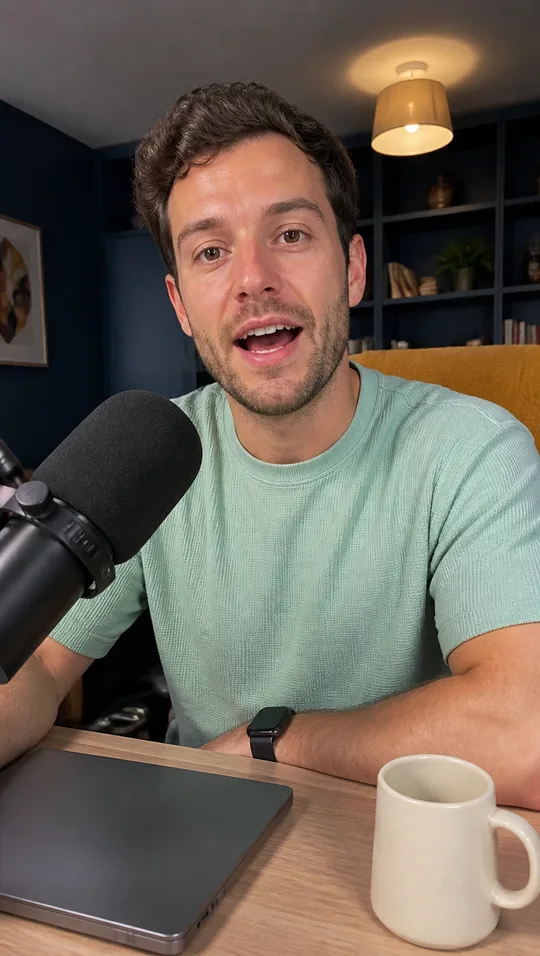
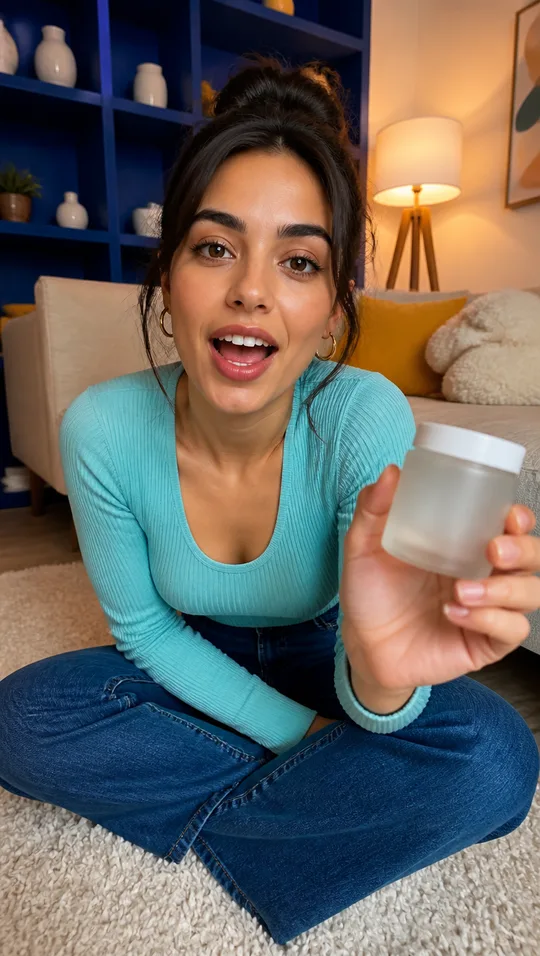
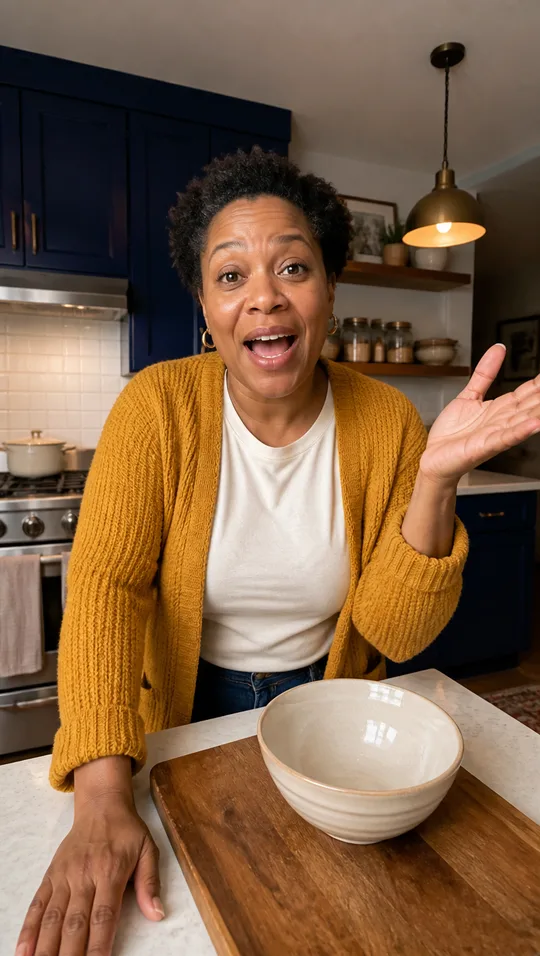
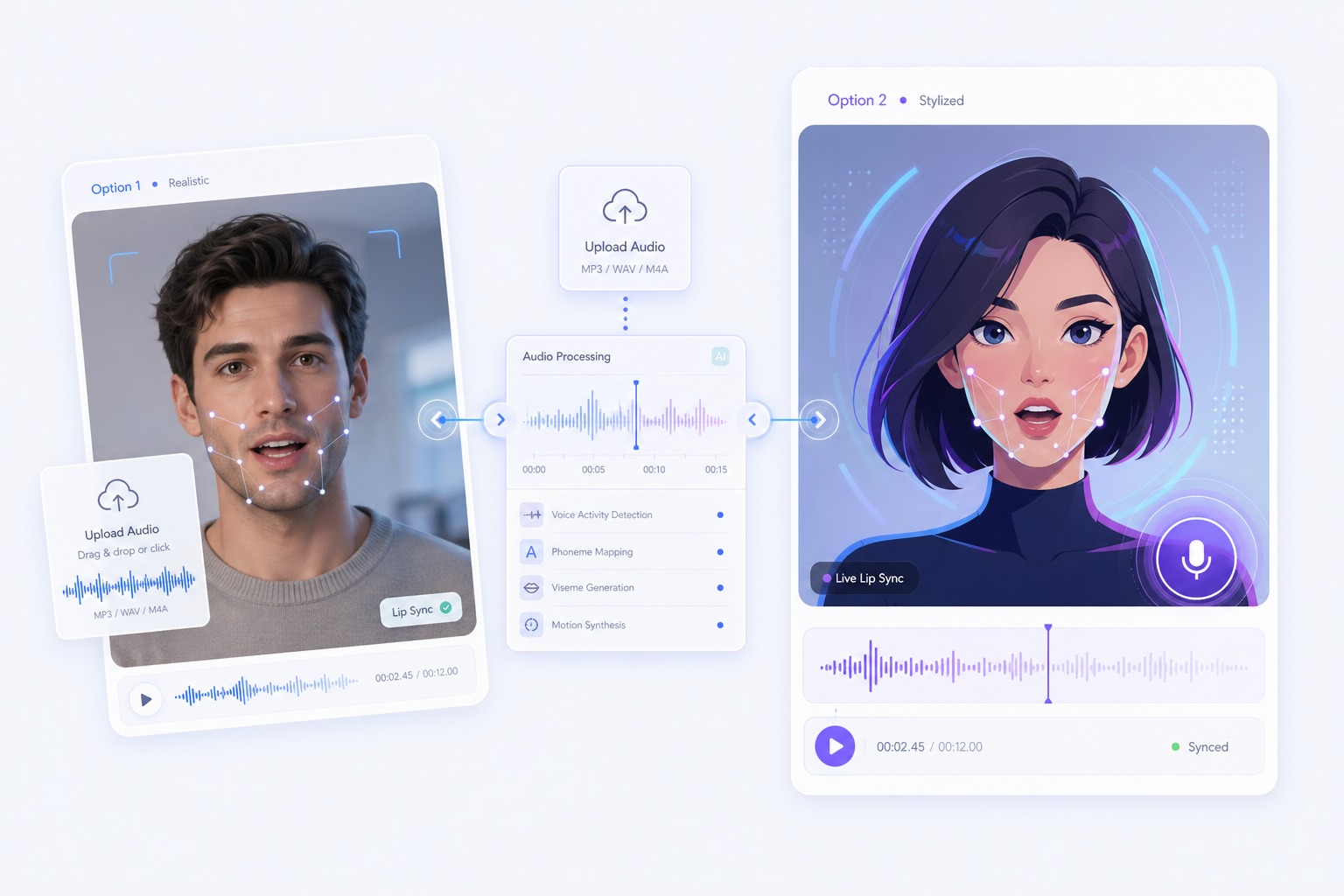
Lip sync AI re-animates a speaker's mouth so it matches a new audio track. Upload the video and the audio, generate, and the rest of the footage stays as it was. Built for dubbing, voiceover fixes, and localized clips.
How to Get a Cleaner Lip Sync
Start with a clear source video
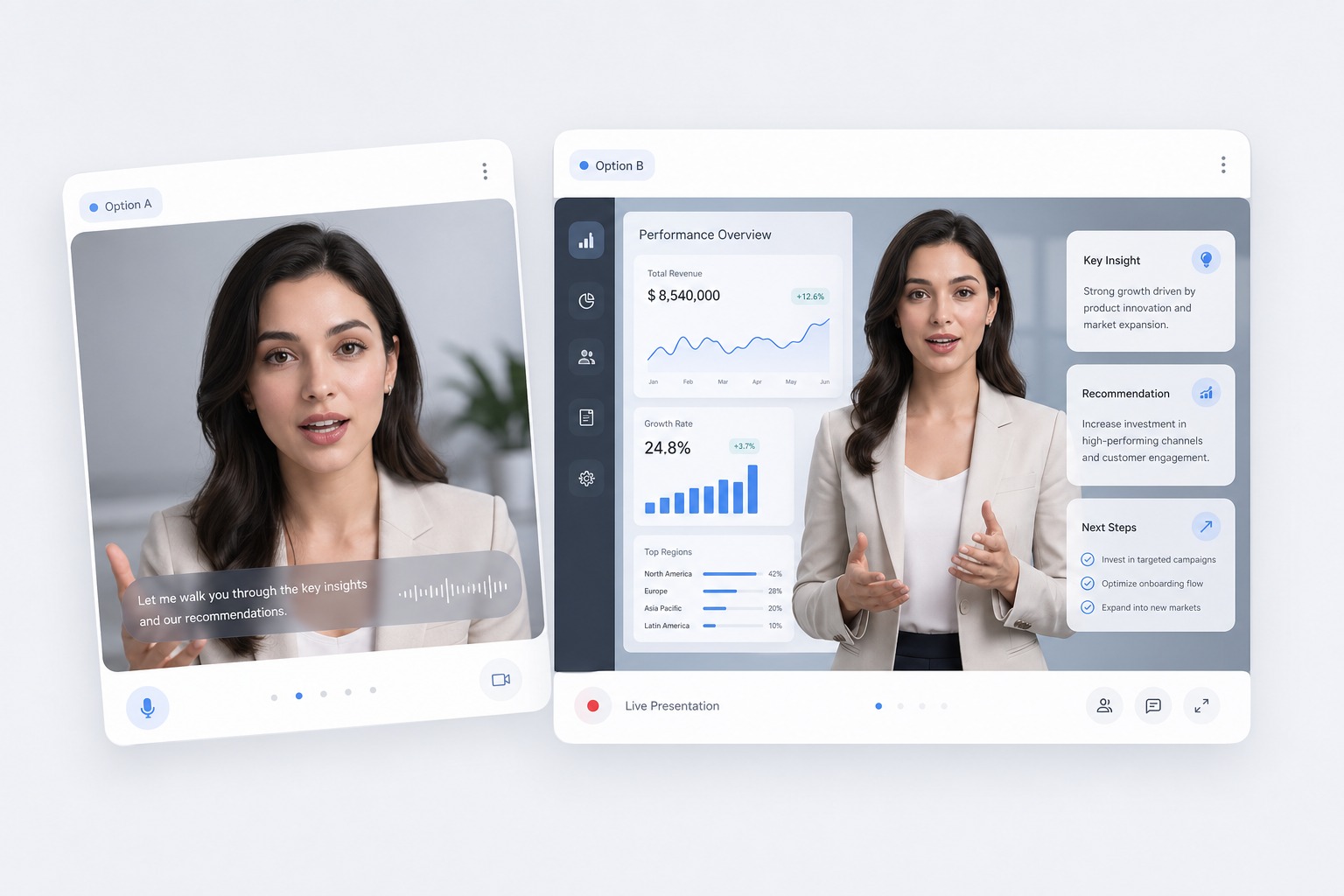
Upload a clip where the speaker's face stays visible throughout. The short side must be 1080px or less and the file up to 300MB. Steady framing and an unobstructed mouth give the model the best reference.
Bring the audio you want to hear
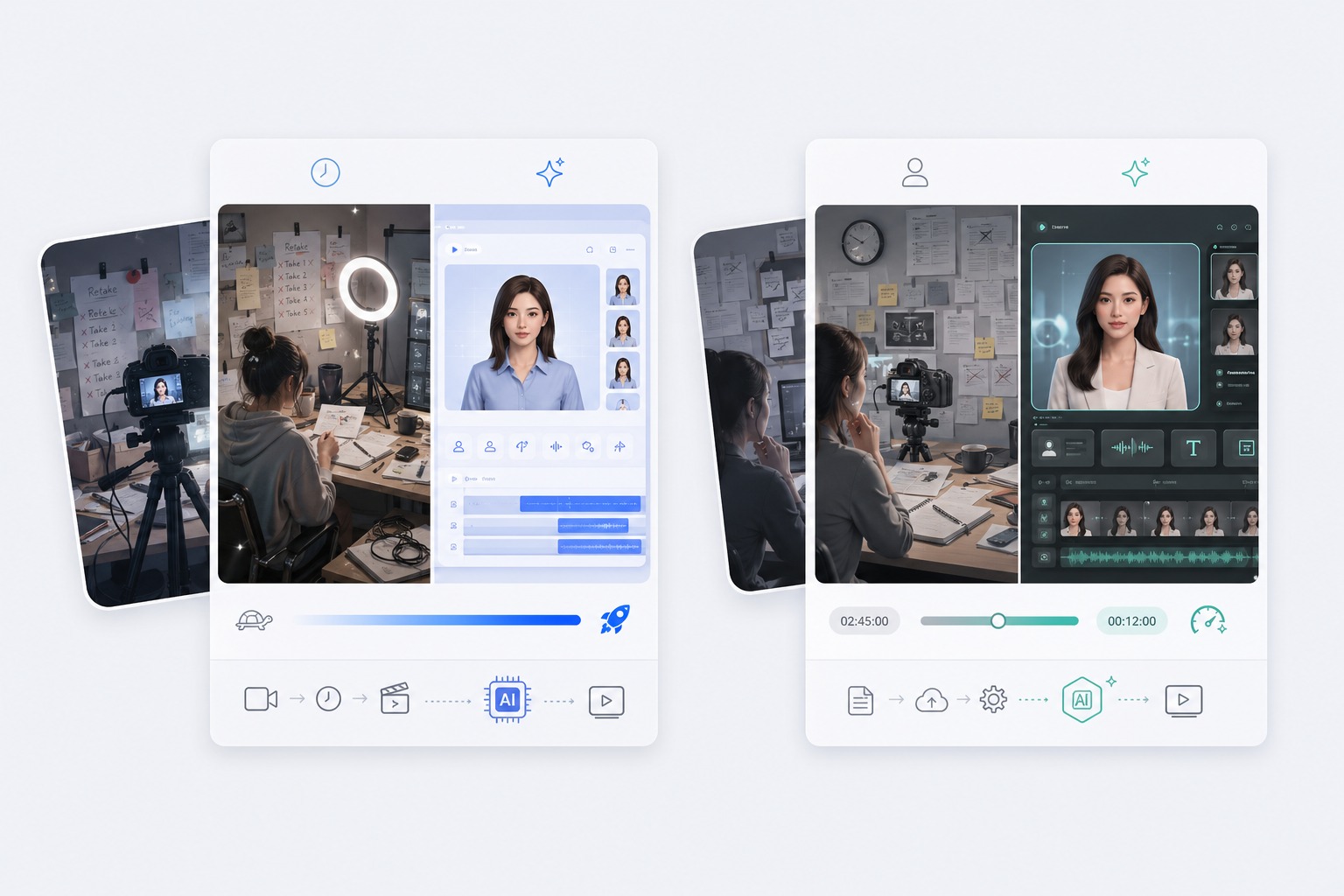
Upload the finished speech, dialogue, or singing track — at least one second long and up to 100MB. This tool syncs to the audio you supply; it does not translate the dialogue or generate the voice for you.
Choose normal or loop
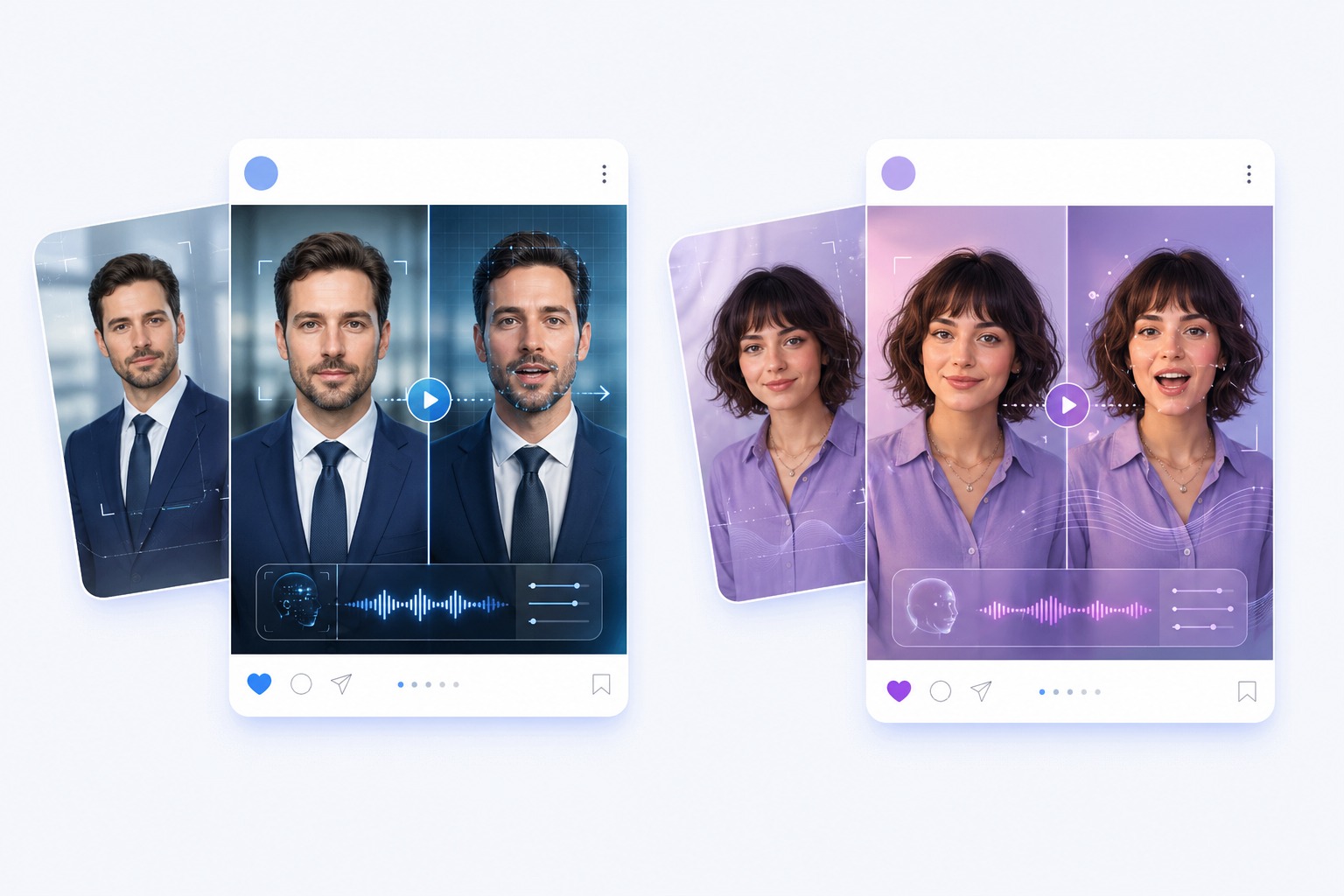
Normal plays the video once and trims audio that runs past the end. Loop repeats the video until the audio finishes. Estimated output is capped at 120 seconds either way.
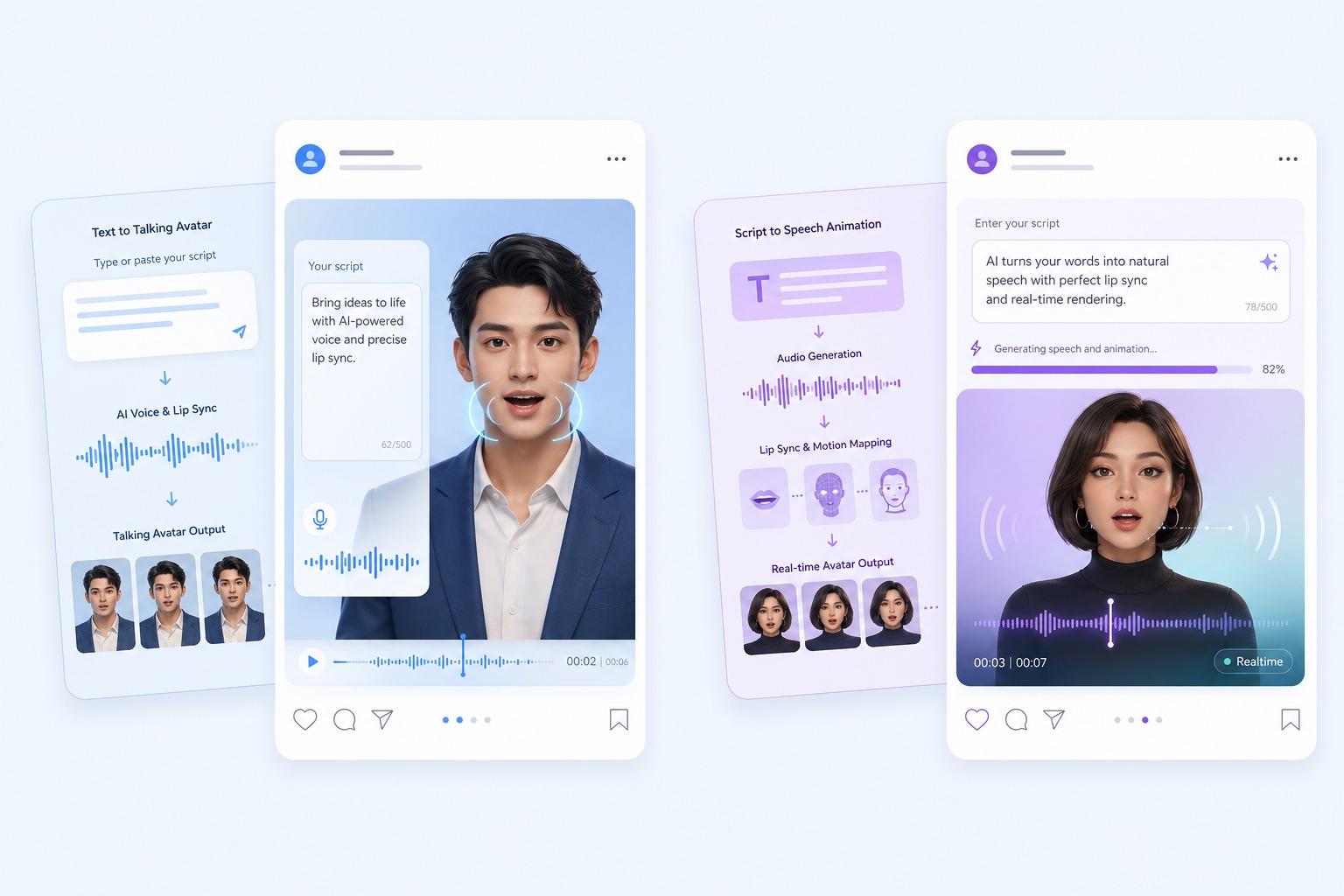
Review before you publish
Check mouth timing on hard consonants first, then confirm you hold the rights to both the footage and the voice. The tool changes the mouth; responsibility for the message stays with you.
Lip Sync AI Use Cases
Use this when the footage is already right and only the audio needs to change.
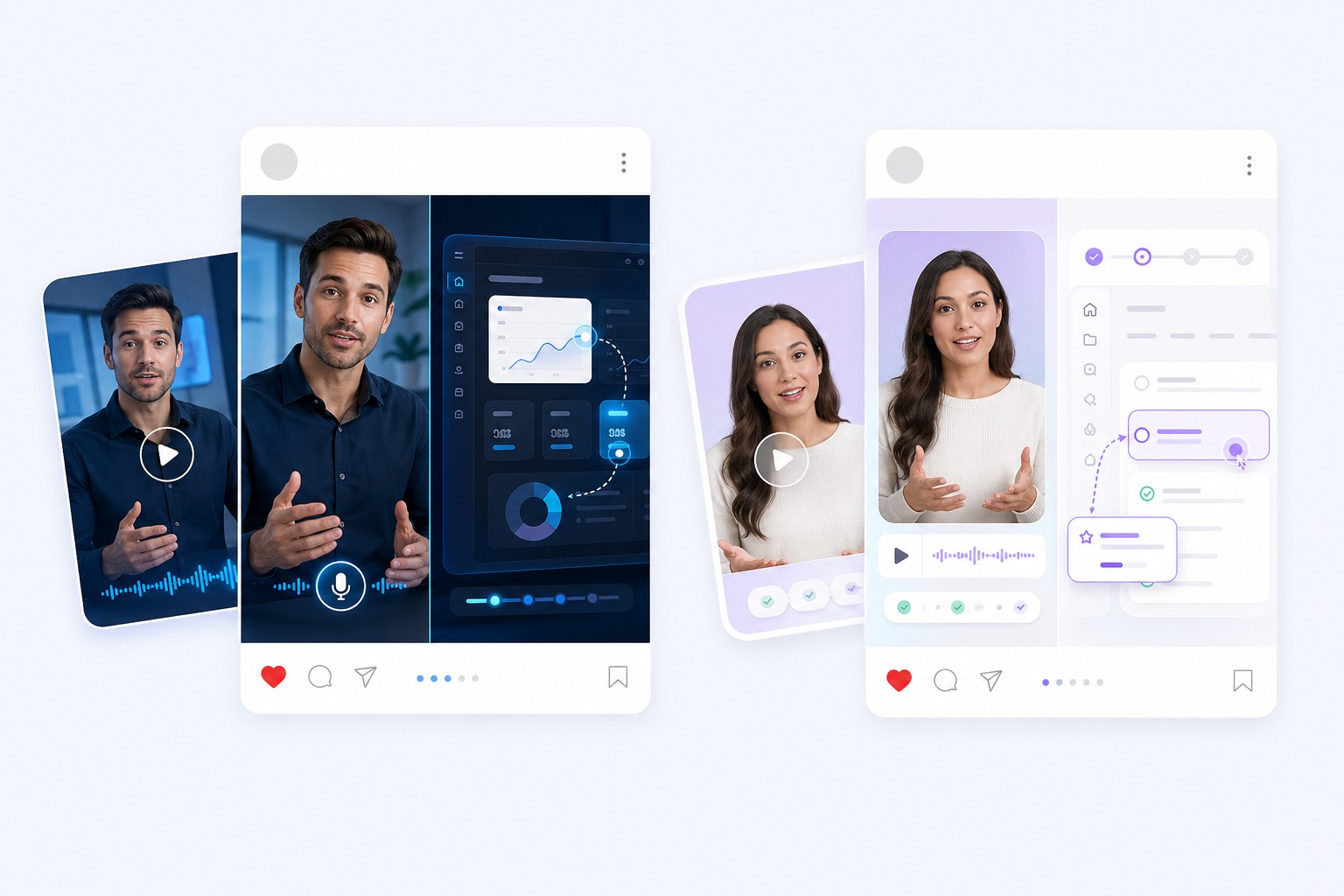
Dubbing an existing clip
Replace the dialogue in footage you already shot and let the original speaker's mouth follow the new track.
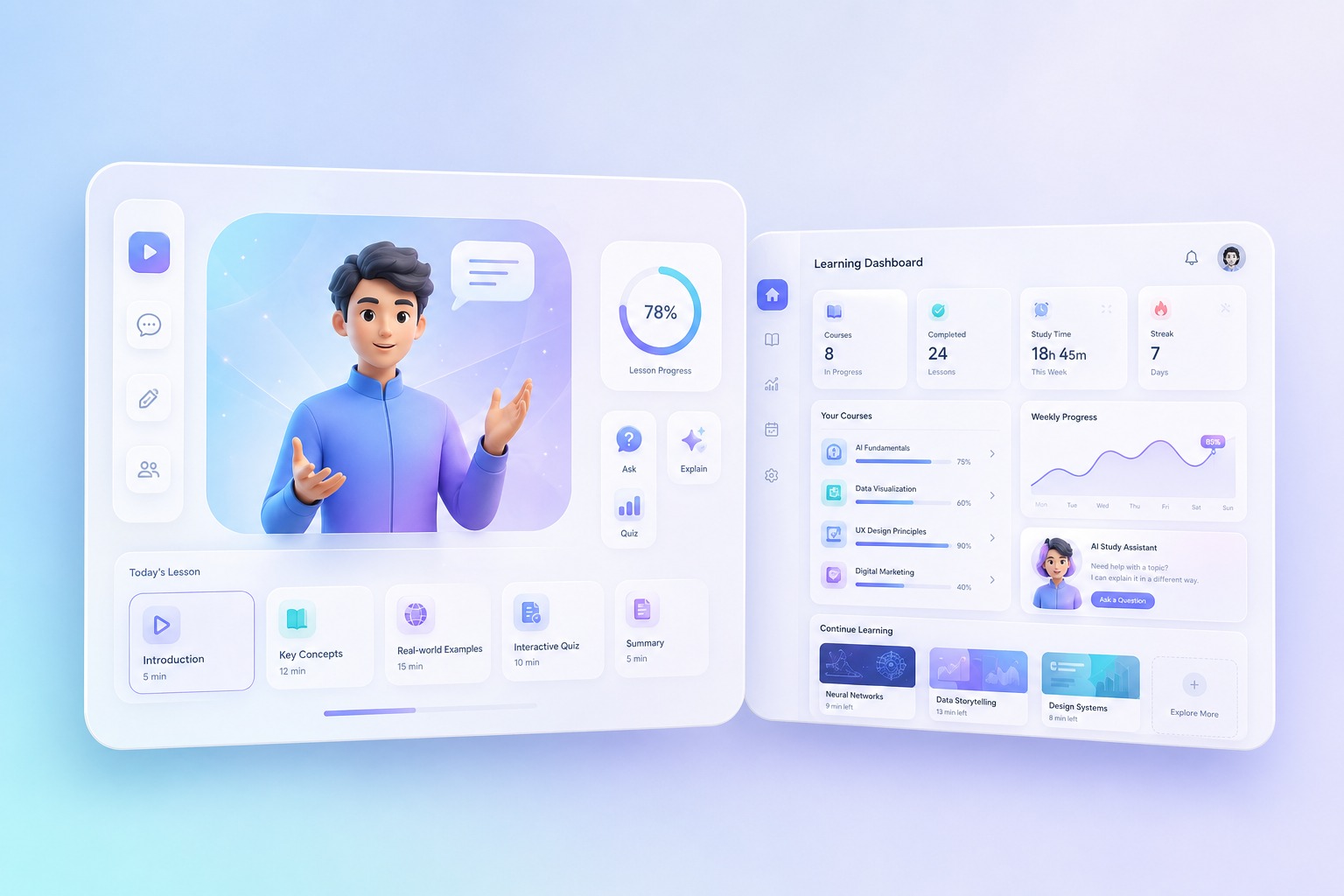
Voiceover corrections
Fix a misread line or an outdated figure without reshooting — re-record the audio and re-sync the same take.
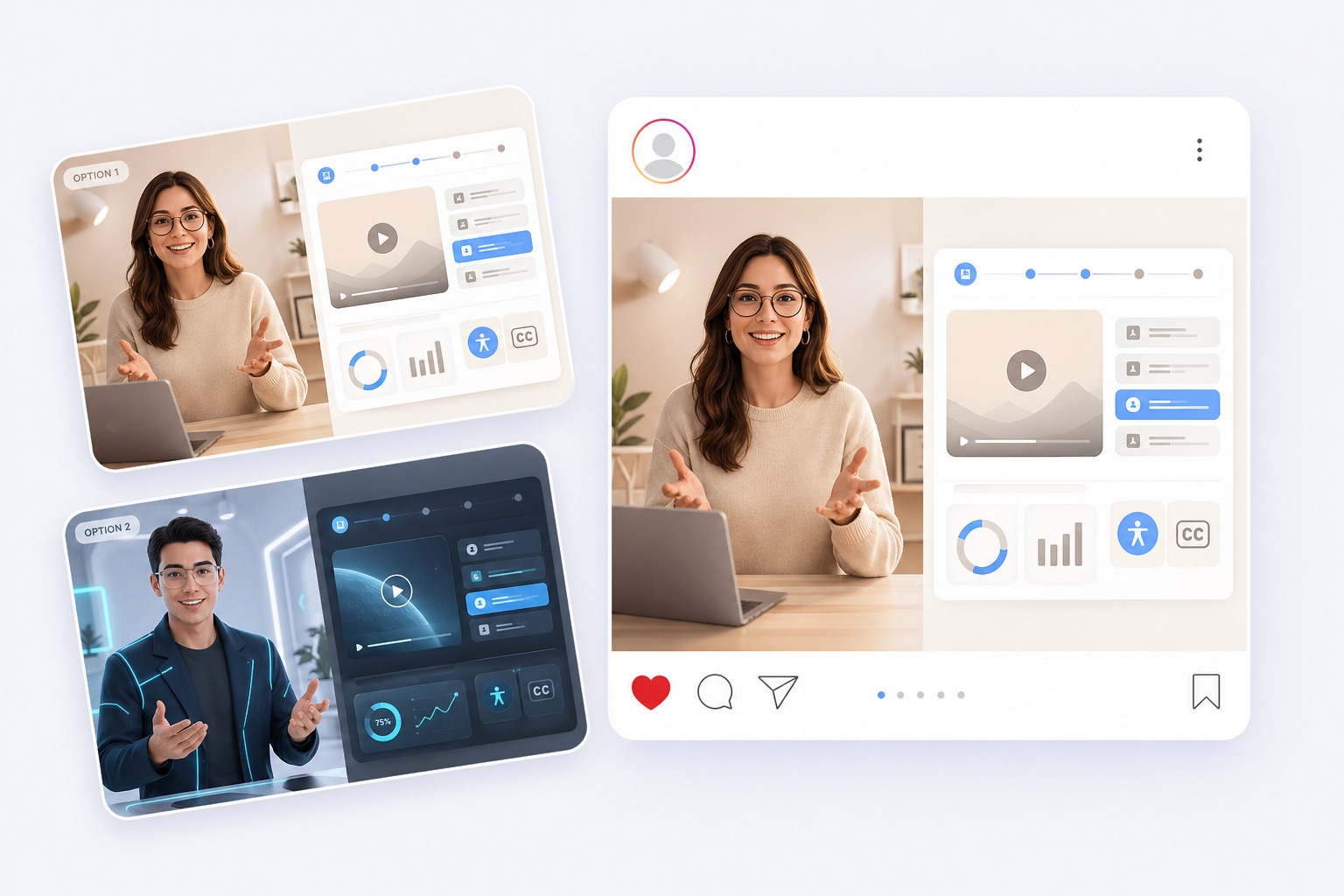
Localized versions
Supply a translated voice track for a new market and keep the same on-camera presenter across every language.
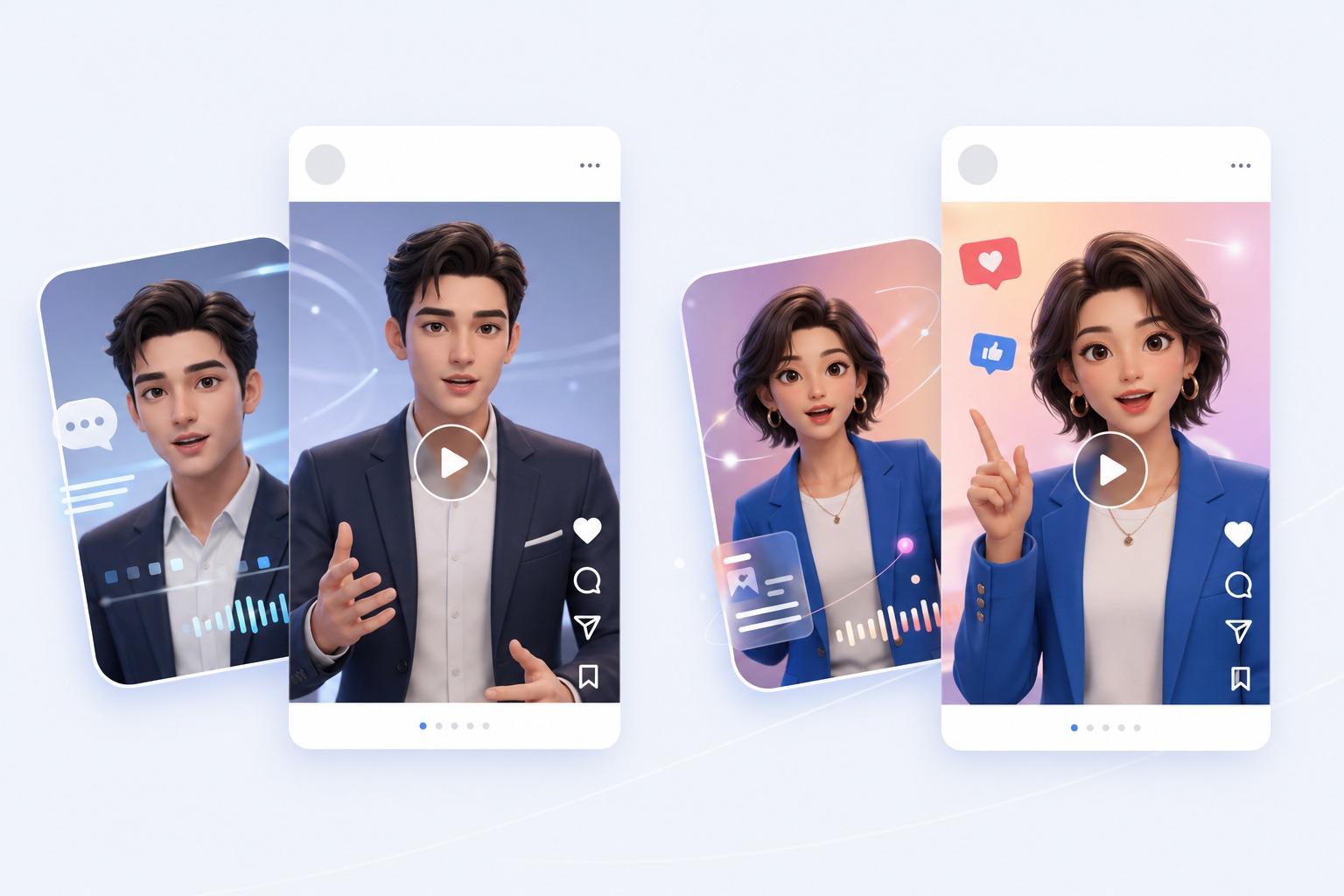
Social re-edits
Refresh a clip for another campaign or platform by swapping the audio instead of producing new footage.
What This Lip Sync Tool Does — and Does Not Do
Video requirements
A clip whose short side is 1080px or less, up to 300MB. One clearly visible face throughout works best.
Audio requirements
At least one second long, up to 100MB. Bring the finished track — the tool syncs to it rather than generating it.
Output length
Estimated output is capped at 120 seconds. In normal mode the length follows the shorter of the video and the audio.
Playback mode
Normal plays the video once; loop repeats it until the audio ends. Pick the one that matches your track length.
One audio track at a time
The workflow syncs a single audio track to the footage. It does not separate or assign multiple speakers in one scene.
Footage and voice rights
Only upload video and audio you own or are authorized to use, and only use a real person's voice with their consent.
How to Create a Lip Sync AI Video
Three steps: source video, new audio, generate
- 01
Upload the source video
Choose a clip where one speaker's face is clearly visible. The short side must be 1080px or less, and the file up to 300MB.
- 02
Upload the new audio
Add the speech, dialogue, or singing track you want the speaker to deliver. Minimum one second, maximum 100MB.
- 03
Pick a playback mode and generate
Choose normal or loop, generate, then review the mouth timing before exporting. Estimated output is capped at 120 seconds.
Why Creators Use Lip Sync AI Instead of Reshooting
- Keep the take, change the words: The original footage, lighting, and performance stay intact — only the mouth follows the new audio.
- Normal or looped playback: Normal trims audio that runs past the end of the clip; loop repeats the clip until the track finishes.
- Priced by output length and resolution: Cost follows the seconds you generate and the resolution tier of the source video.
Keep the take, change the words
Useful when reshooting is expensive and the script changes more often than the setting or the presenter.
Normal or looped playback
A short piece of footage paired with a longer voiceover is the case loop was built for.
Priced by output length and resolution
A shorter audio track or a lower-resolution source costs less to generate.
Lip Sync AI FAQ
What is lip sync AI?
Lip sync AI changes a speaker's mouth movements so they match a different audio track. On AvatarCraft you upload a video and a separate audio track, and the on-camera speaker's mouth is re-animated to follow the new audio while the rest of the footage is preserved.
Is this lip sync AI free?
You can start free: new accounts get 30 credits. Lip sync is priced by output length and source resolution: 1 credit per second for videos up to 540p, 2 for 720p, and 3 for 1080p. So 30 credits cover a 30-second clip from a 540p source, or a 10-second clip from a 1080p source. Starting 30 days after sign-up, accounts without a subscription are topped back up to 20 credits every 30 days.
Can I lip sync a video to a song?
Yes. Upload the song as the audio track and the speaker's mouth follows the vocals. A track with clear vocals and little backing music gives the cleanest result. Output is capped at 120 seconds.
Can lip sync AI work from a photo?
Not with this tool — it needs video input. To animate a still portrait, use the talking photo workflow, or the singing photo generator when the audio is a song.
Does it translate the audio for me?
No. You supply the finished audio track in whatever language you need. The tool handles the mouth movement, not the translation or the voice itself.
What is the difference between normal and loop?
Normal plays the source video once and trims any audio that runs past the end. Loop repeats the video until the audio track finishes.
What are the size and length limits?
The source video's short side must be 1080px or less and the file up to 300MB. Audio must be at least one second and up to 100MB. Estimated output is capped at 120 seconds.