
AI Rap Video Generator
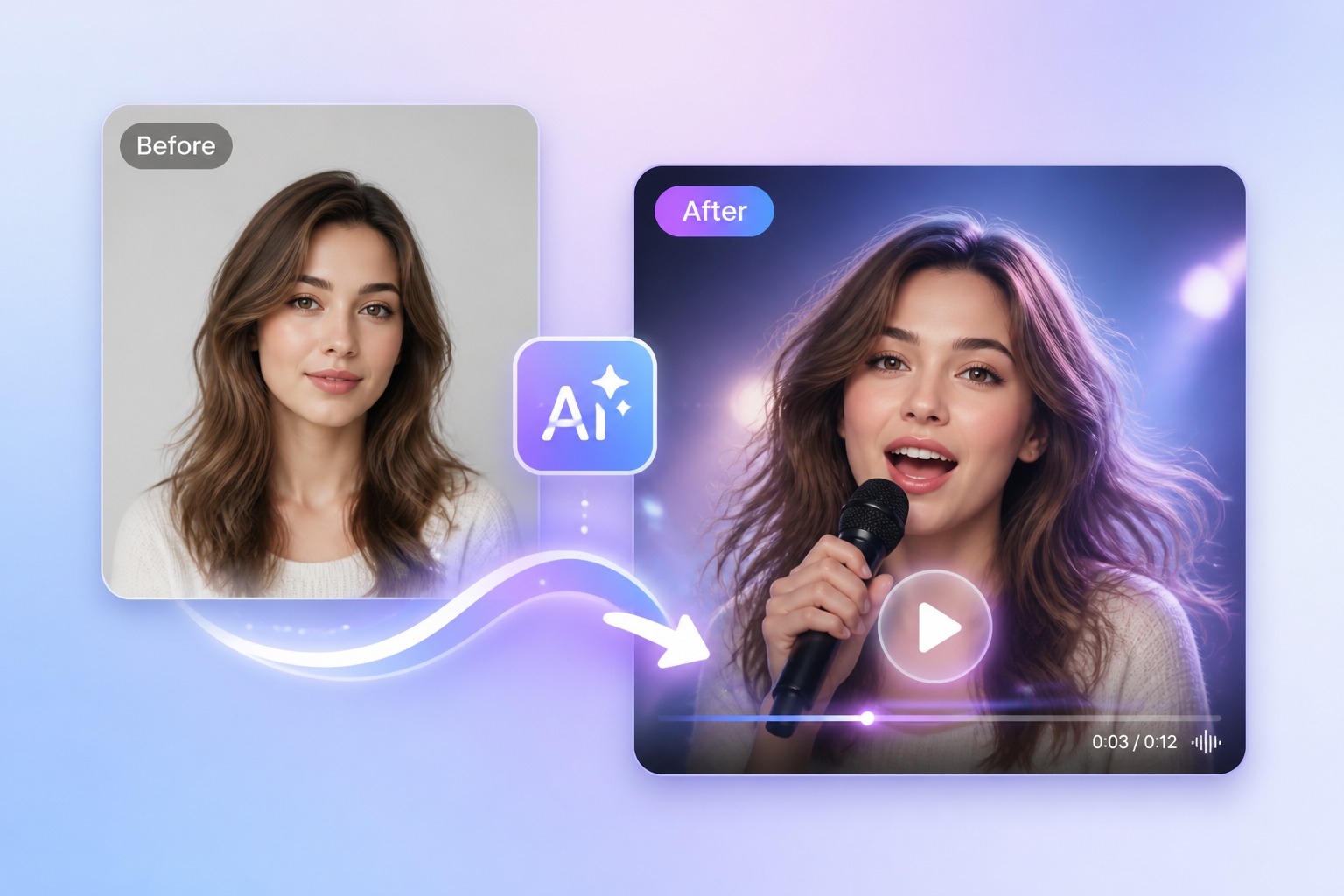
Upload your rap verse and a photo, and get a video of that face rapping it with matched lip sync. Works with selfies, pets, and cartoons. 30 free credits.
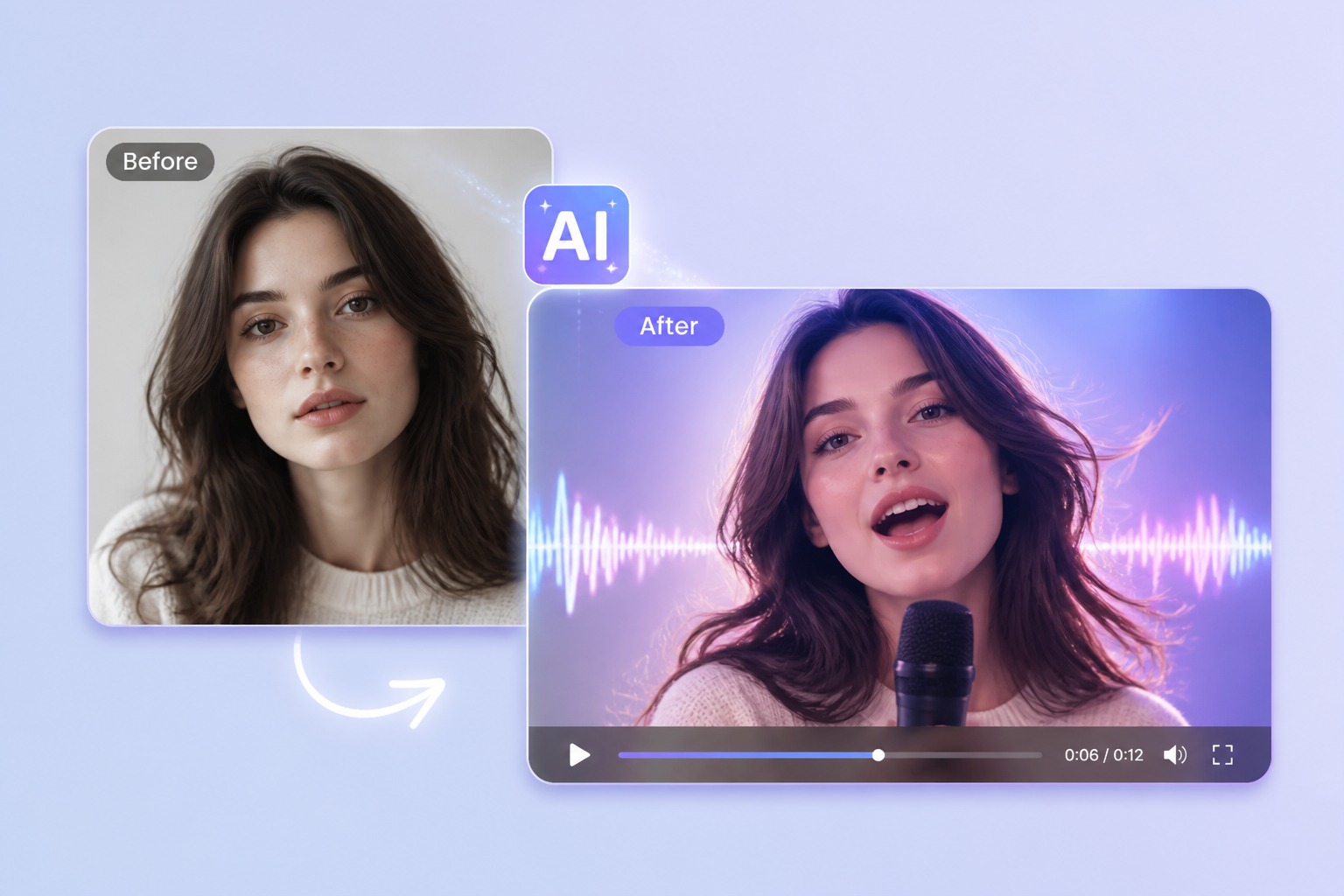
How to Make a Photo Rap Your Track
Start with your own verse
Upload an MP3, WAV, or M4A of your rap, or record it in the browser. A clean vocal works best; a vocal over a beat works too as long as the voice sits on top. Each video takes 3 to 60 seconds, and free accounts can use up to 20 seconds.
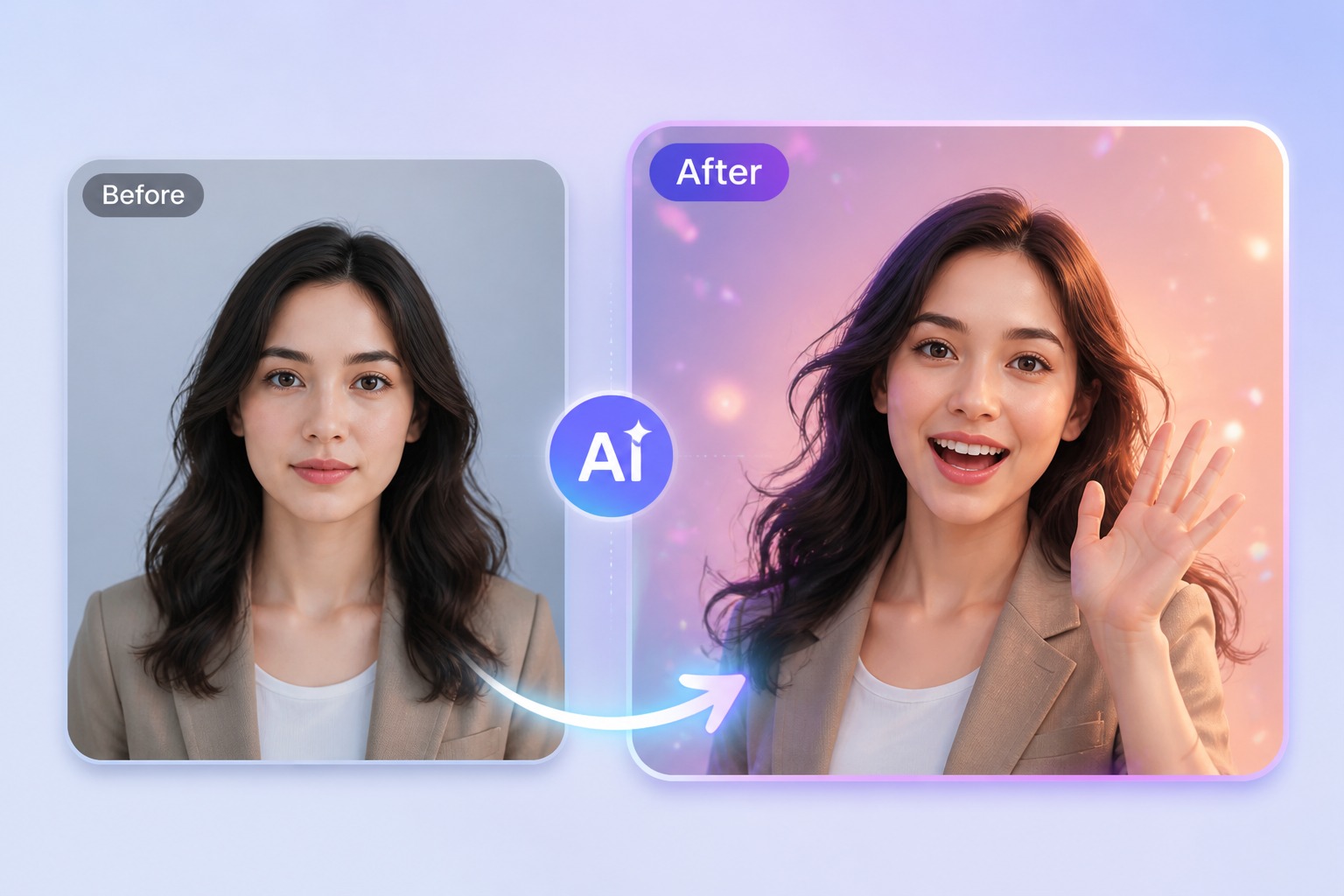
Pick who spits the bars
Upload a selfie, a friend who agreed to it, the family dog, or a cartoon character, or pick a preset such as the neon streamer, the gamer, or a toon panda. One clear face with a visible mouth works best.
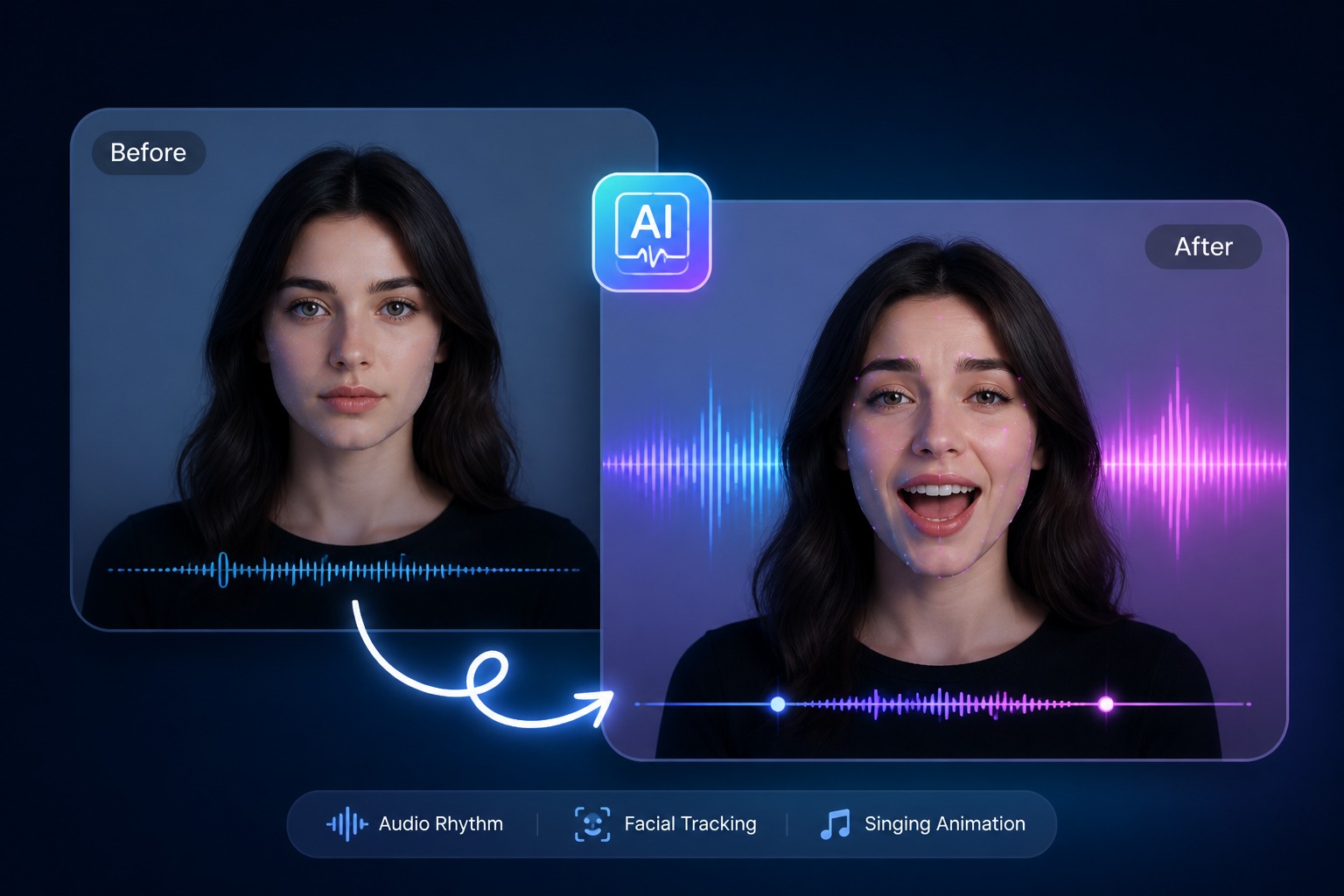
Fast flows stay in sync
The mouth follows the vocal syllable by syllable, so quick flows and ad-libs line up with the lips instead of drifting.
Sung hooks go to the singing tool
If the track is mostly a sung chorus, the AI singing photo generator is set up for longer held notes.
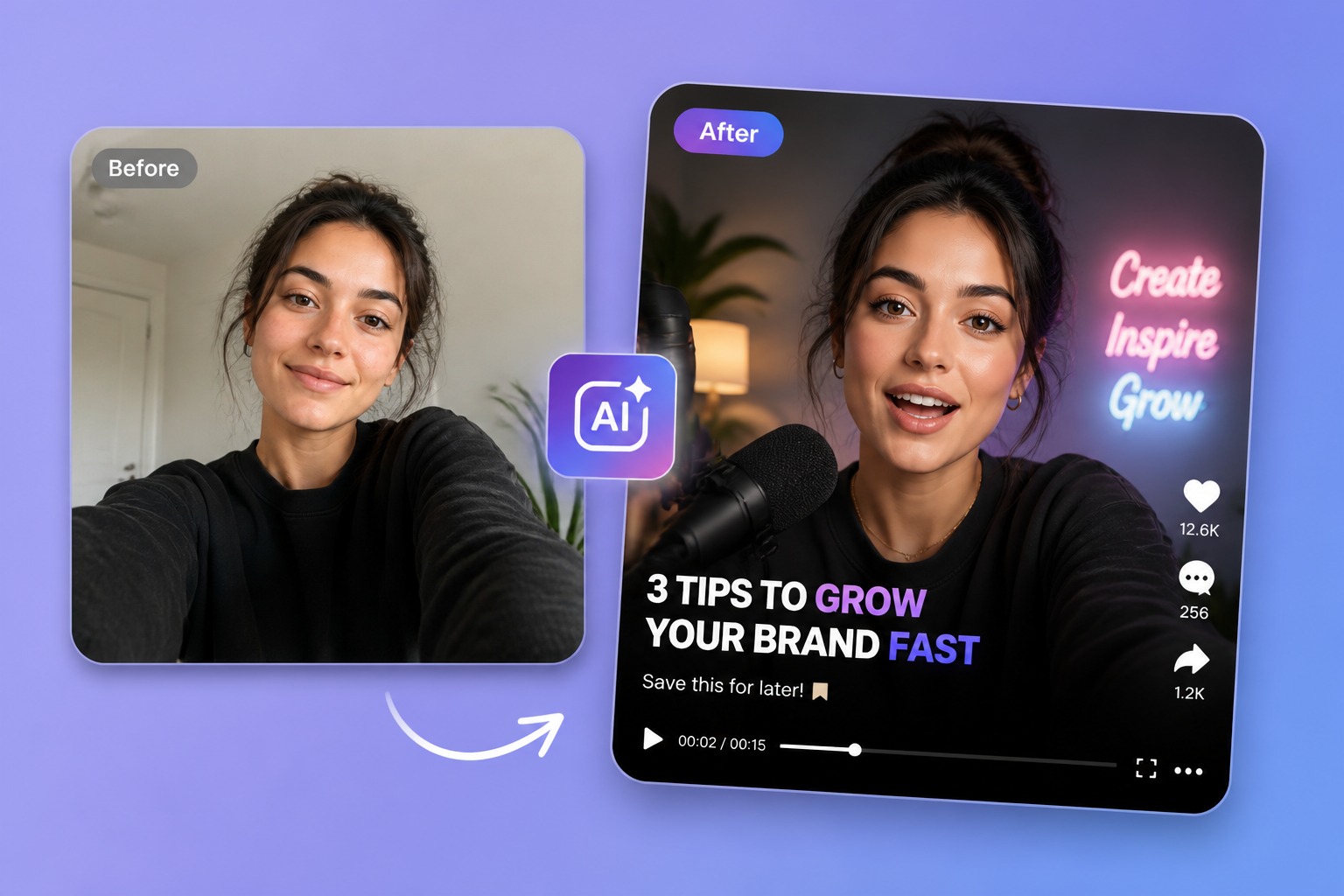
Rap Video Ideas
A rapping photo fits more moments than a music video shoot.
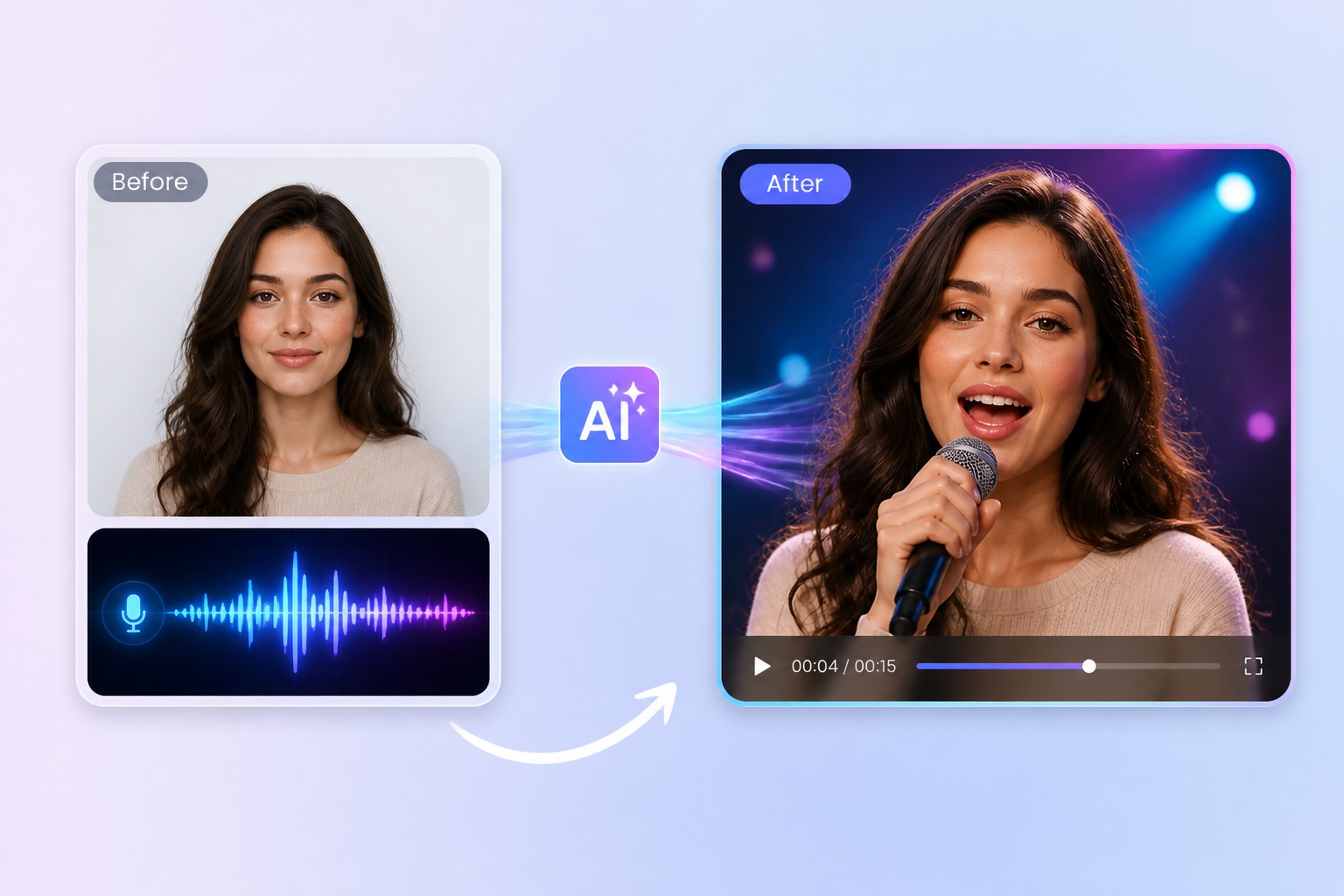
Preview a new verse
Post a 20-second snippet with a face on it before the full track is out.
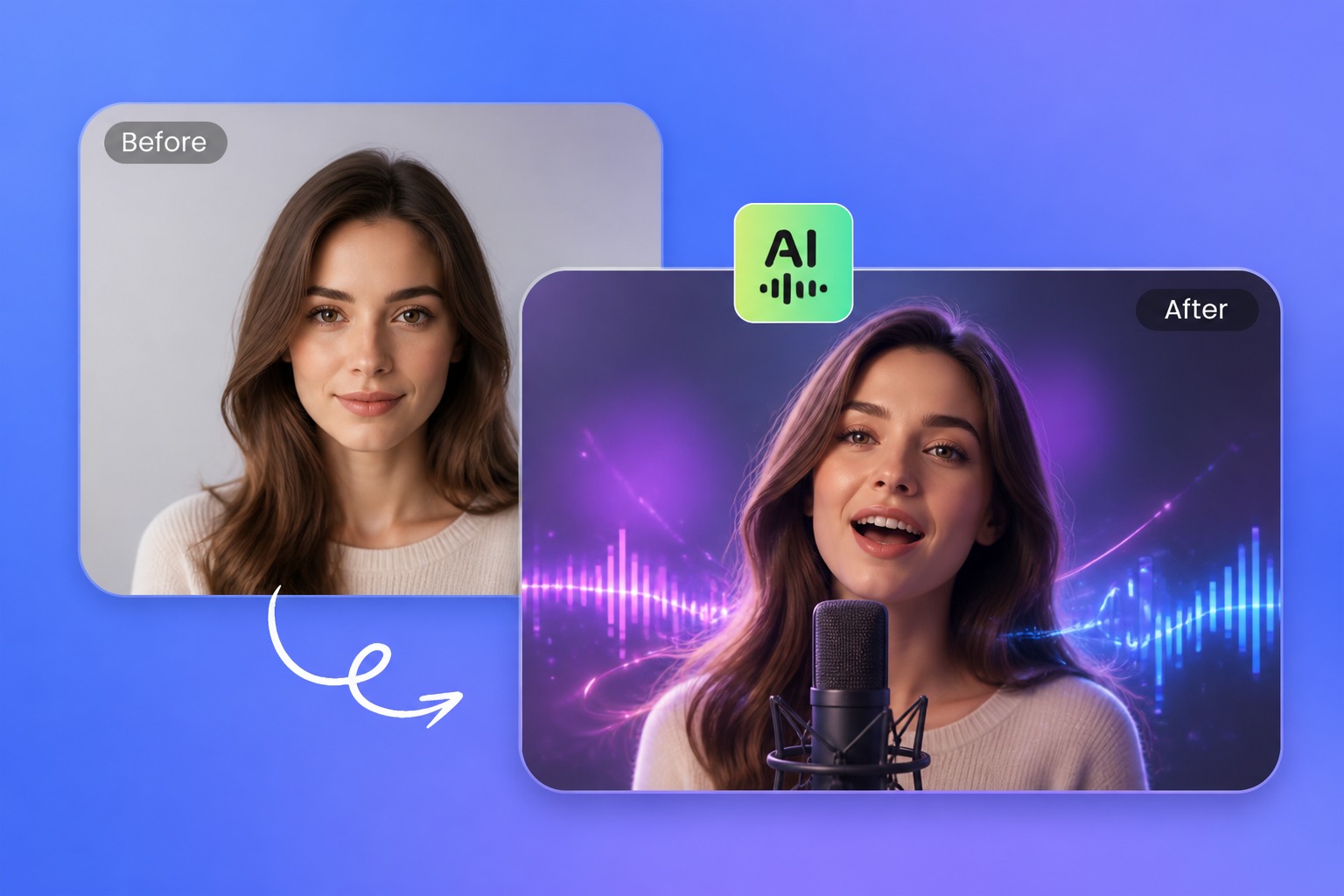
Pet and cartoon raps
Make the cat, the dog, or a toon panda deliver your bars.
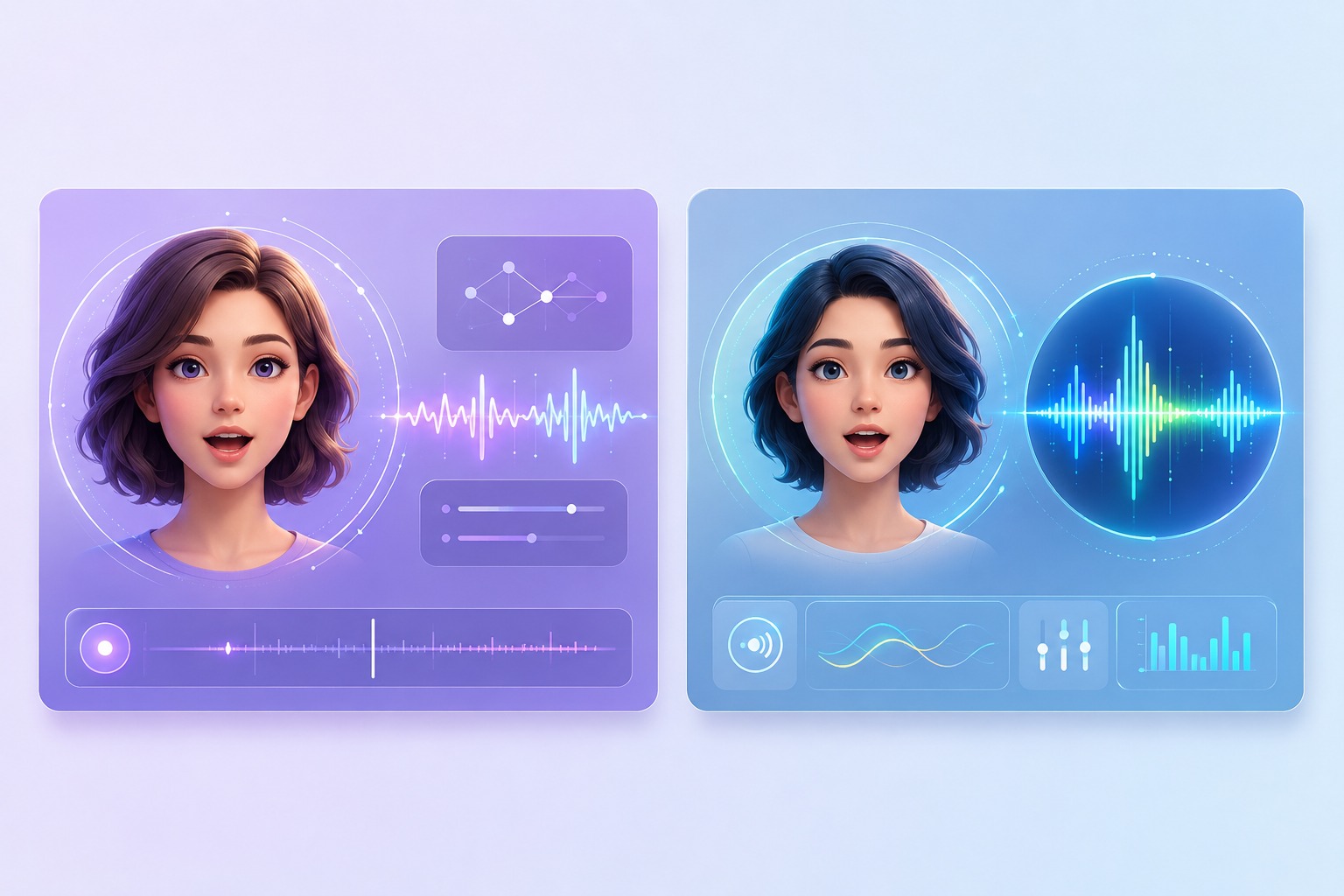
Friendly roast raps
A short, good-natured roast for a friend's birthday or group chat, rapped by their own (permitted) photo.
Lyric explainers
Give a recorded lesson rap or a jingle a face for class or a product promo.
What to Know Before You Make a Rap Video
Bring your own track
The tool does not write lyrics or make beats. Use a verse you recorded or have the rights to use.
3 to 60 seconds per video
Free accounts can use up to 20 seconds. Split a longer song into parts and join the clips in a video editor.
Photos, pets, and cartoons
Any image with one clear face and a visible mouth, plus 160+ preset avatars.
30 free credits for new accounts
Enough for one 20-second rap video at 540p.
Priced by length
Video costs 1 credit per second at 540p, or 2 credits per second at 720p on paid plans.
One face per video
A duet or a cypher needs one clip per rapper, joined in an editor.
How to Make an AI Rap Video
Three steps: verse, face, generate
- 01
Upload the verse
Add 3 to 60 seconds of your rap as MP3, WAV, or M4A, or record it in the browser.
- 02
Choose the rapper
Upload a photo with one clear face, or pick a preset avatar, pet, or cartoon.
- 03
Generate and post
Generate the video, check the lip sync, and download it for TikTok, Reels, or Shorts.
Why Make a Rap Video from a Photo
- Your flow, untouched: The video plays the audio you upload, so the delivery and timing are yours.
- No camera, no set: Use a photo you already have or a preset avatar instead of filming.
- Made for short clips: Vertical-friendly clips sized for TikTok, Reels, and Shorts.
Your flow, untouched
Nothing is re-voiced or re-timed.
No camera, no set
Handy for artists who would rather not appear on camera.
Made for short clips
Make a new version with a different face in a few minutes.
AI Rap Video Generator FAQ
How do I make an AI rap video from a photo?
Upload your rap audio, choose a photo or a preset avatar, and generate. AvatarCraft AI makes the face rap your audio with matching lip sync, and you download the video when it is ready.
Does the AI write the rap lyrics or make the beat?
No. It animates a face to audio you provide. Record your verse, or use a track you have the rights to use.
Can I rap with text to speech?
You can, but a text-to-speech voice reads words rather than rapping them, so it will sound like spoken word. For a real flow, upload a recorded verse.
Will the lip sync keep up with a fast flow?
The mouth follows the vocal, so fast flows stay in sync. A clean vocal, or a vocal that sits clearly above the beat, gives the best result.
Can I make my dog or a cartoon rap?
Yes. Pet photos and cartoon characters work when there is one clear face and the mouth is visible.
How long can a rap video be?
Each video takes 3 to 60 seconds of audio, and free accounts can use up to 20 seconds. For a full song, generate it in parts and join them in a video editor.
Is the AI rap video generator free?
New accounts get 30 free credits, enough for one 20-second video at 540p. After that, video costs 1 credit per second at 540p, or 2 credits per second at 720p on a paid plan. Starting 30 days after sign-up, accounts without a subscription are topped back up to 20 credits every 30 days.
Can I use a famous rapper's photo or song?
Only use photos and audio you have permission to use. Do not make a real artist appear to perform something they did not.