
AI Talking Skeleton
Pick one of 8 skeleton avatars or upload your own, type what it should say, and get a talking skeleton video with lip sync for Halloween, memes, and pranks.

How to Make a Talking Skeleton That Gets a Laugh
Eight skeletons ready to talk
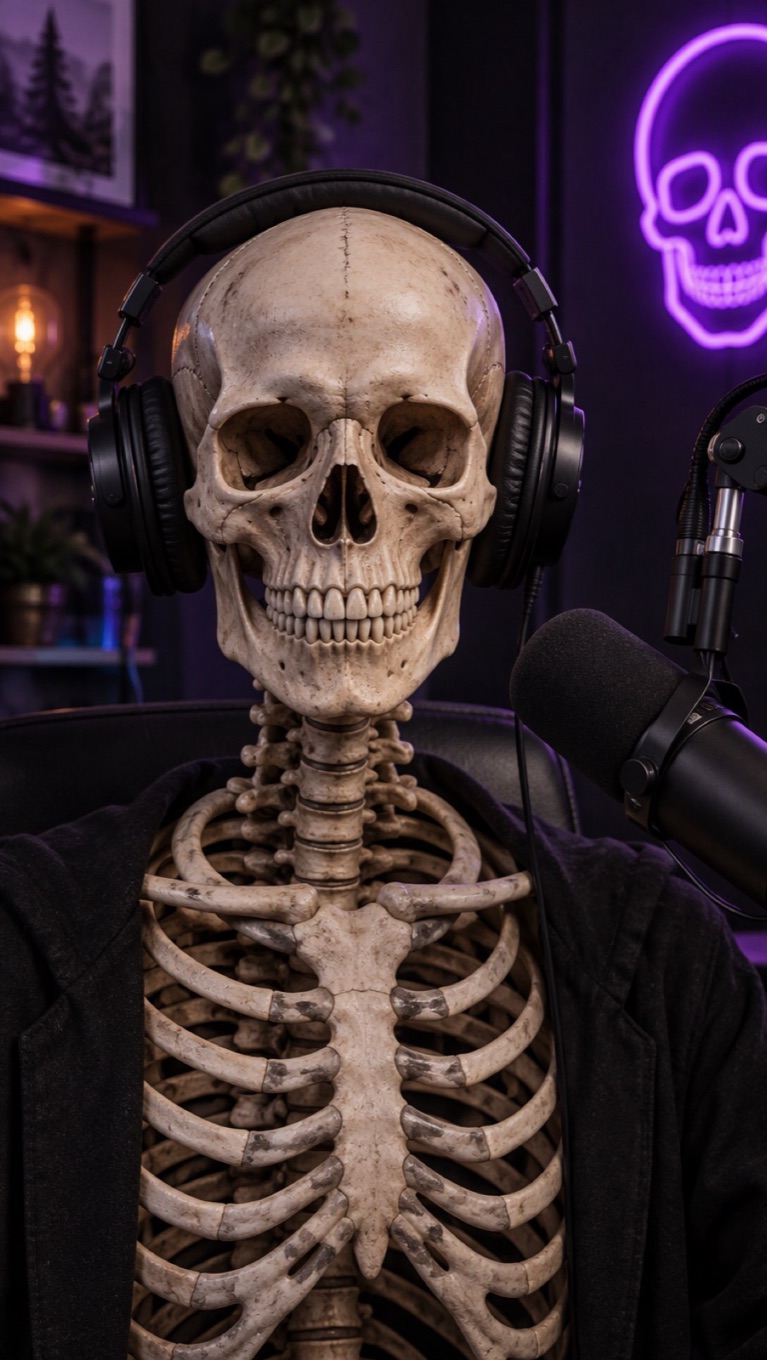
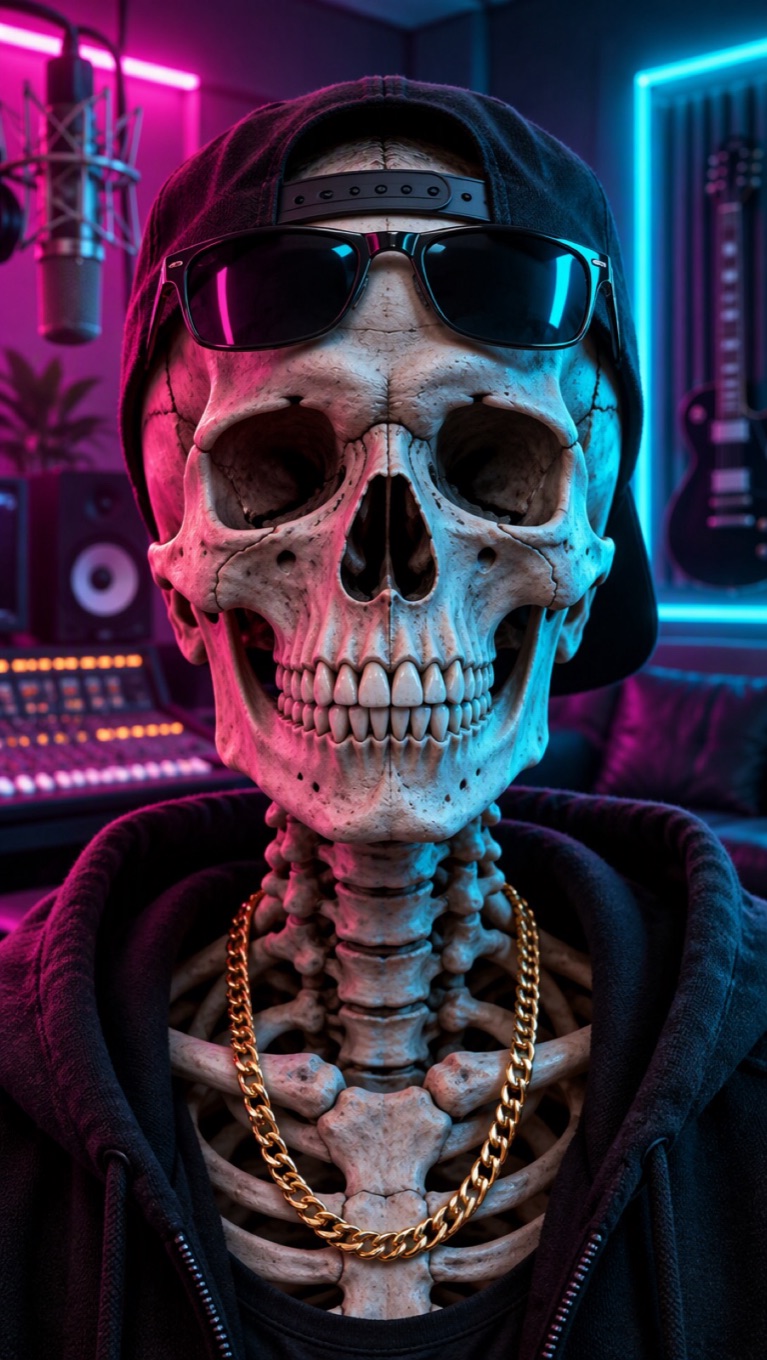
Start from a hoodie skeleton, an office skeleton with a coffee, a cartoon skeleton, a podcast host, a calavera with marigolds, a pirate, a neon skeleton, or a grandma skeleton. Or upload your own skeleton picture, mask, or costume photo.

Write a line with a bone pun or two
Short and dry works best: "I've been waiting for your reply since last Halloween." About 45 words fit into 20 seconds, the free-plan limit.

Pick a voice with character
A deadpan comedian, a deep spooky narrator, or a sweet grandma voice: choose from 330+ voices in 20+ languages, or record the line yourself.
Christmas next? Try the Santa voice
When the pumpkins come down, switch characters: the Santa voice generator reads your message in a warm AI Santa Claus voice, ready to pair with a Santa photo.

Talking Skeleton Ideas
A talking skeleton fits any joke that is a little bit dead.

"Still waiting" memes
The office skeleton asks if anyone has read its email from 2019.

Halloween greetings
Send a spooky-but-friendly happy Halloween from a skeleton in a hoodie.
Party invites
A pirate skeleton announces the time and place of your costume party.

Classroom skeletons
Let a cartoon skeleton introduce the bones of the body or a Day of the Dead lesson.
What to Know Before You Make a Talking Skeleton
8 skeleton presets
Hoodie, Office, Cartoon, Podcast, Calavera, Pirate, Neon, and Grandma skeletons, plus 160+ more avatars in the gallery.
Your own skeleton works too
Upload a skull image, a skeleton costume photo, or a mask, with one face toward the camera and the jaw visible.
Up to 20 seconds on the free plan
Each video takes 3 to 60 seconds of audio; free accounts can use up to 20 seconds.
30 free credits for new accounts
Enough for one 20-second skeleton video at 540p, including the text-to-speech line.
Priced by length
Video costs 1 credit per second at 540p, or 2 credits per second at 720p on paid plans. Text to speech adds 1 credit per 200 characters.
A talking skull, not a dancing skeleton
The video animates the face and jaw to your audio. It does not make the skeleton walk, dance, or move its arms.
How to Make an AI Talking Skeleton Video
Three steps: skeleton, line, generate
- 01
Choose the skeleton
Pick one of the 8 skeleton presets or upload an image with one clear skull facing the camera.
- 02
Add what it says
Type the line and pick a voice, or upload or record your own audio.
- 03
Generate and share
Generate the video, watch it back, and download it for a group chat, Reels, or TikTok.
Why Let a Skeleton Say It
- Your joke, word for word: The skeleton says exactly what you type, so the timing of the punchline is yours.
- Voices with personality: 330+ voices, from deadpan to deep and spooky, in 20+ languages.
- Ready for social: Download the video for TikTok, Reels, Shorts, or the group chat.
Your joke, word for word
Change one word and generate a new take in a few minutes.
Voices with personality
Or record the line yourself and let the skeleton lip sync it.
Ready for social
Vertical skeleton presets fill a phone screen.
AI Talking Skeleton FAQ
How do I make a talking skeleton video?
Pick a skeleton preset or upload a skeleton image, type what it should say, choose a voice, and generate. AvatarCraft AI animates the skull's jaw to the audio, and you download the video when it is ready.
Can I use my own skeleton picture?
Yes. Use an image with one skull or costume face looking at the camera and the jaw visible. Halloween costumes, masks, and cartoon skeletons work too.
What voice should a skeleton have?
Whatever fits the joke: a dry comedian voice for memes, a deep narrator for spooky stories, or a sweet grandma voice for something unexpected. You can also record your own.
Does the skeleton move its whole body?
No. The video animates the face and jaw to match the audio. It does not make the skeleton dance or walk.
How long can a talking skeleton video be?
Up to 20 seconds on the free plan and up to 60 seconds on a paid plan. About 45 words fit into 20 seconds.
Is the AI talking skeleton free?
New accounts get 30 free credits, enough for one 20-second video at 540p. After that, video costs 1 credit per second at 540p, or 2 credits per second at 720p on a paid plan, and text to speech adds 1 credit per 200 characters. Starting 30 days after sign-up, accounts without a subscription are topped back up to 20 credits every 30 days.
Can the skeleton sing?
Yes, with audio you provide. Upload a song you have the rights to use, or use the AI singing photo generator, which is set up for singing.
Is there a Santa version for Christmas?
Yes. The Santa voice generator reads your message in an AI Santa Claus voice, and the personalized Santa video page has ready-made Santa images to pair it with.