
Audio to Video Converter
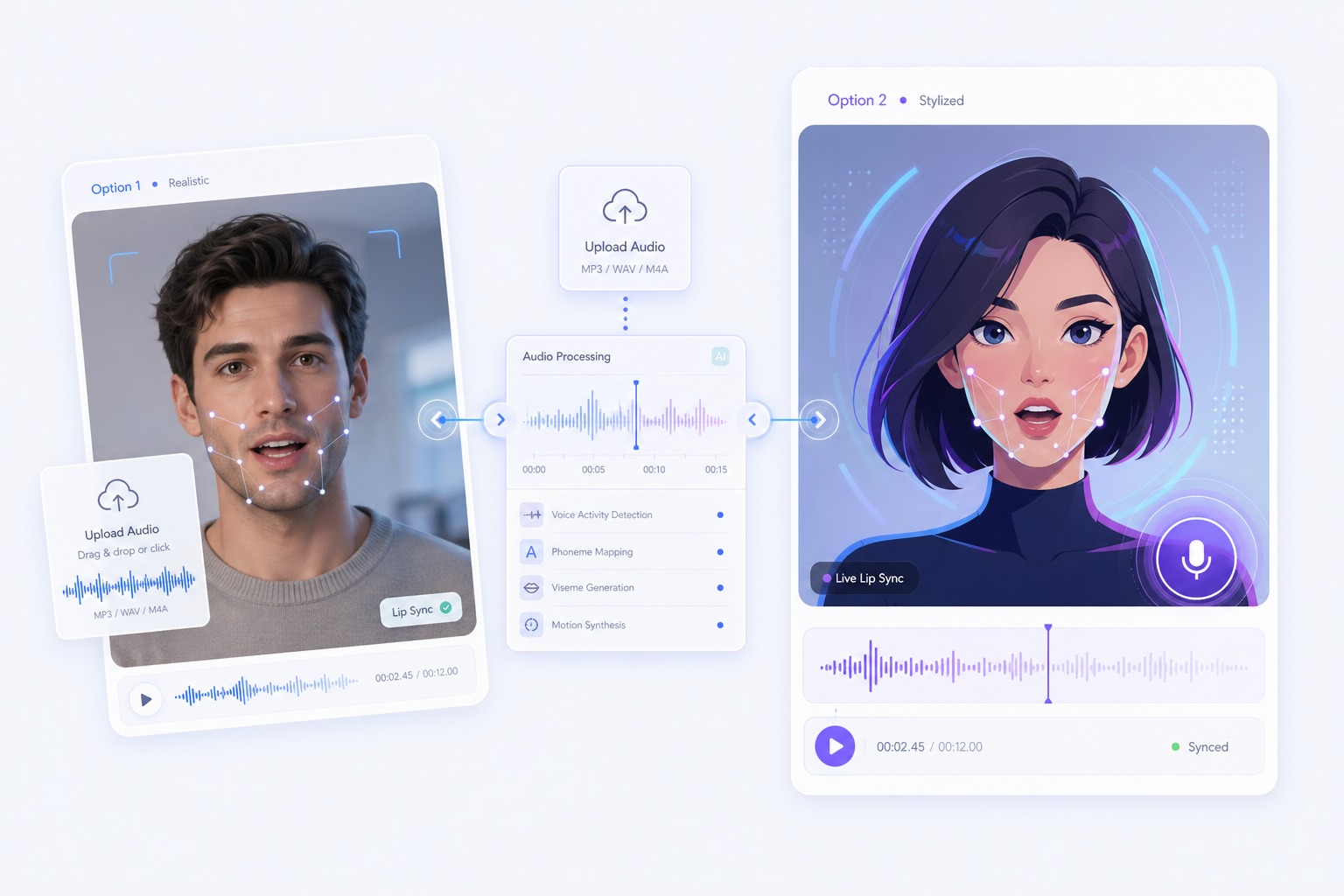
Upload an MP3, WAV, or M4A and a photo, and get a video of that face speaking your audio with lip sync. 3 to 60 seconds per video, 30 free credits to start.
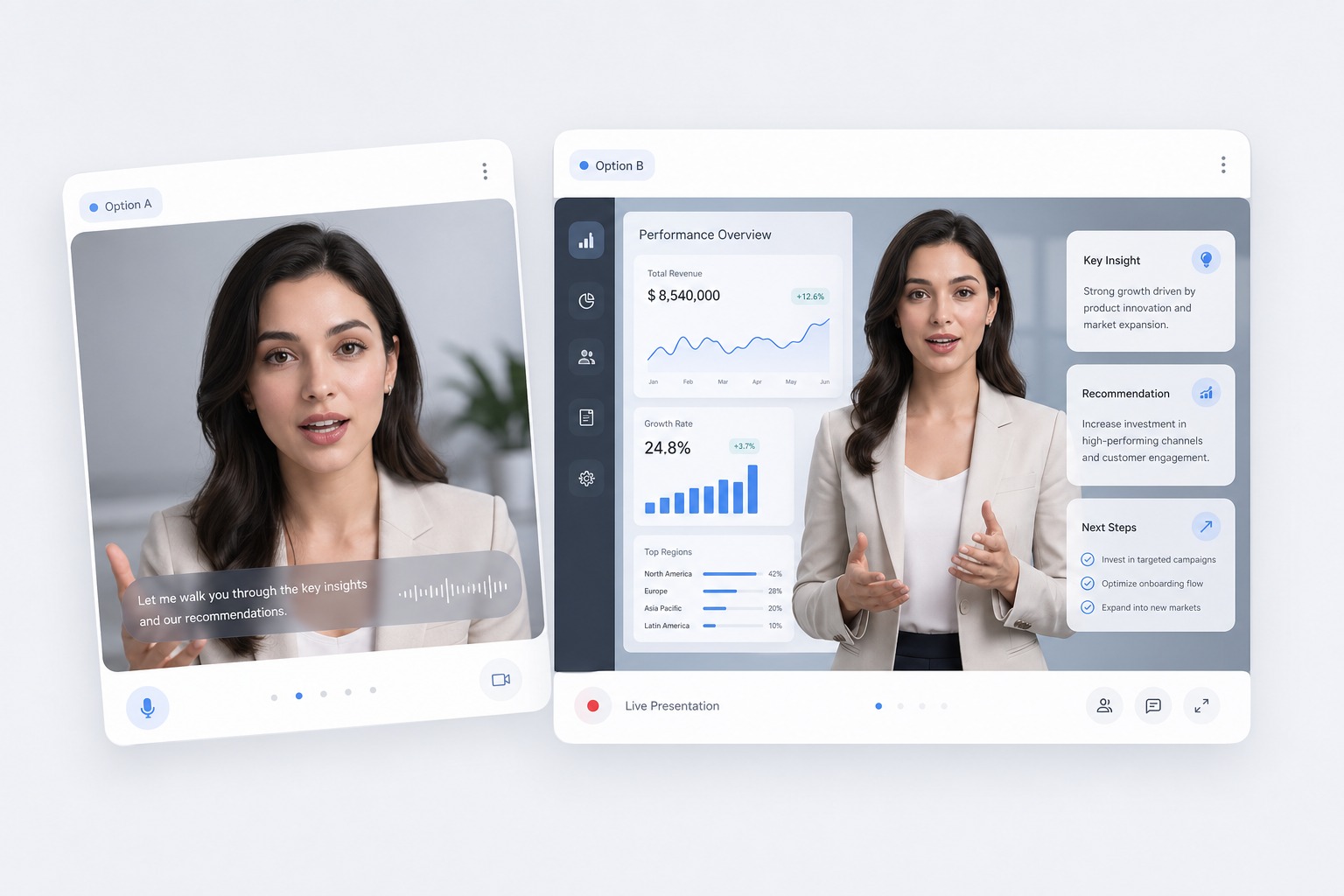
How to Turn Audio into a Video That Speaks
Start with the audio you have
Upload an MP3, WAV, or M4A up to 50MB, or record in the browser. Each video takes 3 to 60 seconds of audio, and free accounts can use up to 20 seconds, so trim longer recordings first.
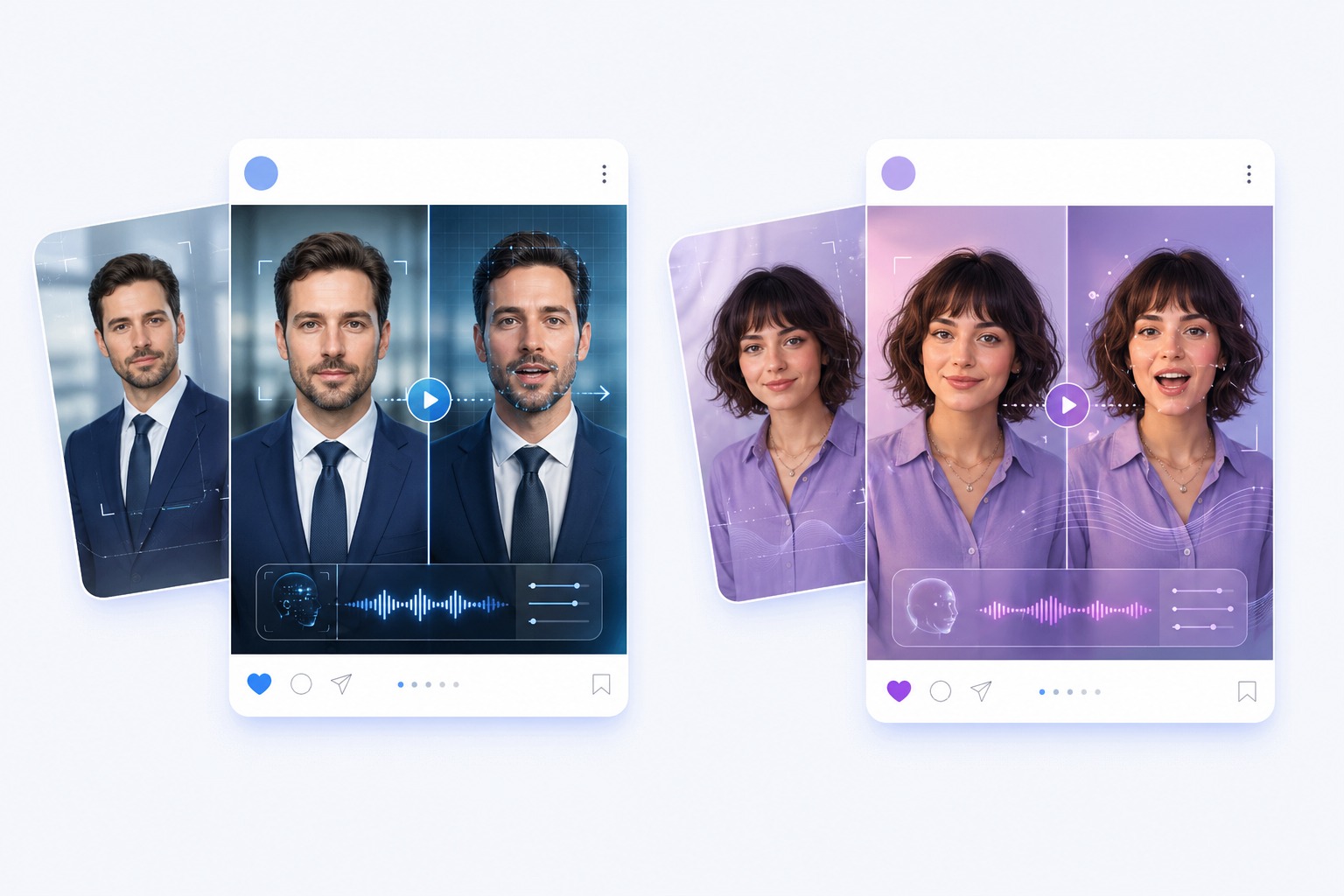
Pick the face that says it
Upload a photo with one clear, front-facing face, or choose from 160+ avatars: presenters, news anchors, teachers, babies, and animals. Cartoon characters and pet photos work when the mouth is visible.
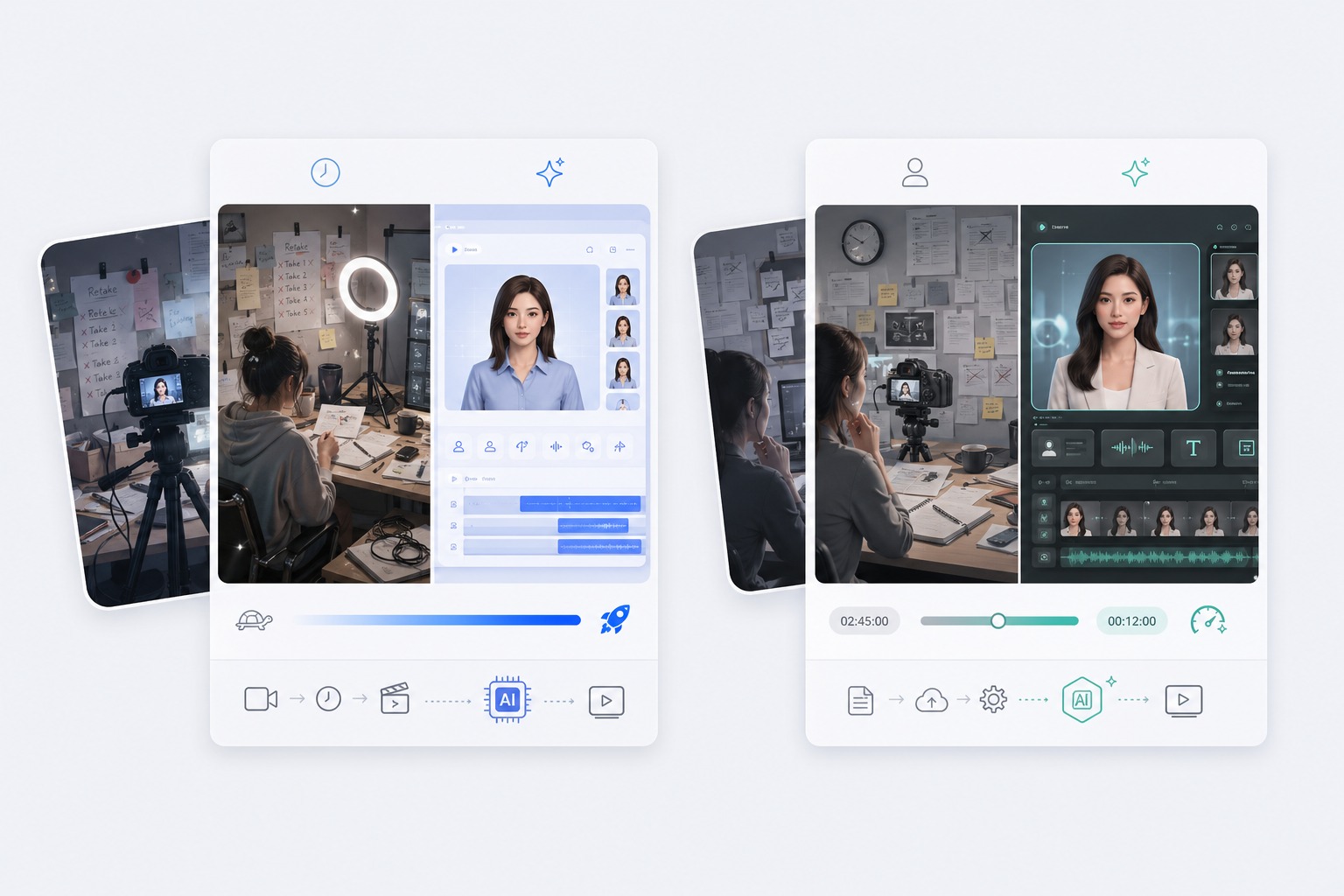
Speech, voice notes, and podcast clips
Spoken audio works best: a voice memo, a clip from a podcast or interview, a voiceover, or audio you made with text to speech.
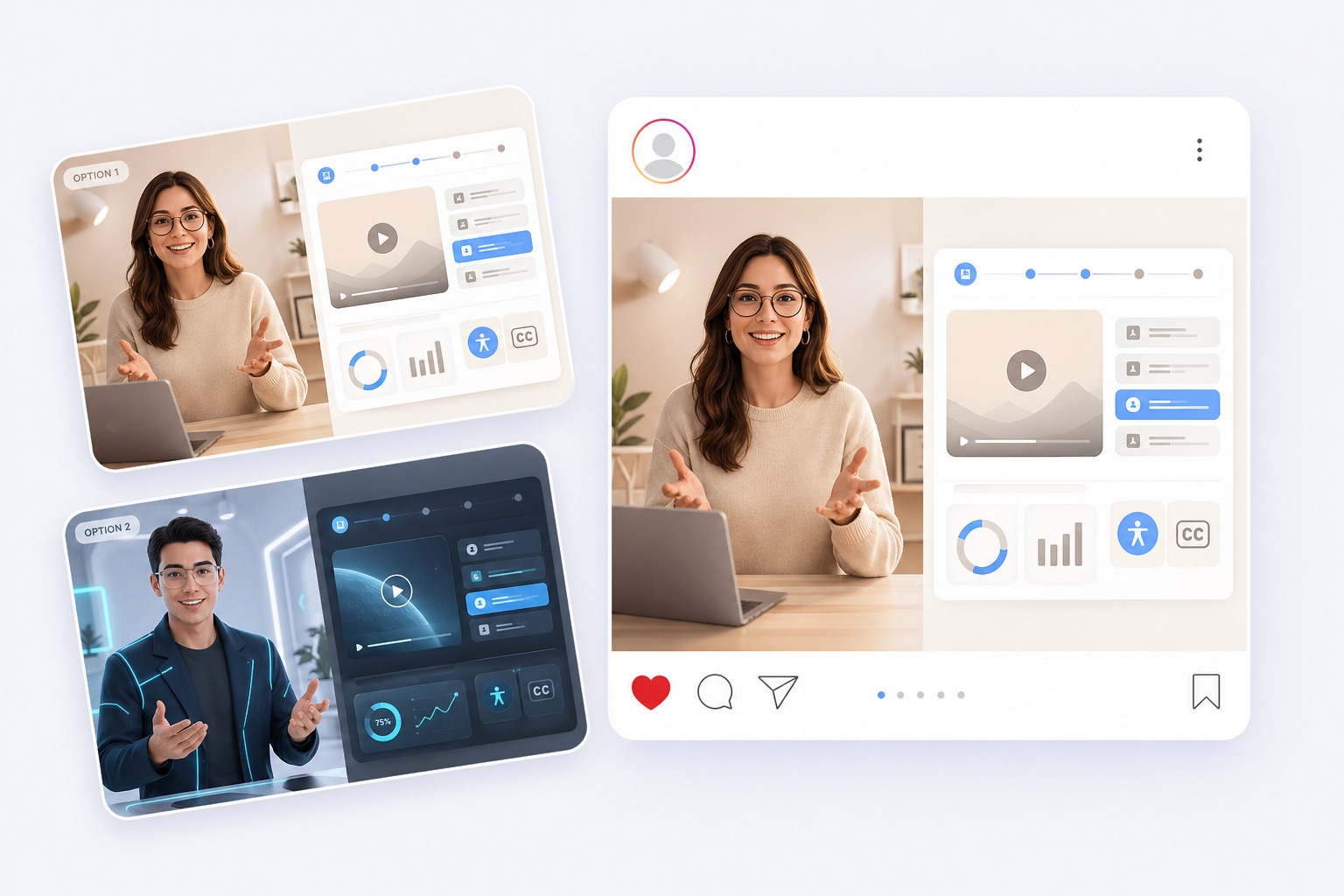
Songs go to the singing tool
For music with vocals, use the AI singing photo generator, which is set up to follow a singing voice.
What to Turn into a Video
Audio that would get more attention with a face on it.
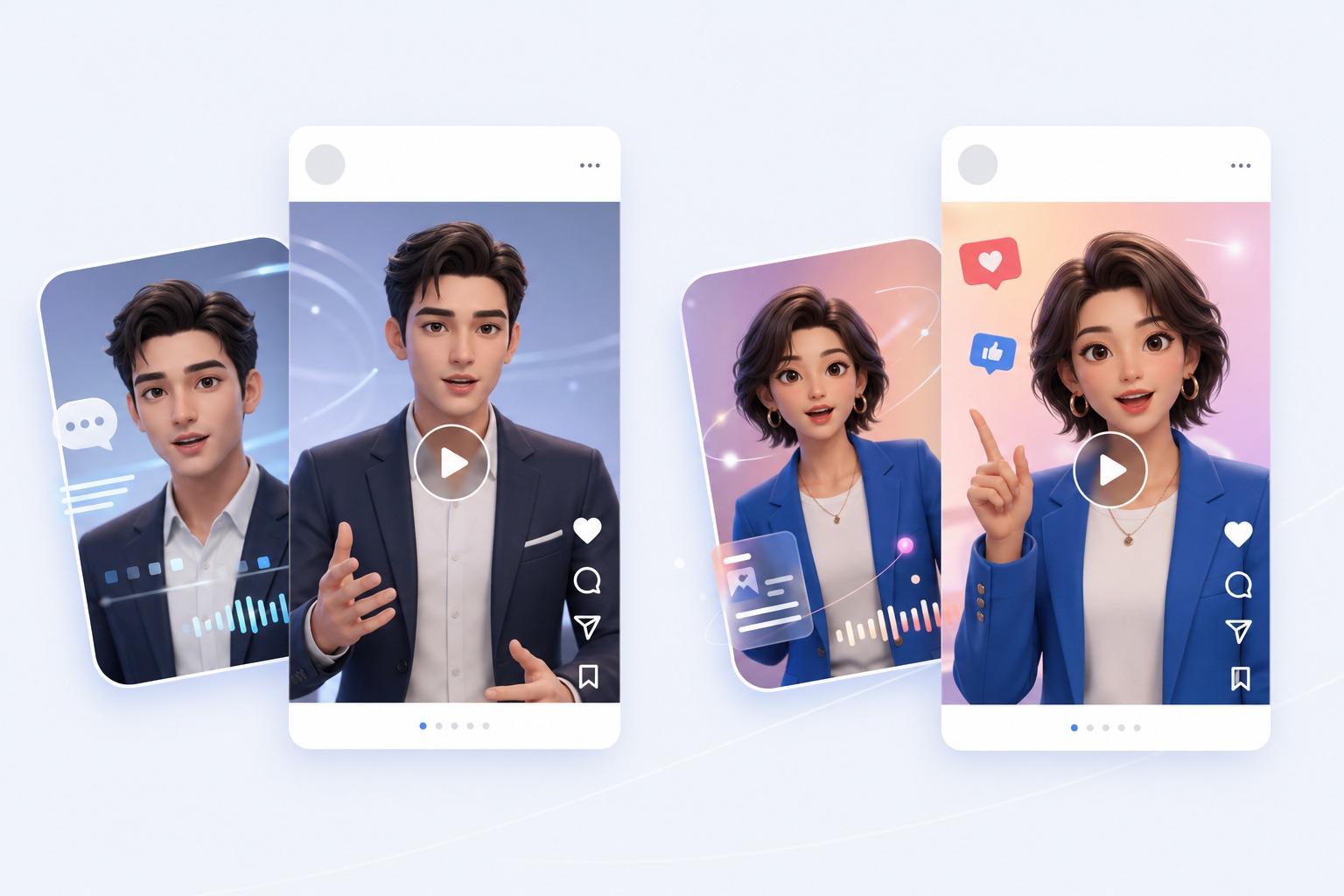
Podcast clips for social
Turn a 60-second highlight from an episode into a talking video for Instagram, TikTok, or YouTube Shorts.
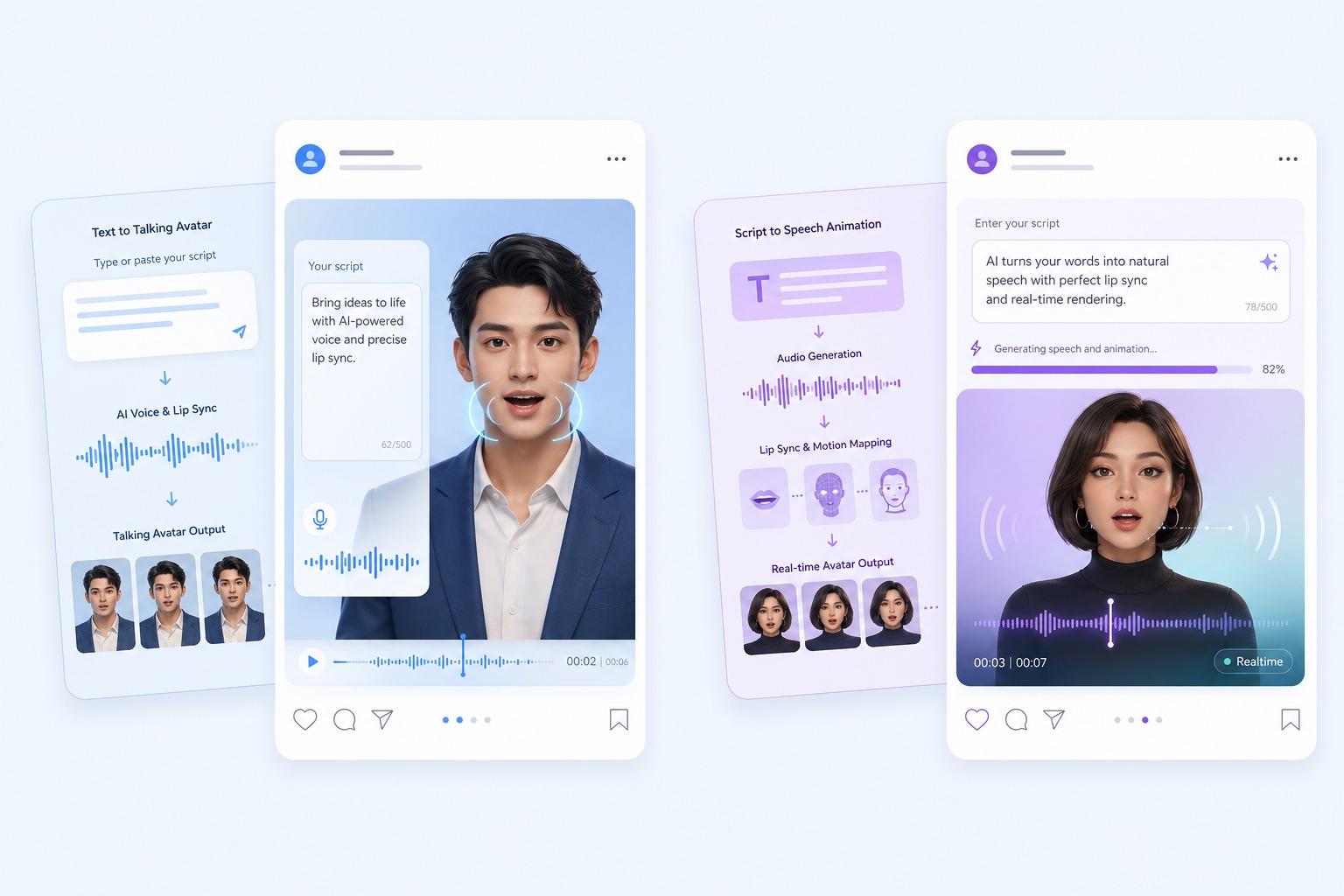
Voiceovers with a face
Give a recorded voiceover a presenter instead of a still slide.
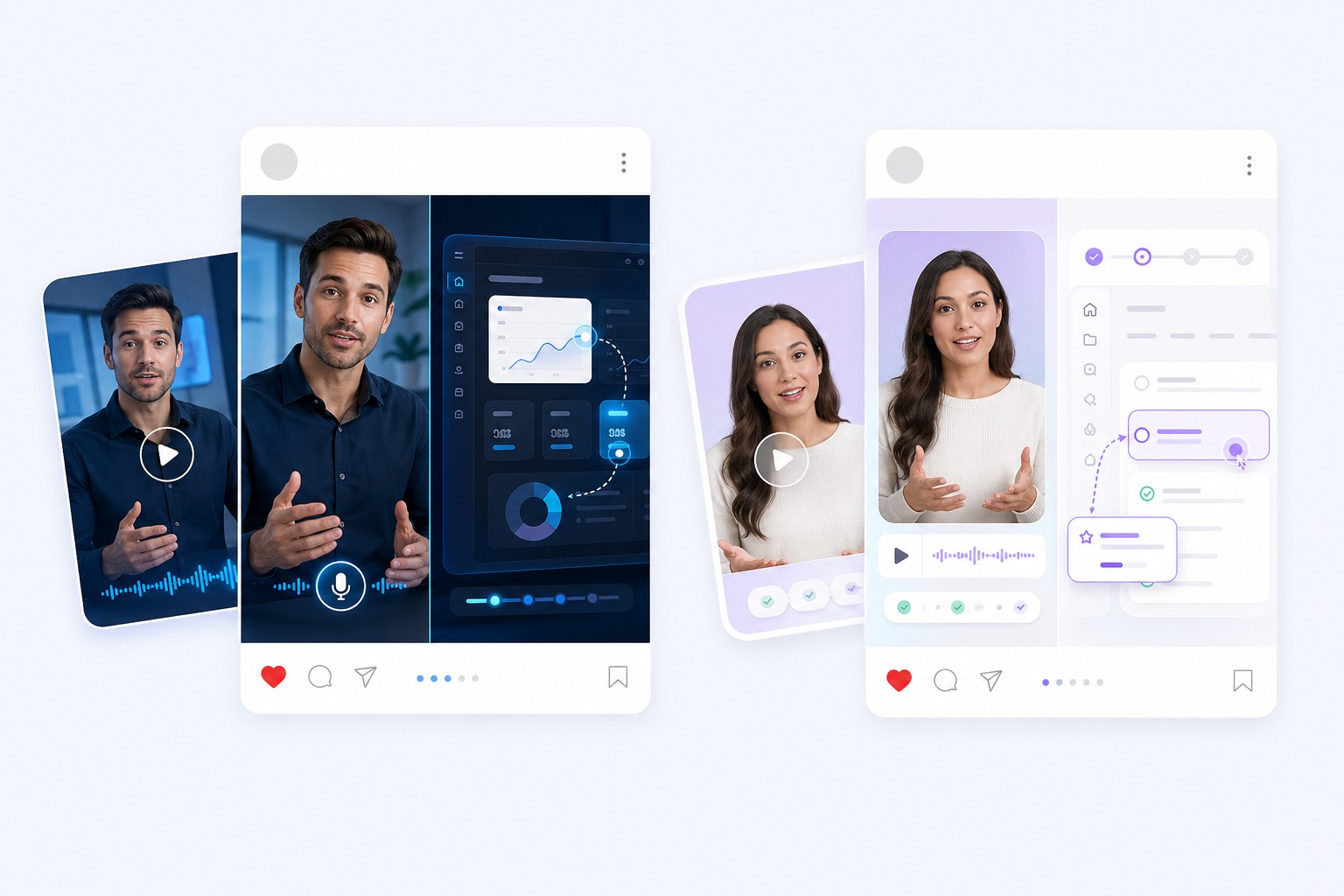
Voice messages and greetings
Send a voice note as a video where your photo, or the family pet, says it.
Audio lessons and announcements
Put a teacher or presenter avatar in front of a recorded lesson, update, or announcement.
What to Know Before You Convert Audio to Video
MP3, WAV, or M4A up to 50MB
Or record the audio in the browser. Audio shorter than 3 seconds is rejected.
3 to 60 seconds per video
Free accounts can use up to 20 seconds. For longer audio, split it into parts and join the clips in a video editor.
Priced by length
Video costs 1 credit per second at 540p, or 2 credits per second at 720p on paid plans.
30 free credits for new accounts
Enough for one 20-second video at 540p.
One face, one speaker
Each video animates one face from one photo. A two-person conversation needs one clip per speaker.
A talking face, not a format converter
The result is a face speaking your audio. It does not make a video from a still image with a waveform, captions, or music.
How to Convert Audio to Video
Three steps: audio, face, generate
- 01
Upload the audio
Add an MP3, WAV, or M4A of 3 to 60 seconds, or record it in the browser.
- 02
Choose the face
Upload a photo with one clear face looking at the camera, or pick one of 160+ avatars.
- 03
Generate and download
Choose 540p or 720p, generate, check the lip sync, and download the video.
Why Put a Face on Your Audio
- Your recording, unchanged: The video plays the audio you uploaded, so the delivery and timing are yours.
- No camera, no studio: Use a photo you already have, a preset avatar, or a cartoon character.
- Speech in any language: The mouth follows the sound of the audio, so you can upload speech in any language.
Your recording, unchanged
Nothing is re-voiced or rewritten.
No camera, no studio
Good for podcasters and creators who would rather not appear on camera.
Speech in any language
Need a voice first? Make the audio with 330+ text-to-speech voices in 20+ languages.
Audio to Video Converter FAQ
How do I convert audio to video with AI?
Upload the audio, choose a photo or one of 160+ avatars, and generate. AvatarCraft AI makes the face speak your audio with matching lip sync, and you download the video when it is ready.
What audio formats can I upload?
MP3, WAV, or M4A files up to 50MB. You can also record the audio in the browser.
How long can the audio be?
Each video takes 3 to 60 seconds of audio, and free accounts can use up to 20 seconds. For longer audio, split it into parts, generate each one, and join the clips in a video editor.
Is the audio to video converter free?
New accounts get 30 free credits, enough for one 20-second video at 540p. After that, video costs 1 credit per second at 540p, or 2 credits per second at 720p on a paid plan.
Can I turn an MP3 into an MP4 with a still image?
Not with this tool. It makes a face speak your audio. If you only need the audio over a still picture or a waveform, a video editor is the simpler choice.
Can I turn a podcast into a video?
Yes, one clip at a time: each video takes up to 60 seconds of audio and animates one face. For a two-person conversation, make one clip per speaker.
Does it work with songs?
For music with vocals, use the AI singing photo generator, which is set up to follow a singing voice. Only use songs you have the rights to.
Can I use someone else's voice recording?
Only with their permission, and only with a photo you are allowed to use. Do not use the tool to make a real person appear to say something they did not say.