
Fake News Prank Video Maker
Write a silly breaking-news headline about a friend, pick an AI news anchor, and get a talking prank news video for the group chat. 30 free credits to start.

How to Make a Fake News Prank Everyone Gets
Write a headline nobody could believe
The joke works when the 'news' is obviously silly: the slowest texter in the group chat, the dog who ate the homework, the coworker who finally fixed the printer. About 45 words fit into 20 seconds.
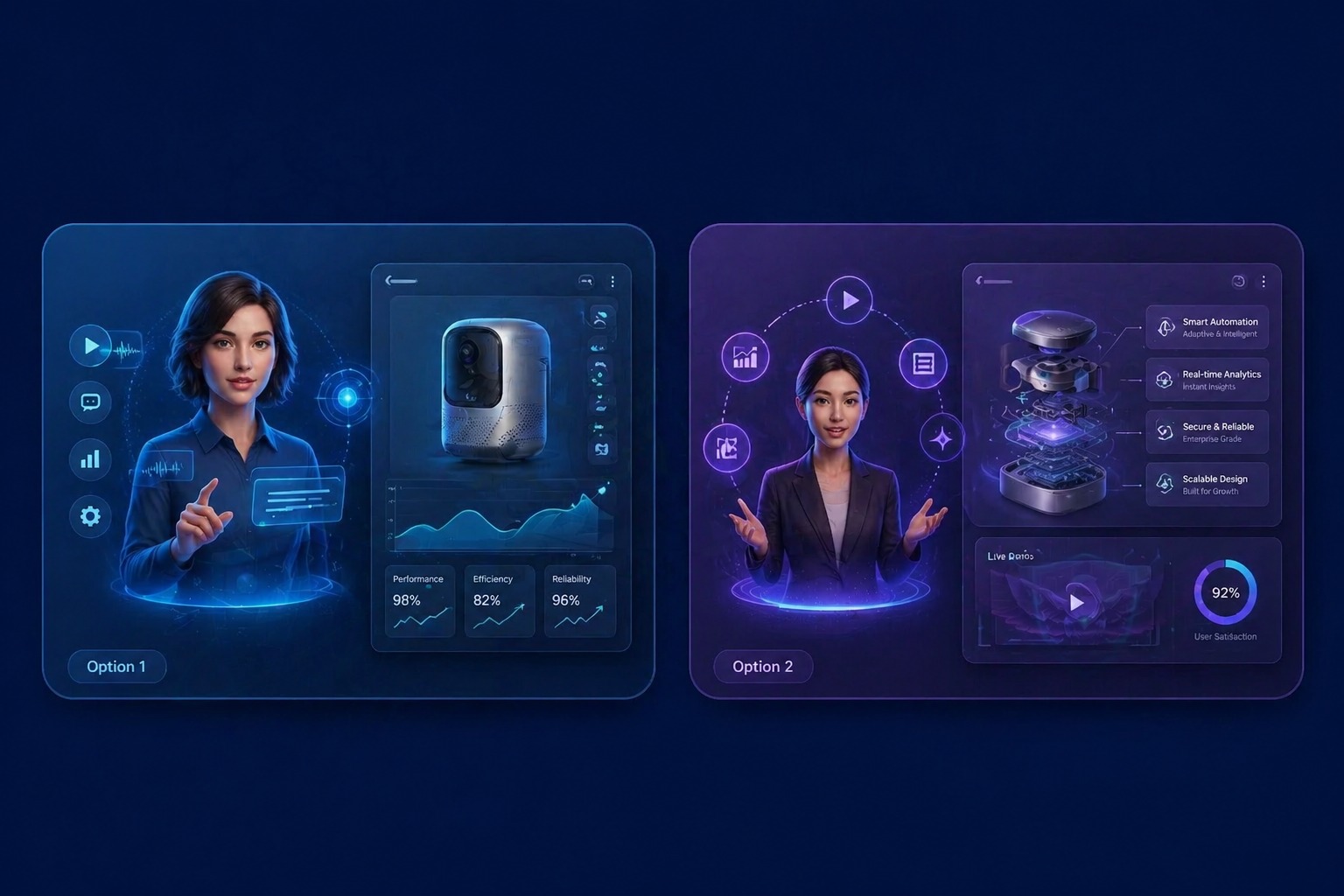
Pick a fictional anchor
Choose one of the AI news anchors, morning-show hosts, or field reporters, or a cartoon dog in a newsroom. They are made-up presenters, not real journalists.
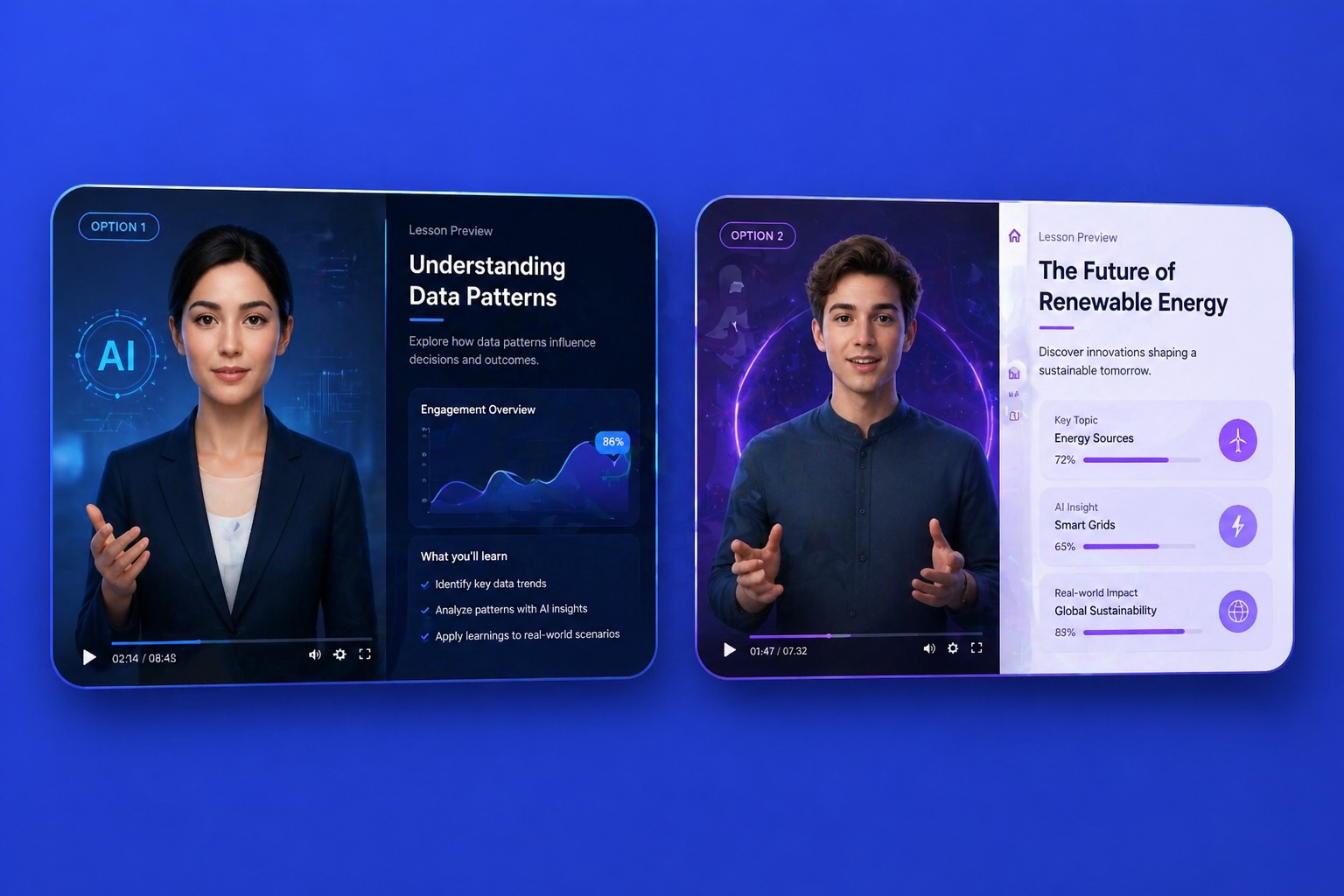
Give it the broadcast voice
A calm, serious anchor voice is what makes the headline funny. Pick one from 330+ voices, or record the report yourself.

Share it with the people in on it
Send it to the group chat, play it at the party, or post it with a clear 'prank' caption so nobody mistakes it for real news.
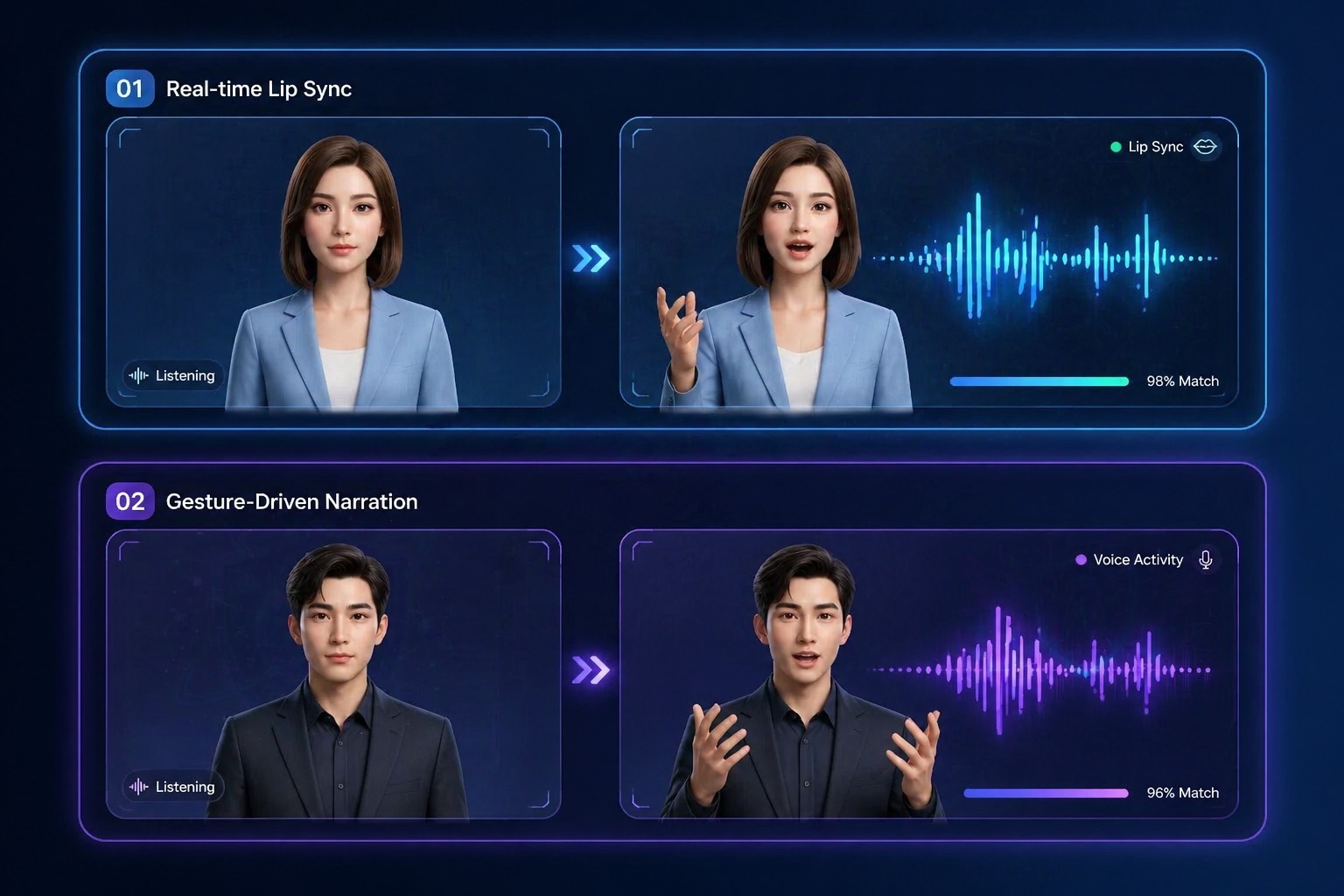
Fake News Prank Ideas
Breaking news that only your friends will understand.

Birthday roasts
"This just in: Alex turns 30 and still cannot fold a fitted sheet."
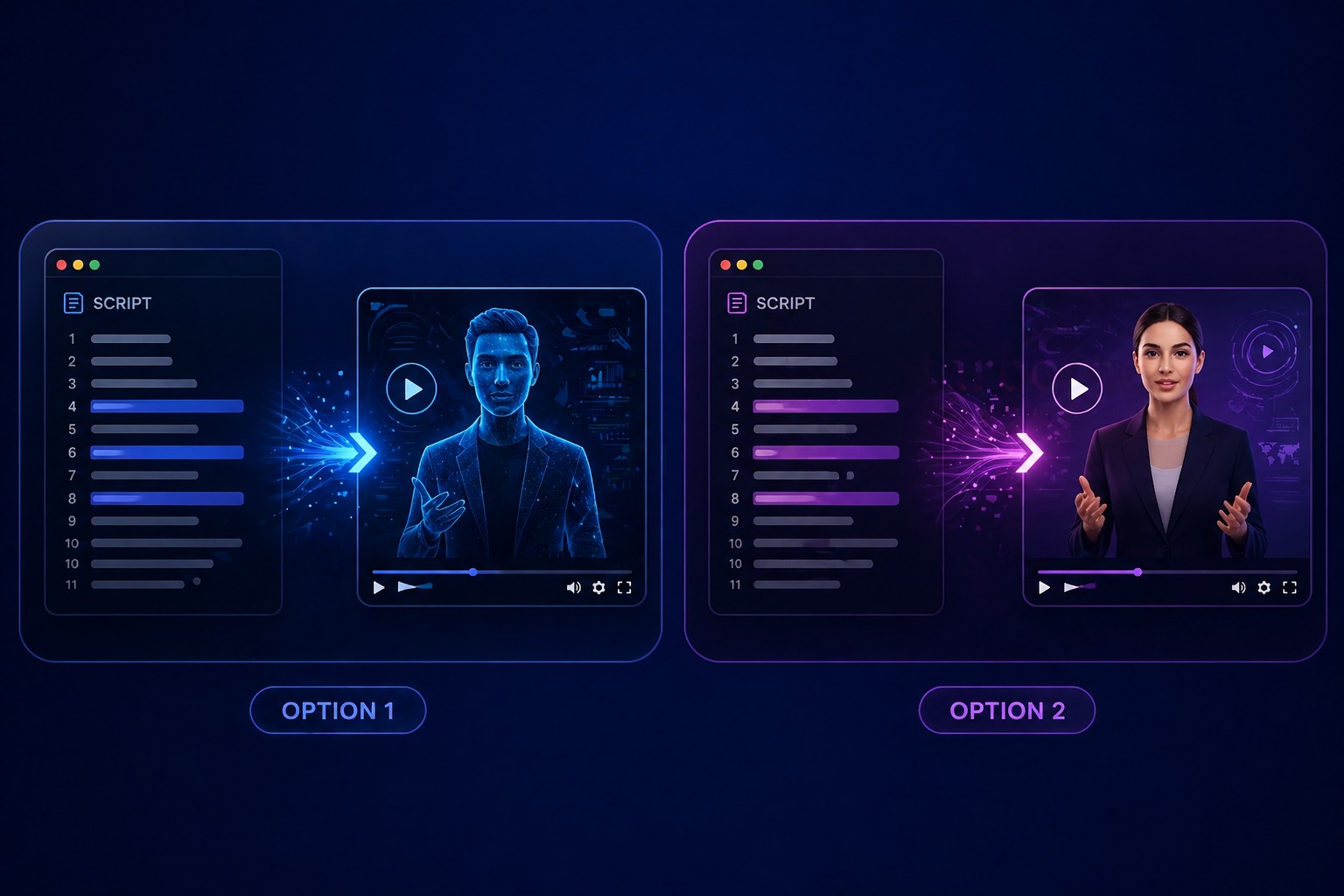
Group chat jokes
Report the week's biggest friend-group 'scandal' with a straight face.
Office send-offs
A breaking-news farewell for a coworker's last day or promotion.

Pet news
"Local cat knocks third glass off table this week. Owners demand answers."
What to Know Before You Make a Prank News Video
Fictional anchors included
20 AI news anchors and hosts in the gallery, plus 160+ other avatars, pets, and cartoons.
Keep it obviously a joke
Do not imitate a real news channel, logo, or journalist, and do not make reports people could believe.
Up to 20 seconds on the free plan
Each video takes 3 to 60 seconds of audio; free accounts can use up to 20 seconds.
30 free credits for new accounts
Enough for one 20-second prank video at 540p, including the text-to-speech report.
Priced by length
Video costs 1 credit per second at 540p, or 2 credits per second at 720p on paid plans. Text to speech adds 1 credit per 200 characters.
A talking anchor, not a full broadcast
The video is one anchor delivering your report. It does not add news tickers, logos, or B-roll; add captions in an editor if you like.
How to Make a Fake News Prank Video
Three steps: anchor, headline, generate
- 01
Choose the anchor
Pick an AI news anchor or upload a photo you have permission to use.
- 02
Write the breaking news
Type the joke report and pick a voice, or upload or record your own.
- 03
Generate and share
Generate the video, watch it back, and send it to friends who will get the joke.
Why a News Anchor Makes the Joke Land
- Deadpan delivery: A serious anchor reading a silly headline is the whole joke.
- Personal in seconds: Your friend's name and your inside joke, exactly as you type them.
- Made to share: Download and send it in WhatsApp, iMessage, or a group chat.
Deadpan delivery
Pick a measured broadcast voice to sell it.
Personal in seconds
Make a new episode for every birthday or office milestone.
Made to share
Short clips sized for Reels, TikTok, and Shorts.
Fake News Prank Video Maker FAQ
How do I make a fake news prank video?
Pick an AI news anchor, type a silly breaking-news report about your friend, choose a voice, and generate. Download the video and share it with people who will get the joke.
Are the news anchors real people?
No. The anchors in the gallery are AI-generated presenters made for this site. They are not real journalists or TV hosts.
What makes a good fake news prank?
Keep it harmless and obviously silly: a friend's terrible parking, the dog's crimes against the couch, the group chat's slowest texter. The serious anchor voice does the rest.
What should I not use it for?
Do not imitate a real news channel, logo, or journalist, do not put words in a real person's mouth without permission, and do not make reports about real events that people could believe. Label the video as a prank when you post it.
Can I put my friend's face on the anchor?
Only with their permission. Use a photo with one clear face and a visible mouth.
How long can a prank news video be?
Up to 20 seconds on the free plan and up to 60 seconds on a paid plan. About 45 words fit into 20 seconds.
Is the fake news prank video maker free?
New accounts get 30 free credits, enough for one 20-second video at 540p. After that, video costs 1 credit per second at 540p, or 2 credits per second at 720p on a paid plan, and text to speech adds 1 credit per 200 characters. Starting 30 days after sign-up, accounts without a subscription are topped back up to 20 credits every 30 days.
Can I add a news ticker or channel logo?
Not in this tool, and we suggest not using a real channel's logo at all. Add your own made-up caption or ticker in a video editor if you want one.