
AI Elevator Pitch Video Maker
Type your 30-second elevator pitch, pick a founder avatar or your own photo, choose a voice, and get a talking pitch video for investors, LinkedIn, or jobs.
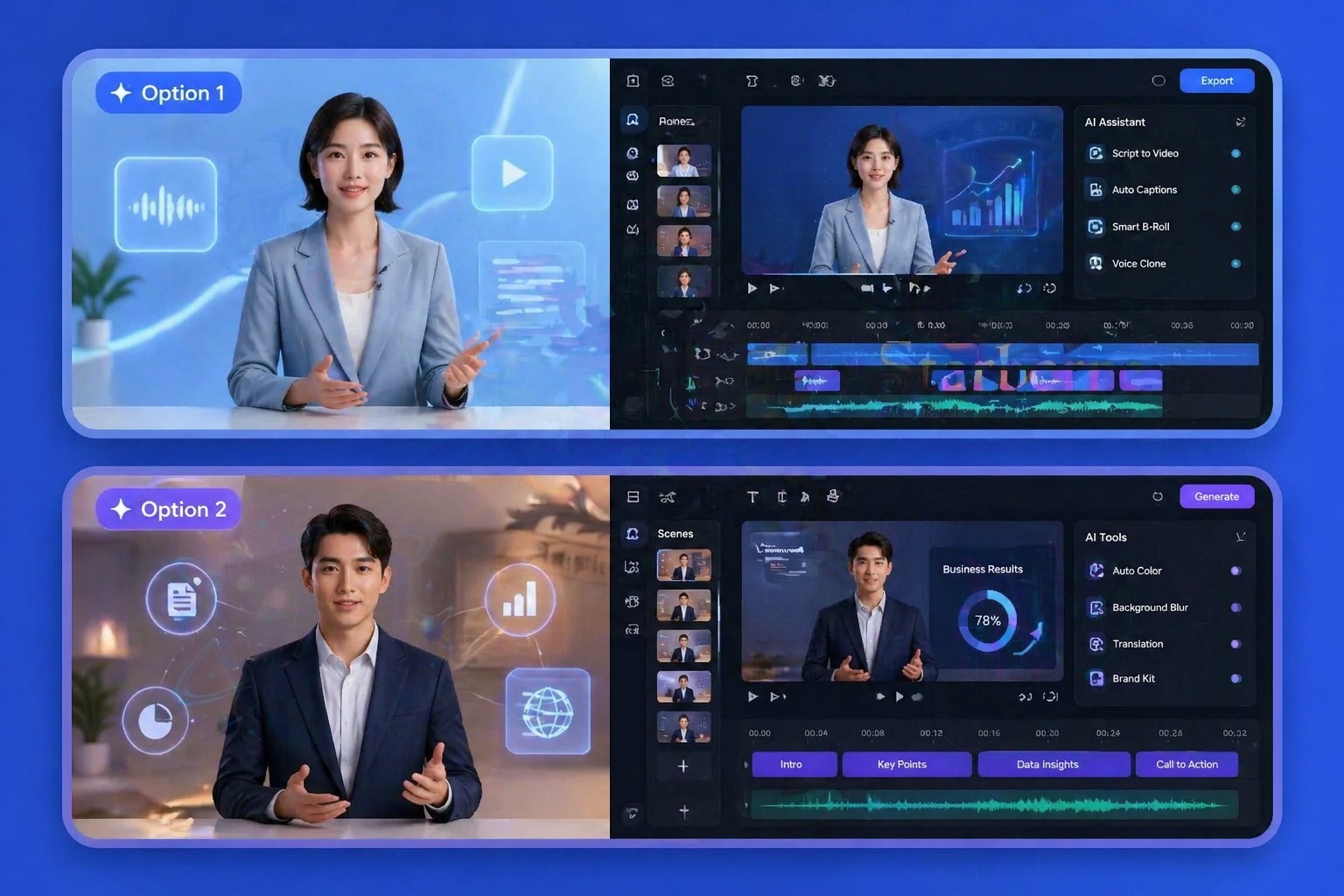
How to Make an Elevator Pitch Video That Gets a Reply
Write a pitch that fits 30 seconds
Problem, what you do, one proof point, and one ask. About 70 words fit into 30 seconds; free accounts can use up to 20 seconds, which fits about 45 words.
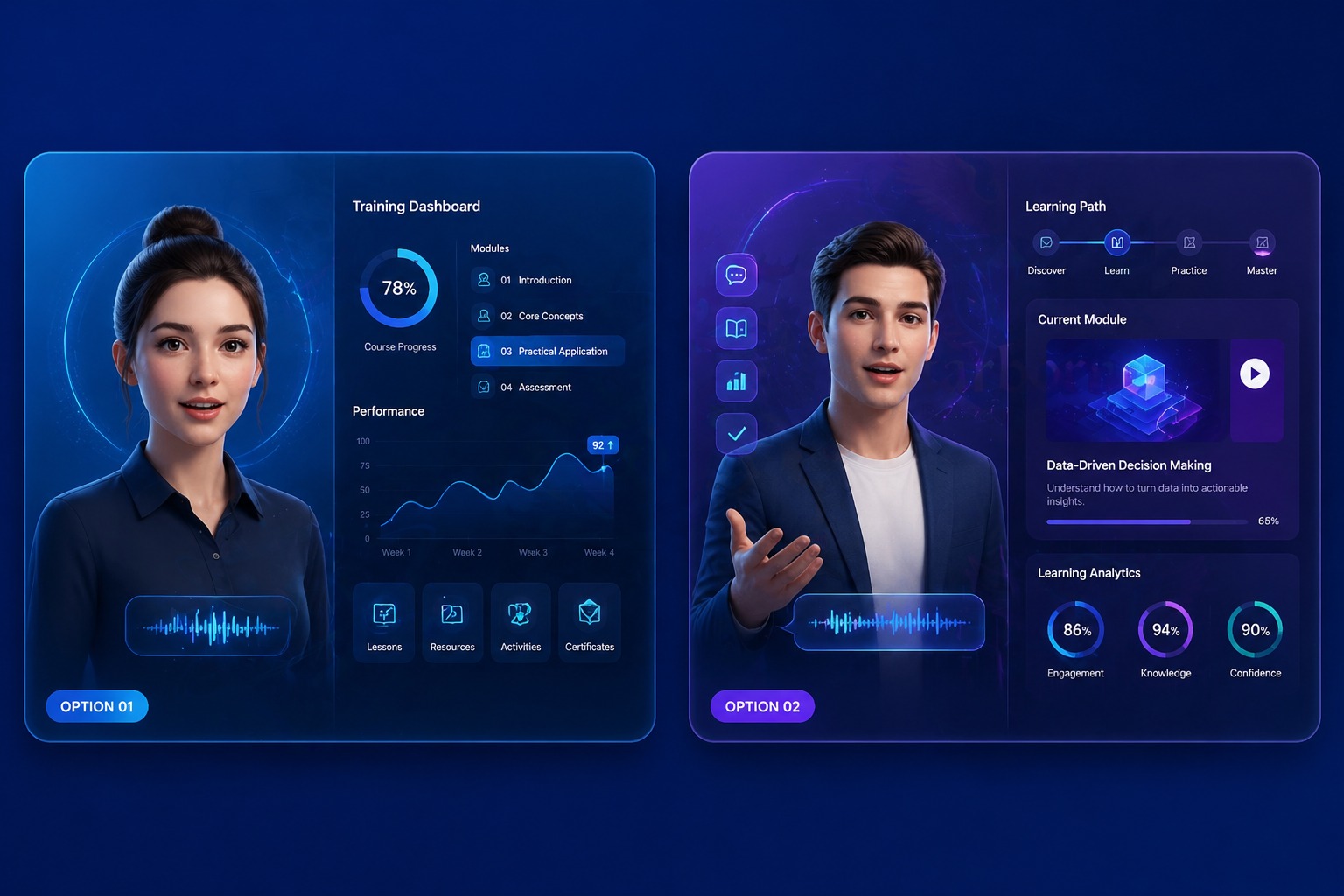
Deliver it with your face or a presenter
Upload your own headshot so investors and recruiters see who they are talking to, or pick a founder, executive, or presenter avatar.
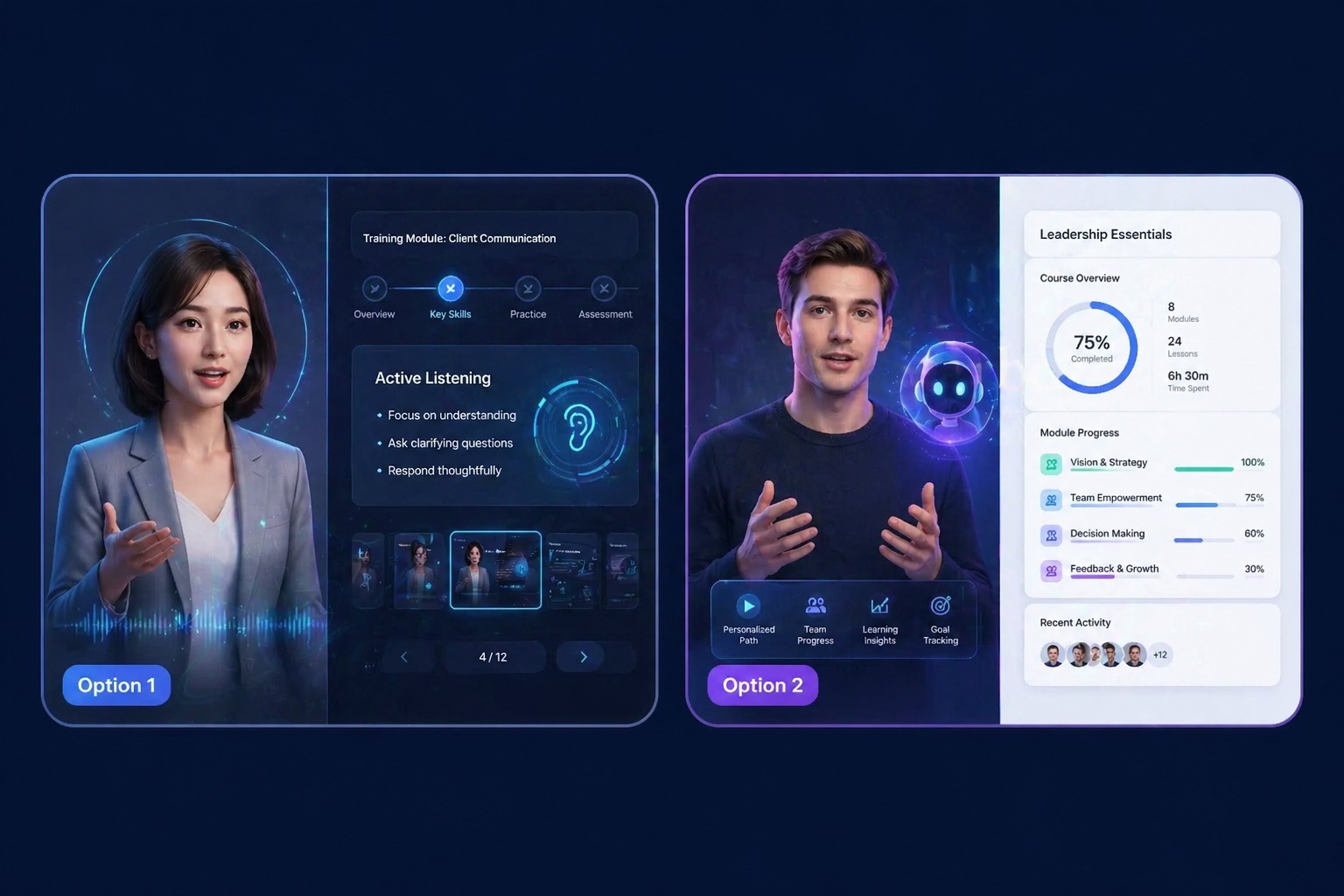
Choose a voice, or use your own
Pick a calm, confident voice from 330+ in 20+ languages, record the pitch yourself, or clone your voice so the video sounds like you.
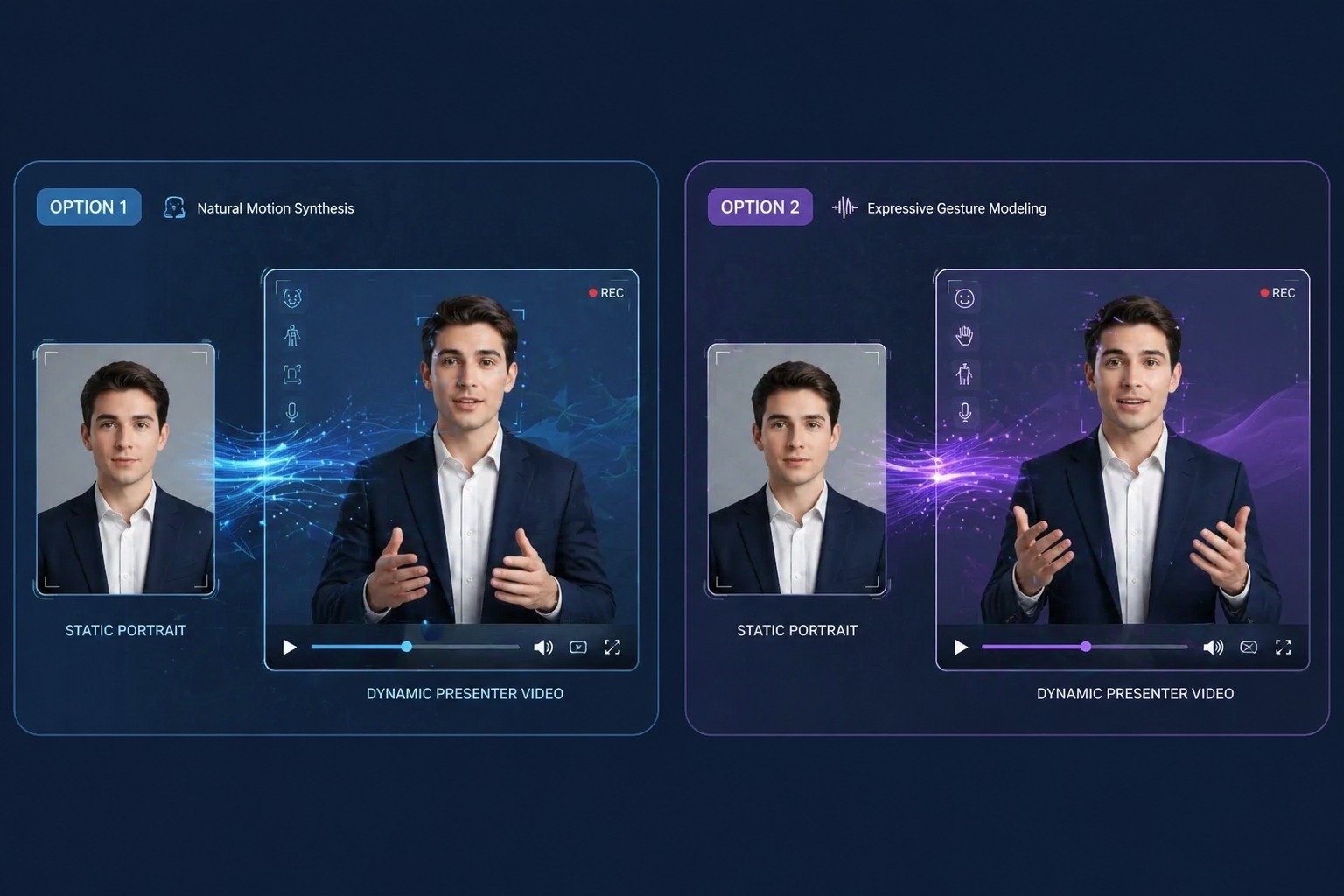
Send the video, not a wall of text
Attach it to a cold email, an application, a LinkedIn post, or a deck. A short video is easier to watch than a long paragraph is to read.
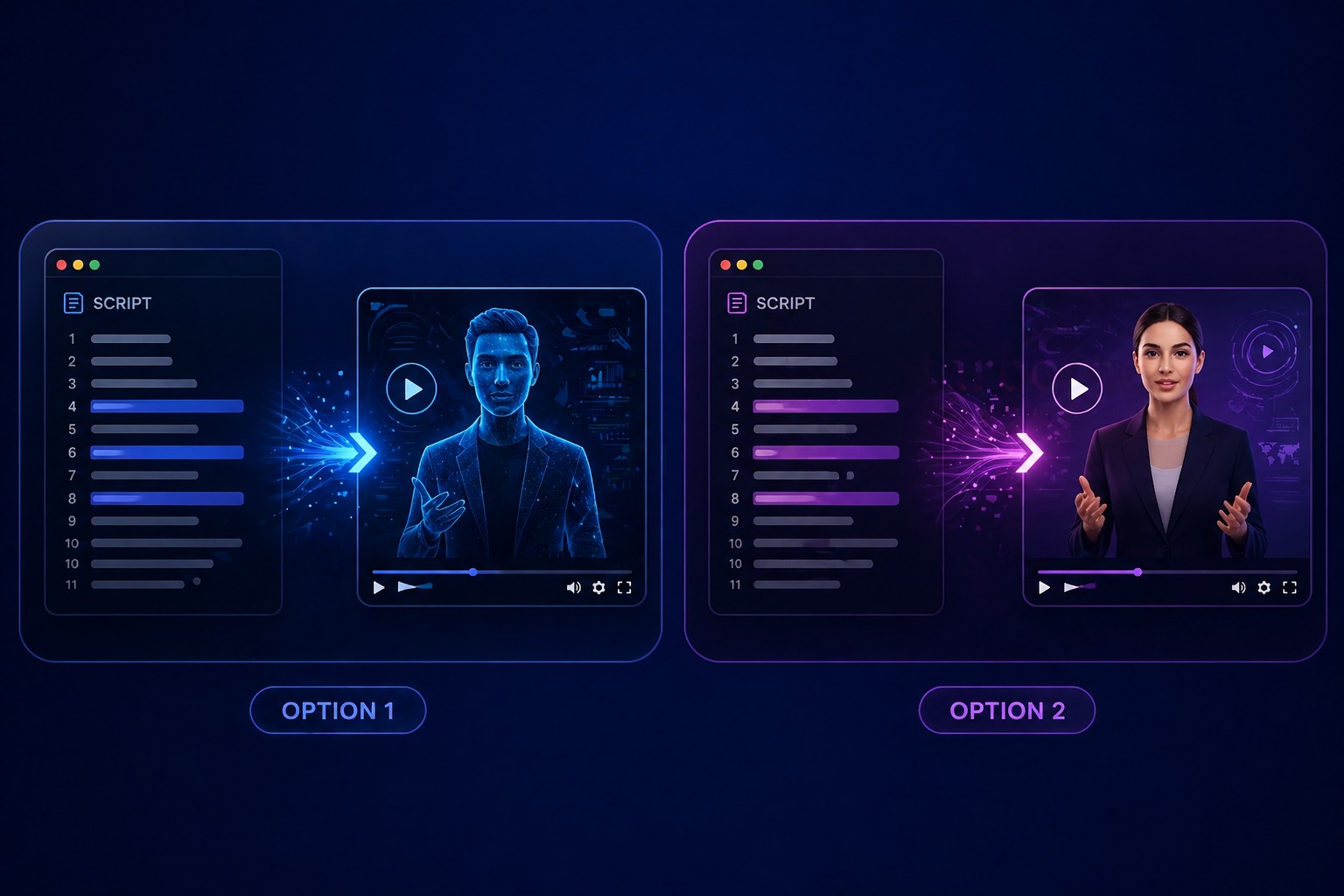
Where to Use a Pitch Video
One 30-second pitch, reused wherever you introduce yourself.
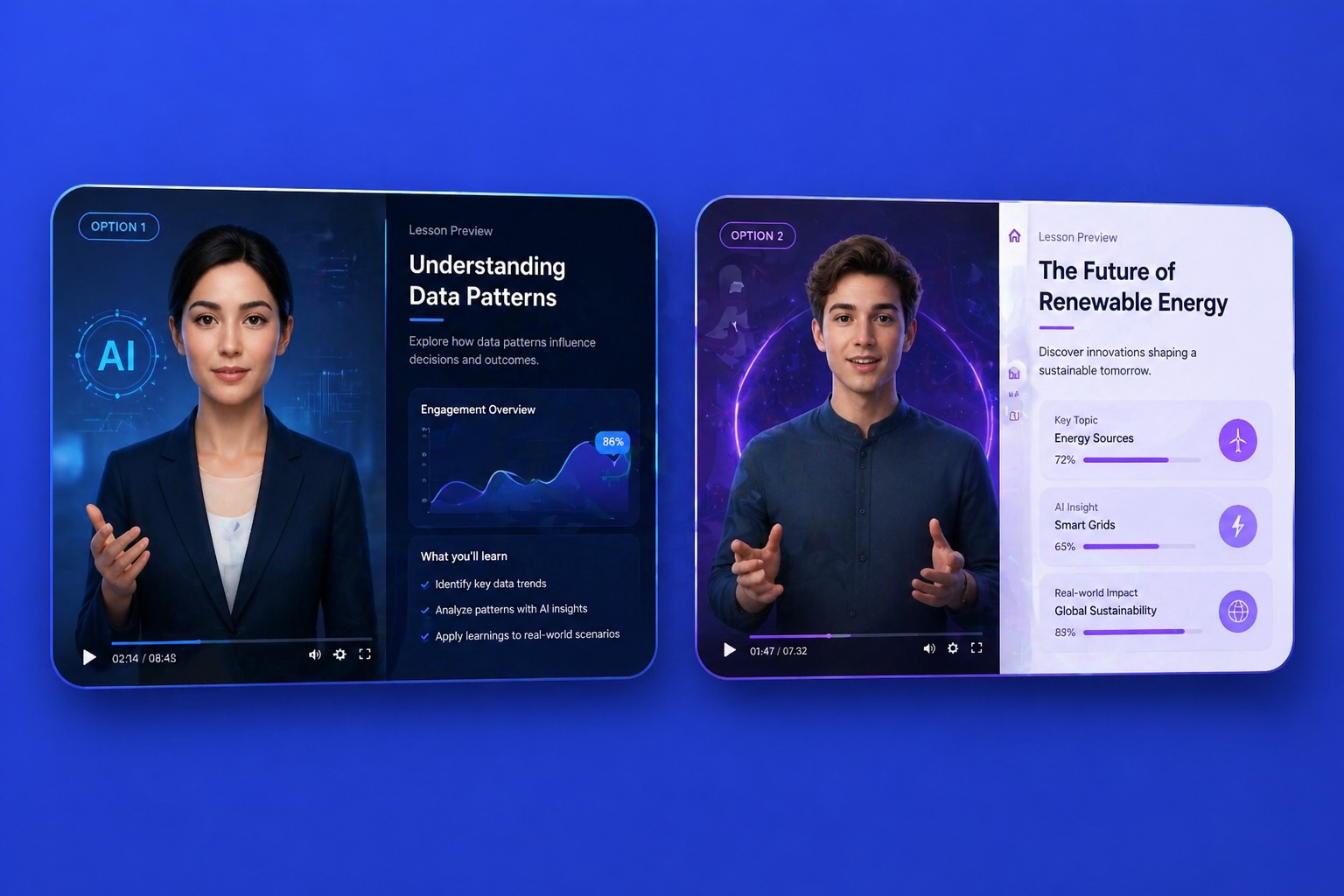
Investor intros
A founder pitch to attach to a warm intro or an accelerator application.
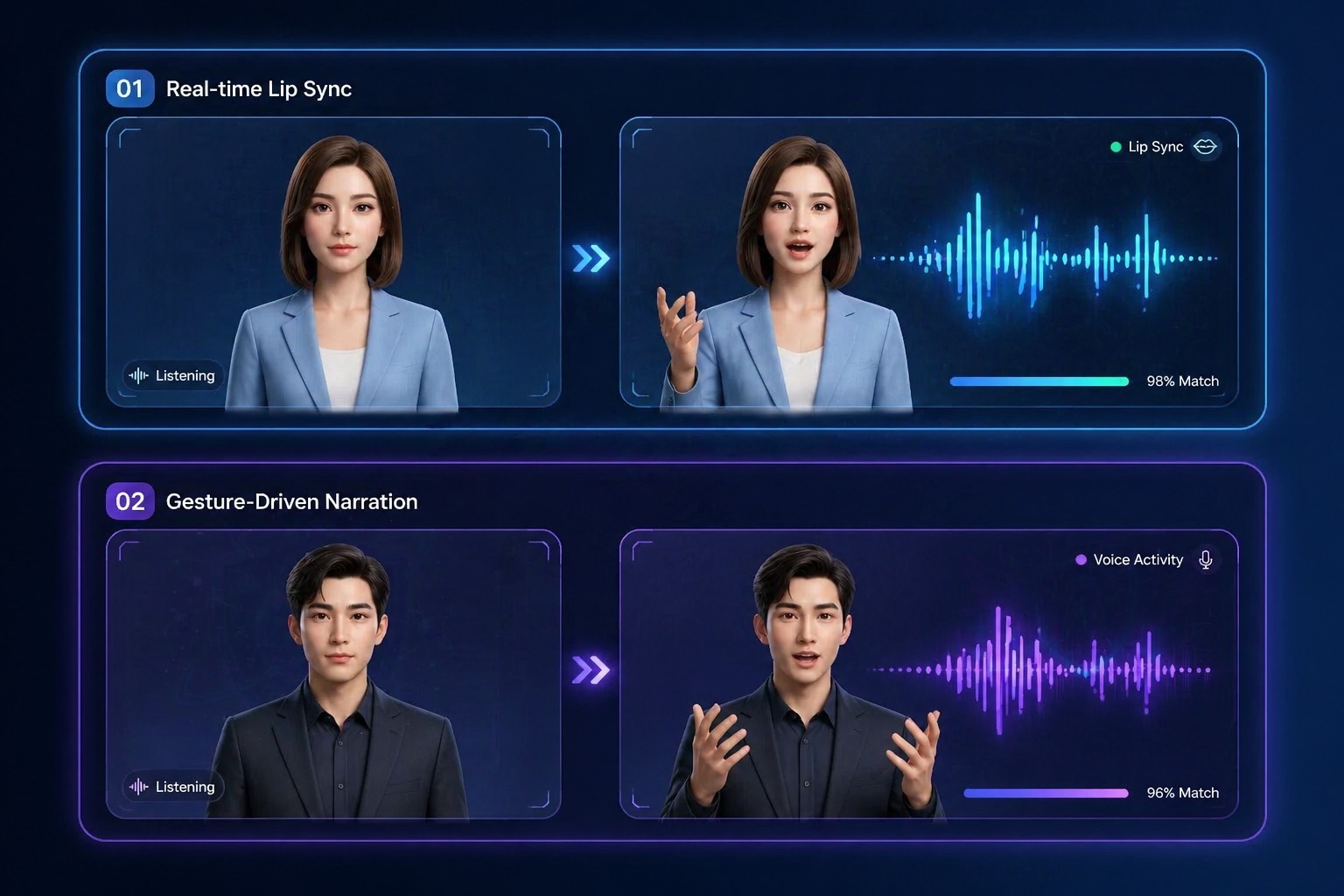
Job applications
A short 'why me' video to go with a resume or a portfolio link.
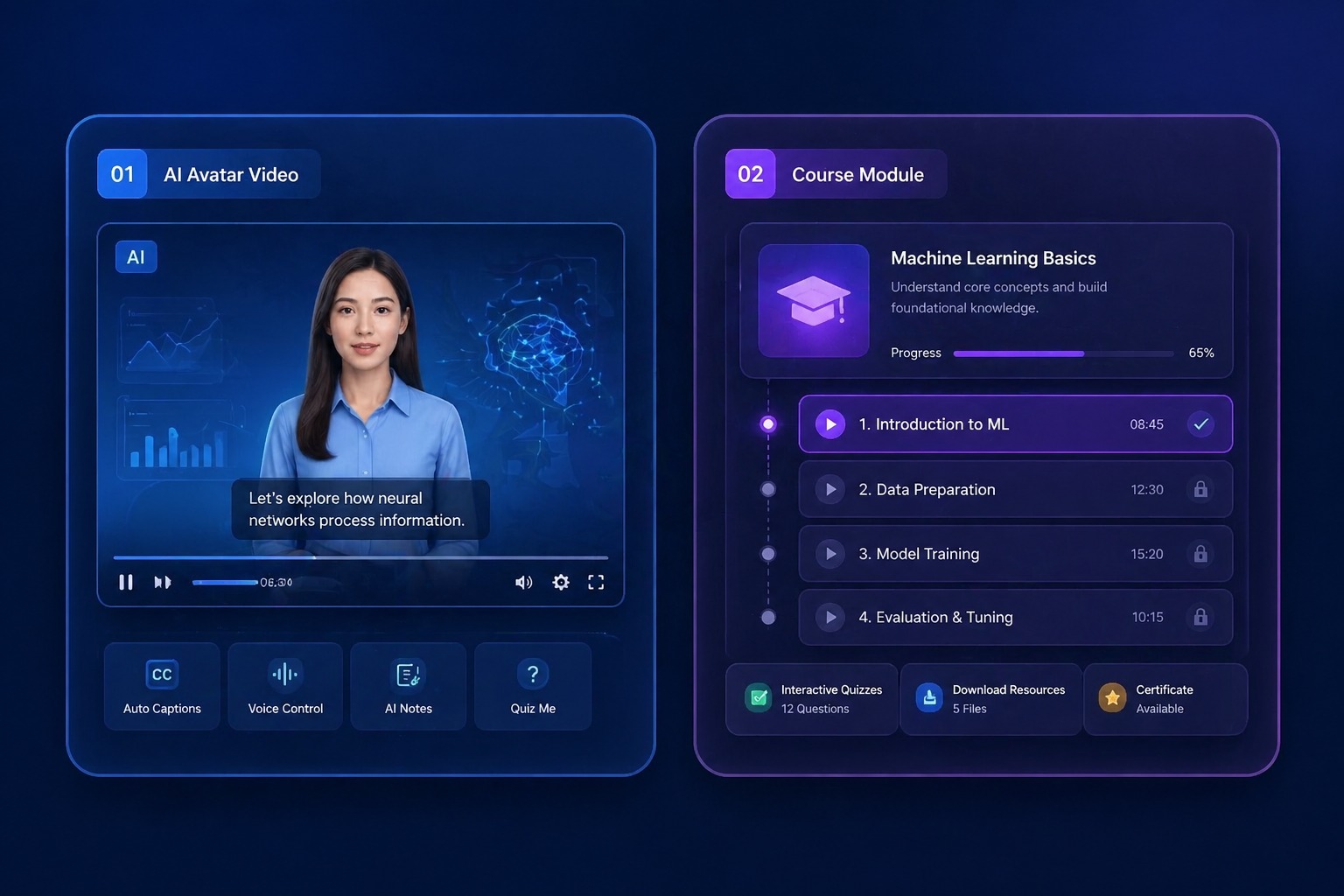
LinkedIn and networking
Introduce yourself or your product in a post or a direct message.

Sales follow-ups
Recap the offer in 30 seconds after a call or a trade show.
What to Know Before You Make a Pitch Video
You write the pitch
The video says exactly the words you type. It does not write or rewrite your pitch.
Up to 60 seconds
Each video takes 3 to 60 seconds of audio; free accounts can use up to 20 seconds.
Your photo or 160+ avatars
Use a headshot with one clear face, or a founder, executive, or presenter preset.
30 free credits for new accounts
Enough for one 20-second pitch at 540p, including the text-to-speech voice.
Priced by length
Video costs 1 credit per second at 540p, or 2 credits per second at 720p on paid plans. Text to speech adds 1 credit per 200 characters.
One speaker, no slides
The video is one face delivering the pitch. Add slides, captions, or a logo in a video editor afterwards.
How to Make an AI Elevator Pitch Video
Three steps: face, pitch, generate
- 01
Choose the face
Upload your headshot or pick a founder or executive avatar.
- 02
Add the pitch
Type your script and pick a voice, or upload or record your own reading.
- 03
Generate and send
Generate the video, watch it back, and download it for email, LinkedIn, or your application.
Why Send Your Elevator Pitch as a Video
- Re-record in seconds: Change one line and generate again, no retakes in front of a camera.
- Calm delivery every time: No filler words or nerves: the voice reads the script as written.
- Pitch in another language: 330+ voices in 20+ languages for pitching in your audience's language.
Re-record in seconds
Make one version per investor, role, or customer.
Calm delivery every time
Or record your own reading if you want it in your voice.
Pitch in another language
Upload or record audio in any language and the lips follow it.
AI Elevator Pitch Video Maker FAQ
How do I make an elevator pitch video with AI?
Upload your headshot or pick an avatar, type your pitch, choose a voice, and generate. AvatarCraft AI makes the face deliver the pitch with lip sync, and you download the video.
How long should an elevator pitch video be?
About 30 seconds, or roughly 70 words. The tool accepts 3 to 60 seconds; free accounts can use up to 20 seconds, which fits about 45 words.
Does the AI write my elevator pitch?
No. The video says exactly what you type. A simple shape works: the problem, what you do, one proof point, and one ask.
Can I use my own face and voice?
Yes. Upload your own headshot, and record the pitch yourself or clone your voice so it sounds like you.
Should I tell people the pitch video uses AI?
If you use an avatar or an AI voice rather than your own face and voice, say so. Investors and recruiters want to know who they are dealing with.
Is the AI elevator pitch video maker free?
New accounts get 30 free credits, enough for one 20-second pitch at 540p. After that, video costs 1 credit per second at 540p, or 2 credits per second at 720p on a paid plan, and text to speech adds 1 credit per 200 characters. Starting 30 days after sign-up, accounts without a subscription are topped back up to 20 credits every 30 days.
Can I add slides or my logo?
Not in this tool. It makes one face speak your pitch. Add slides, captions, or a logo in a video editor afterwards.
Can I pitch in another language?
Yes. Text to speech has 330+ voices in 20+ languages, or you can upload or record the pitch in any language.